These would probably have to be premium modules due to the amount of work in accurately modelling analogue kit. I already have the Wasp filter, the one from the Synthesis Technology collection and the Cytomic CF-100 which is probably my favourite. That’s enough premium filters for me!
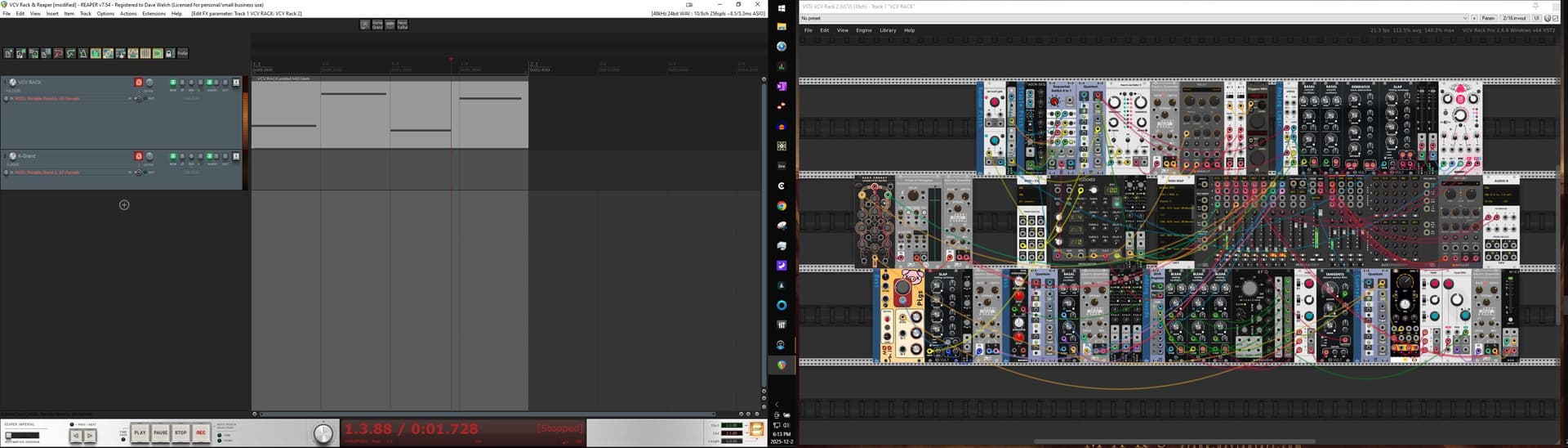
Thanks! I need to dedicate more time to researching this. In Reaper, I combine VCV on one track and record guitar or bass on another using a Zoom multistomp or an MXR bass DI+. It’s a whole new world for me!
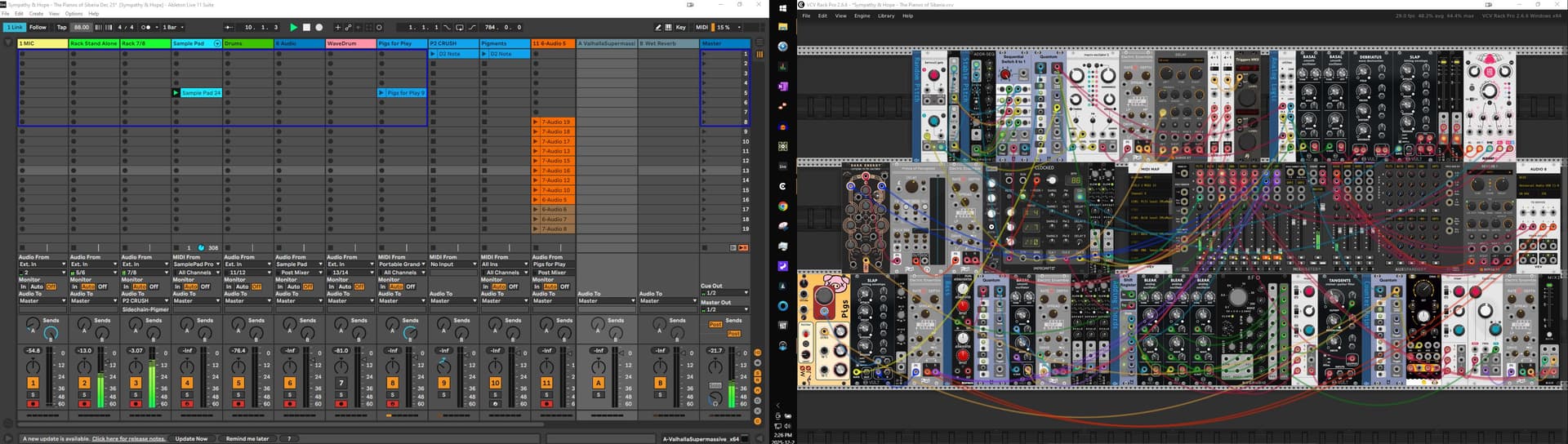
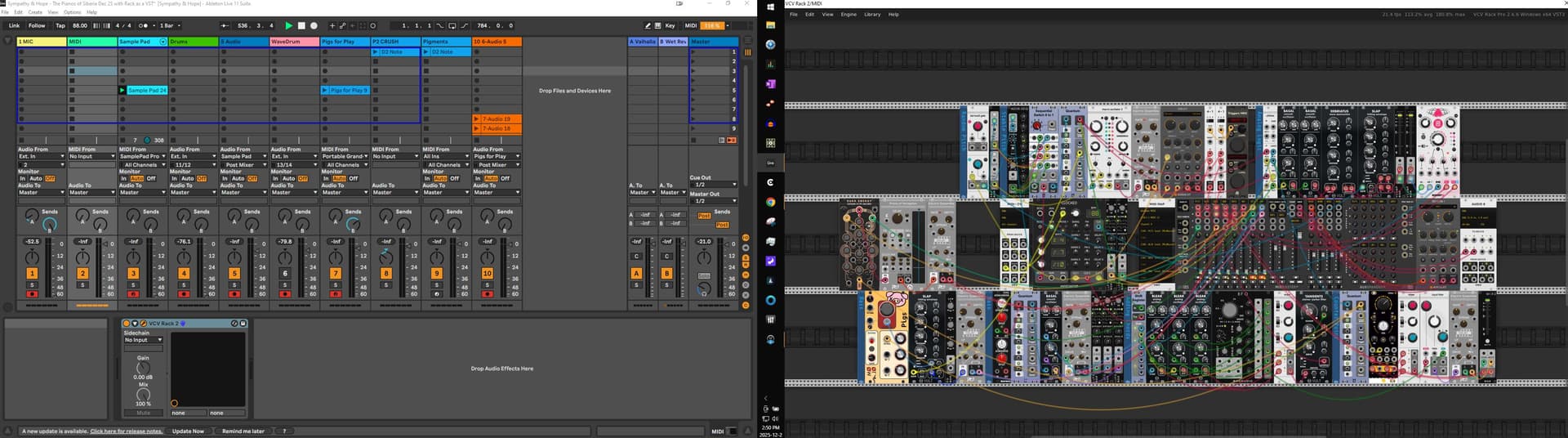
I wish for a better implementation of the Stellar Link module. VCV Rack as a VST is too CPU hungry - I can have it running a wonderful patch at 50 - 60% CPU usage in stand alone, but open it in Ableton and it spikes 200%. The Stellar Link works “okay” but it does not sync the clocks exactly. I have tried sending a kick drum to a separate track in Ableton and using it’s Follow function but the Clocked module wanders significantly.
If anyone has another suggestion, I’d appreciate it.
That seems worth writing VCV and/or Ableton support about. Small differences in CPU performance aren’t strange but I’ve never seen anything close to that dramatic.
Thanks, and indeed I have. It can’t be just me though, as I’ve found this to be the case over many different computers, including some pretty decent performers. Take any patch that runs on your computer stand alone and then run it as a VST. CPU usage is always significantly higher as a VST.
I’m mainly running Ableton 11 Suite on an older but still very stout Intel Xeon E5 with 64GB RAM, but I have a new Surface 7 Pro laptop with a Core Ultra 7 and 32 GB RAM and notice this here as well. I have been playing with VCV since before it came out as a VST so have had it on a number of computers where I tried it as a VST later with similar results.
I will admit to the possibility that I am doing something fundamentally wrong but did learn how to use the VST watching monsieur Cohen.
I’m assuming you’re on Windows? I found that on my windows laptop, patches don’t run as well in the VST, and you don’t have access to the menu to change the performance menu (unless I’ve missed it somewhere), i.e. number if cores, frame rate etc.
I got a mac this year, and that doesn’t seem to have the same problem, it happily runs six or seven patches on different tracks in Reaper. Not sure if that’s down to CPU architecture, OS or choice of DAW but it seems to work rraally well.
Thanks for the reply VM. I do have Reaper here and have used it a lot for when the band get’s together, but when I’m at home alone in my studio, Ableton has been the DAW of choice for many reasons. For funsies though I should investigate….
My studio computer is a starting to grow old in terms of what newer software it can run (like Ableton 12). I’m just loathe to drop several grand on an upgrade or even a cross grade, especially since I wish to maintain the 4 screens I Have on this card.
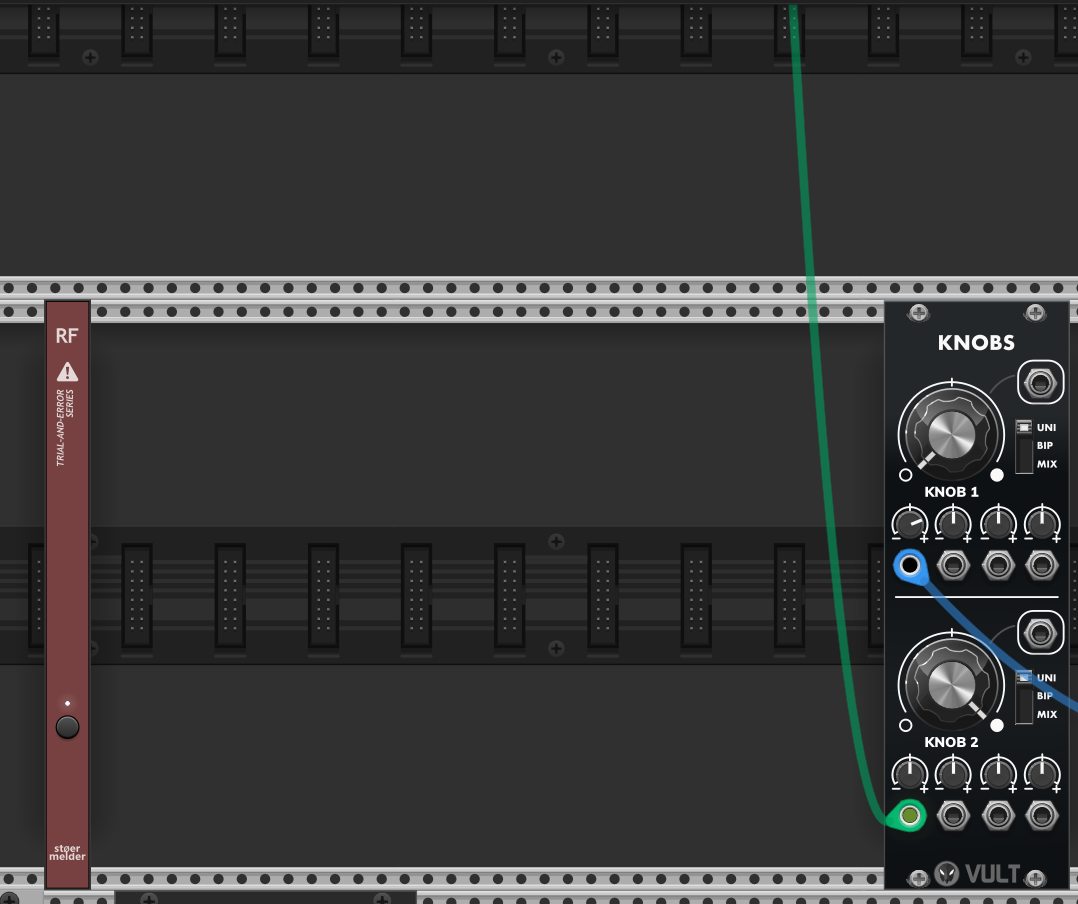
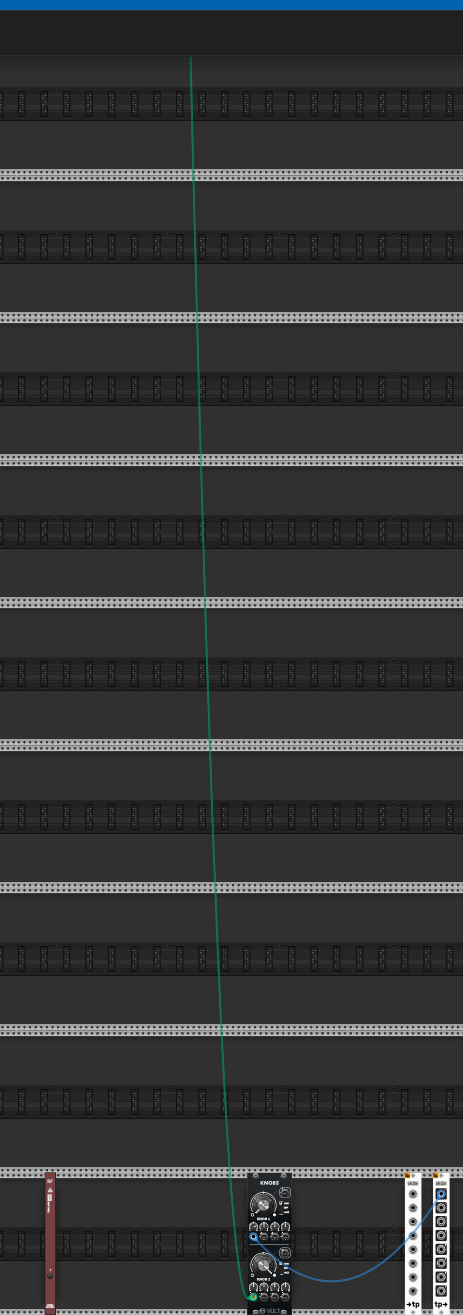
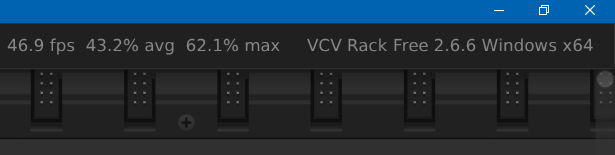
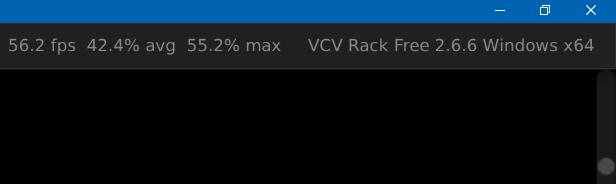
Eric from Support has been in contact though and we are discussing. Here are two screen shots I sent him. The first where Rack is running stand alone and the second as a vst. You can see as a VST that the project is unusable, let alone the patch.
As VCV patches get more complex, they can get overwhelming. I’m imagining something in VCV that acts like Grouping in DAWs, that lets you fold and unfold collections of modules. This would reflect system level design.
Yes! Something like that. What I would really love is something like block diagrams. It’s one level above the patching level. I imagine a container that holds the group of modules complete with connections. The container has input and output jacks connecting the outside world with the modules inside. It can unfold to show the inner workings and fold to hide the details. I create my voice or processor, wire it up, define the ins and outs, and fold it away until I need to look at it’s implementation. All problems are solved by one more level of indirection.
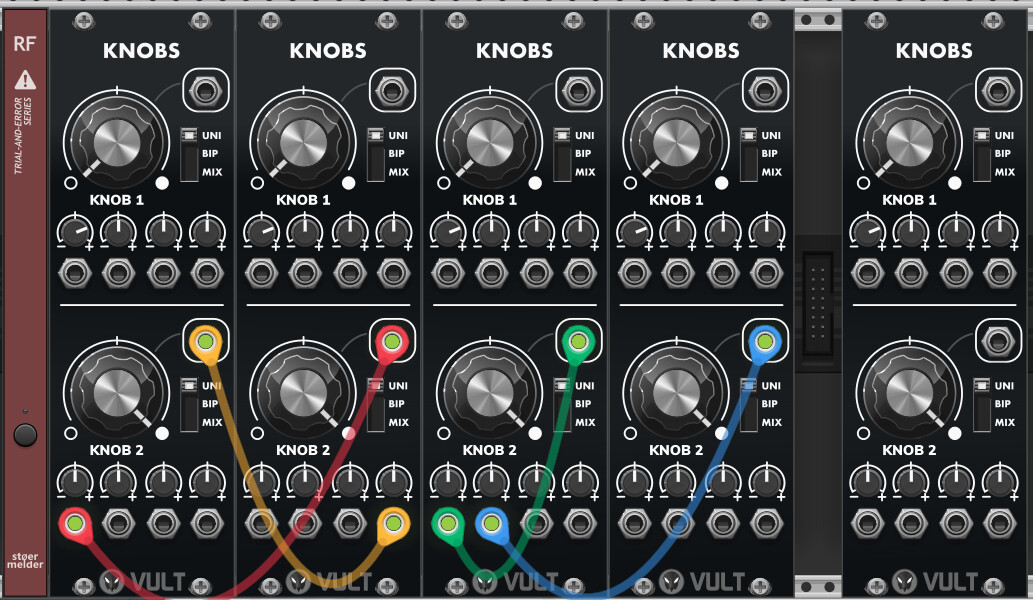
Isn’t that a separate environment though? I’m not too bothered about how visually cluttered patches are, but I can see how Stoermelder RF could be useful.