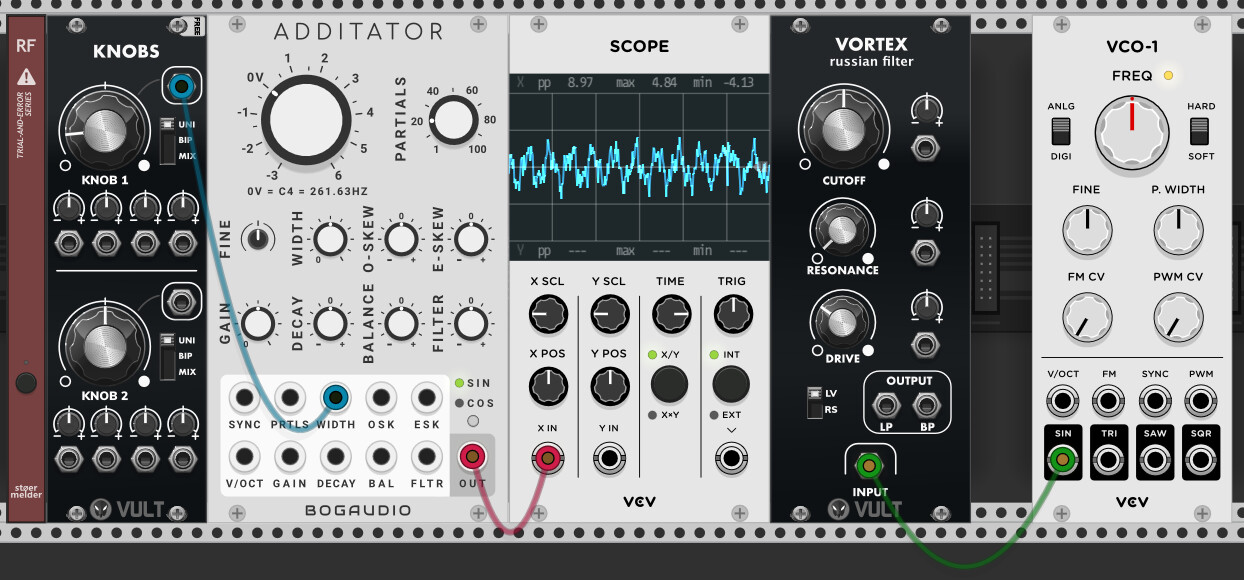
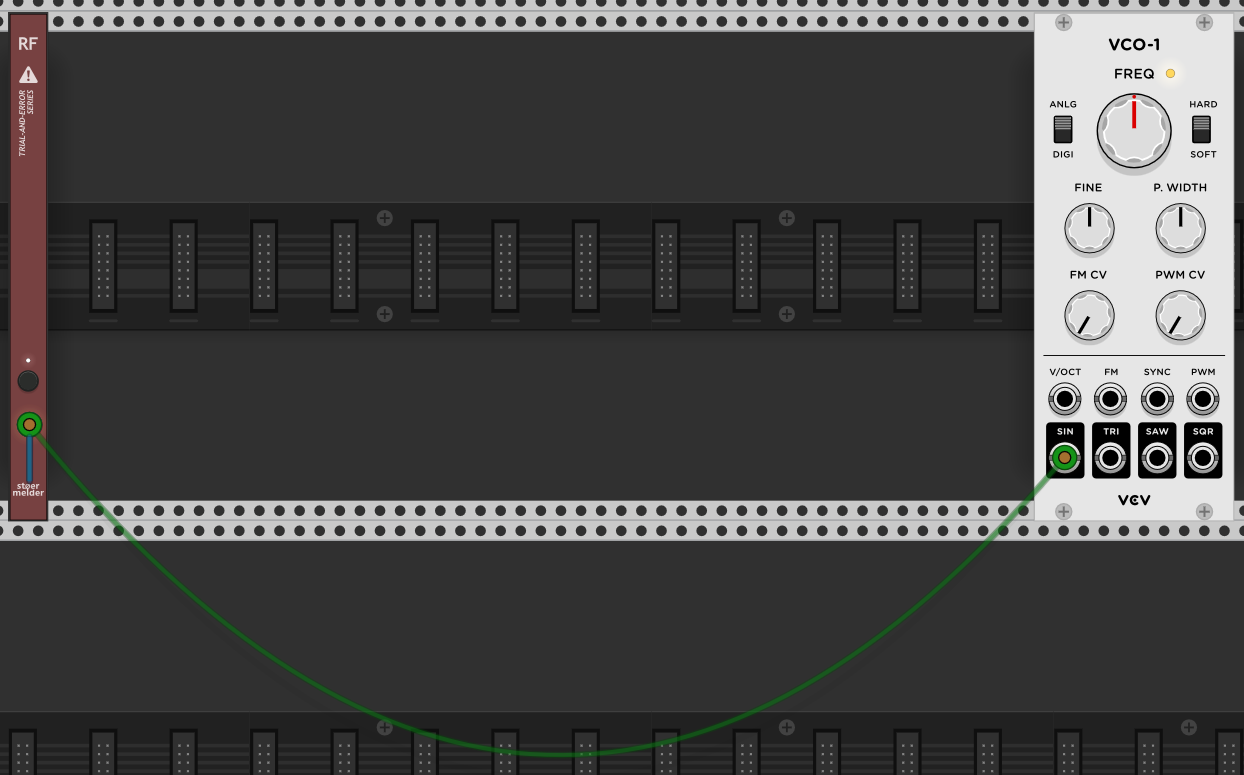
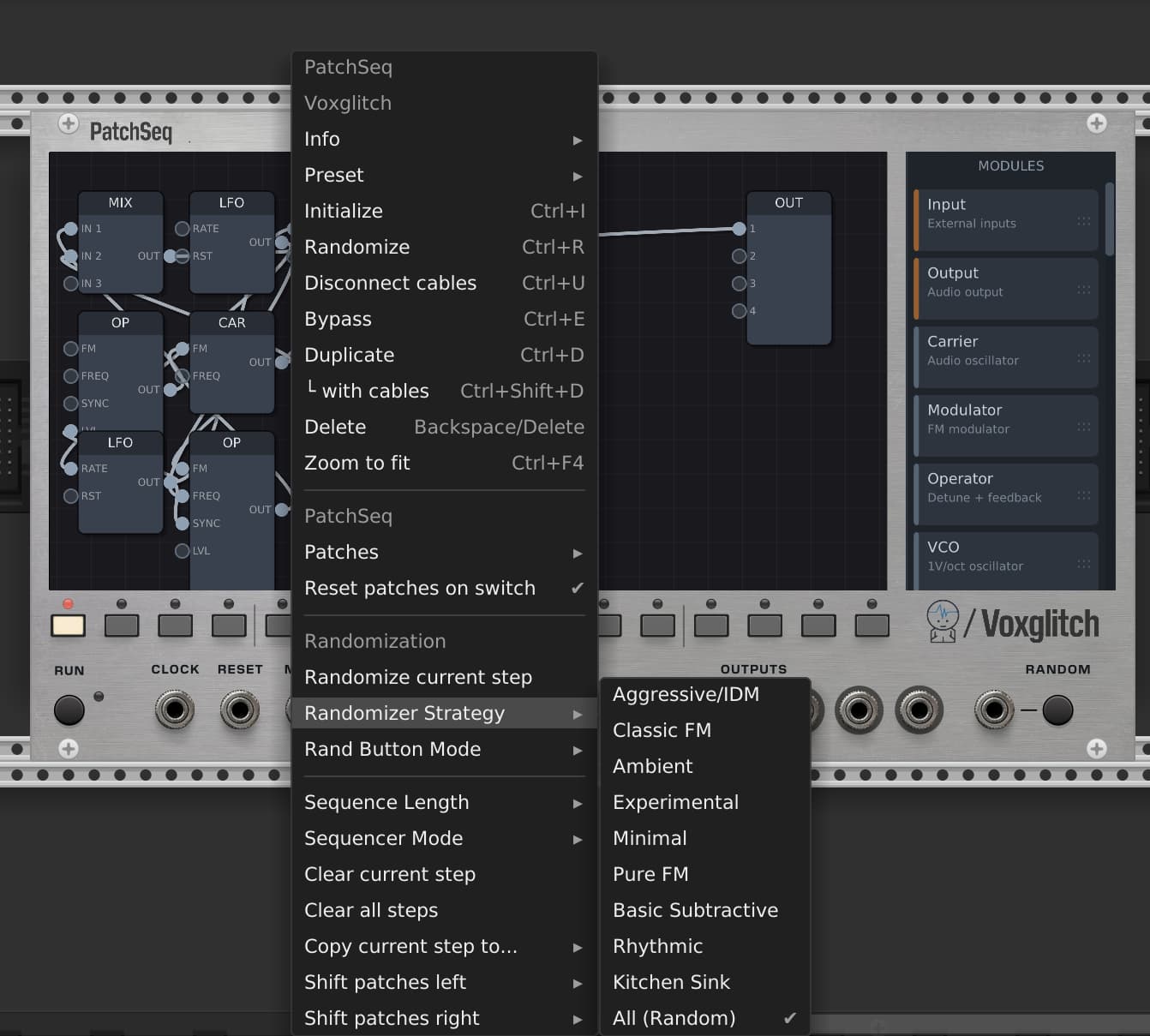
I see – it’s moving the modules very far away, which has a bad side effect on Rack’s scrollbars, because now you have a patch spread over most of the available virtual space.
The only way to fix the scrollbars is to replace Rack’s Scroll Widget with a custom one that knows how to ignore the “folded” modules.
The “cables to nowhere” shouldn’t be hard to fix. Enumerating the cables of folded modules and hide/unhide the CableWidgets should do it. That might make it impossible to plug and unplug them, but that’s probably an expected side effect of folding.
Rack Fold isn’t exactly what I’m thinking about. It does simplify the whole patch, but it doesn’t give you any clues as to what’s folded up or what’s going on with modules that are folded up. It just makes them temporarily disappear from view while still working.
That’s why I mentioned block diagrams. A block diagram gives you high level clues about a function, and basic inputs and outputs, while obscuring the implementation details. I’d like to be able to switch back and forth between these two levels.
You did ask for Craziest Seasonal Wishlist, right?
In Peter’s example, the knob controlling the width could be internal to the folded group, like setting a constant value. Or it could be external to the folded group, part of the identity of what the block does. It’s a basic design decision.
yeah - the folding part is just one part of the puzzle to achieve hierarchical structure.
Rack supporting multiple top-level windows would be a related solution. You’d just put each subsection in a separate window. The challenge there is how to you display the interconnections? I can imagine that in each window they go into a jack strip at the edge of the window that you can move anywhere on the top/bottom/sides, and perhaps a way to name each connection.
Multiple top-level windows solves another concern nicely: how to use Rack in a multi-monitor setup.
Something like the metasurface from audiomulch would be pretty badass. Basically you can put snapshots of all the modules and put them on an xy window and morph between snapshots. U can also select which parameters you wanna include in the snapshots.I had a lot of fun just clicking anywhere to find interesting sounds.
Have you tried Stoermelder Transit? I’m using that in conjunction with Nysthi Vector Mixers, to create snapshots of four different audio sources (different effects in this case) and four different modulation sources, plus multiple parameters on the effects. This can ‘morph’ between settings, which isn’t true morphing but crossfading lots of parameters at once and can sound wild!
That’s going to be my next tutorial, haha. I’ve been trying to emulate my old Lexicon Vortex, and that does proper morphing. I uploaded a dodgy demo of that yesterday
For me, the ideal solution would be a suitably Rack-ified version of, say, the Doepfer A-180-9 and equivalents that (typically) connect hardware racks with Ethernet. That suggests the two views: a rack view, where you make the multicore connections, and a module view for each rack. I find this kind of separation very conceptually helpful with complex patches.
Interface suggestion: do the connectors (presumably a 2hp, 4hp, and 8hp version, at least) as module-like objects that are placed, moved and plugged into exactly like any other module in the module view, but which show up as special objects in the rack view (ports on edges, per the audiomulch comment, seems right since we don’t have and probably don’t want a Reason-like “behind” view).
Implementation suggestion: the module-like connector objects aren’t in the regular processing loop. Instead, they mediate cable connections. So if an output port on module A in rack I is connected to port 1 on a multicore connector in rack I, and that connector is connected to multicore connector in rack II, and port 8 of the second connector is connected to an in port on a module in rack II, then (at the point when the connection is made) the inter-rack connector logic creates a normal cable directly from the out port to the in port, one-sample delay and everything. Cables should grow a bool that indicated whether they were rack-to-rack, and rack-to-rack cables should probably store metadata about what they’re currently connected through (to avoid excess search), but there would only be any overhead on interactions with those connector “modules” (no extra scanning necessary).
Interface detail: because Rack cables are directional, there could be a directionality indicator on the connector things. If the port on one side is unconnected, the other side can accept both out or in connections, but if it’s connected one way or another on one side then the other side will only take the opposite (with an indicator light). This saves having to have output/input and input/output versions of the module.
I like that design. These cross-instance connecting cables would be functionally identical to a normal cable – it’s purely a visual distinction. Implementation could be a derived type instead of additional data on a cable, but that’s purely implementation detail.
UI is interesting because it’s a two-step process to make a connection. you’d need a visual indication that a port is pending connection on the other side.
I love the real life implication of this module being that it bends reality to teleport voltages across space to make your little music making tools easier to use. Of course there’s more realistic real life analogs…but that’s not as fun!
I’ve found the Teleport modules to have latency when using clocks across different instances of VST/AU. Great in concept, but hasn’t worked well for me.
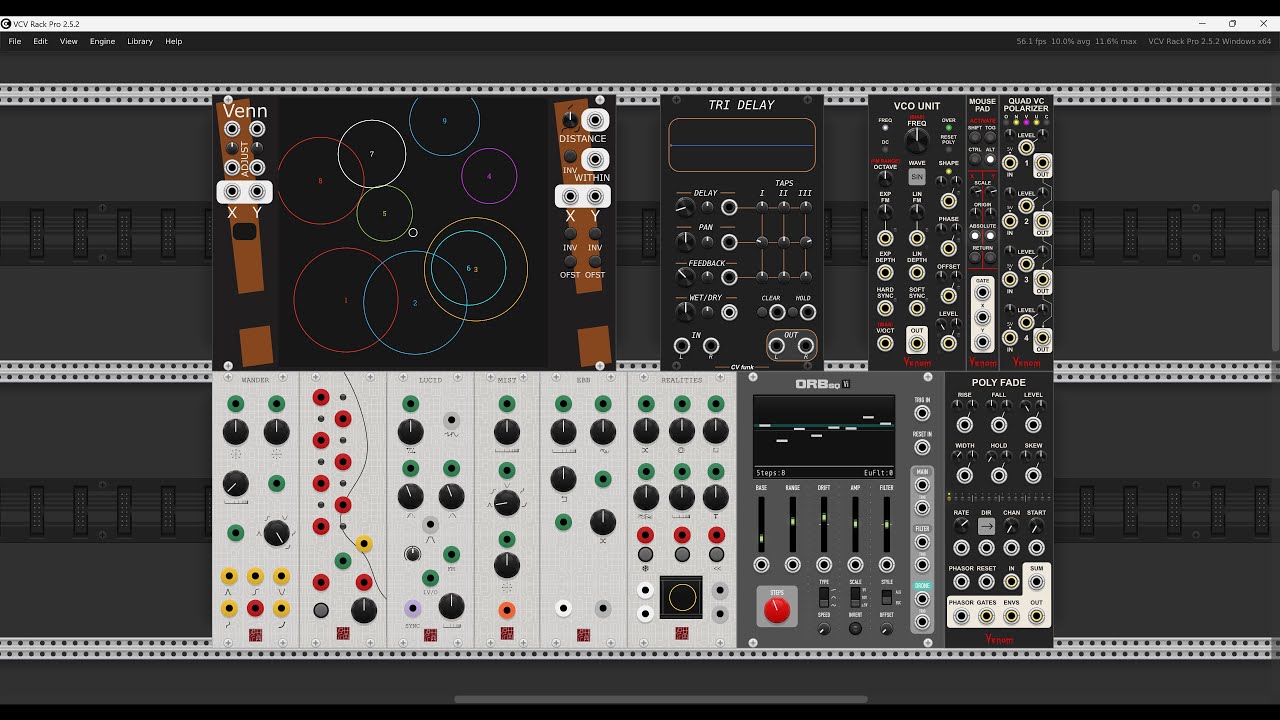
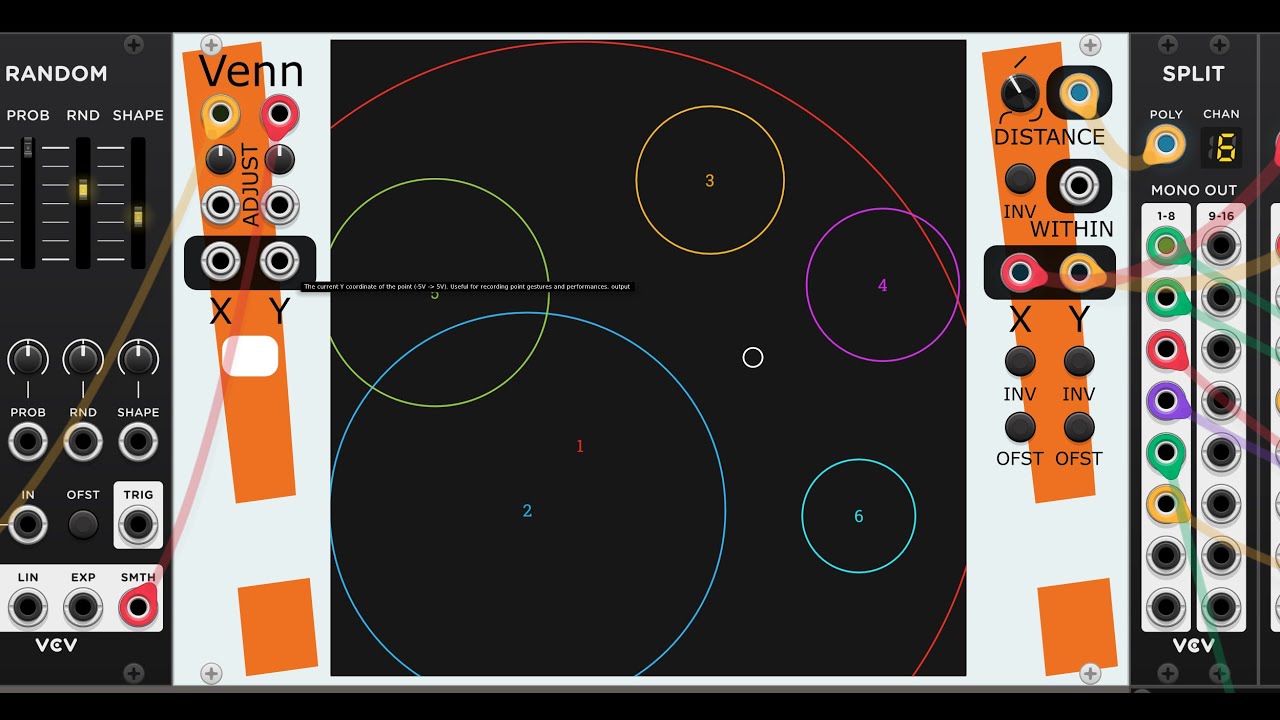
After taking a cursory glance at the (quite old) videos about Audiomulch, I’m intrigued. Without thinking it through terribly thoroughly, this could maybe be an alternate mode for my existing 2D controller, Venn. Venn might already be capable of doing much of what you’re thinking about, although the whole “document” model might be tricky in the VCV UI.
Here’s a few videos about using Venn:
Some features have been added since these videos were made, so do read the docs.
I believe that JW and I agreed on $10 for this module. It’s definitely a blast! It’s ready to ship. We’re just waiting on VCV Rack to bless it into existence.
Many real-world devices have push knobs, so I wish for a second param for a knob that makes it a clickable knob (button). Of course, it should have smooth handling so there is no interference with the main param when you click and no interference with the click param when you drag.
The Voxglitch/JW PatchSeq collab has got me wondering - nay, wishing/praying - that some day I might be able to drop my MAX patches into VCV rack patch/module… as opposed to “only” being able to drop my VCV patches into MAX (via HOST).