I’m happy to follow up with formatting adjustments if you have recommendations. You’ll want to download it locally, otherwise the PDF paging system in github is going to be annoying.
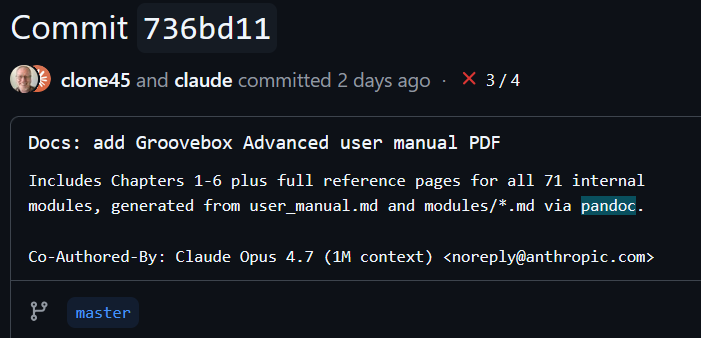
I just checked the PDF creation code into github so you can access it:
Here was it’s process:
: The pipeline is pandoc + xelatex, with a small Python prelude script and one Pandoc Lua filter. Three files do all the work:
build.py — concatenates the main user_manual.md with each of the 71 individual module reference Markdown files into a single master.md. It walks Chapter 6 (which has a per-category summary table), and after each table it injects the full content of every module it referenced, with heading levels shifted down two levels so they nest correctly. As a side pass it also rewrites the (modules/foo.md) links to in-document anchors ((#foo)) so the summary tables become clickable cross-references inside the PDF.
tables.lua — a Pandoc Lua filter that assigns proportional column widths to the three table shapes used in the manual (Inputs/Outputs, Parameters, Chapter 6 summary). Without this, Pandoc’s auto-fit chooses widths from header text length, so a short header like “Port” eats a column and the Description column ends up unreadably narrow.
Makefile — make pdf runs build.py to regenerate master.md, then runs Pandoc with all the right options.
Front matter is emitted inside build.py so it’s regenerated each build — that’s where the book class, 8 pt body font, NavyBlue links, longtable/booktabs/array packages, and title page treatment live.
System deps:
pandoc (2.9+ or 3.x both work)
a TeX distribution with xelatex — on Ubuntu I install texlive-xetex texlive-fonts-recommended texlive-fonts-extra. On macOS, MacTeX. On Windows, MiKTeX.
A few gotchas worth flagging:
Pandoc’s Table AST changed between 2.9 and 2.10; the Lua filter handles both shapes, but if you adapt this for your own work, that’s a common source of “why did my filter stop running” head-scratching.
PDF rebuilds fail if your viewer has the file open (file lock on Windows / WSL). Close the viewer first.
Page breaks between modules are raw \newpage LaTeX. The raw_tex extension in --from is what makes that work in Markdown.
Output is about 4.8 MB for the full ~70-page GA manual.
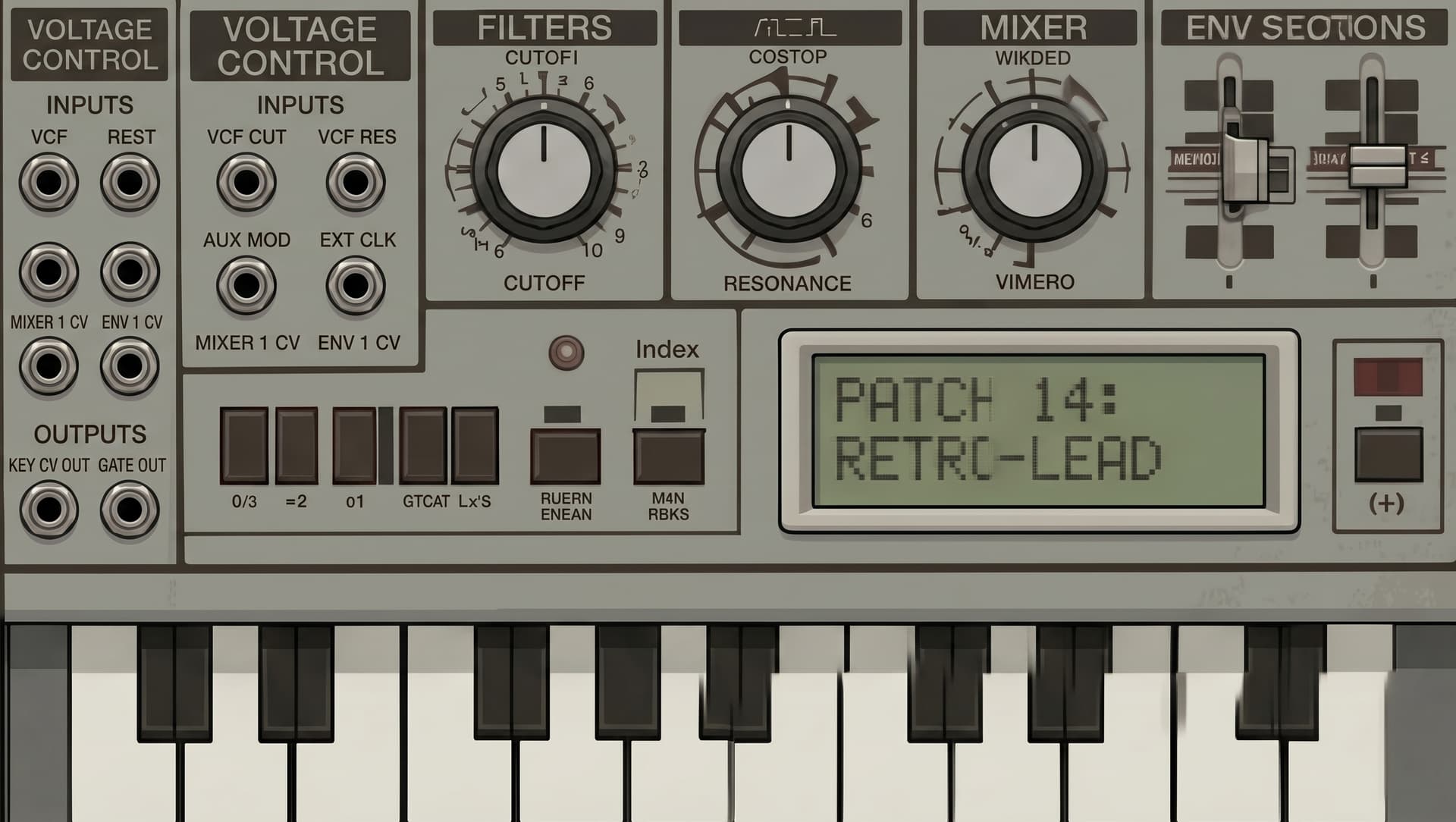
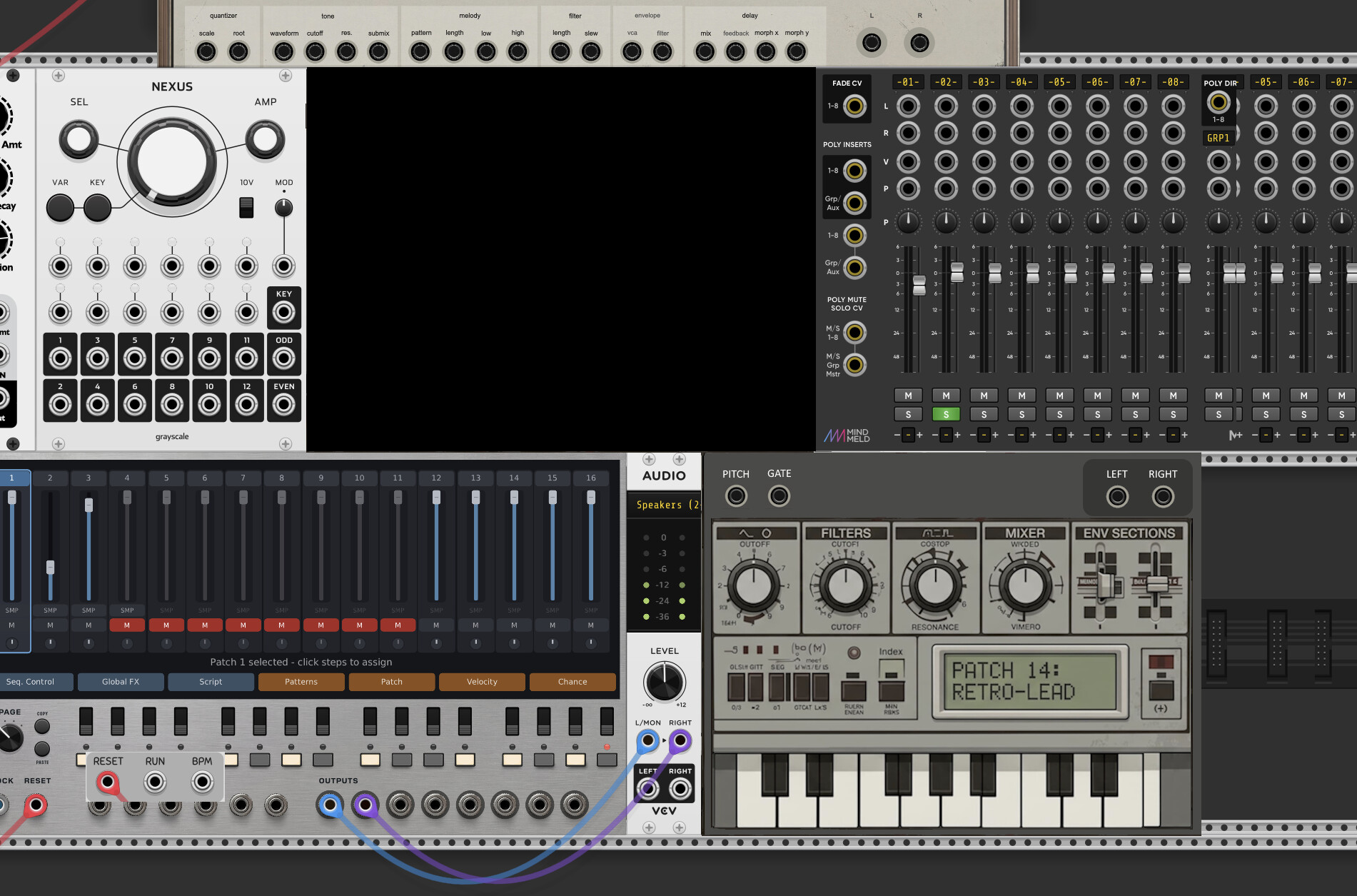
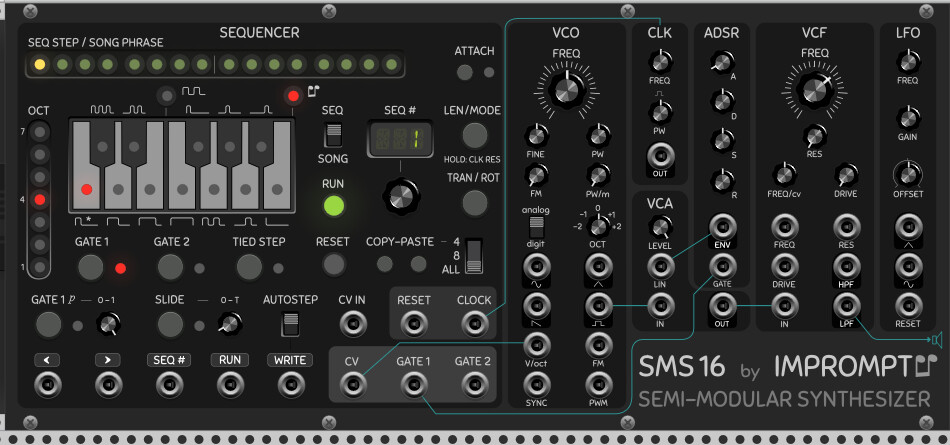
It’s also somewhat sized wrong. Putting the inputs and output at the top might help squish the design down a bit so it doesn’t feel so “oversized” compared with other modules.
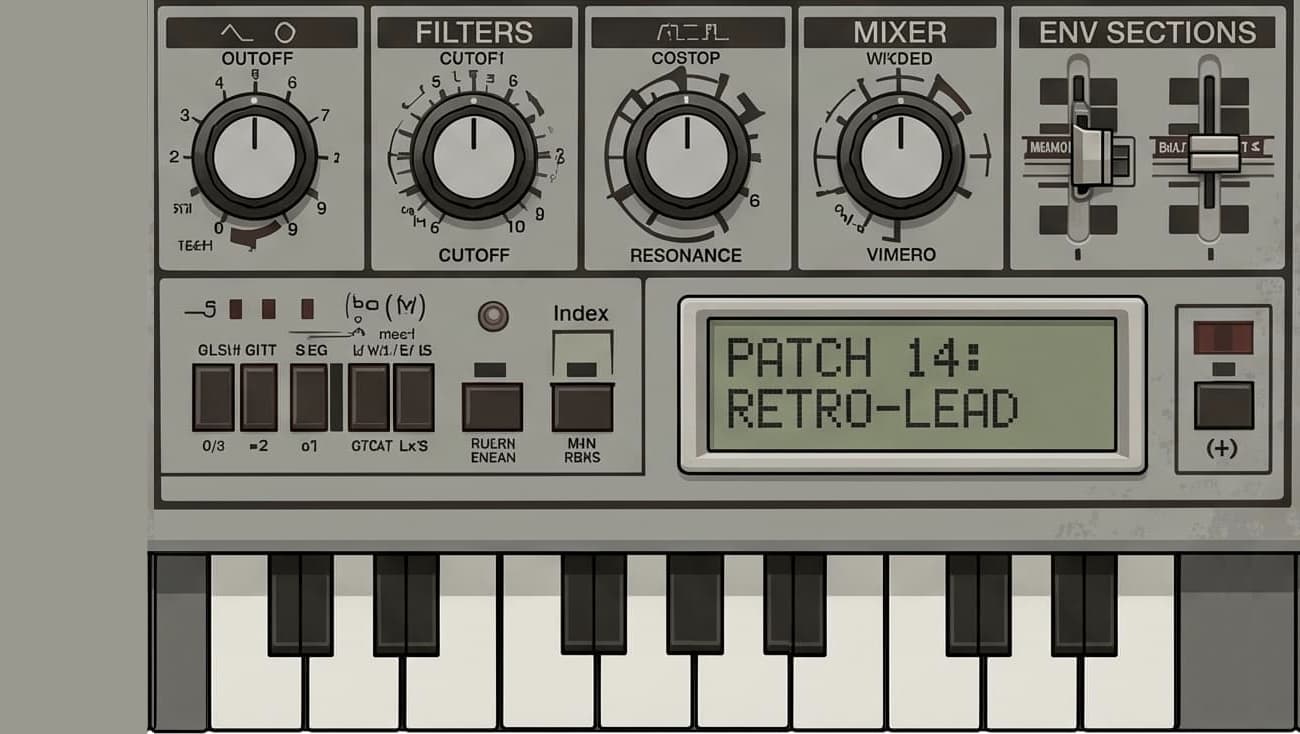
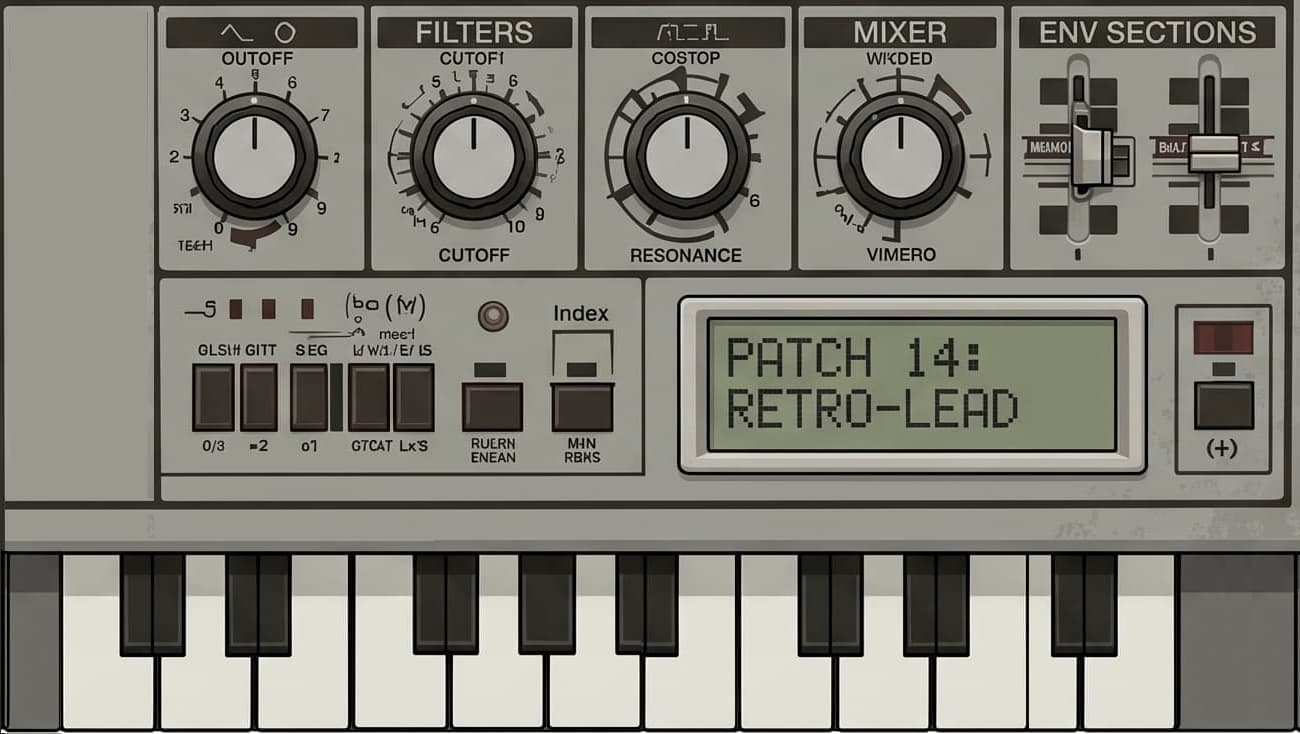
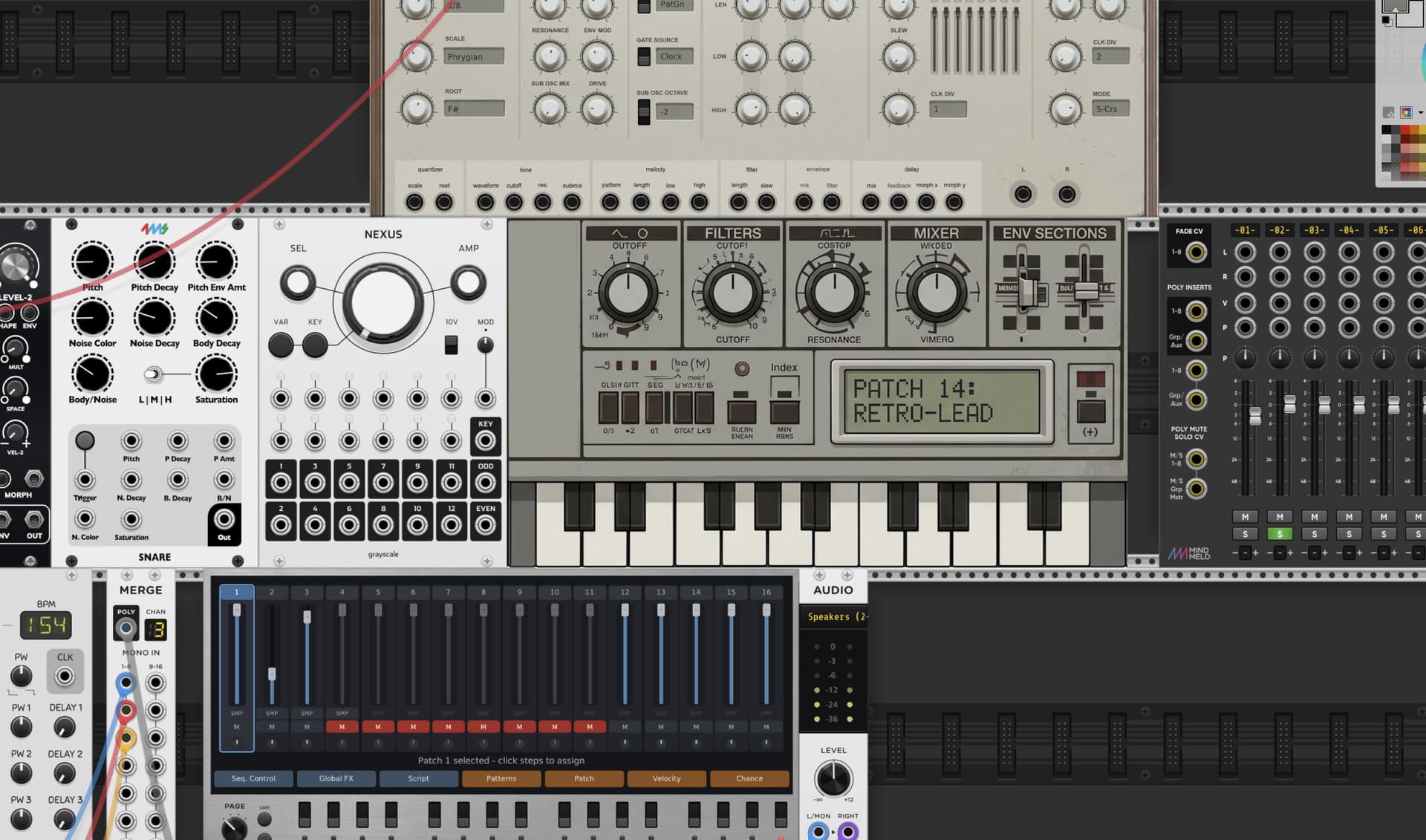
Ah, good point! Mine might be a little bit different. Patches would internally use the same patching system that I used for Groovebox Advanced, plus it would contain effects similar to the core effects used in the upcoming Effects Bank. Only some of the parameters would be exposed on the front panel.
So, I could have a base heavy wavetable patch with two sub-oscillators through a frequency shifter, then through a resonator.
Or a string oriented patch that fades in octaves of the original notes, put through a vast delay.
Each patch could be very different, because I wouldn’t be confined to VCO→ADSR→FILTER→etc. But the drawback would be that the patches would not be editable within the module itself. it would also be polyphonic.
Just thinking out loud. I suppose it would mimic the Nord Modular, but without the actual patch editor. Ha ha ha.
looking back at this. think it would be cool to have another module similar to the airwindows one where u can run only one of the effects. some of the stuff (the autotune, scratch, fm warp, spectral stuff and texture stuff) would be rlly awesome if u just needed one of them !
Not a bad idea at all! If I build this, development won’t start for about six weeks, but it seems like a useful variant of the gigantic Effects Bank. It would be simple to implement since all of the effects code is already written.
I’ve decided to pursue the mini-patch-driven minisynth. I’m getting the project set up as we speak.
I’m calling it “Nori”, because it’s a bit cute and green-ish. (Although, I suppose it’s more “Matcha” colored.) I’m planning on creating a “Nori Patch Editor” expansion module for creating and editing patches. The editor will be basically identical to Digital Sequencer’s patch editor, but more fine-tuned toward synth-voice construction.
Quick status update:
The Effects Bank module has been submitted to VCV Rack. I have a YouTube tutorial created and waiting in the wings. Documentation is already on my github account.
I have a few additional effects sub-modules to roll out in Groovebox Advanced, but I’m waiting for the Effects Bank launch, for my own sanity, before I submit them.
I was made aware that the Tracks module has some issue on Linux. I’ve installed the reported linux flavor on my PC, but haven’t had a chance to set up Rack for development on it. But Linux users, please be aware that you may run into issues using it.



 : The pipeline is pandoc + xelatex, with a small Python prelude script and one Pandoc Lua filter. Three files do all the work: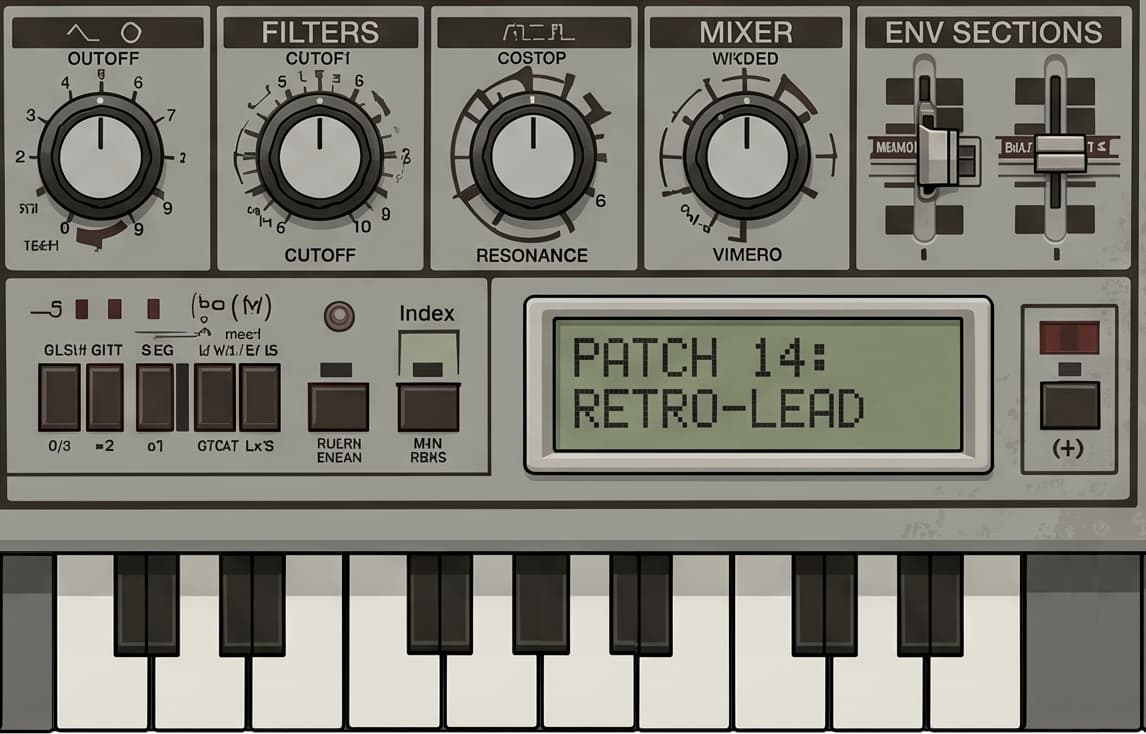



 I suppose it would mimic the Nord Modular, but without the actual patch editor. Ha ha ha.