Currently, it doesn’t work like that. What you’d have to do is:
Set the BPM on the Tracks module
Place the samples on the timeline
Turn on the grid
Then grab-and-stretch (or shrink) the samples to the correct grid marker.
Today I’ll dive deeper into time stretching algorithms. I’ll try to get a demo out soon that shows how capable it is at beat matching – or if it sucks at at.
Seeking Beta Testers for the upcoming Tracks module!
I could use some help testing the upcoming Tracks module.
Overview:
I’d love help from up to 4 beta testers.
Beta testers will get the final module for free once it launches.
Requirements:
You’ll need to have a PC (not Mac/Linux) and be able to install a VCV Rack plugin
Use it for a while! See if you like it!
Please report back any issues, requests, observations, etc. This part is pretty casual.
If I have more volunteers than I can manage, I’ll likely choose from people I’ve talked with in the past.
Please DM me if you’re interested. If I haven’t taken the time recently to say how much I appreciate this community and everyone’s support, I really do.
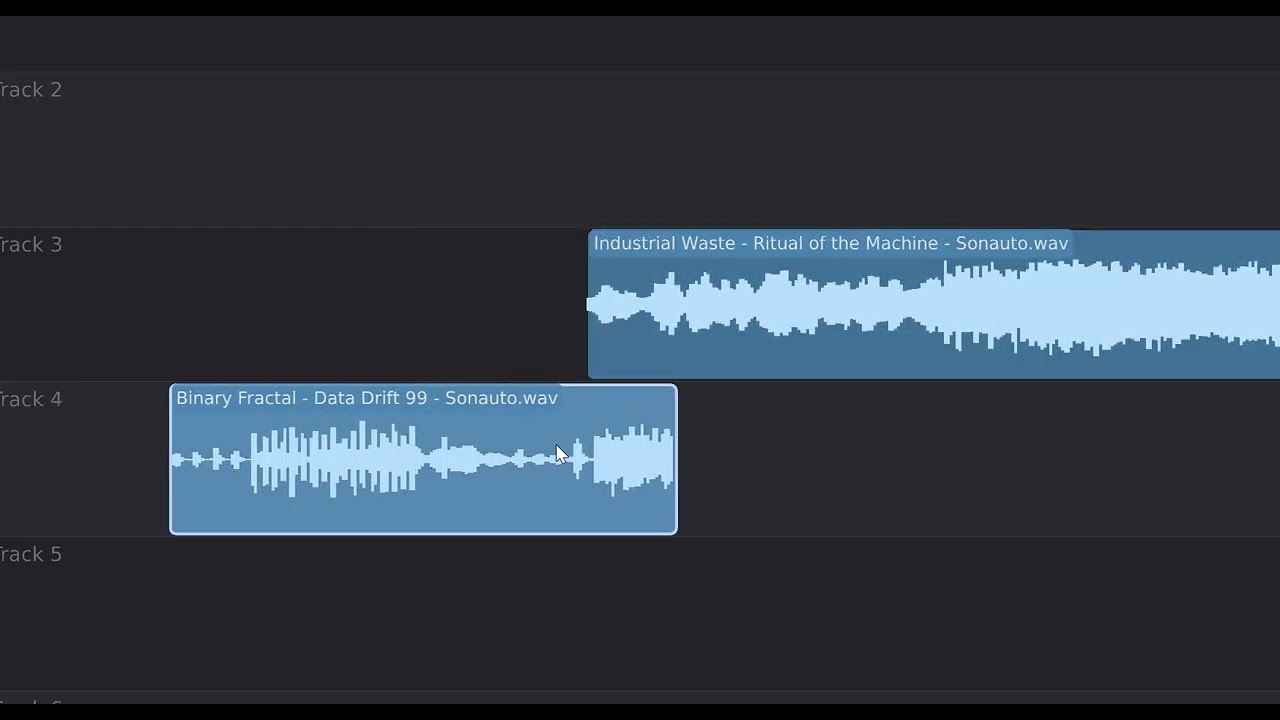
I’ve separated “snap to grid” and “snap to clip”. Snap to clip also now snaps across tracks to help align clips in different tracks.
You can now have the viewport chase the playhead during playback.
By default, each clip has “declicking” built in, which does a fast fade-in and fade-out of the clip during playback. This can be customized or disabled in the context menu.
Even faster sample stretching.
A note about the Position output: It’s a poly-output with the following channels:
elapsed time as a percentage from 0 to 1
elapsed time in seconds
16/th note clock
end-of-playback trigger pulse
Here’s a short video of the new snap-to-clip in action.
It’s noteworthy to mention that you can now overlap tracks easily by turning snap-to-clip off.
a an and beep by click day doubt end glitch go grow hat her in is it loop low me my no only out stop than the them there truth wall warm who whole you.
That’s funny — I was actually playing around with Maya today and started wondering who recorded those words. Was it your daughter (Maya)? 330 words is quite a lot; you can generate full sentences with that many. I did notice that the words near the top aren’t pronounced very clearly. It’s not a big deal, but I thought I’d mention it anyway. Thanks for your great work.
For those who are beta testing, the link I sent you has been updated with the current version. Here’s what’s changed over the last two days:
March 16
WSOLA time-stretch — Waveform Similarity Overlap-Add algorithm using cross-correlation search. Good all-rounder that preserves transients better than phase vocoders.
MP3 loading — Load, drag-drop, and browse for .mp3 files alongside .wav and .aiff.
Quantize to Grid — Transient-aware piecewise time-stretch that aligns audio onsets to BPM grid lines with auto-detected subdivision.
Global settings — Stretch algorithm, chase playhead, snap-to-clip, and declick settings moved from per-module to global (persisted in Voxglitch.json). Added spacebar mode options (pause/resume, play/stop, play/stop with return), play button behavior, and return-to-cursor-on-stop.
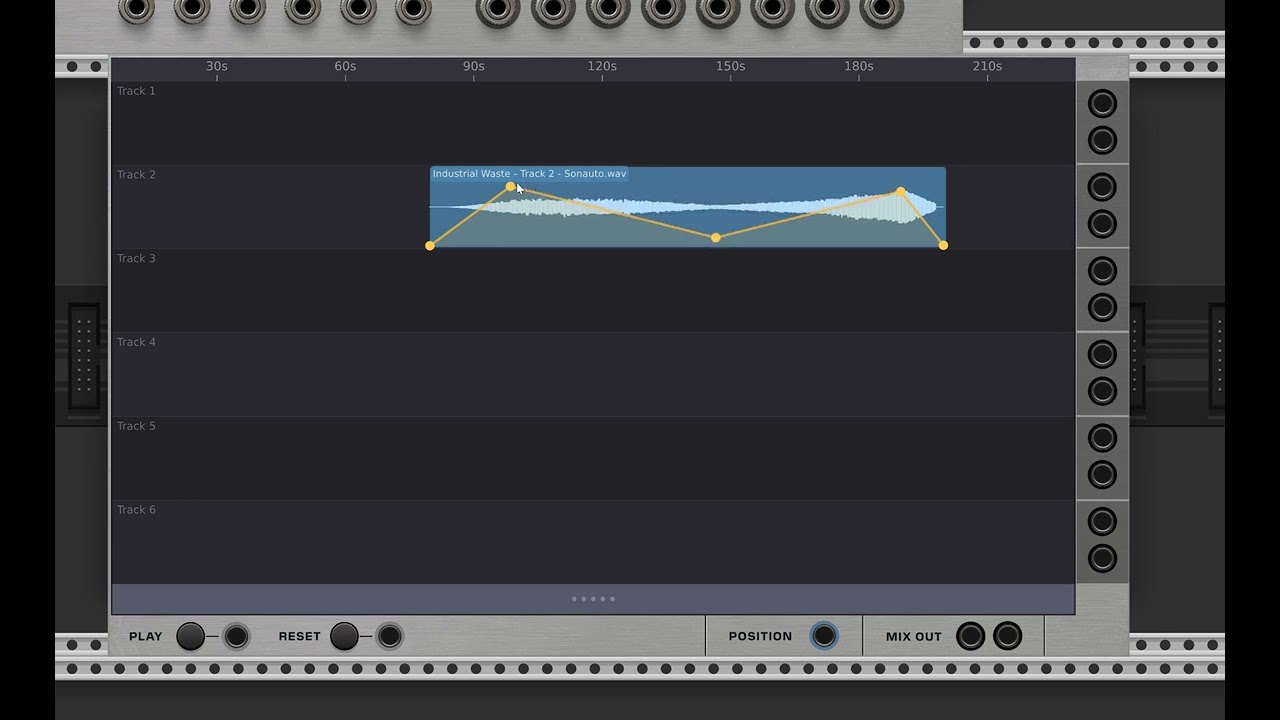
Per-track envelope output — Each track’s envelope value at the playhead outputs as 0–10V on poly channels 7–12 of the Location output, enabling external modulation routing.
Envelope mode visuals — Clips in envelope edit mode render with warm orange background and cool white/blue envelope
lines for contrast. Fixed envelope node drawing offset on stretched clips.
Duplicate clip — Creates a copy of a clip placed at its end (right-click menu).
Reverse clip — Toggle backward audio playback while keeping envelope and declick anchored to timeline position
(right-click menu).
The Groovebox Advanced has officially launched and is ready for sale. The price is higher than my other modules, but please understand that a large amount of work went into creating this module.
I’m almost tempted to buy it now but there’s a speech synthesizer module from docs under it in the library page I should probably read up on cause that’ll have to eventually come to me too… expect a generous donation either this summer or when Black Friday hits!



 I guess 4 testers have already knocked the door.