Thank you!
6 Likes
Very cool and interesting. I’m guessing on the bottom we have pause and reset playhead, and mix out?
This would solve 70% of my bouncing back and forth to Audacity or other DAW.
I wouldn’t have thought of it, but the part after 7:00 where you’re just banging the sample against the playhead into Plateau. That’s very fun and clever.
And of course, let the suggestions begin:
A playhead position output, which could be used with Shapemaster to handle automation. I’m thinking there would be ways around this with 2 instances of your new module, but that output would be easier. Then that would solve clip fade in/out, and for me I would almost never have to bounce to a DAW to create a finished Thing.
And perhaps a context menu time Limit setting with check options for End or Loop.
Excited to work with this, thanks!
1 Like
Hi!
On the bottom, there’s play, reset, and mix output. The play input toggles playback, so I suppose you could consider it a pause input as well.
I love the idea of a playhead position output. Would that be a percentage of the total length, with a lot of decimal places to make it accurate?
I’m not following this:
And perhaps a context menu time Limit setting with check options for End or Loop.
Are you asking for a loop on/off setting, with a maximum number of loops before it stops? If so, would the addition of an “end” trigger output be helpful for chaining other Voxglitch Track modules?
Ah, okay, in order:
Playhead position output: Yes, percentage of total would be good, or just Seconds.ThousandsOfSeconds which would give potentially very large values on the left side of the decimal point, which might bother some people (not moi).
If you look at the latest version of Mr Morris’ Stochastic Telegraphic Memory modules – both Embellish and Ruminate have position outputs which are 2-channel polyphonic with both flavors of position information. That is a very cool solution with a lot of effort put in!
Time Limit: Sorry to be unclear. I mean essentially a “sample length” sort of function, like how long in seconds the whole module plays until it (checkboxes here) either stops or restarts with the playhead at zero position again.
Maybe context menu is not the best suggestion for where to put this – another knob I guess. And then most users would right-click the knob to enter an exact value in seconds. Basically the same as the Length setting for the 8 channels in Shapemaster.
So the user could certainly have a sample hanging to the right of the end point with this setting, and the sample data hanging to the right would be ignored when the playhead gets to the end point. (Hope this doesn’t make some kind of edge case programatically.)
I don’t think a “number of loops” like Shapemaster would add any functionality. It either loops indefinitely or it plays once.
Honestly you could arguably skip this whole suggestion, because if we have playhead position output, it’s pretty trivial to set a comparator to reset/restart when position=max. (Although there’s always the clicky problem with that approach which is why you sample player creators put some effort into a buffer and crossfade for the looping.)
Anyway, I don’t want to bog you down with v2.0! Will be very useful if released just like your demo, and I think 6 stereo pairs is a very sensible number of channels.
1 Like
Thanks for all of the feedback. I’ll try to get a position output similar to the Stochastic Telegraph modules. Here’s the part of the owner’s manual that mentions the poly position output:
Position CURRENT Output
This is a two-channel output indicating the current position of the play head:
-
The first channel is the position from 0.0V to 10.0V. This can be useful as an input phasor which some modules can use to great effect for controlling other Ruminate and Fixation play heads.
-
The second channel is the position in seconds from the start
This does look like a pretty flexible way of doing it!
1 Like
AHA!!! Here we go…now stretch this as an option?
I’m open minded about adding audio stretching. Can you explain to me how you would envision it would work? What would be the user experience?
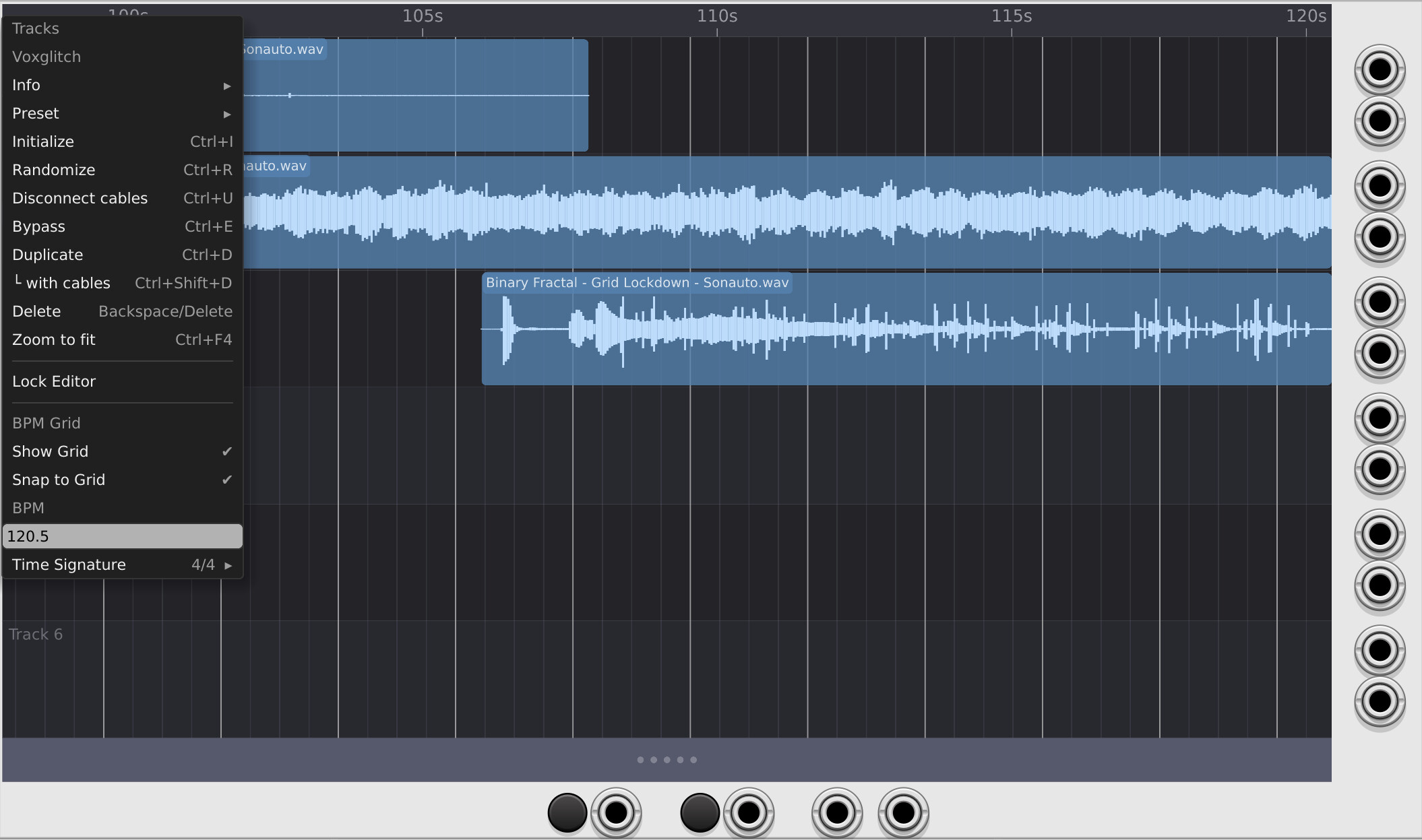
Today I added optional BPM and guides support. BPM doesn’t adjust your clips. It just changes where the optional guides are drawn. I also added a bunch of small user interaction improvements, and the ability to split and join clips (even if they have different underlying sample data).
Progress is moving quickly on this one.
No news yet on the Groovebox Advanced release date. It’s in VCV Rack’s court.
2 Likes

Yep my friend, releasing to VCV Library now is taking age.
My free open source plugin (Ohmer) was sent as “#391 issue” (as usual) to be updated to v2.6.12, three days ago.
Also, lastest closed source OhmerPrems plugin as v2.6.8 (stable) was submitted by email to Andrew (via support@vcvrack.com) five days ago, but remain “in the pipes” (surely Andrew is busy or away).
I may have lost my window of opportunity this Sunday since I botched the submission of two of my updates. (One didn’t compile, the other hadn’t been check in.) If it’s a limited crew over there, I can imagine how stressful it must be to juggle all of this, especially with doofuses like me punting dirty laundry over the wall.
1 Like
Of course, crew seems to be restricted to Christoph @cschol and Andrew. Except if I’m wrong, Andrew is lone person who can validate VCV Library integration.
Nearly sure Andrew wasn’t available (or too busy) last week / last weekend.
Probably busy dealing with my mistakes. 
1 Like

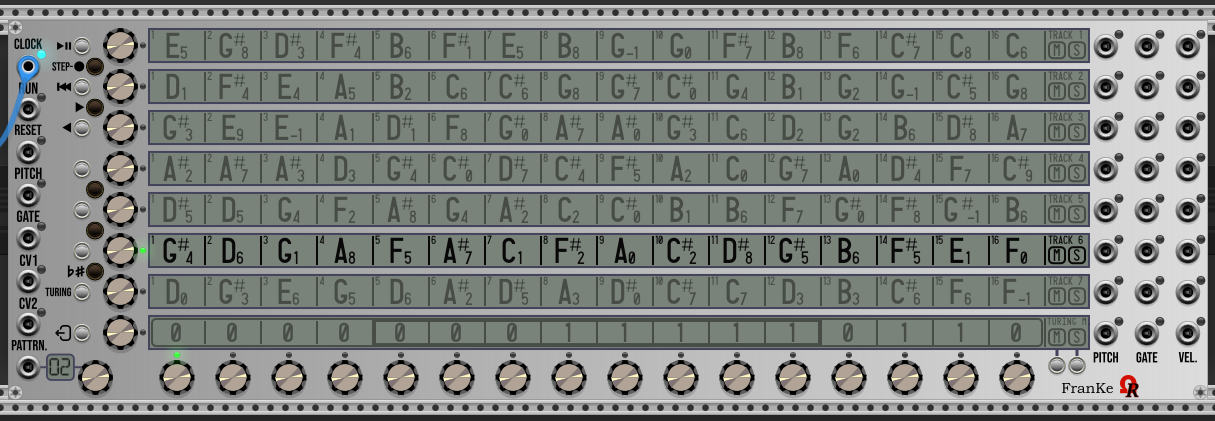
About your LCD display (such Centralics module, light/beige model), for background, I recommend this most realistic RGB value:
7a837aff
(ff is the “alpha” channel)
Red & blue components = 0x7a - Green = 0x83
I’ve spent all night to check images anywhere over internet!
On W.I.P. FranKe module (for a customer):
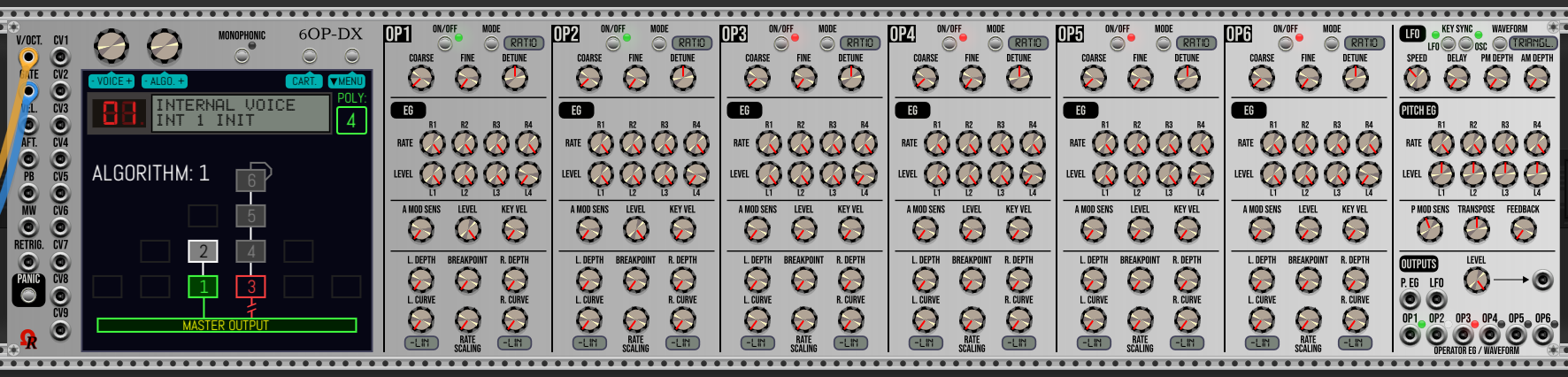
On 6OP-DX, either the genuine DX7 LCD (I’ve compared with my old dusty DX7 lol), make many photos, then pick the color from Photoshop… Match with many images found on the net! – and all mini-displays:
I’m impressed by this:
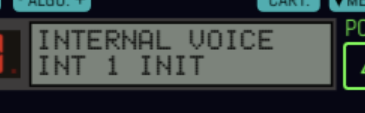
Very realistic! I may not update Centralics, but I might reach out to you for details of that implementation someday! Also, that reminds me a lot of my old Casio CZ-101 (my first synth).
1 Like
Quick update on the upcoming Tracks module:
- Time stretching is GO. I’ve only implemented one version of time stretching, but might explore more later. It’s trivial – just grab the edge of a clip and more it to stretch the expand or contract the audio (pitch stays the same).
- I made improvements to the waveform rendering so that everything runs at lightning speed at all zoom levels.
- Completed some obvious things, like the ability to copy/paste clips. Added ability to drag samples from the desktop on to a track.
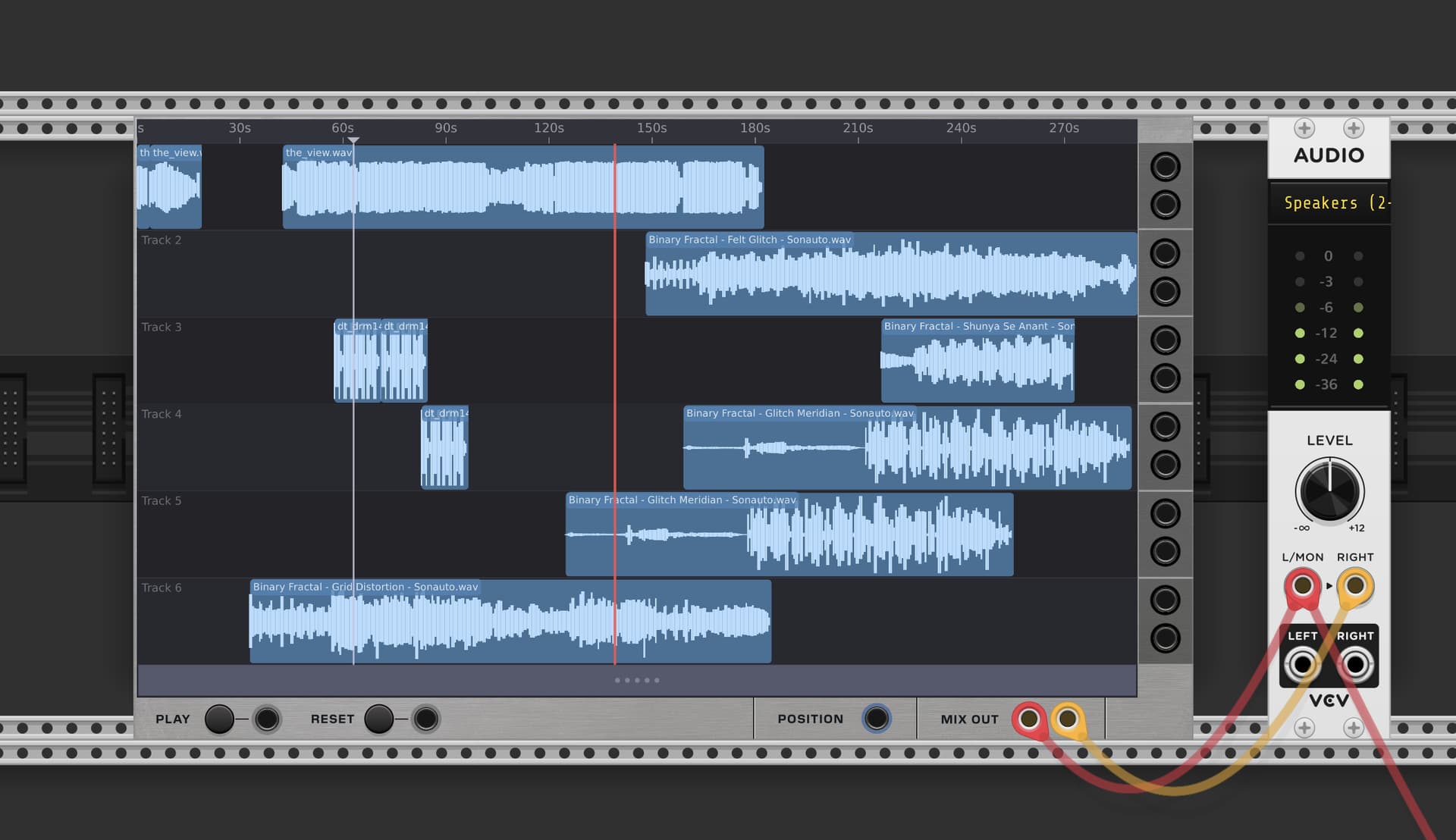
Next, I need to use it.
I’ll try to throw together some demos that show the time stretching capabilities, the split and join features, copy/paste, and anything else that I can think of. I like how simple it is. 
2 Likes
Coincidence? my first synth was… a Casio CZ-5000. I remember it was “the pretext” for my first C.M. development (using C language, not C++) on my Amiga 1000. During this epoch, I’ve designed my own MIDI interface (hardware), using my “knowledges” in electronic, using DIN connectors (USB was sci-fi during 80s), have 3 MIDI-outs, 1 MIDI-thru, 1 MIDI-in - for both my CZ-5000 synth + Roland TR707 drum machine. So I’ve used Manx C compiler (and Motorola 68000 assembly) to develop my CZ-5000 frontend/editor/librarian (plus the device driver to handle the custom MIDI interface, was connected to RS232C serial port rear of the Amiga 1000).
CZ-5000 have an embeded 8-track note sequencer. By connecting it on my Amiga, it was more easy to save/load sequence (to/from AmigaDOS floppy disks - instead of… cassette). Yep it was an another epoch.  (epoch when I crack some softwares by using PCTools on PC MS-DOS ! )
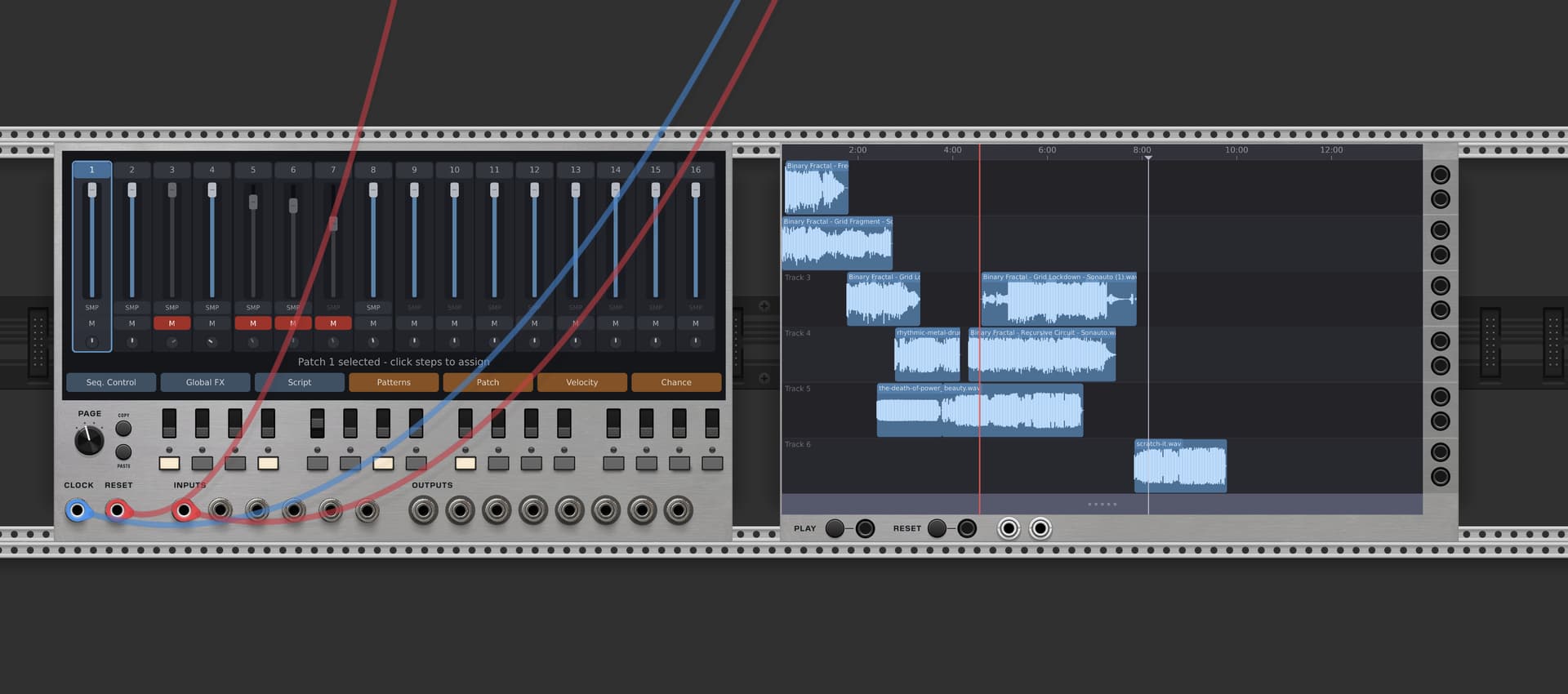
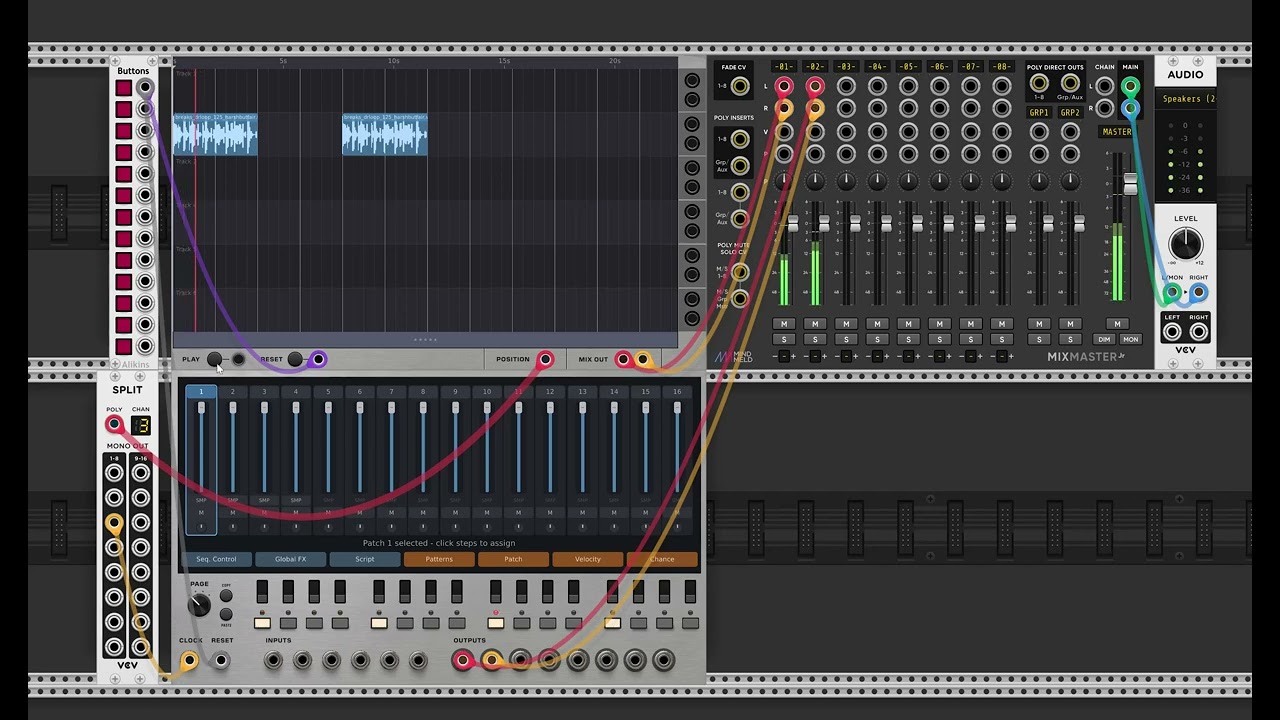
Quick demo showing the Tracks module providing a clock output to other modules.
1 Like
Hoping this will be like digital audio workstation timeline kind of thing, I have samples perfect for this, but I would like to make sure it’s possible to have them sync to tempo like how Logic or Reason does where I can put it in at it’s normal bpm but set the clock faster and slower to have the samples play in time… will this new module be premium? I might have missed the first post but I look forward to this!