Yep this may take times, sometimes “ages”, depending the developer, his availability, also the complexity for migration… But for now, 99% (I guess) of VCV Rack 1 modules was migrated to v2.
Don’t have any news about Klirrfactory developer, however.
Yep this may take times, sometimes “ages”, depending the developer, his availability, also the complexity for migration… But for now, 99% (I guess) of VCV Rack 1 modules was migrated to v2.
Don’t have any news about Klirrfactory developer, however.
Oh wow, yeah I might’ve just found out about Reason but hadn’t really entered the desktop plugin world just yet at that time… would get an intro license from the start of June and upgrade it to the full version that Christmas
Hi everyone! I’m putting the final touches on some upgrades to Centralics. Here’s what’s coming:
Stereo Delay Modes – The delay section now has 24 modes (up from 8). The original 8 mono modes are unchanged, but there are 16 new stereo modes that pan the three delay taps across the stereo field for true left/right separation. The stereo modes are grouped into stable width (subtle stereo depth), spatial movement (morph knobs sweep the stereo field – great for performance), and asymmetric character (interesting off-center placement).
Delay Feedback Adjustments – Feedback now goes all the way to 100% (was capped at 95%). The soft clipping still prevents runaway, but you can push it into self-oscillation territory for more extreme effects.
Extended Filter Envelope Mod – The ENV MOD range has been extended from 0-1 to 0-10, allowing much more dramatic filter sweeps. The classic acid “wow” is around 3-5, but you can crank it for exaggerated effects.
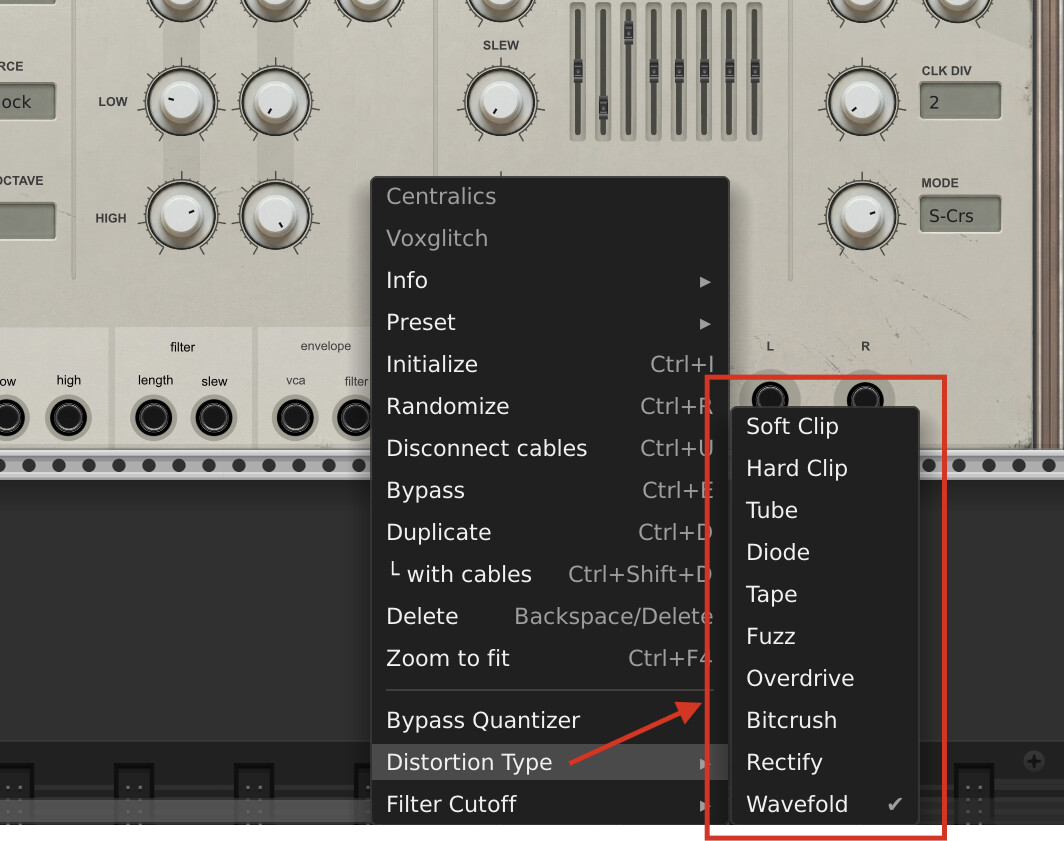
Quantizer & Sequencer Bypass – New right-click menu options let you bypass the quantizer (for chromatic/microtonalpatches) and bypass the filter cutoff sequencer. There are also sequencer presets in the context menu to quickly reset the sliders to the default pattern, all mid, or all max.
External V/Oct and Gate Overrides – Patch external pitch and gate signals into Centralics to override the internal melody and gate generators while still using the built-in filter, envelopes, accent, delay, and everything else.
PLEASE NOTE:
Some of these changes may affect existing patches, specifically the feedback and filter envelope mod adjustments. It shouldn’t take much effort to adjust these to taste, but I wanted to forewarn everyone!
Well I can whip up a new rack to try this out, but while I’m still out I gotta wait a bit…
Centralics update coming soon…
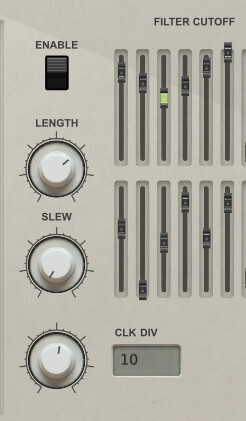
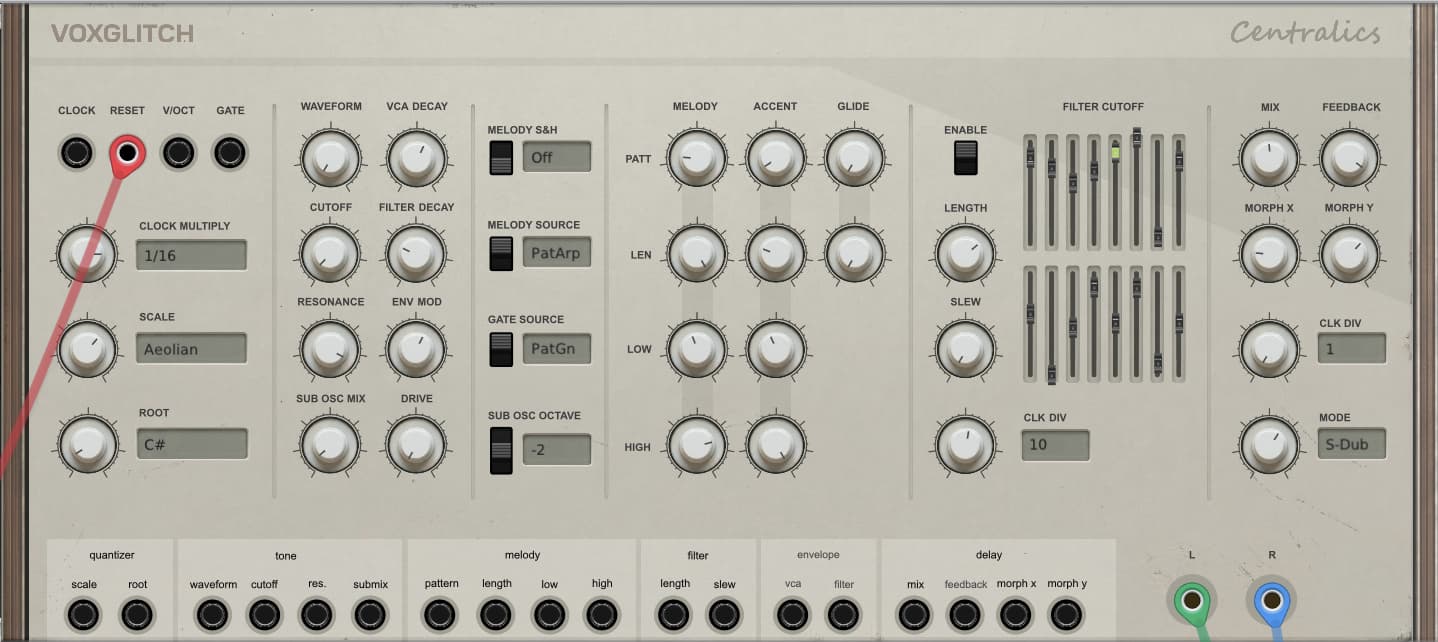
I decided to add a clock division and enable/disable option to the filter cutoff sequencer for centralics. Often times, for fast clocks, large slew values for the filter cutoff sequencer wouldn’t add any excitement to the patch. I’m hoping that by adding clock division, we’ll be able to make headroom for more slew fun. I had to move some things around an extend the panel again, but hopefully it will be worth it.
It’s been a few days since I worked on Voxglitch stuff. I’ve been too busy with “life”. But this weekend will mostly be devoted to Voxglitch: Mostly bug fixes and getting new versions released.
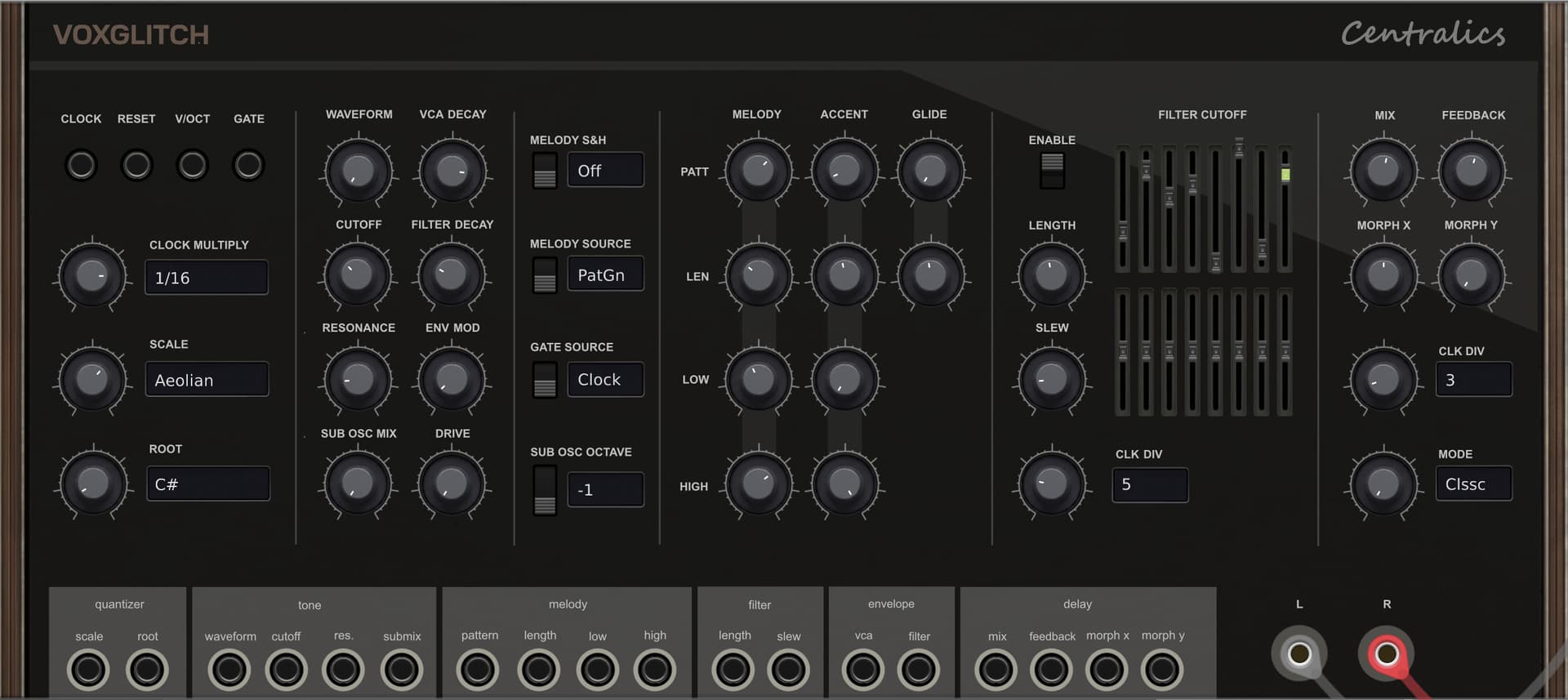
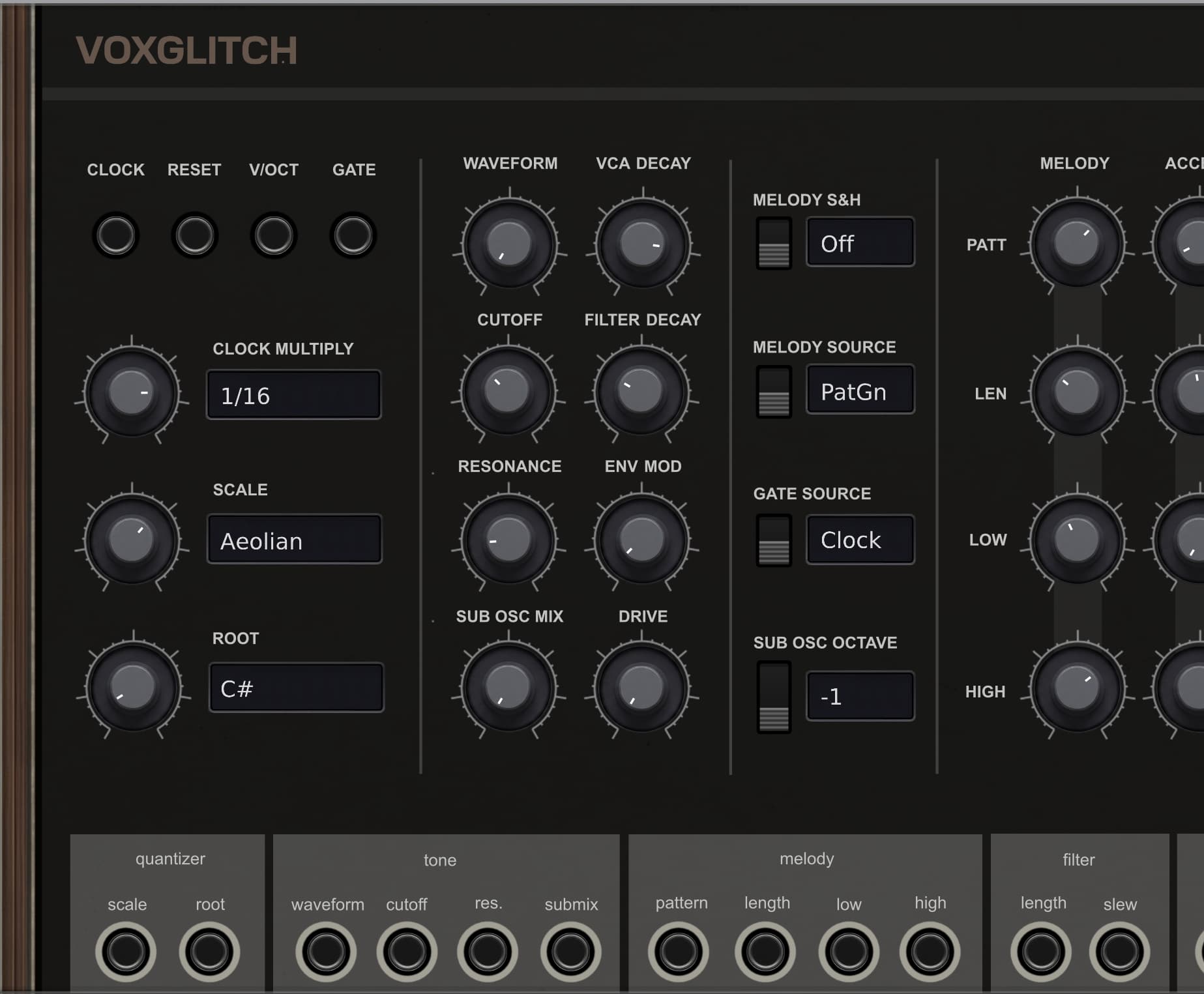
Included will be a dark theme for Centralics:
Cheers,
Bret
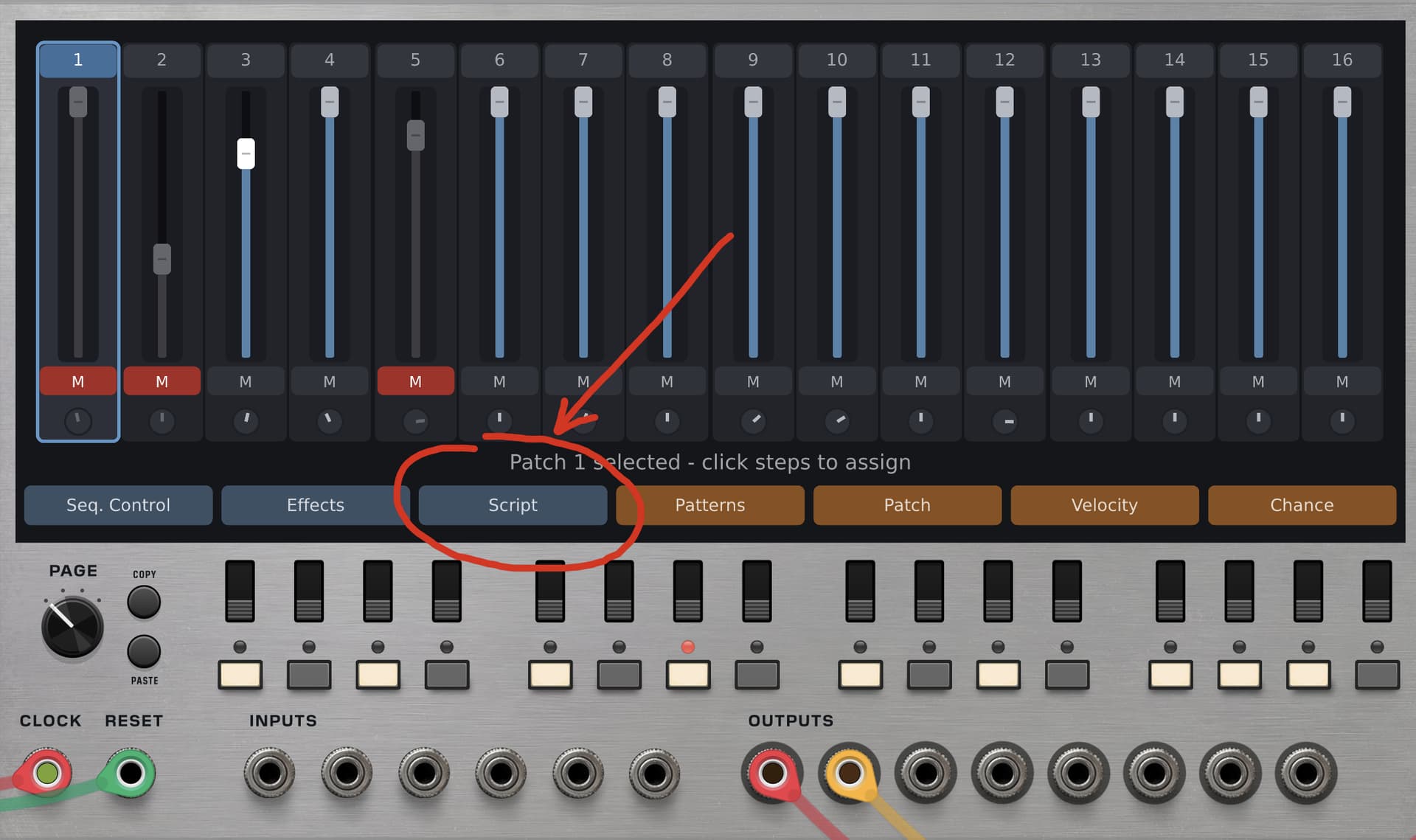
Quick update on the Groovebox Advanced. It’s evolving still, but feeling pretty solid. Tons of new features, like the new Page system and the ratchet switches that you can see below. Plus new effects, like BPM synced delays and a reverb.

Does anyone see a new Voxglitch module called “Kaiseki” in their collection? It’s a rather obscure module to help support some https://holon.ist/ projects.
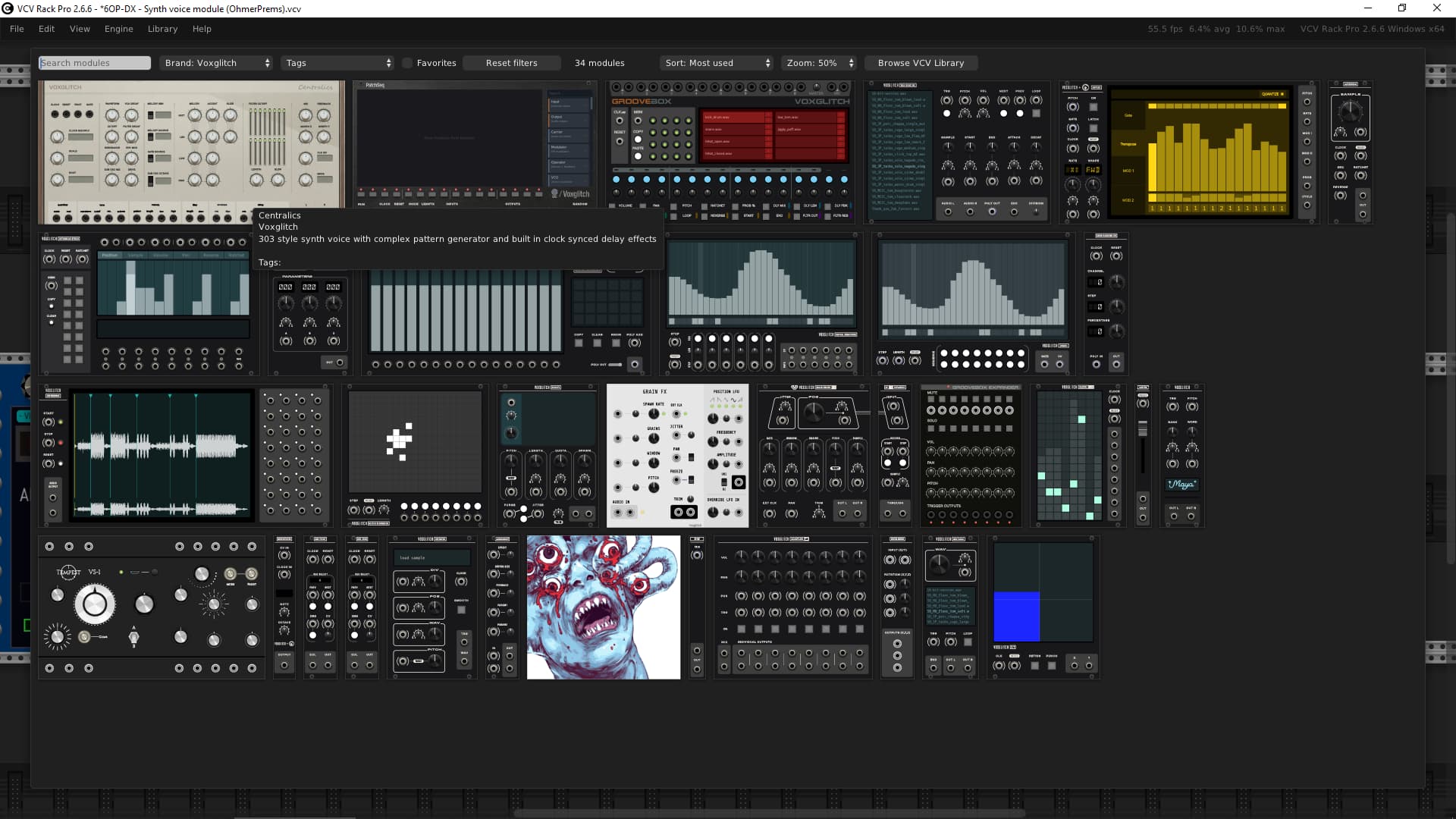
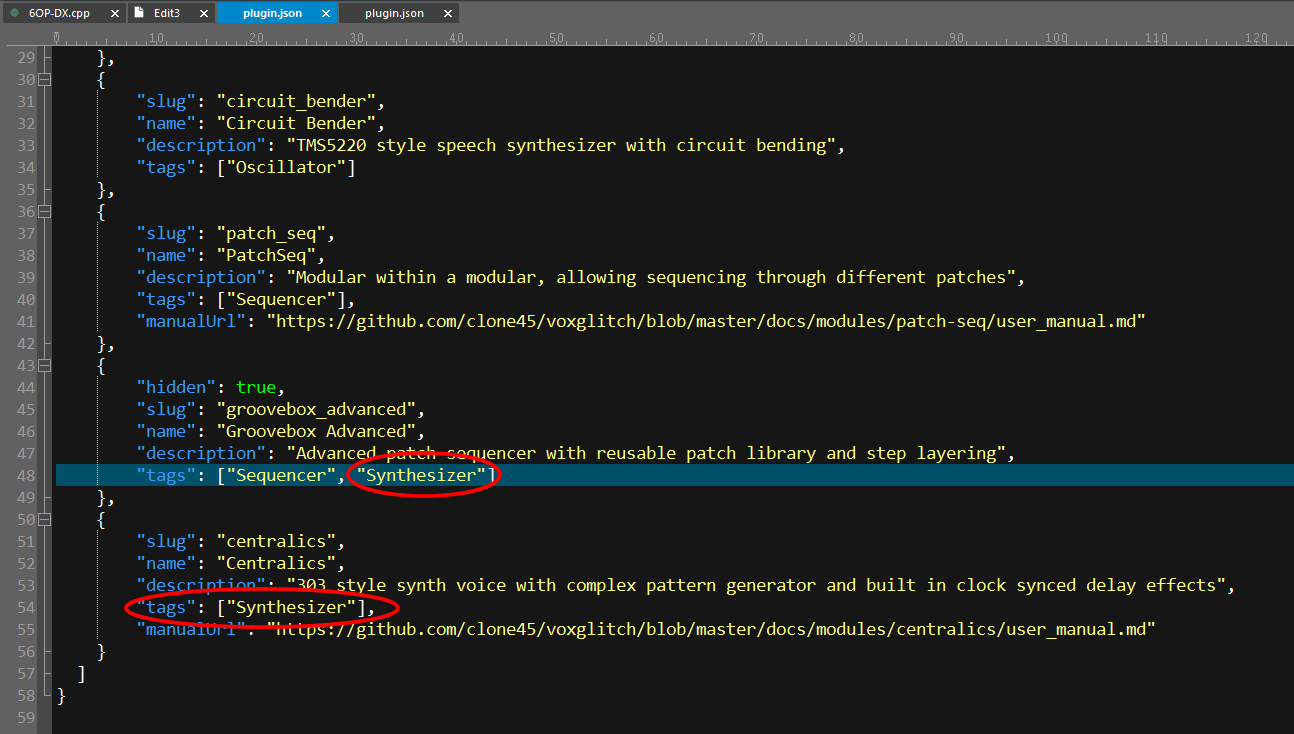
Hi Bret, on lastest update today, v2.8.0 (from VCV Library) I’ve noticed Centralics module doesn’t have valid “tag”:
From plugin.json, Synthesizer tag must be replaced by Synth voice
Same about Groovebox Advanced hidden module… 
Thanks for the heads up! I’ll get that fixed!
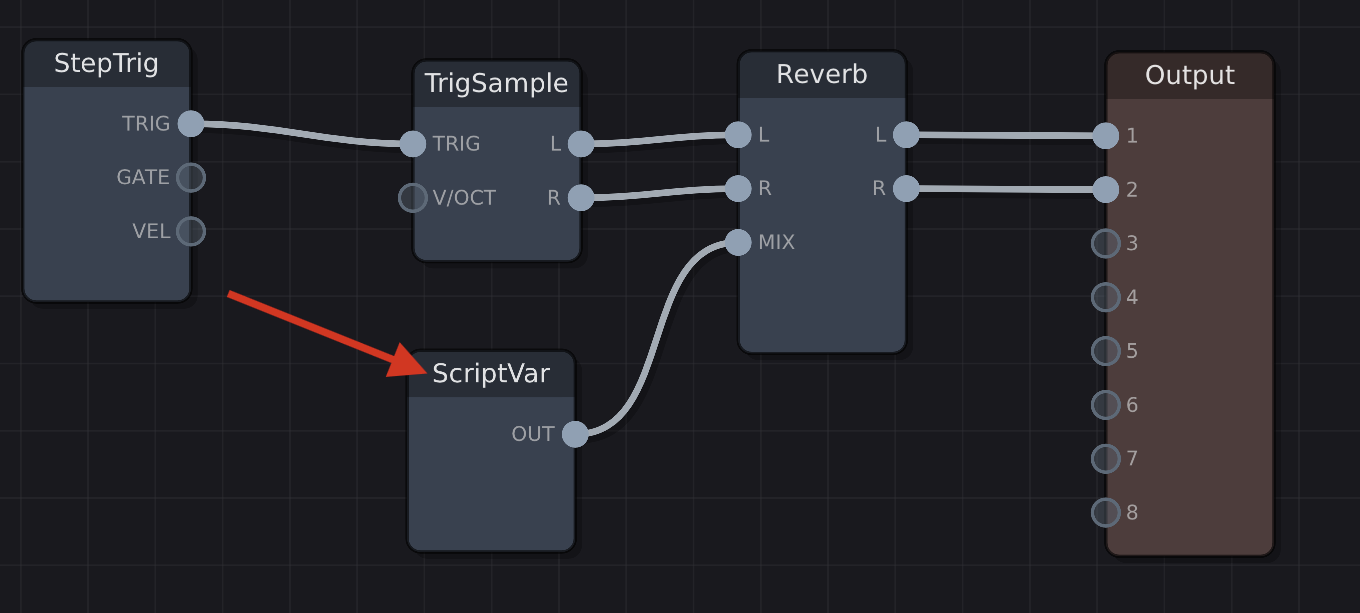
Sharing some quick fun about the upcoming Groovebox Advanced.
It has a built-in scripting system! 
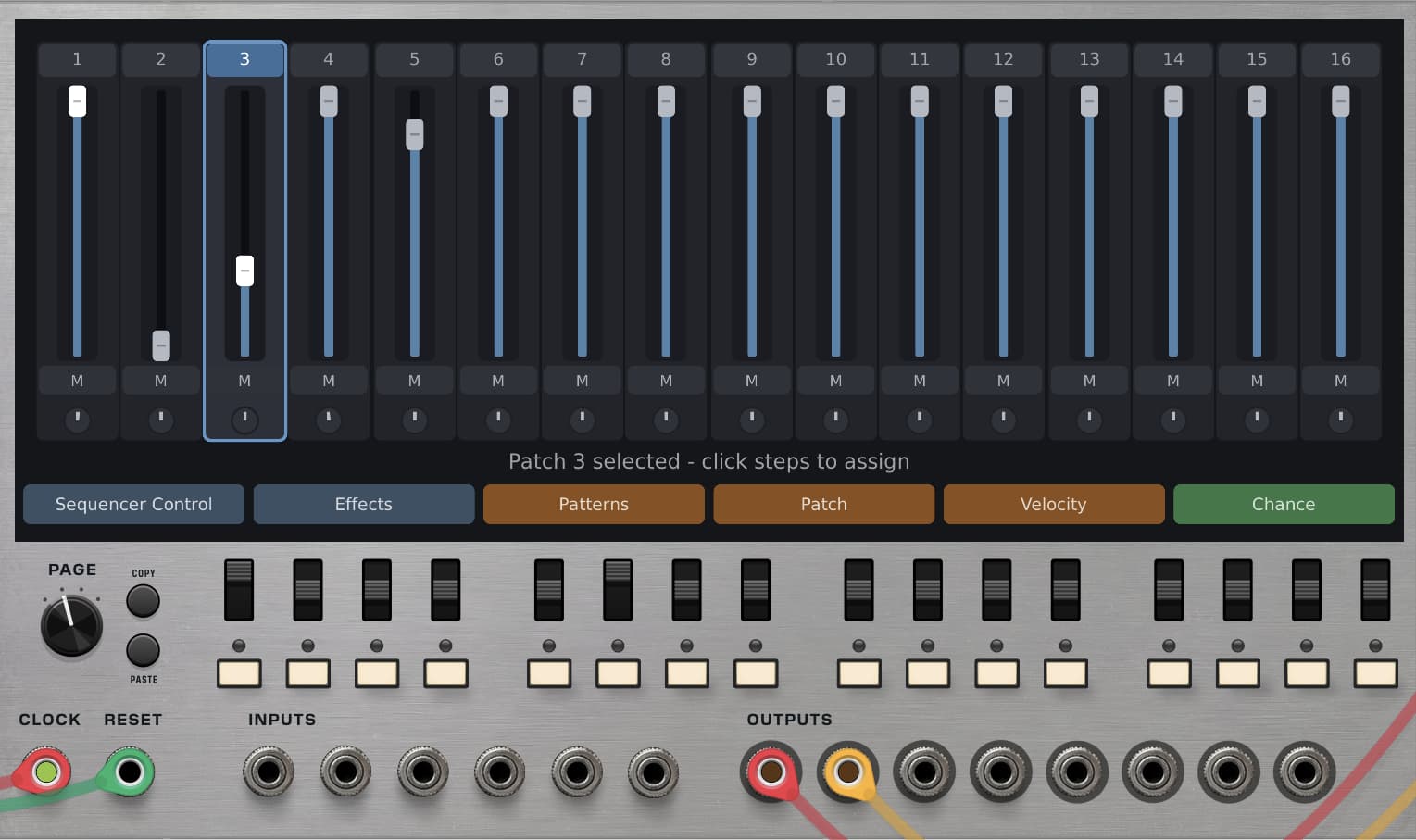
Hey Bret, was playing around with the PatchSeq and the patching of cables could be easier I think? Not in a right click menu, but detach and reconnect by holding the mouse, or double click? That will be useful for the GrooveBox Advanced as well.
Hope you get the point.
Grtz,
J
Hi Jeron,
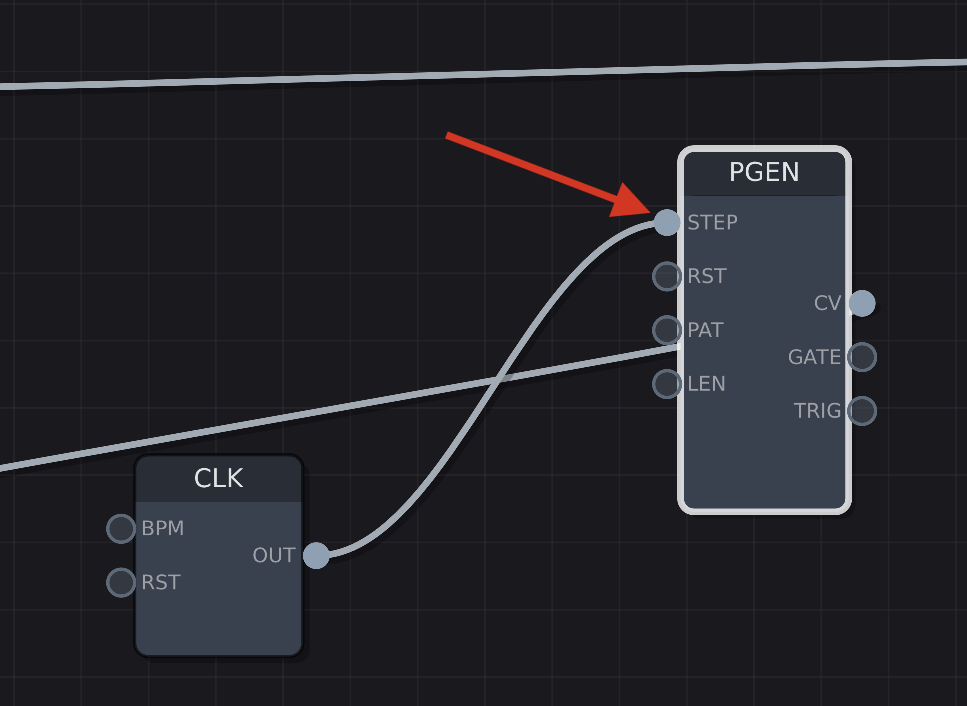
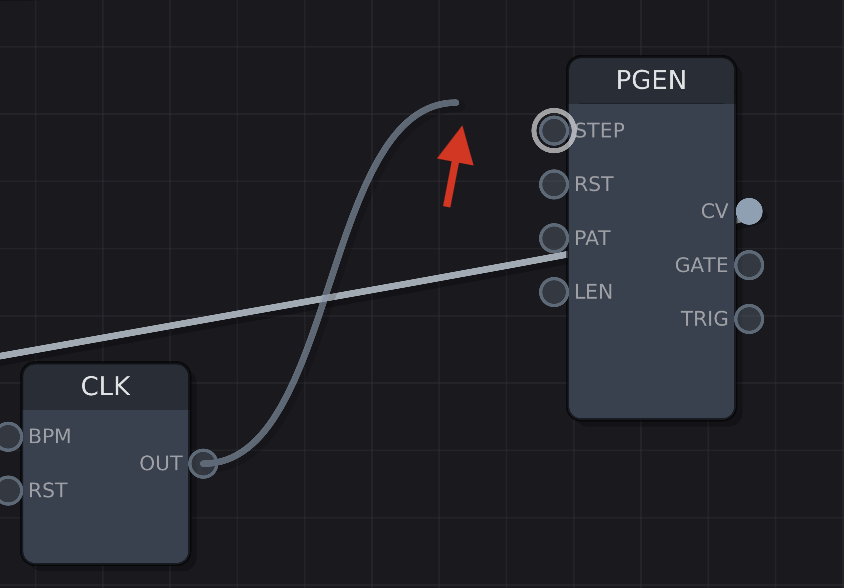
You should be able to double-click on an endpoint to reposition a cable. Is that not working for you? For example, if I double click on this port, it allows me to move the cable:
indeed it works, also just updated but it could have been an oversight on my behalf. Thanks Bret!
Absolutely! If you have any issues or ideas about the connections and mouse interactions, those types of things are very interesting to me.
One change that I’ve made to the Groovebox Advanced was to change how the mouse interacts with the knobs. I was inspired by an online synthesizer, but I can’t recall which:
Essentially, when you click on a knob, a line and endpoint start to follow your mouse pointer. If you move your mouse further away from the knob, it gives you extra granularity in dialing in values. It’s more about angle and less about .. distance?

ooooh, I like that! Direct way with just the mouse to get increased fine control.
Coarse/Fine adjust is available for default Rack knobs using Ctrl and Shift.
Hi everyone! It’s very likely that I’m going to be releasing a free version of Groovebox Advanced with some feature limitations. I’ll keep you posted. In the meantime… I was wondering if I should rename Groovebox Advanced to “HDLM” (Humanity’s Last Drum Machine)? Your thoughts?
IMO same name (Groovebox Advanced), a user knows if it uses a free or paid version, aren’t?
Perhaps an indicator somewhere (I’m using lastest item of the contextual menu to indicate Free/Demo, or part of license key if full version).
Another trick is to display “Free” somewhere on the GUI, by using ngvText() method (from draw() / drawLayer()) by using appropriate font, or by loading a particular .SVG (hidden for paid version).