Voxglitch Community Feedback

Hi Paul,

I think that I walked though this in a previous posting somewhere, but there’s a lot of postings. Finding it would be needle/haystack problem.

Essentially, here’s how I do it:

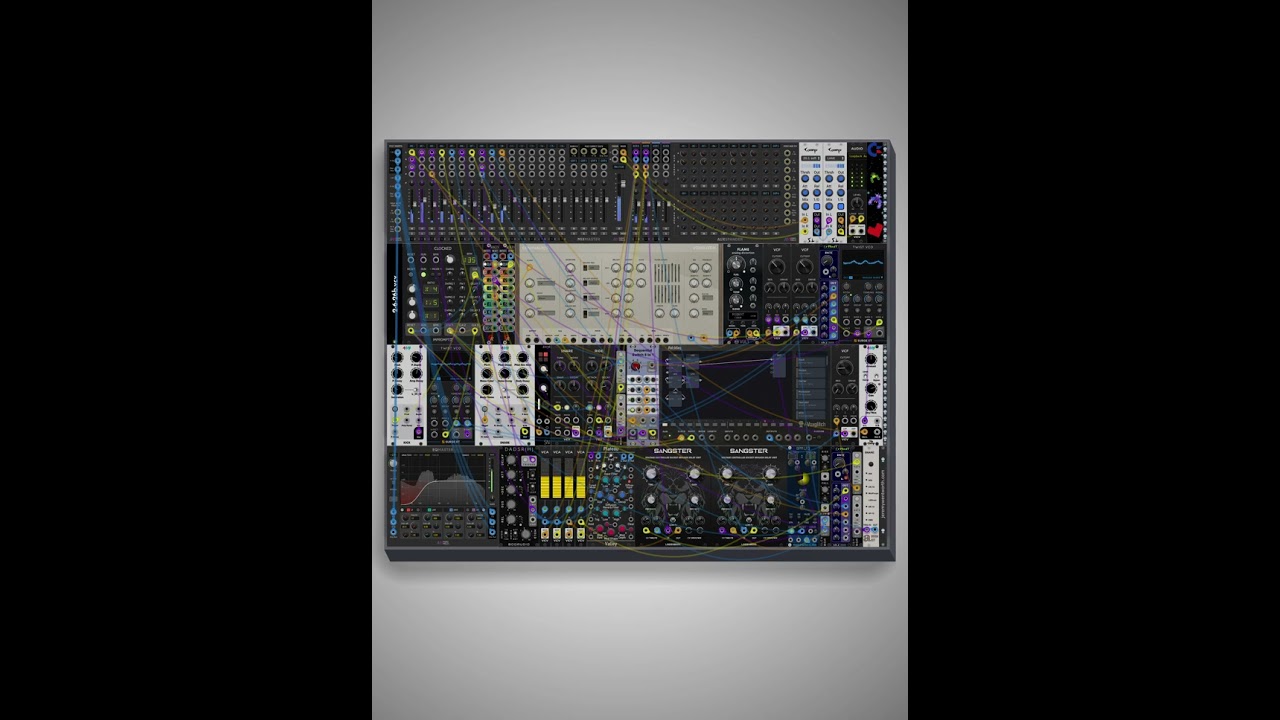
  1. Initially, the module looks like total mayhem in rack. Everything uses stock widgets. At this stage, I’m just exploring and building.

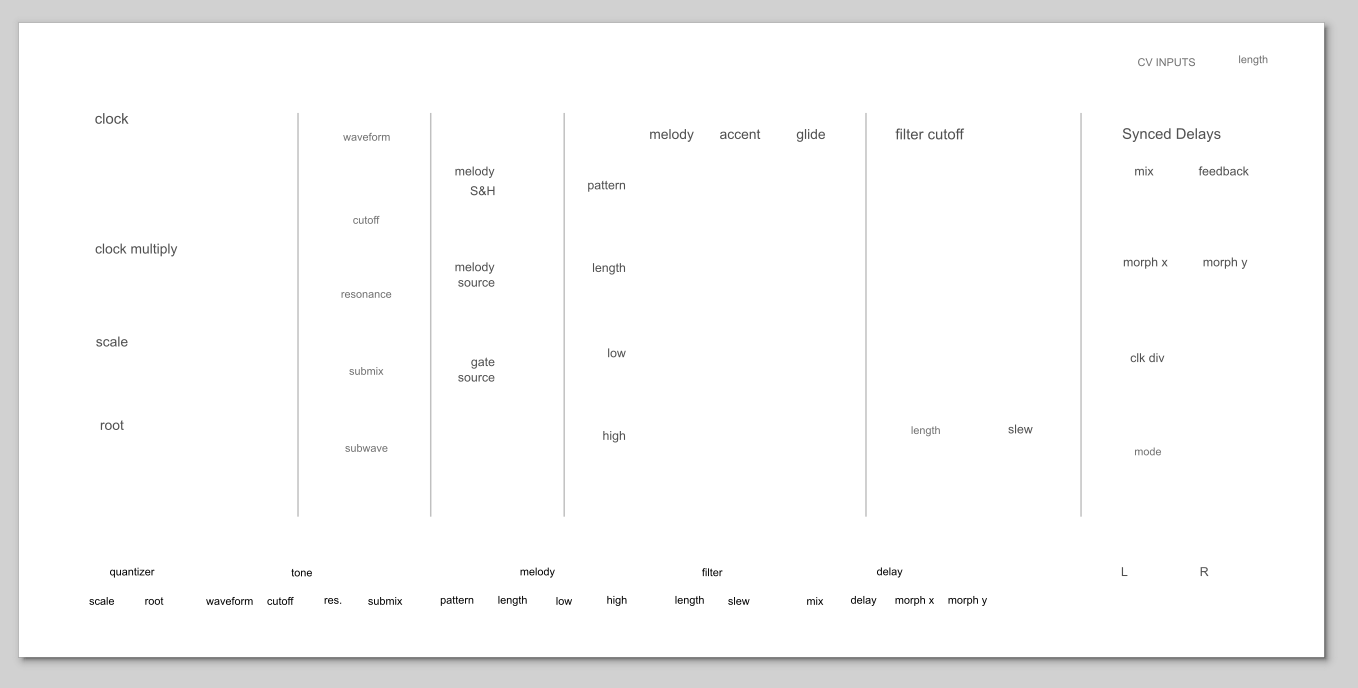
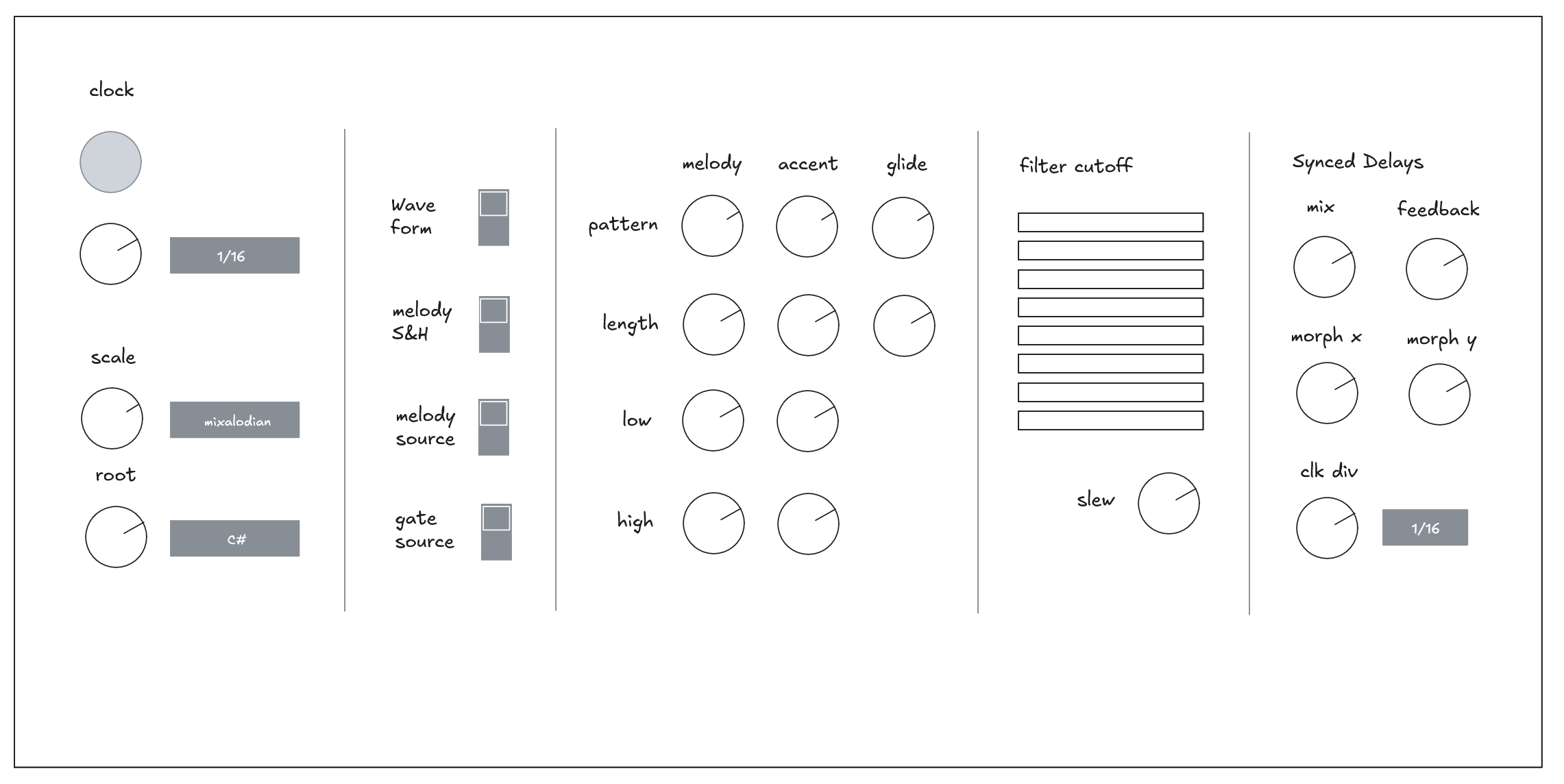
  2. Once I have a pretty good idea of the final product, I work in excalidraw to roughly map out positioning.

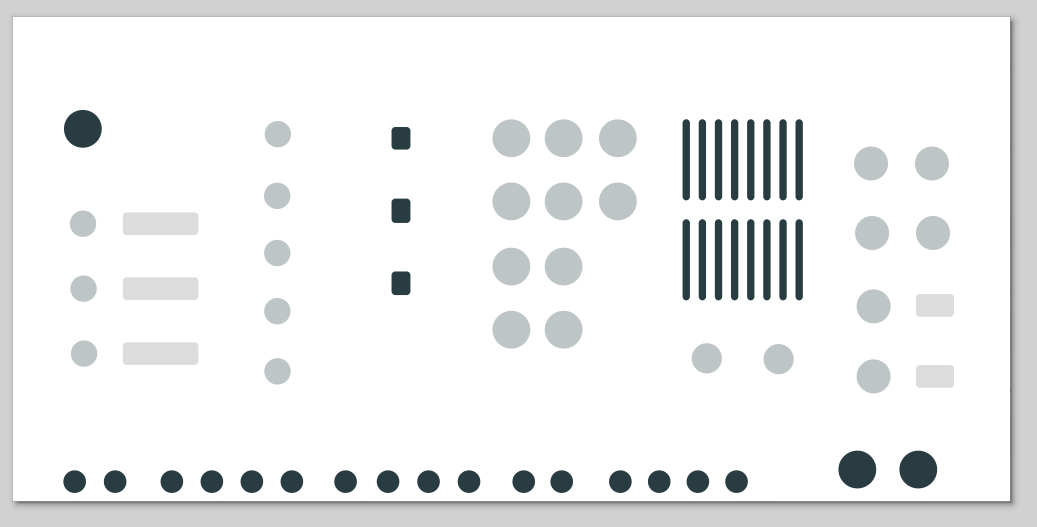
  3. This gets converted into a typical rack panel SVG, where the typography, lines, and widget placeholders are included. This isn’t how the final product turns out, but it’s a stepping stone:

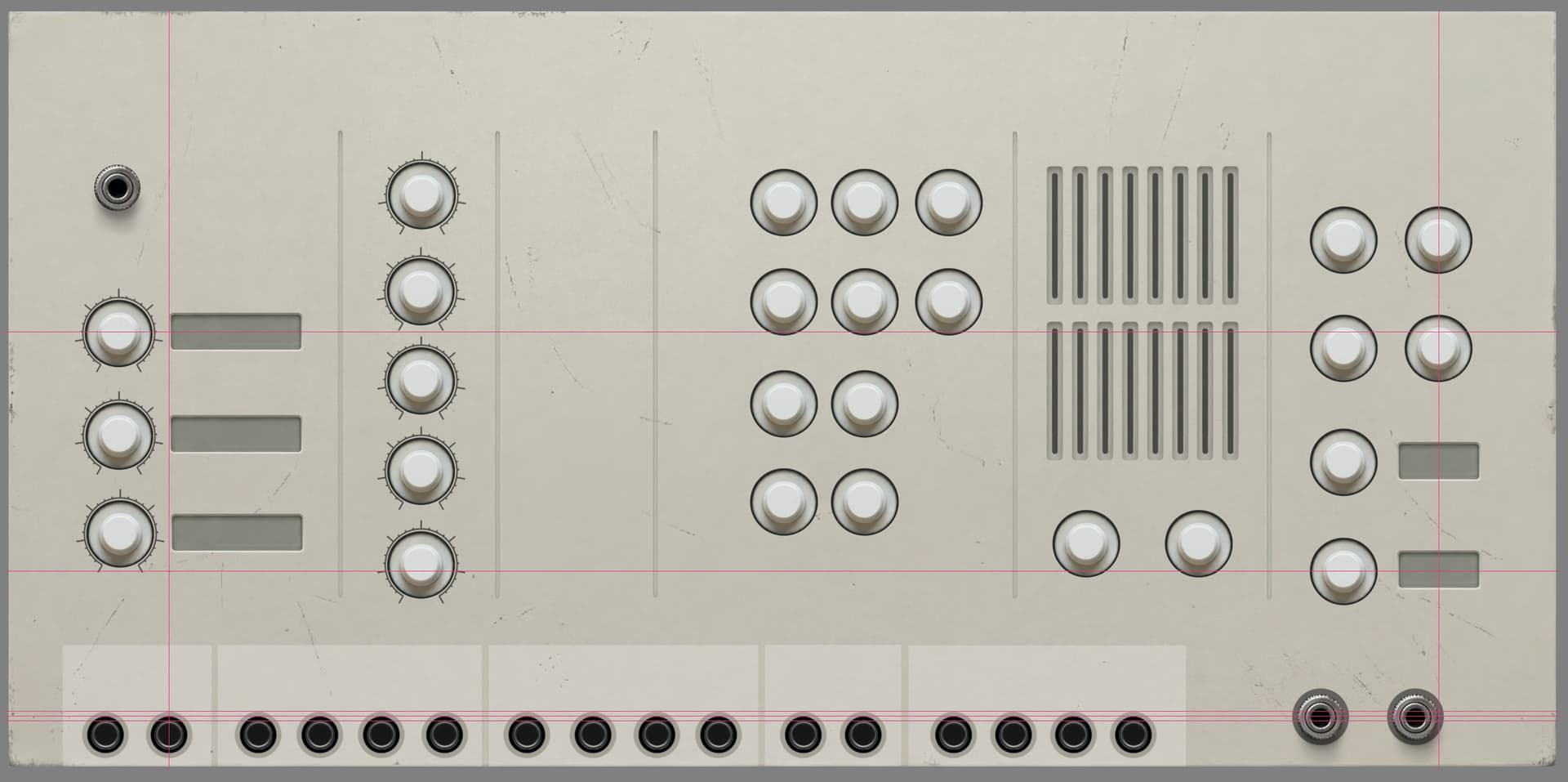
  4. Next, I break down the panel into 3 layers. The base layer contains the widget placeholders. The middle layer contains the background texture, and the top layer contains the typography and lines. (Typography and lines look nasty if they’re baked into the background texture.)
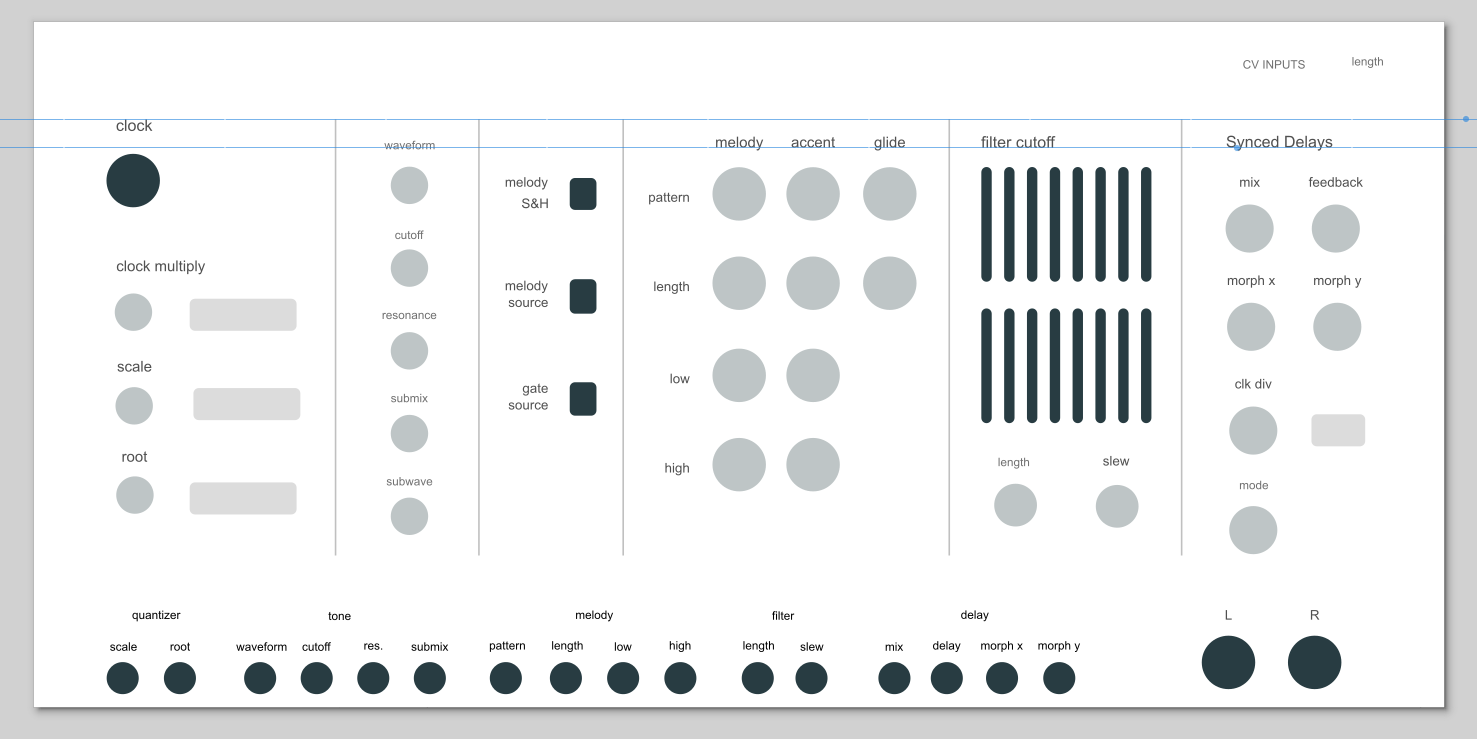
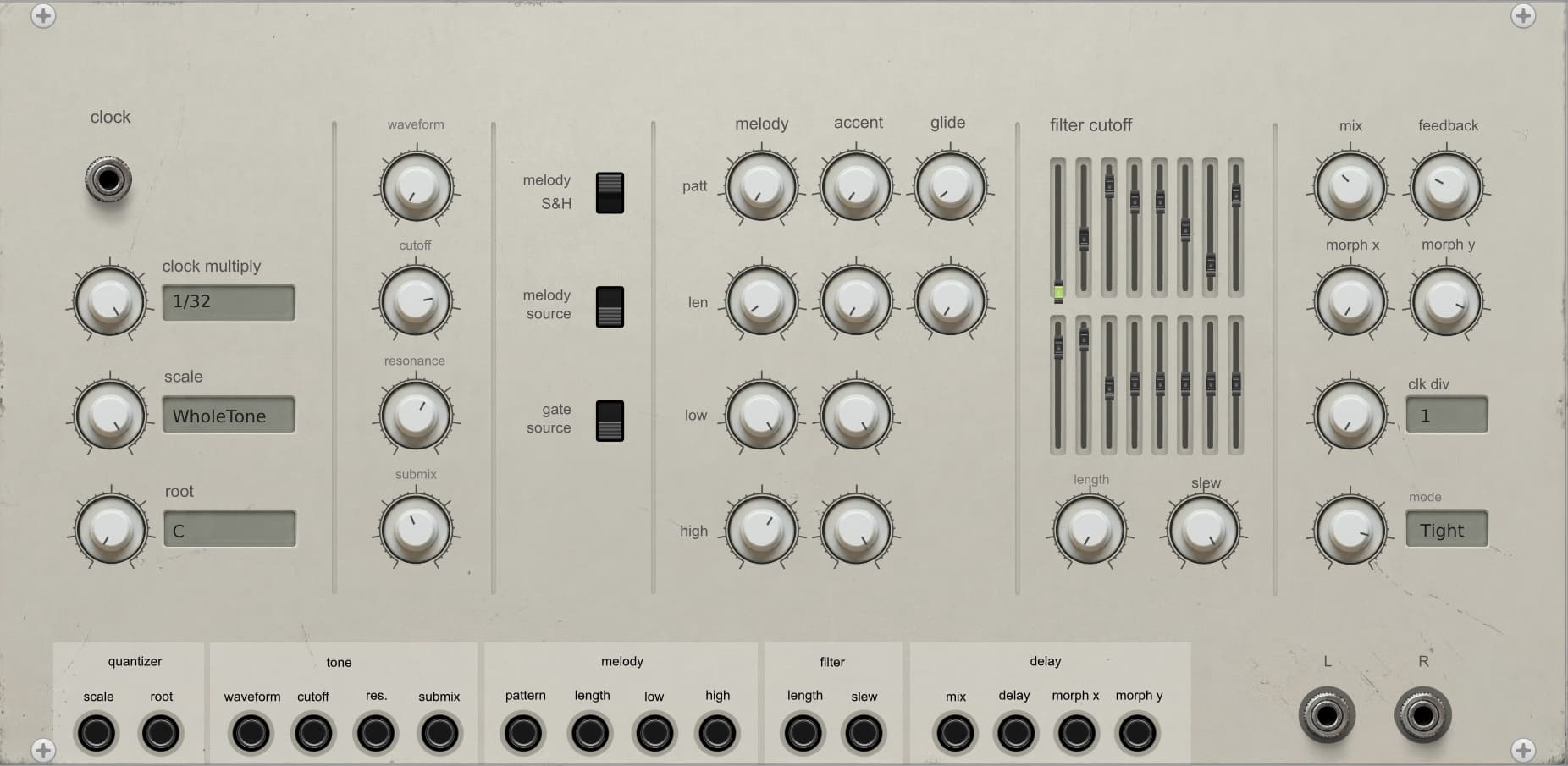
The end result looks like this (still clearly needs work):
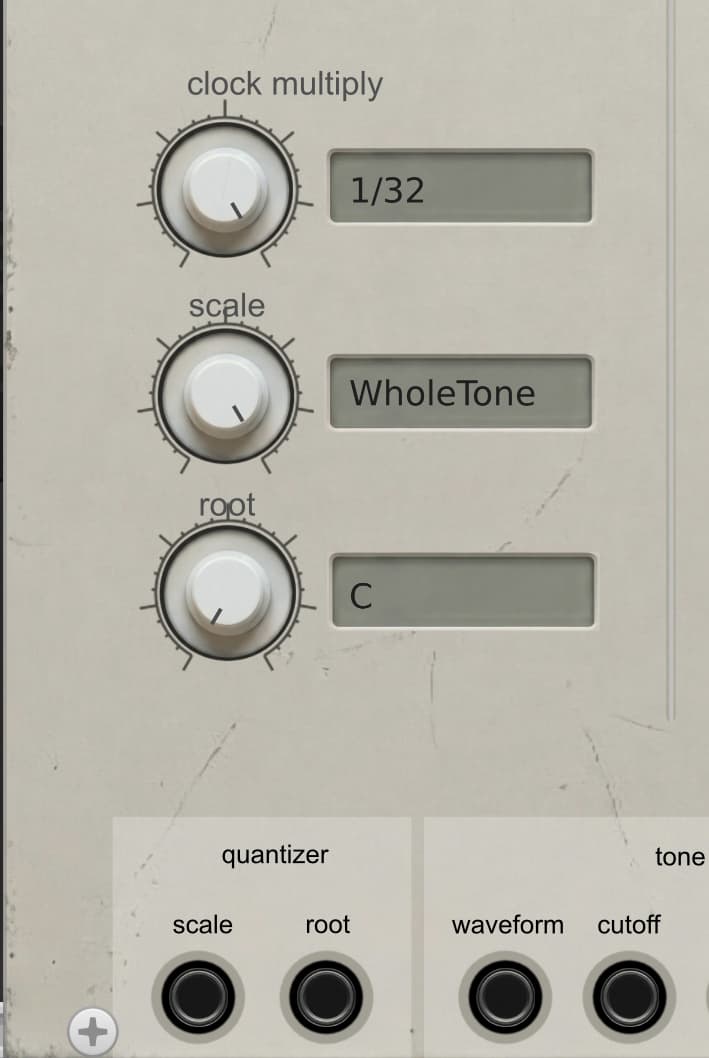
As for the background texture, here’s how I build it:

I start by giving Nano Banana Pro the rendered version in VCV Rack and take a wild swing at it:

It did a fantastic job. But it wasn’t the style I wanted. I tried having it create variations, but they looked terrible:
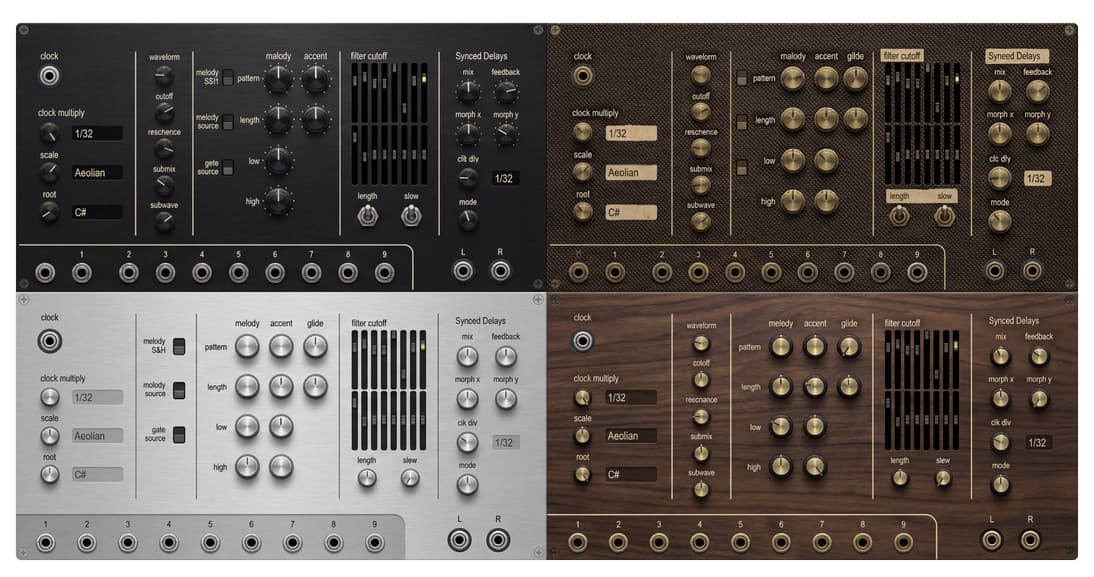
I ended up just asking for a plastic panel background, which became the foundation of the other work:
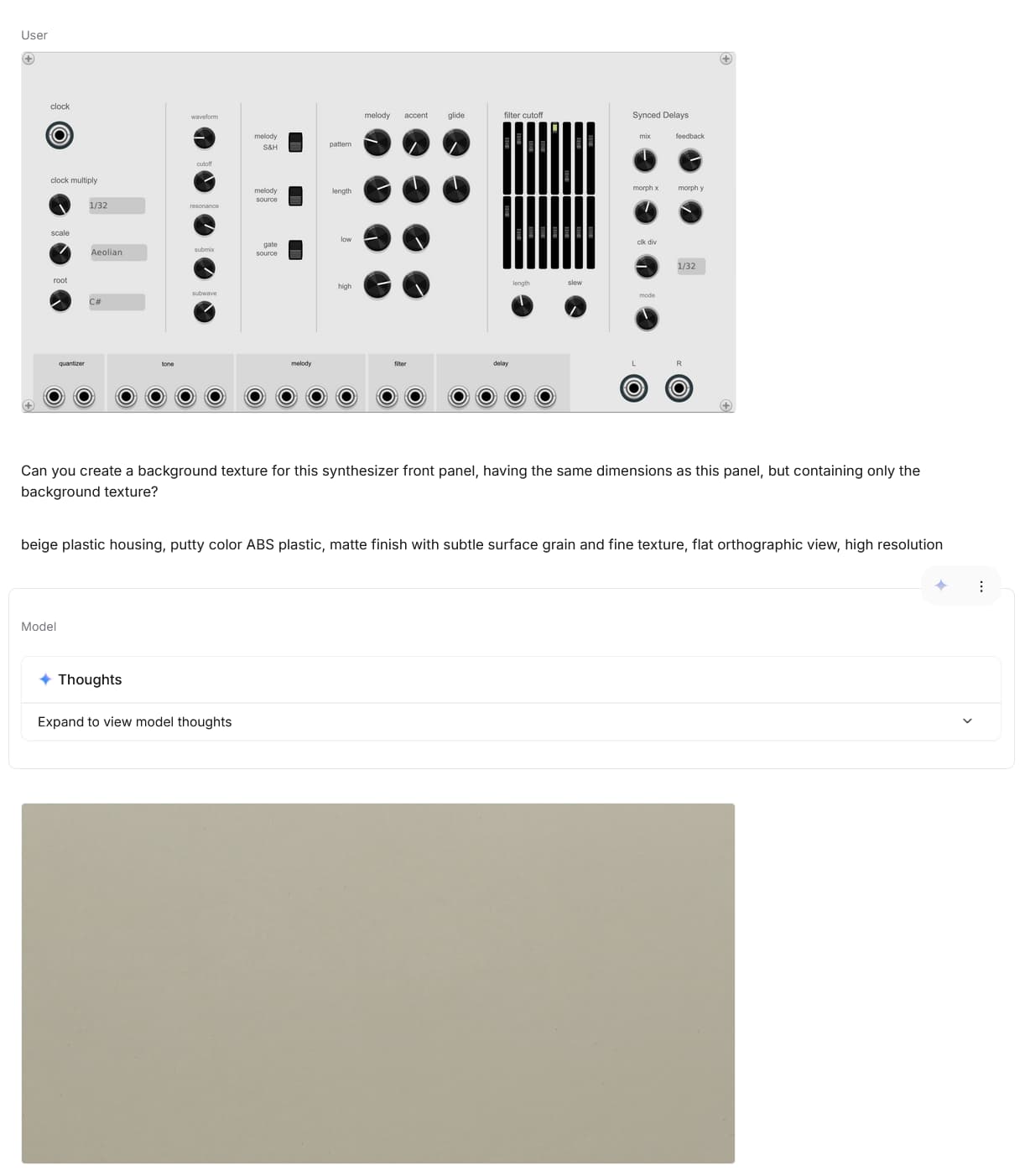
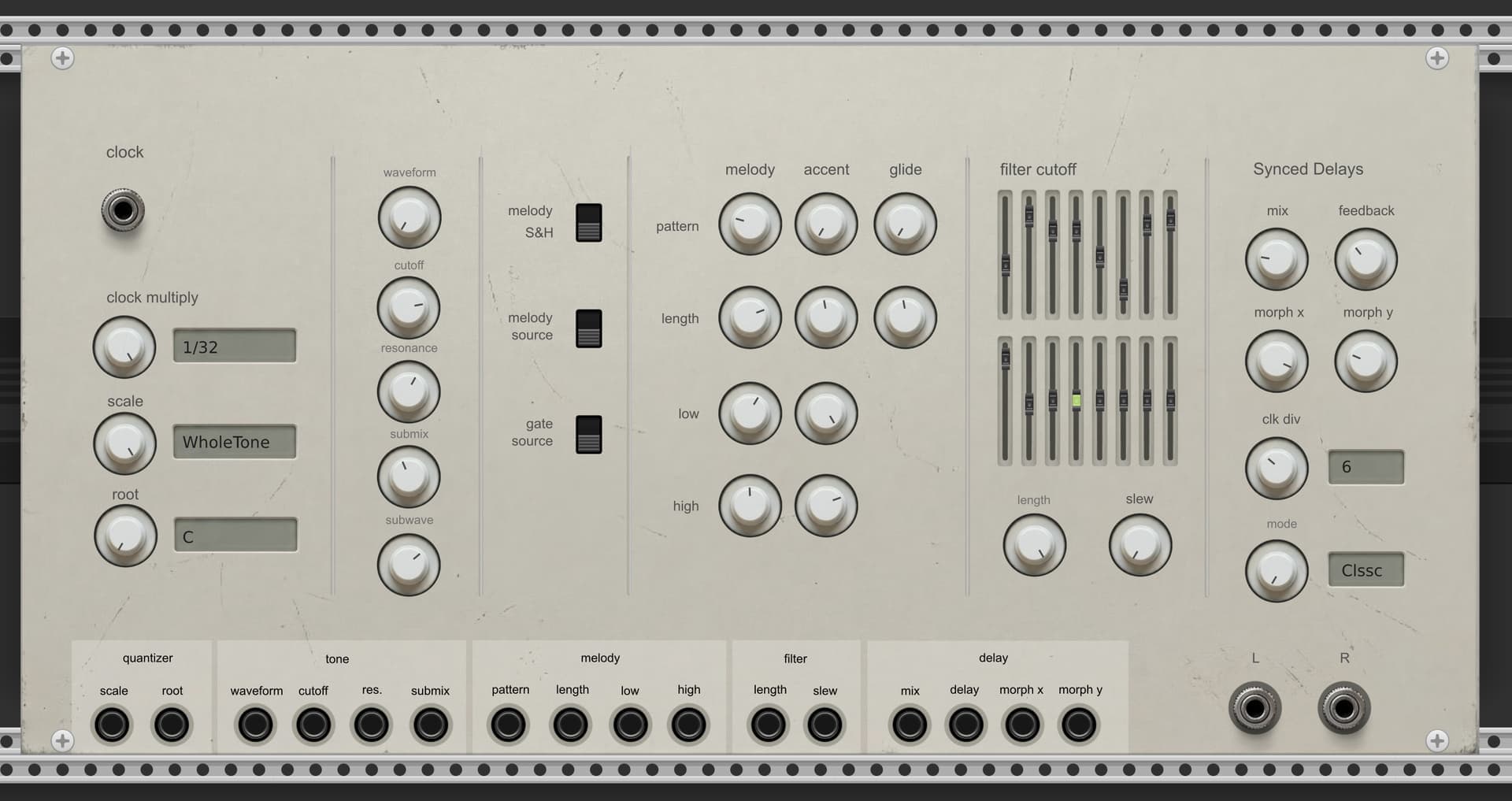
Long story short, I spent a little bit of time every day working with AI on generating knobs, ports, and sliders. I might use a clone brush here or there, and occasional design hacking, but I’m not hand painting anything.

I’m working in Krita, setting up layers, adjusting colors, etc. The scratches and more realistic background were all done by giving Nano Banana 2 my mostly completed panel design, and saying, “ok, now make it look realistic” :slight_smile:

To align the SVG elements with the background, I take a screen capture of the SVG and just add it as a semi-transparent layer in Krita, and roughly eye-ball it at first. I’ll go in later and fine tune the positioning. That’s a real chore.

The whole process it extremely time consuming. I enjoy it, but I also feel a sense of dread when I start on the designs due to the time commitment.
3 Likes

Here’s a front-panel progress report. Still lots to do.

BEFORE:

CURRENT:

1 Like

I’ve found using SVG placeholders and a helper code for positioning widgets at runtime to be very effective. There’s my code (which I need to catch up with my current implementation) and Idlework’s svg-helper for this.

Instead of text in SVG, all the labels in my modules are widgets. At this point I’m using a label widget that has pretty much all the text capability of #d One:Info (there is a common text rendering function behind both). Has all the alignment and orientation options i’ve needed (including vertical text). Combines very well with svg placeholders. Far more efficient with my time than futzing with text in the SVG editor (especially since Inkscape has become very broken converting text to paths).

1 Like

you are very polite to the AI :innocent:

Being polite is a good habit, but also you get better results from AIs when you’re polite. They’re trained on human conversations, and in that training data, polite people get better results. That carries over.

3 Likes

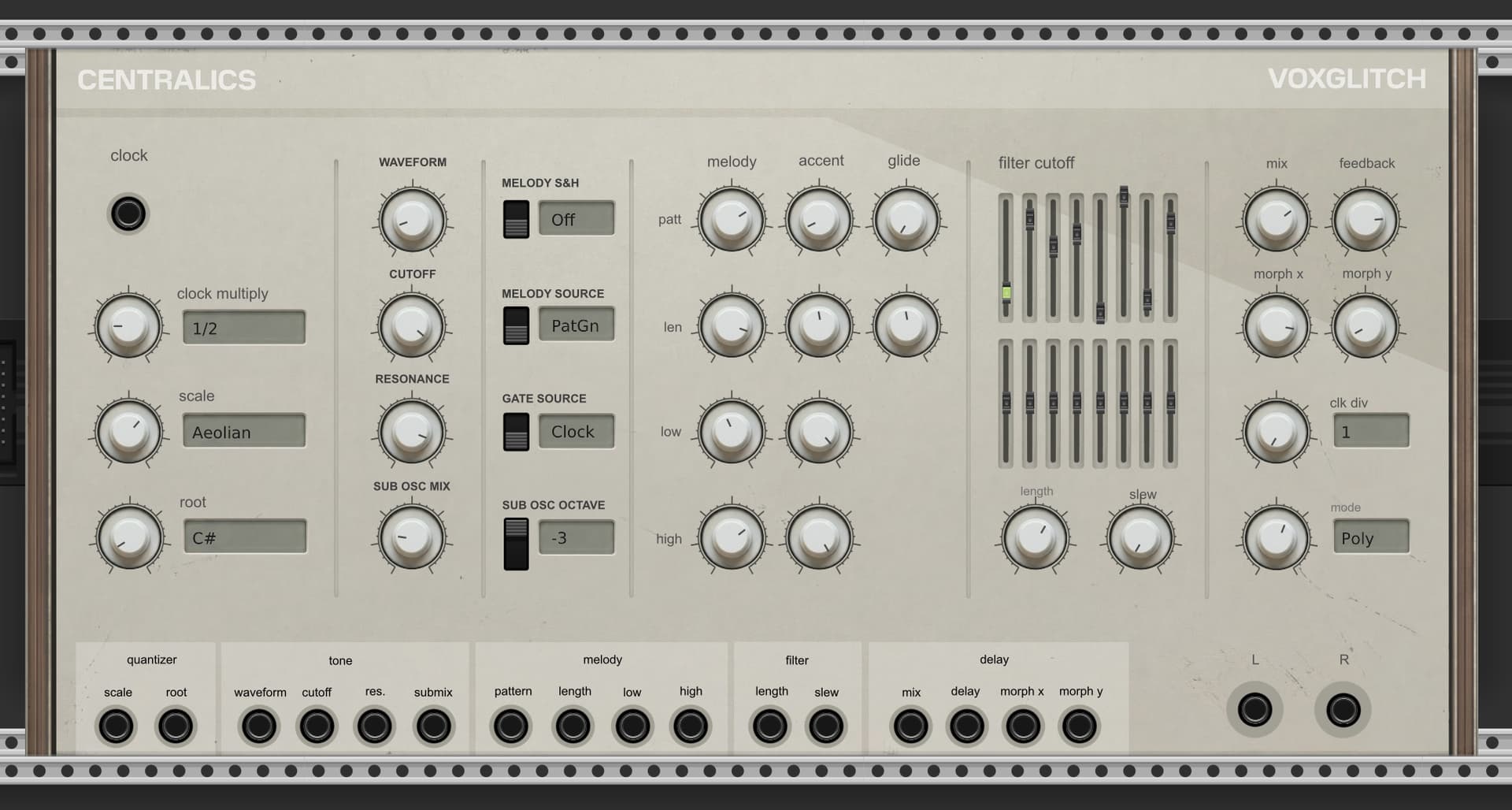
Early morning (8:45 AM) panel update. It’s coming along! I still have typography work to do, but it’s nearly there.

2 Likes

Sometimes, it really depends on the context and the specific AI you are using,

In general, yes, being polite can give better results, in the same way that using correct grammar and not having spelling mistakes can give better results. Specifically if you are interacting with an LLM, trained on data in which polite and correct language is likely tagged to higher quality references.

However, the otherside of this is the prompt, and how the AI interprets the language of the prompt itself.

“Please do not do X” is a very different statement to “DO NOT do X”, the spelling and grammar and politeness will affect the “X” part of the prompt, so use appropriate language there, but the instructional part of the prompt doesn’t always benefit in the same way.

I find using please and thank you in prompts often makes the prompt less clear. Clear directions without filler is what I find best, at least when using Gemini (which I am unfortunately forced to do on a daily basis)…

Having said that, Nano Banana is entirely its own quirky personality, even when using it as a tool of Gemini, it sometimes does strange things that don’t seem to be related to the prompt :man_shrugging:

1 Like

I’ve posted a new (very short) preview video!

And here’s a slightly longer one:

4 Likes

Looking good, reminds me on the Chiangmai plugin from Korg, I still feel like it has so much space to put in features like more effects, internal modulation, etc…

Agreed. There’s probably an large number of features that I could add. I thought about your request for distortion and decide to pass on it. I admit that’s just an arbitrary decision on my part. Hopefully adding an external distortion module will achieve the sound that you want.

Some fun news: I got the CPU usage down significantly:

Today I’m going to be adding a reset input too.

3 Likes

Since you want feedback, it seems a useful sequencer/synth device, probably find many uses for its voice. The design is very good as always, but for me a little color goes a long way. Maybe some colored knob caps per section or some buttons are orange or blue. Just a thought, it has a great look already, but thinking rack workflow.

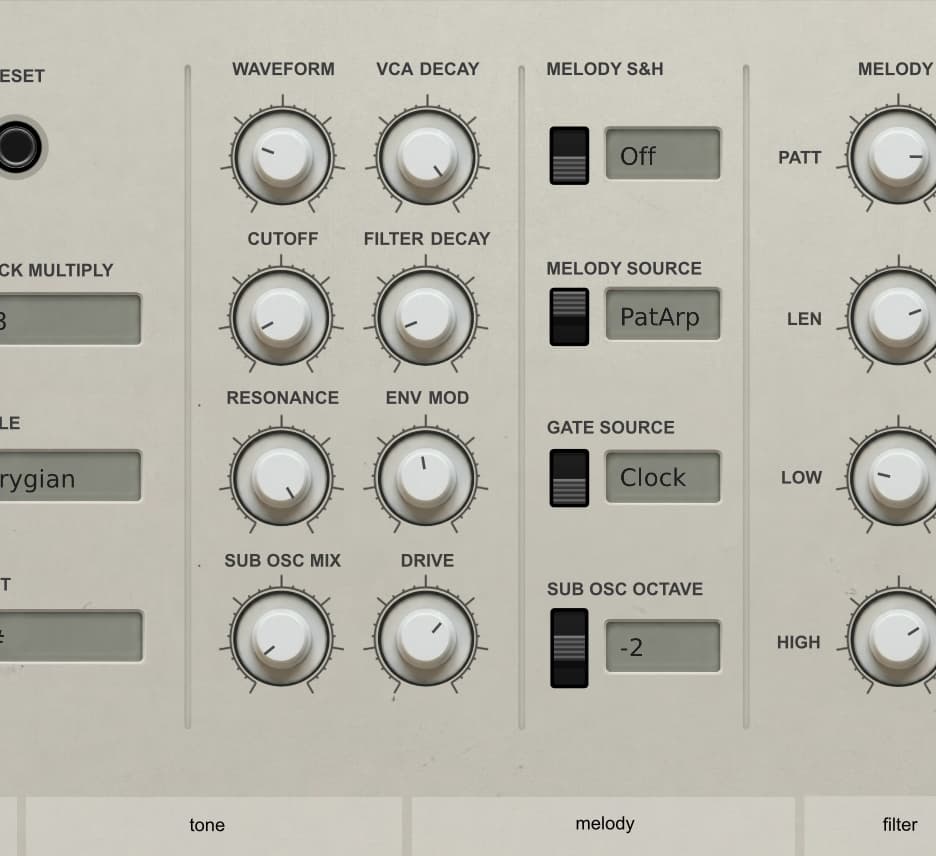
Could you add amp decay time knob/cv?

Yes (a bit reluctantly, because of how much work it will involved). I’ll add both Amp and filter decay knobs to the front panel. These seem like essential but missing components. :man_bowing:

1 Like

oops sorry

Naw, it’s a great catch. I’m making faster headway than I thought on the panel updates. The panel is growing about about 2 inches, which isn’t terrible.

Hi Brett, about LCD, in my opinion, it would be better to center texts vertically (perhaps it’s already planned, in this case simply ignore my remark :wink: ). Aligning texts (displayed by nvgText() method is often a true torture, in particular for some TTF fonts).
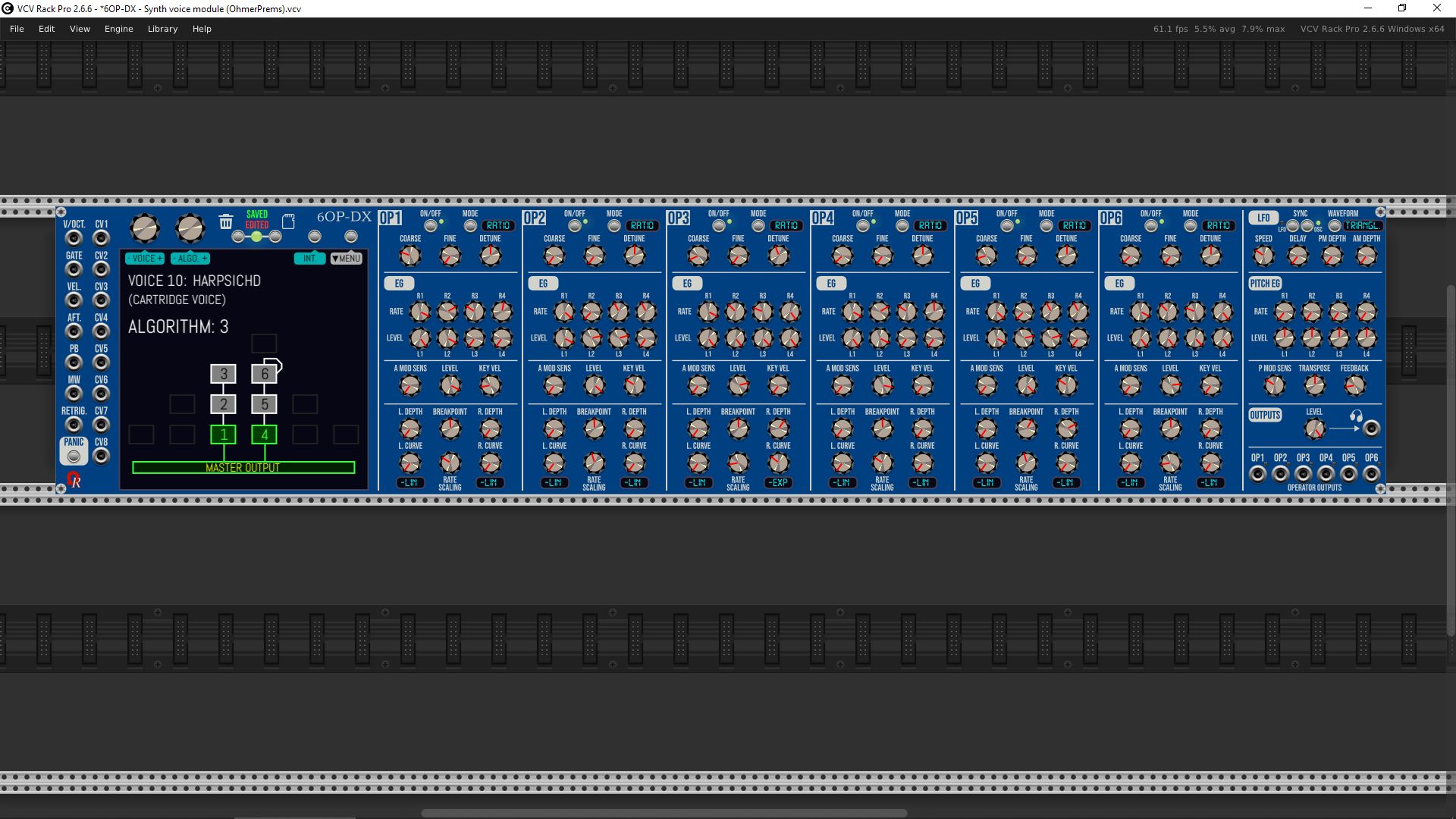
Sometimes, it’s necessary. Do not complain, my new module (WIP) is… 117HP monster (it requires at least 1920x1080 for zoom @ 100% - lol). Like this:

…but the pros: you’ve all synth. parameters in front of your eyes. No “sub pages” or partial views (such Plogue’s chipsynth OPS7 VST is doing)…

3 Likes

Ha ha ha! Nice. Have you shared it already? If not, I’m looking forward to seeing it when you release it.

1 Like

Yep of course, but as Alpha pre-version “Nightly Builds” at the moment.

For now, the synthesizer doesn’t deliver any sound (except “Free/Demo” troublesome tones/noises every minute lol for non-OhmerPrems member / without license key). The best way to discover it is to do not connect its MASTER output jack to VCV AUDIO-x module (it’s useless for now)!

https://github.com/DomiKamu/OhmerPrems/releases/tag/v2.6.10

The plugin is updated at least every night for all platforms, sometimes twice (during day - France time).

I’m focusing on synthesizer parameters and UI aspects (numerous touchscreen features), tested on all platforms (this take hours, or days, for feedbacks) to be sure, before PM (operators) engines implementation (C++ classes are ready, however).

For “testing purposes”, do not place it in important .vcv files, because specs may change! :wink:

Hi @shawnbortree19

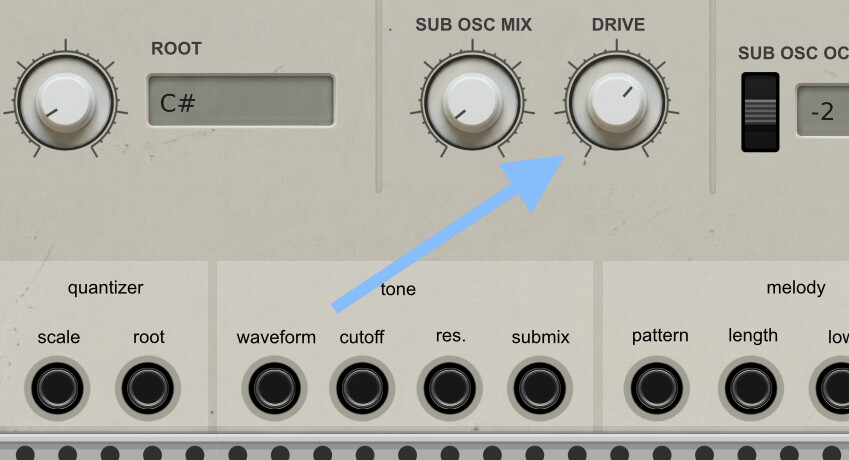
I’ve been haunted by your request for distortion/overdrive. Sometimes I get a bit stubborn and don’t want to do things. But after some soul searching, I added it!

This is in addition to envelope decay for both VCA and Filter, as requested by @jeremy

1 Like