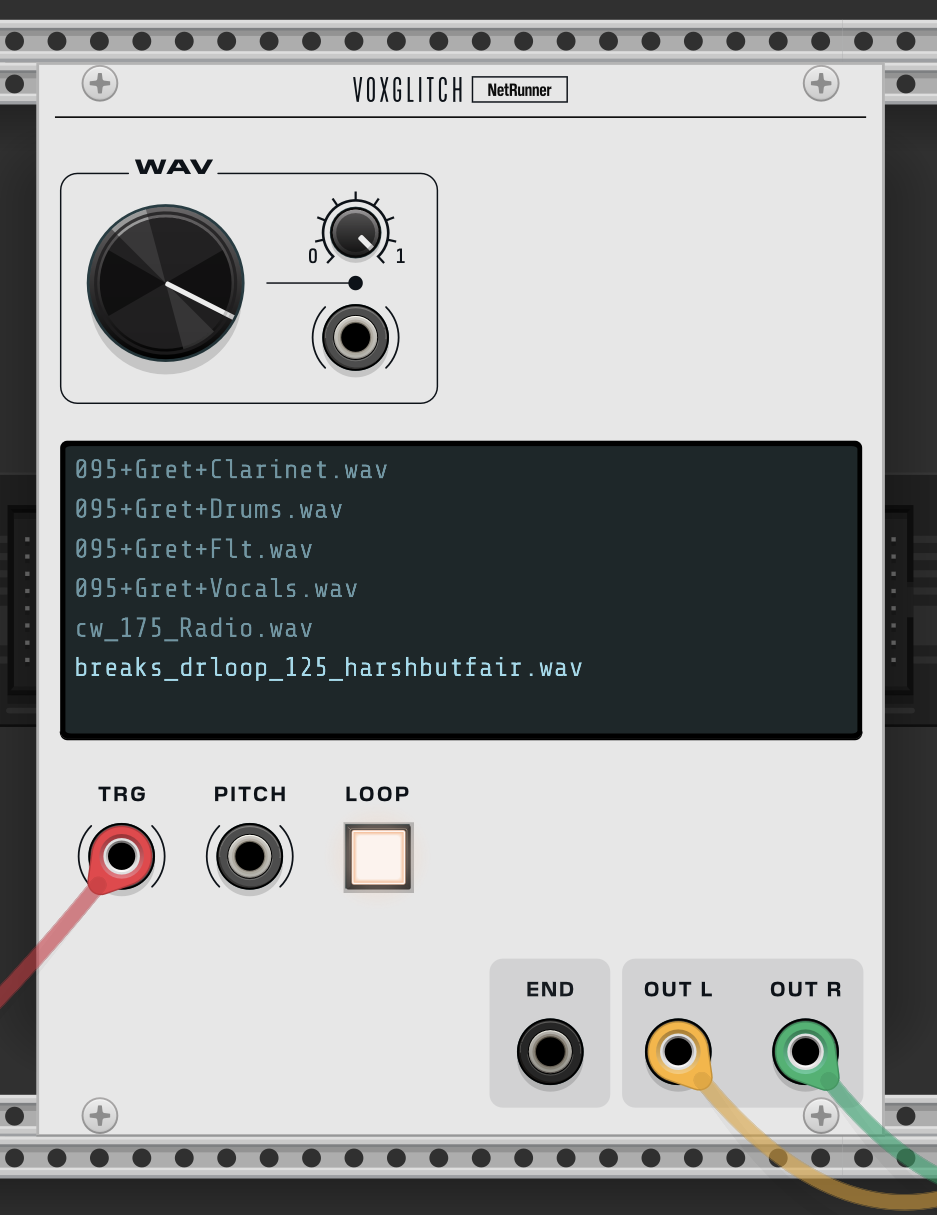
Looking forward to it!
Well, in my very crude implementation, it is just a full rectifier followed by a slew, but the slew only applies to fall, not rise. Then I use a comparator with a variable threshold, set somewhere between 1v and 3v.
So for real time audio, the rectification removes having to deal with negative voltages. A transient would jump the value above the comparator threshold, and the slew holds it long enough for a trigger to fire. (I describe this as crude, because I don’t think it is the best technique, its just what I could achieve easily with other modules. I think using a small averaging window might give better results. Actually, I might ask Gemini what the best way is…)
For real time audio, even if you used a window, I don’t think there would be any benefit in it being the same module as the sample player.
But potentially since you have all the sample audio, there might be a better implementation that detects the transients on sample load maybe? Don’t know for sure, but I imagine that beat detection is very similar to transient detection, but maybe with some sort of interval heuristic?
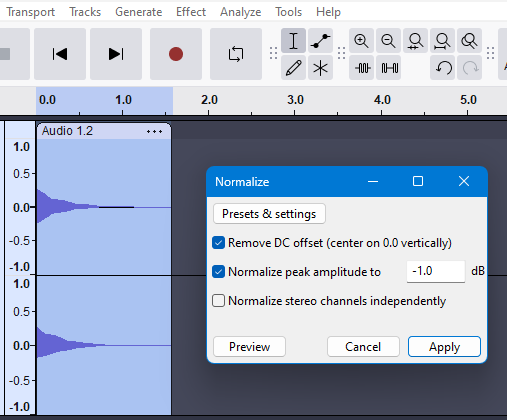
Thought of another feature too, when I am preparing a sample, I often use the normalise effect in Audacity to ensure the sample is a similar loudness to other audio. Again, don’t know how difficult this would be, but it would be a very handy feature to have in a sample player…
edit: this is what Gemini reckons:
The most straightforward and widely used method for real-time transient detection in audio is the Differential Envelope (or two-envelope follower) method.
This technique is effective because transients—like drum hits or guitar plucks—are characterised by a rapid, sudden increase in volume that is much faster than the gradual volume changes of sustained sounds. The system works by measuring the signal’s volume (envelope) at two different speeds and checking for a large difference between them.
Simple Real-Time Transient Detection
The core idea is to create a Transient Detection Function by comparing a fast-tracking volume measurement with a slower one. A large, positive difference indicates a sharp, sudden energy increase, which is a transient.
The Three Steps
1. Create a Fast Envelope Follower
This circuit/algorithm tracks the volume (amplitude) of the incoming audio signal very closely and quickly.
- Process: The raw audio is rectified (absolute value taken) and then passed through a low-pass filter (LPF) with a very fast attack time (e.g., 1-5 milliseconds) and a moderate release time. This quickly follows the signal’s peak volume.
- Output: You get an output signal, let’s call it E_{\text{fast}}, that is a waveform representing the audio’s volume with minimal delay.
2. Create a Slow Envelope Follower
This circuit/algorithm tracks the volume of the signal more sluggishly, smoothing out any rapid jumps.
- Process: A copy of the raw audio is rectified and passed through an LPF with a slow attack time (e.g., 20-50 milliseconds) and a slow release time. This effectively measures the general, steady level of the signal.
- Output: You get an output signal, E_{\text{slow}}, that represents the average background volume.
3. Calculate the Difference and Apply a Threshold
The transient is the part that is fast-rising.
-
Process: You calculate the difference between the two envelopes:
D = E_{\text{fast}} - E_{\text{slow}}
-
During a sudden attack (a transient), E_{\text{fast}} shoots up much quicker than E_{\text{slow}}, resulting in a large, positive value for D. For a steady note or silence, D will be close to zero.
-
Detection: If the value of D exceeds a pre-set \mathbf{threshold} value, the system registers a transient event.
Why This Method Works Best for Real-Time
| Feature |
Explanation |
| Low Latency |
It only looks at the current and immediately past samples, using simple filtering and subtraction. This is crucial for real-time processing (like a live audio effect) where a delay of more than about 10 milliseconds is noticeable. |
| Simplicity |
It avoids complex calculations like the Fast Fourier Transform (FFT) or multi-band spectral analysis, which are computationally expensive and introduce more delay. |
| Gain Independent |
The difference in the rate of change between the two envelopes is used, which makes the detection less sensitive to the overall volume of the audio. |
This method is the foundation of many commercial devices and plugins, such as the famous SPL Transient Designer, where it is known as Differential Envelope Technology.
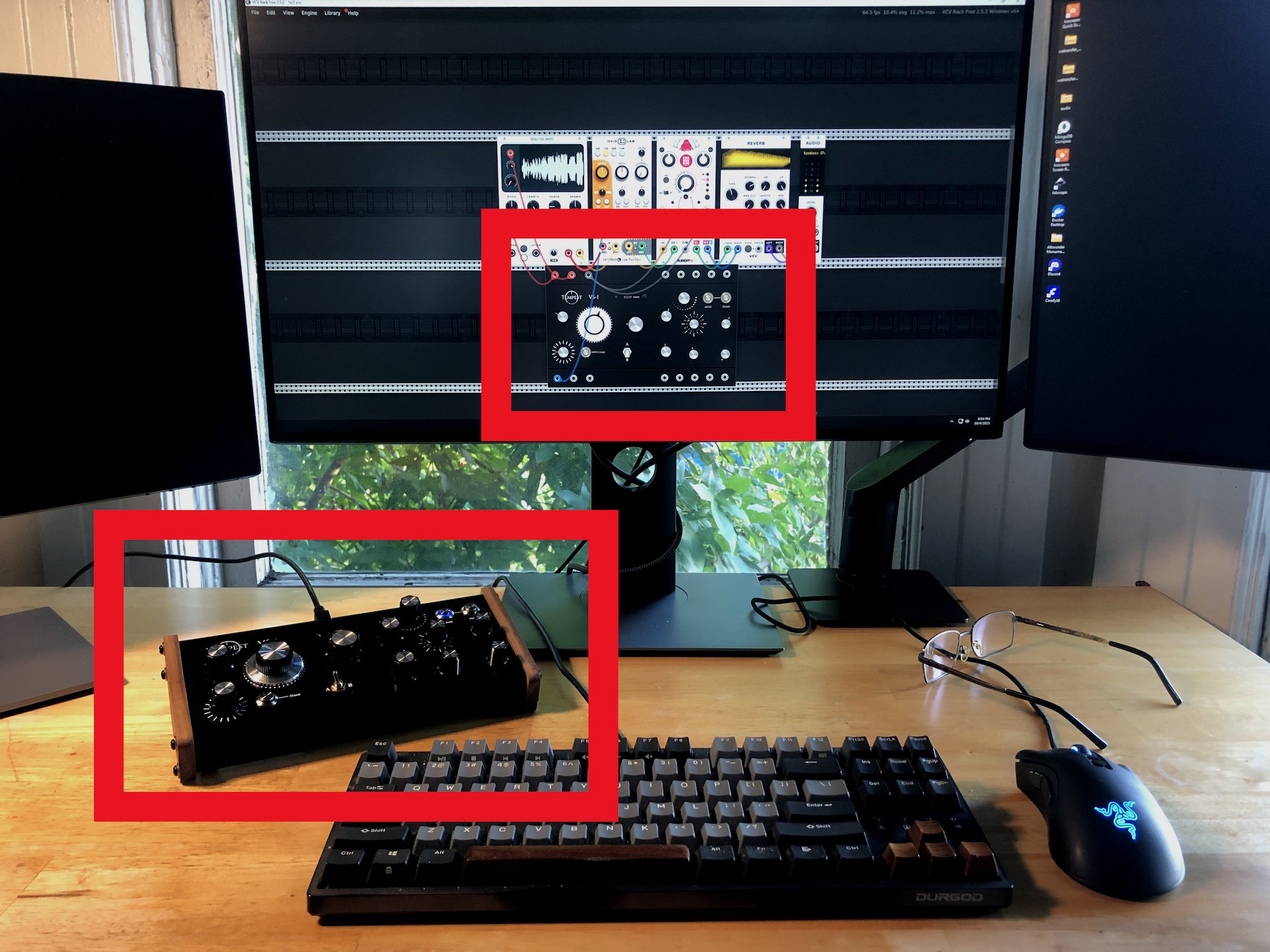
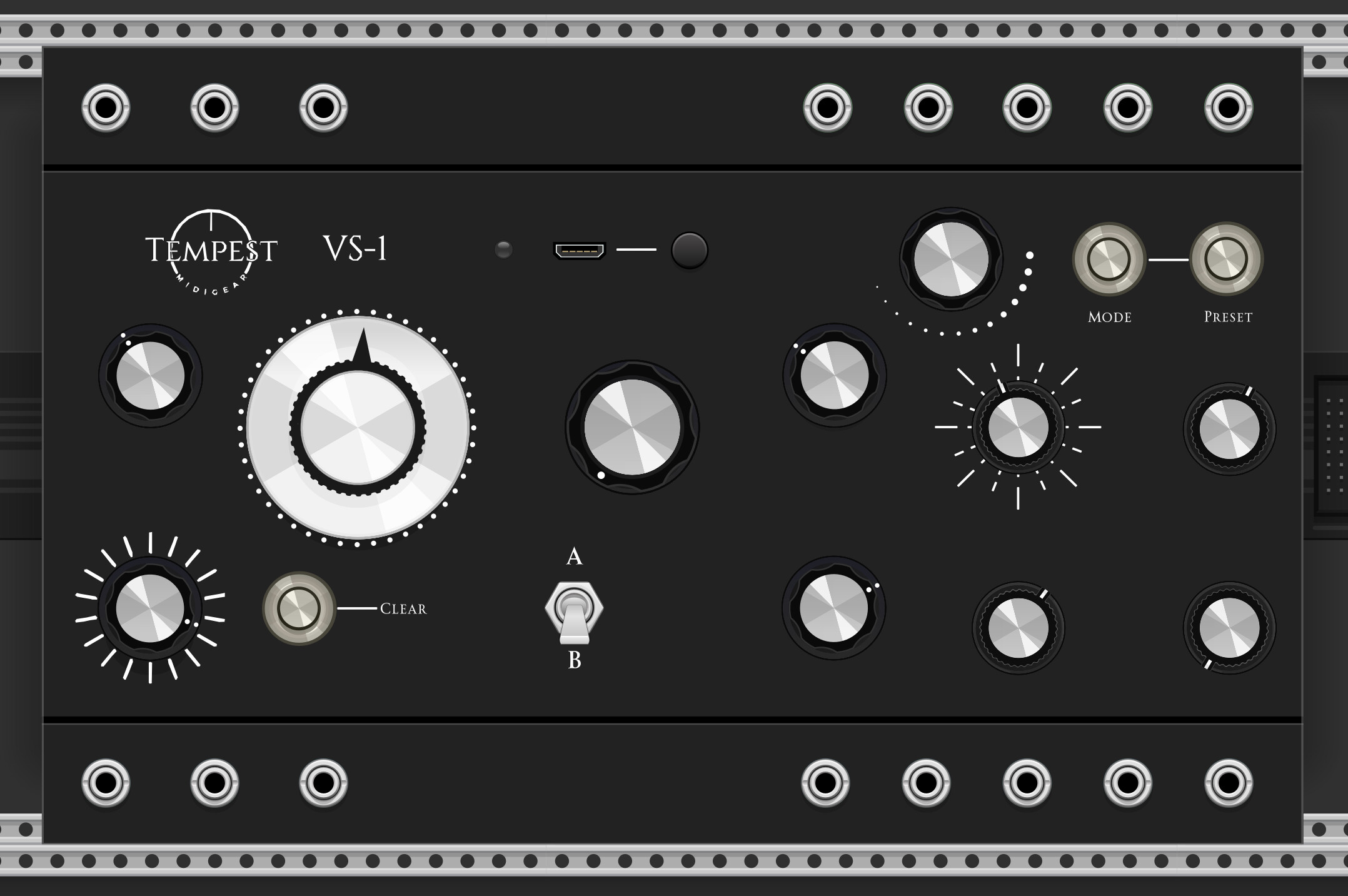


 However, your feedback would be very helpful to me, and good things await.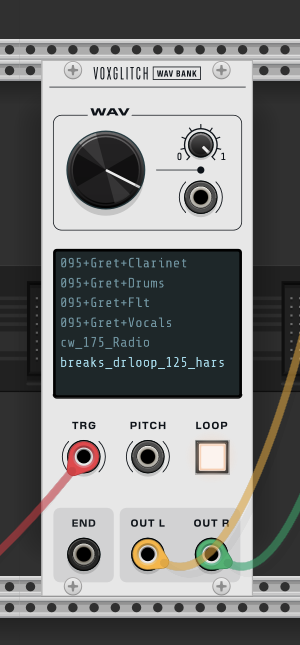


 But in development and the basics are working…