As the person who wrote BASICally, I can assure you, you are right. Probably more than half of my effort on that module was in making the editor work better.
The original Sprott may have been OK.
After playing around with a newly created
Sprott.vcvm (2.6 KB)
with different values for the variables, I think the problem with Sprott is the initial calc time. It takes almost 20 seconds at max turbo speed for the thing to calm down but when it does

Interesting! I wonder if this is faster than a tree of switch statements, like what I do. It might be, because there’s no branch prediction; the compiled code always knows what’s going to happen next, just not the values.
Is it worth noting that zero, one, and -1 are going to come up frequently, and set aside registers for them ahead of time?
I have made the “Hadley” one as in this page:
Hadley.vcvm (2.6 KB)
Don this is so fun I can’t thank you enough!
p.s. feel free to fix it if you find something wrong
Yeah I have to agree you have a very tasteful module aesthetic. I see what you mean. And with more presets, it won’t be as necessary to edit the formulae as much.
I also like Dave’s ‘Zookeeper’ idea. I love to have CV control of more things!
So another thing you might try, that wouldn’t change the look of the interface much, is the take poly input from the Chaos input so you can modulate A B and C simultaneously.
After building a preset based on 2.74 ACT Attraktor, which did not look that great, I started a new preset by adding the x term from 2.7 Chen-Lee Attraktor to the existing ACT preset and this is the result (apologies in advance for the ?temporary? name, I am sure anyone can come up with a better one)
x-ChenLee_yz-ACT.vcvm (2.7 KB)
Loads fast and runs fine at any speed
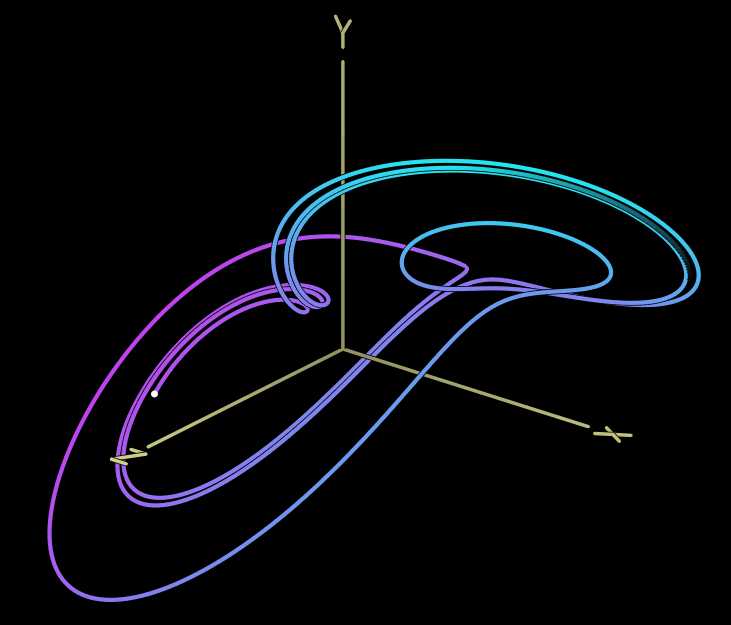
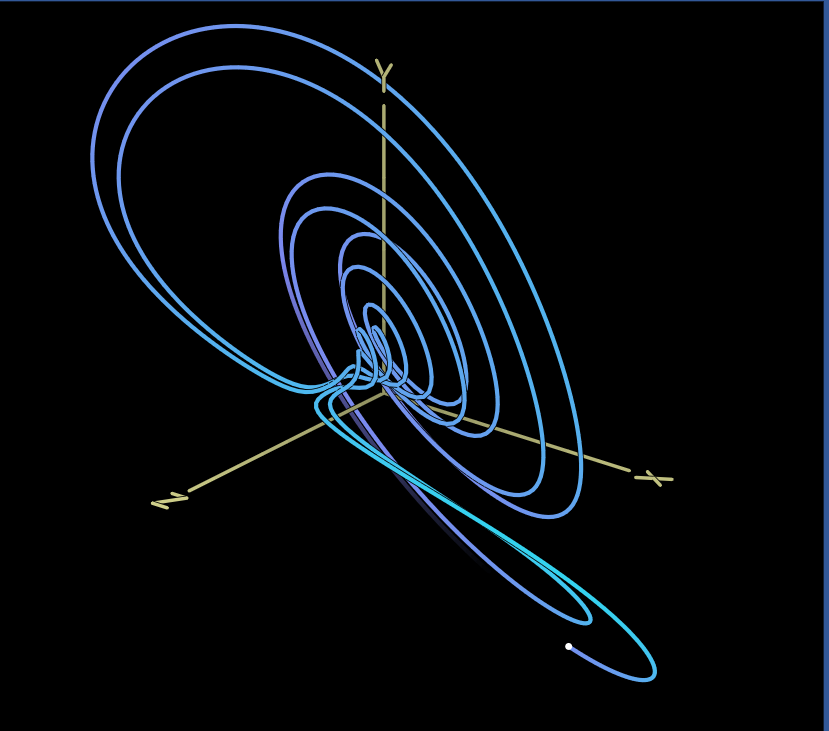
A follow up: how does this allow you to avoid divide-by-zero errors?
I was looking at these .vcvm files, and I realized two things: For presets, you can just include the formula and required variables, so it doesn’t override the knob/chaos/rate settings when you load a new model. Also, directly editing the JSON could be an easier way to input the formulas.
"program": {
  "vx": "a*x-y*z",
  "vy": "-4*a*y+x*z+0.02*x^3",
  "vz": "-d*a*z+x*y+b*z^2"
},
"dilate": 0.21755126118659973,
"translate": {
  "x": 1.2599914073944092,
  "y": 1.620002269744873,
  "z": -11.339987754821777
},
"params": [
  {
    "center": 5.2000000000000002,
    "spread": 0.080000000000000002
  },
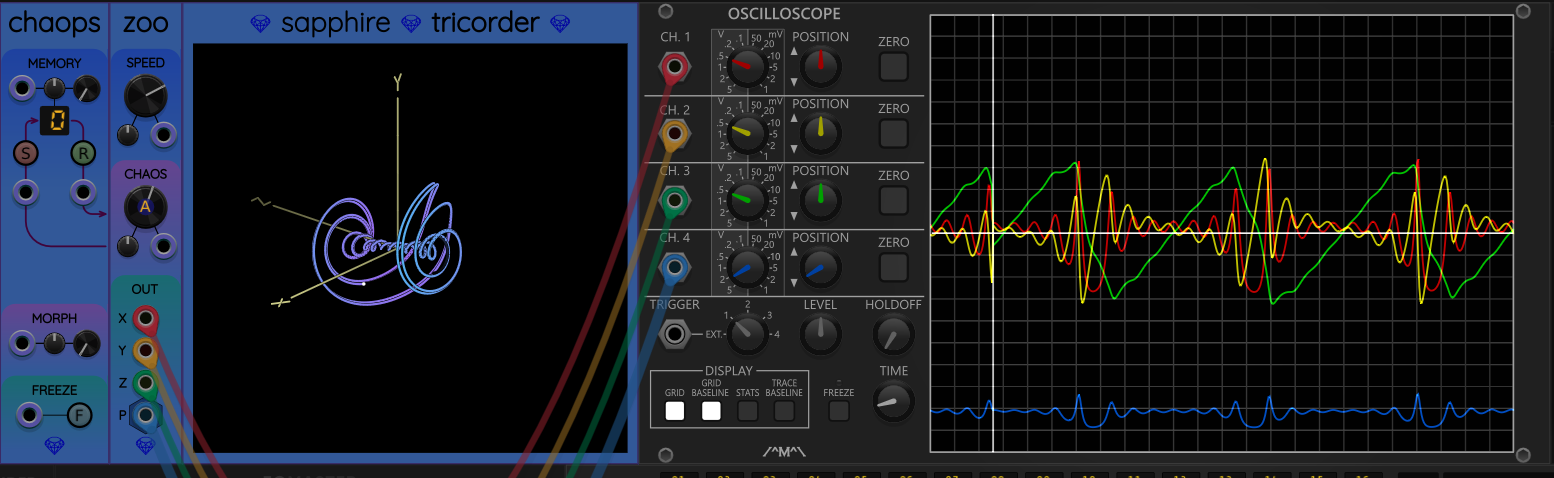
Yes, that was the idea. Even though the operation r = a*b + c often wastes some floating point calculations (multiplying by 1 or adding 0), the savings in eliminating conditional branches is what I believe makes it so much faster. The CPU’s predictive execution has a much better chance of maintaining a full pipeline of work. There are many cases on modern processors where you can speed things up just by eliminating uncertainty in the upcoming code path.
Whenever I need to allocate a register to hold a constant, I remember the pair (constant, register) in a list. But first I check the list to see if anyone else has already stored that exact constant in a register. If so, I re-use the register. That way, you never have constant values like 0 or -1 stored in more than one register.
It sounds like the initial point is just too far outside the “orbit” of this attractor. Here is one way to fix this. Once it does settle down, you can press “S” in Chaops to store the current location into Zoo’s memory location 0. (Every Sapphire chaos module has 16 memory cells. See the Chaops documentation).
Sapphire Zoo uses the contents of memory cell 0 as its initial starting point. So once you update the location stored in memory cell 0, save the preset. Now your chaotic attractor will be “pre-settled”, starting where you want it to.
Yes, for people who feel comfortable editing JSON format text files, this could be a lot less aggravating. Open up Zoo, save a new preset, then go edit the preset.
As mentioned above, memory location 0 stores the initial location. So you can manually edit your starting point in the JSON file also.
See the “// edit” comments here:
  "data": {
    "lowSensitivityAttenuverters": [],
    "voltageFlippedOutputPorts": [],
    "neonMode": false,
    "turboMode": false,
    "chaosMode": 0,
    "memory": [
      {
        "x": -0.37904017413400798,    // edit
        "y": 0.062057289864081849,    // edit
        "z": 0.029381014368725443     // edit
      },
      {
        "x": 0.11,
        "y": 0.12,
        "z": 0.13
      },
      // ...
    }
Currently, division is only supported when the denominator has a constant and nonzero value. For example, this expression is allowed:
(x+y)/3.5 + b/(3*4)
The expression compiler knows how to “fold” constant sub-expressions into a single numeric constant, so b/(3*4) generates identical code as would b/12.
Because my little virtual machine only supports multiplication and addition, the actual code generated will be as if you used the following formulas (replacing division by constants with multiplication by their reciprocals):
(x+y)*0.2857142857142857 + b*0.08333333333333333
If the compiler sees something like x/(1-1), it will detect that the denominator is zero and report a compiler error. The code will never get a chance to execute.
You are not allowed to divide by any expression that contains variables, since that would require changing the virtual machine design. This VM simply does not know how to divide!
This is a really interesting idea! Currently I sum polyphonic inputs to the chaos CV input. If I support this, it would have to work across Frolic, Glee, Lark, and Zoo, because they all share that part of the code. Therefore, it would need to be an option, not the default behavior, to prevent changing the behavior of older patches.
It would certainly open up more exploration of these mysterious mathematical objects.
This is a great thing to understand, for anyone who wants to try programming a new attractor. I always test them at maximum speed (with turbo mode enabled) to make sure the behavior is stable across all parameter values. It really does take some time to go through all the parameter ranges and adjust them.
One thing I’m thinking about: when Zoo diverges beyond a certain limit (maybe when the “radius” R = \sqrt{x^2+y^2+z^2} goes beyond some limit like 100 volts, we automatically reset to the starting point.
This would cause an abrupt jump in the trajectory, but I could add a smooth ramp for 0.1 seconds or something to eliminate clicks/pops downstream.
I might make the panel “flash” with a glowing color briefly, as a visual indicator that a reset occurred.
I have a feeling these little changes will make attractor-programming less annoying, and if things do get out of control during a performance, at least it will sort-of take care of itself.
What do you all think about this?
I think that’s a great way to handle divergence. I can imagine particularly aggressive uses of this that actually play with divergence, in which case the following features might be worth considering:
- Maybe make the |R| reset limit adjustable in terms of magnitude (if only on the right-click menu);
- Add an “I’m resetting to the starting point due to divergence!” trigger out;
- Especially if there’s a trigger out, maybe make the automatic ramp optional (on the right-click menu)?
It’s been a while since I studied these mathematically–they tend to diverge in all dimensions at once, right? That is, it wouldn’t be particularly useful to monitor dimensions individually or pairs of dimensions? With (4) [a reset input] additionally monitoring could be done downstream anyway, but now I’m making two front-panel requests and you may want the panel to be fixed. (2U trigger expander?  )
)
It’s incredibly exiting to see this come together!
OK, everyone, I just built Zoo pre-release 5:
This one includes the following 11 factory presets:
- Bouali
- Chen-Lee
- Four-Wing
- Hadley
- Halvorsen
- Lorenz
- Nose-Hoover
- Rossler
- Sakarya
- Sprott
- Three-Scroll
Thank you @scook and @ale47p for doing the grunt work of programming formulas. Now we all have the equivalent of 11 more modules like Frolic, Glee, and Lark!
If anyone wants to help, but you don’t want to program formulas, there is still something useful you can do for this project. Try installing this pre-release, pick one of the presets, and really bang on it:
- Does it work at maximum speed with turbo mode enabled?
- Try all available parameters / chaos modes. Do they all work? Are they stable for all settings of the chaos knob?
- (More subjective/opinion) Are all of the chaos modes interesting? Are you able to get a sufficiently interesting range of behaviors with the chaos knob for each of the available modes?
Preset contributors: We still have room for some more presets. I think we could have 20 or 25 without making the list too long. Let’s try to focus on any attractors whose shape and/or behavior is different from what we already have.
These are great ideas. If I add an extra output trigger port for resets, it will probably be in Chaops attached to the left of Zoo. I feel like Zoo’s panel design should stay the way it is.
I’m filing away these ideas for a future release. The first release of Zoo will probably be close to what we have right now. I only want to fix bugs and add presets for the initial release.
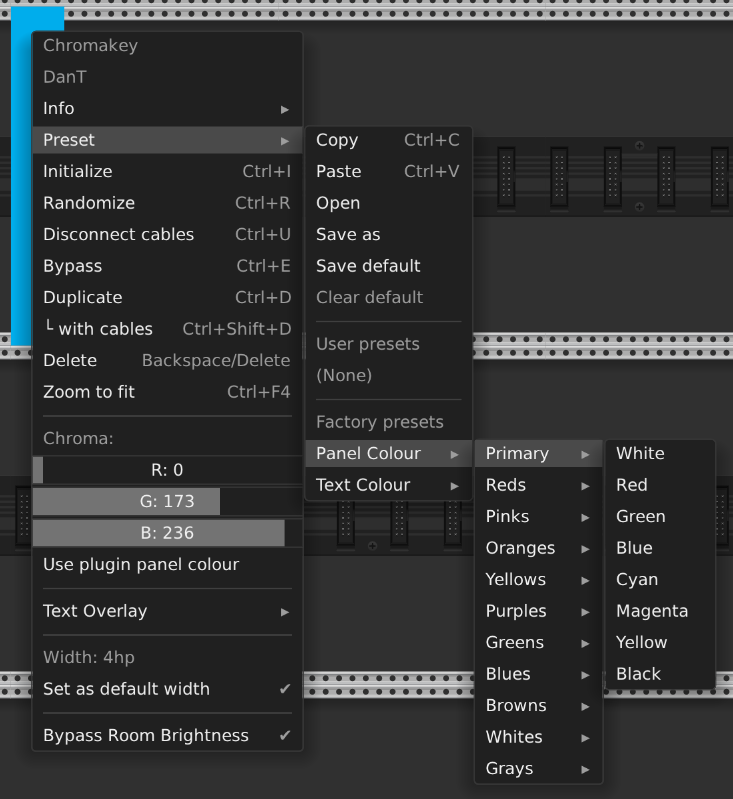

Oh, thank you, THANK YOU. I did not know that!