Rack 2.5.2 on Windows, Ctrl+Arrow witth a module context menu up scrolls the Rack window underneath the menu.
1 Like
I’d really like to see native multitracking implemented…beeing able to record, let’s say, eight tracks of live played music to accordingly named files, in a specified folder, would be dope. Along with some sleek mixing capabilities…: if executed the right way I’d pay extra for that 
1 Like
This can easily be done using the Vst version. Just route 8 outputs to your DAW and render the tracks. Otherwise there are some modules which can record multitracks.
1 Like
You can use the VCV Library - NYSTHI Polyphonic Recorder or the VCV Library - NYSTHI PolyRecorder64 64 tracks
and then if your DAW doesn’t support loading multitrack wavs you can use ffmpeg to split the channels
AudioChannelManipulation – FFmpeg
audio - FFMPEG splitting an 8-channels WAV into 4 stereo WAV files - Super User
audio - ffmpeg stereo channels into two mono channels - Super User
it will take a bit of research and trial and error to get the right ffmpeg command though
4 Likes
NYSTHI is what I use for this too–it’s a great option. That said, adding a polyphonic mode to VCV Recorder (or just doing a multichannel version) would be a decent feature request.
Thank you. I’m still finding my way around, but I’ll try that.
Thank you. This seems to be very helpful and I’m going to try it out. I also thought of multitracking via some hardware…Thing is I want it to be as simple as possible. I’ll see how your aproach works for me…
I just noticed that POLYREC has the option “Save tracks in separated WAV files” on its right-click menu. Maybe you don’t need ffmpeg after all?
3 Likes
Could theoretically have performance implications with high track counts (haven’t tested) but very convenient!
Wish:
F4 is very nice to zoom to show all the modules you have in the rack.
I wish it honored the selection when you have a set of modules selected, zooming to just that set instead of the entire rack. Helpful for setting up screen recording or taking screen shots for documentation.
1 Like
I just found this:
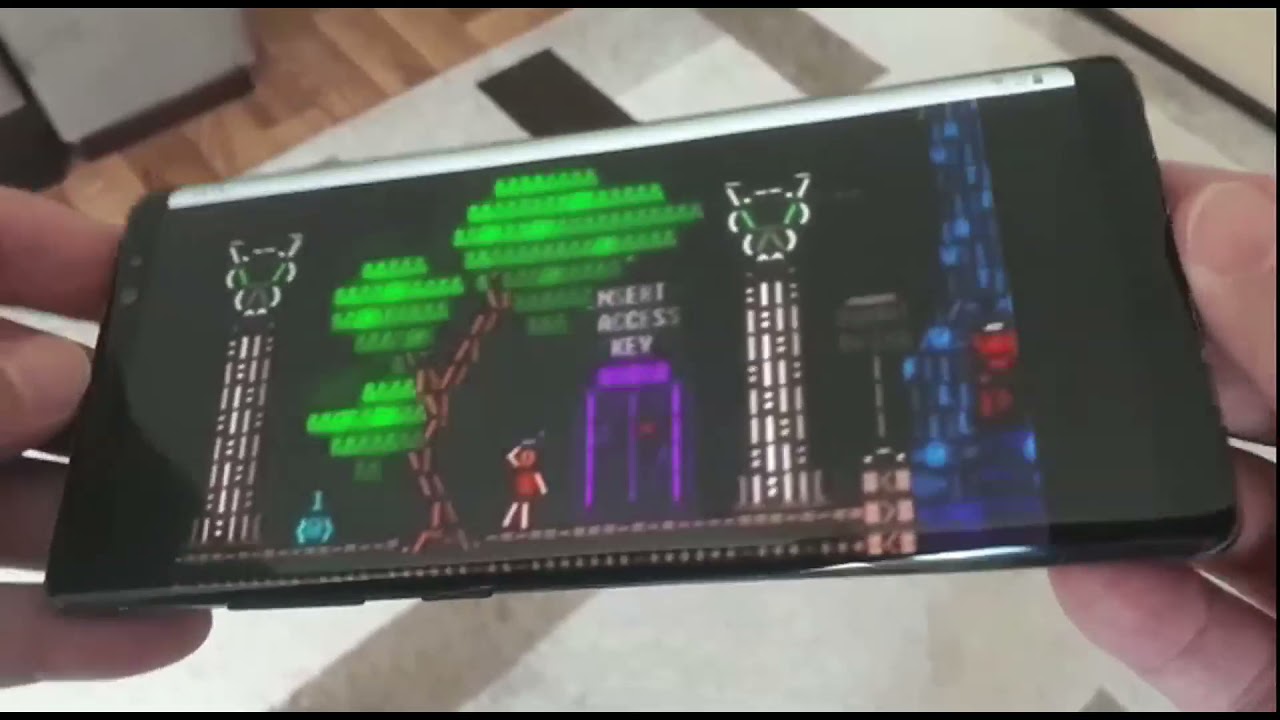
It would be nice to have some kind of 3D-effect in the Rack, although no one really needs that, like no one really needs shadows on kobs an cables 
Would be nice to have a way of building your own modules within rack itself. Like a blank module that you can resize and a choice of elements like knobs, sliders, buttons, switches and displays. With context menus to choose essential DSP functions. Something that can then be exported into an IDE for further tweaking and code developing. Perhaps a companion app for this purpose would be the way to go with the ability to integrate AI coding into it. A breadboard modular playground of sorts
4 Likes
This one is kind of hard to explain but if you’re familiar with the transition matrix used to implement a markov chain algorithm it might make sense.
I’ve looked at the log.txt and it seems like there might be enough information there to construct the transition matrix. Every time a module is added, this event gets logged as a chooseModel event.
What if there was a table with a row and column for each module, initialized with 0s. Every time you add module A and then module B, you increment the B column for A’s row. After some time you can infer probability that if you add module A, you are likely to add module B next.
So my idea would be for an option where you enable X number of slots in the module browser where the first X number of modules shown would be based on the previously added module.
Thank you for coming to my TED talk.
1 Like
The user can also notice that they often use modules x, y, z, and save a selection for that set.
Not sure I want Rack automating the creative rut one can get into ;-).
1 Like
Fair point, @pachde, but you could cap the Markov probability at 0.8 (or whatever) and distribute the remaining probability over other modules (maybe biased towards ones which share a tag or tag(s) with the more likely ones). So it could perform a mix of familiar convenience and new suggestions.
I think it’s a neat idea, @dustractor–not sure it would make it as a feature request but it would be a cool custom module browser to code up!
I like the idea. I imagine it a little like the possibilities in the (almost) dead once beloved NI Reaktor. Giving modular nerds that aren’t capable of real coding the possibility to “build” modules.
2 Likes
About selecting/manipulating stacked cables…
We can stack cables on output ports, and since v2.5.0, we can also stack cables on input ports (summing the voltages). Stacking cables is a very usefull feature, but introduces some useability limitations on the stacked side.
-
Currently, manipulating cable stacks conforms to real world restrictions. As far as I know, on the stacked side, we can only manipulate the top cable of a stack. We can not select and manipulate a specific cable end in a stack.
-
Would be nice if we could select and manipulate a specific cable end in the stack (below the top cable). Especially useful, in case we want to move a specific cable end to some other port. This would more or less conflict with real world cable manipulation, but would be very usefull and possible in the virtual world.
-
On a related note, it would be nice if we could alternatively/additionally pickup the top part of the stack, on top of the selected cable, in order to move that (sub)stack to some other port. Thus enabling moving all or only the top part of a stack to some other port. Something that would actually conform to the real world.
Yes you can. On both stacked inputs and outputs, right-click the port, you will find the menu “Click+drag to grab cable”, click the menu-item for the cable you want to manipulate and drag it to the new port in the patch you want it. Yes, click+drag on a menu-item is a bit counter intuitive but it works.
See above
Since version 2.6.0 you can grab/move all cables on a stacked port to another port:
2.6.0 (2024-11-20)
- Add ability to grab all plugs stacked on a port with the “All cables” menu item.
But not a “sub-stack”, no. I think that would be really hard to implement in a user friendly manner, on top of an already slightly unintuitive interface. Personally I also think that use case would be used by vanishingly few, if they even discover it. So you’ll just have to drag one cable at a time from the stack, as described above.
Ah, I somehow missed that. I was still annoying myself by disconnecting the cable from the other end and reconnecting the whole cable. User error, replace user.
Agree. The cost probably outweighs the benefit by a lot.
1 Like
Would love to see alot of vsti and vst patchs that I can use inside of cakewalk. right now I am not seeing much of that for cardinal or vcv, I did not have that much trouble coming up with something strange though to use.