Hi VCV Community, I am starting this thread because I really really like the new module in Voxglitch Devices, the paid plug-in PatchSeq. I know there is discussion of the module in several threads already, but I feel like this one is special and needs a thread just about PatchSeq. I have no affiliation with Bret of Voxglitch or Jeremy of JW, other than being and ardent supporter of both. I am unsure what parts of the module are JW and which parts are Voxglitch, and maybe they can fill that in, but the module is too fun to miss. Yes not everyone feels compelled to spend $10 on a single rack module, but I feel like I am already getting a bargain with all the fun I have had with it so far.
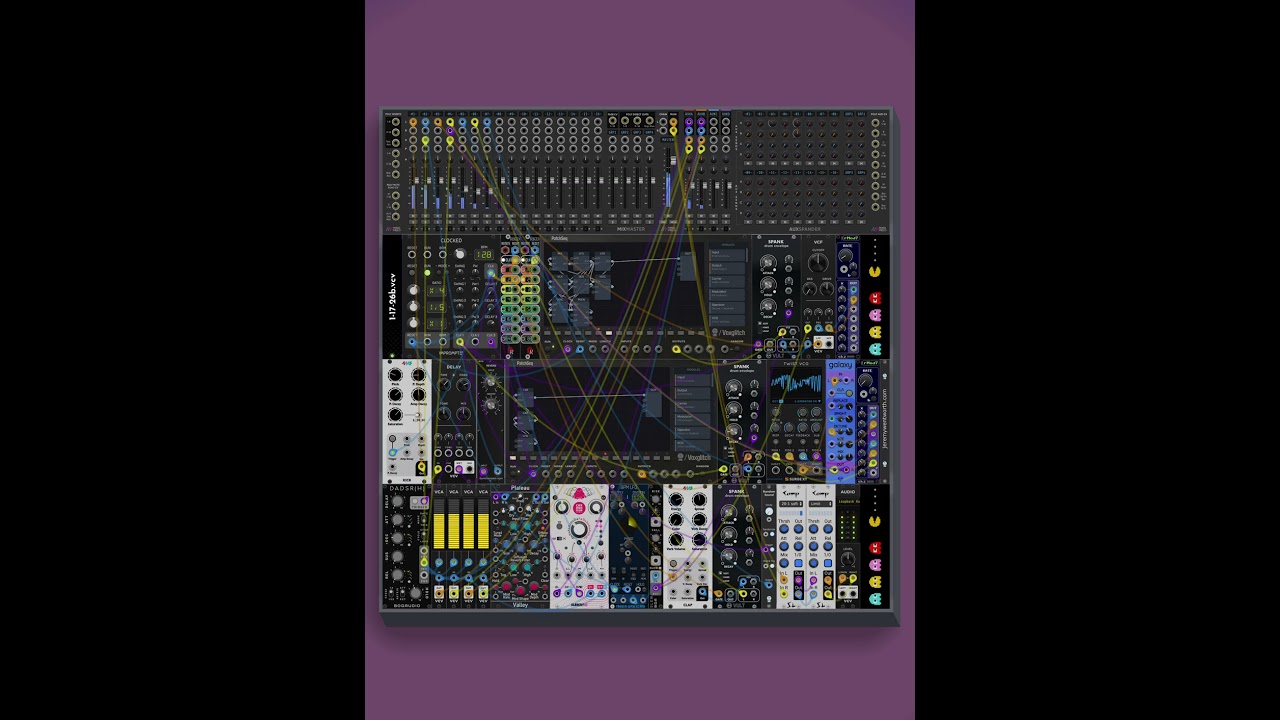
Maybe we can share how we use it in our patches and feed in the community vibe already present here. For myself currently I have 2 patches where I am enjoying the PatchSeq. The first, I have v/oct and gate from Slips and the mod sequence from Slips and an LFO fill out the other 2 inputs. Inside PatchSeq I have a complex stereo FM patch that I copy across 8 steps, vary each step wildly, and switch with a clock divider so it gets new step every measure or 2 of the melody. To make this more variable, I also run the clock thru a Chances probability module to cv its probability to change fm voicing, lingering at times and changing more often at times. Wildly fun to patch. I did no randomization, just patching listening adding adjusting etc.
The second patch I started has a lot of randomization. I started just hitting random to get started, and one was some lfos playing patterns on kick drums. So I started copying this to several steps and varying wildly. I also left some steps to further randomize and got some wild synth squawks, so I copied those to some steps, so now I can go between drummy stuff and squawky stuff with the steps, I put a beat together on GrooveBox to accompany and now I’m back tweaking PatchSeq to satisfaction.
I really don’t know what is next because so much is possible . I would love to hear from this brilliant community about how you use this brilliant module. Love to hear the developers thoughts as well and look forward to the encyclopedia of manual to follow.
I am really enjoying this one, too. I would normally want to see a manual before buying a module, but I really trust Voxglitch and am glad I bought it.
Me seemed too, that this module is certain step up. Particularly if consider to potential ability of widening set of submodules. In rest - convenient control incl. visual aspect - alread present (nice work).
Also did check for recalling - had no issue yet.
Further possible inplementation (like Groovebox Advanced) i would grab for sure.
Among rest even was idea - couldn’t this whether be called a new synthesis method lol? I’m referring to a body obtained by rapidly sequencing different short timbres (which in turn could represent different, already known synthesis methods) over time.
Well, it’s like vector synthesis, only strictly along the time axis. Or no
Hoping to find more videos here since I’m still undecided on if I should spend my money while I’m trying to save more this year, I don’t know if I’ll wait for Black Friday but I just have to wait until I hear enough of this modular monster…
Yes yes, if I have time I will try to make a video this evening, I really love this new palette of colors and techniques. I hope many will share here as well.
It’s more of a black hole for time… if I find it, there goes who knows how many hours of my life since I get very absorbed into the environment… the only thing holding it back is my wallet’s primal instincts to save money this month
Love patching this module, but I wish one behavior could be managed differently. I typically use a clock with a clock divider to advance Patchseq, and the classic behavior is the reset always goes to step One and advances on the first clock tick. This is logical behavior and needs to be in place for reseting while in Run, but if one is not in Run and want to restart the project, I reset and Run and start on the second step. I know Sickozell has mode to skip the first clock on reset, but that isn’t best while running and I believe the Count Modula units all reset to a “zero” step to always advance to one on next clock, which is nice but clumsy for some resets while running. I guess I could delay reset and do it several samples after Run.
Man I love playing around with PatchSeq, it remains fun. But being a 100% honest, the updates broke all the patches I had started with PatchSeq. The new additions are banging, but now I have mini modules I never selected patched into my mini patch, in fact these patches have some randomization at their core and the patches are unrevivable as of now. None of these patches were precious, they were experimental for sure, but it is a bummer to go, oh yeah, that patch is dead.


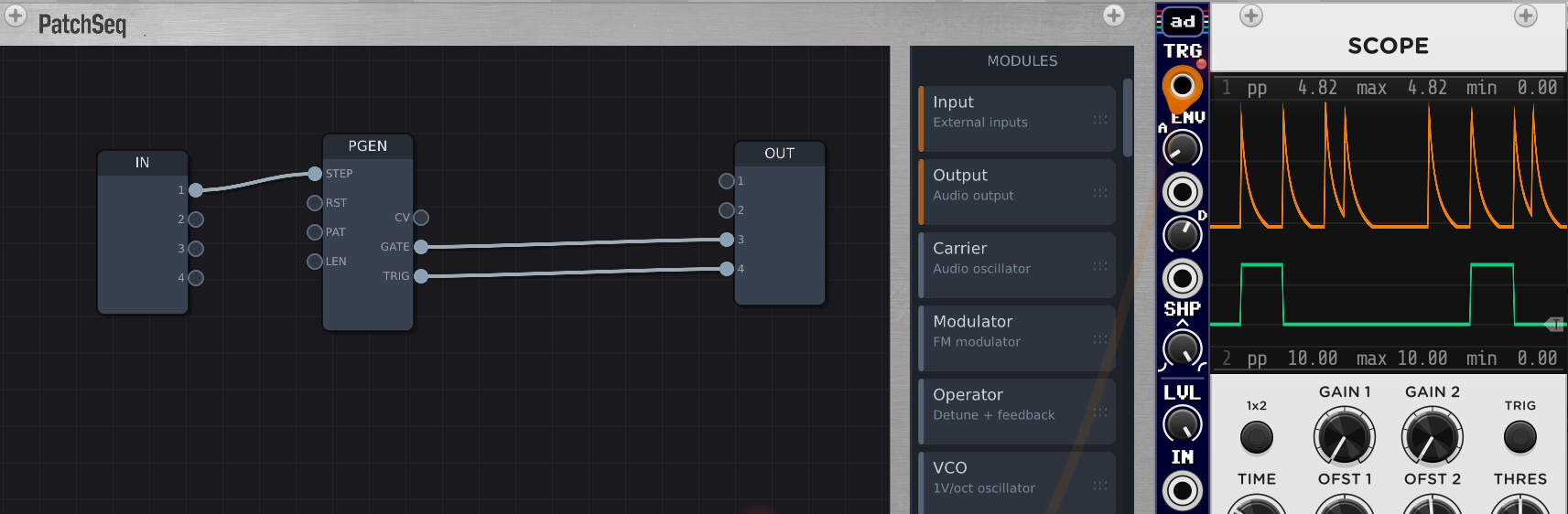
 of colors and techniques. I hope many will share here as well.