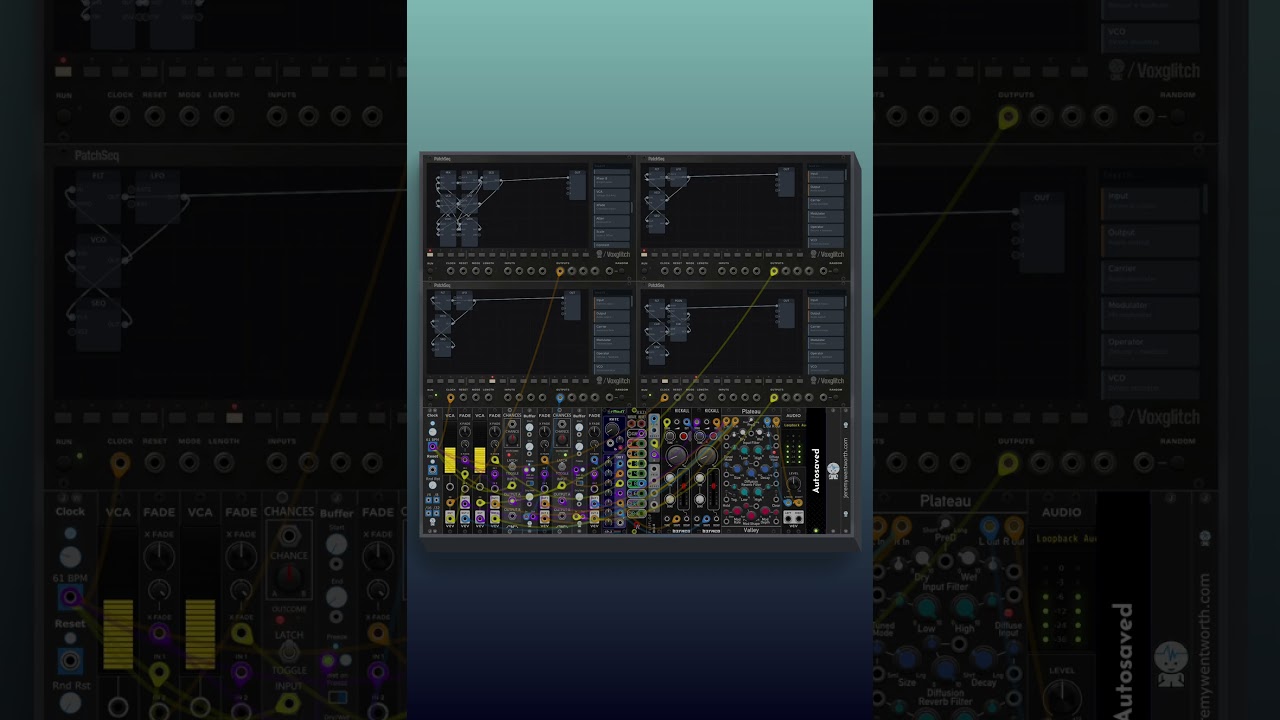
But being a 100% honest, the updates broke all the patches I had started with PatchSeq.
Same here. They do look different. E.g. Output module is occasionally replaced by Mix6 in my previously saved selection and presets. I’m looking forward to the latest updates anyway. Hopefully there won’t be many changes…
mini modules were replaced with other minimodules, and they had extremely diff results
its mostly annoying on the fm patch I spent a lot of time with and was really too complex to unravel and begin again, its just that backwards compatibility should be preserved when possible, I know these were hot to get out in front of users, but paid modules so go thru patchers beta testing to weed out all these little issues really, right?
It’s likely due to the fact that modules and ports are referenced by index, instead of the proper way – by UUID. This is an approach that I’ve since fixed with the Groovebox Advanced, but needs to updated for the PatchSeq as well.
My sincere apologies. You might be thinking, “Voxglitch is great, but Bret’s not paying enough attention to keeping his modules properly tested and backwards compatible.” And that’s totally true, and every time I get a bug report it feels like a mini existential crisis.
So maybe for the next few days I’ll just focus on setting up more automation so I can easily run compatibility tests, unit tests, etc. So far I’ve been able to run amok with my free modules, but commercial modules carry higher expectations.
There comes a time when to advance a module, it’s best to call it done and freeze it, and make a new one with a diffrent slug. The tricky part is knowing just when you’ve reached that point.
Sorry, I’ve just been super busy. It might take a few more days for me to respond. It’s all about attention management right now. What’s on my mind right now:
An update to Centralics, which addresses some requests and deficiencies in the module
But then, I should have time to swing back to this. Groovebox Advanced isn’t pressing since it has no strict due date, and there’s a ton of work to be done on it.
A notable update that’s already been done to the PatchSeq is how the patches are stored. In the new implementation, additions to the inner-modules ports won’t break existing patches. Things might be a bit rocky for the next few releases, but I’ll do my best to smooth them out.
Now it’s getting even crazier. Today I started Rack and got updates from Voxglich. It’s always cool to get updates. But as the picture shows… What is Groovebox Advance doing in my library? I didn’t buy or order it. Then Centralics is in my library, which is nice, but I didn’t buy that either. Neither of them work either.
All of these are theoretically done. However, I have to go through and test each one next. But I wanted to let you know that these features are on the way.
Thanks. I agree 100%. I spent a great deal of time nailing that behavior for my dedicated sequencer modules, and I’ll try to pull over the logic to the newer Voxglitch Devices modules.
I did notice a problem with the clock module where it seems like the switch between external an internal might be broken. I’ll dig into that and get an update out if that’s true.
It also seemed to work for me with using the Inputs, like in your example:
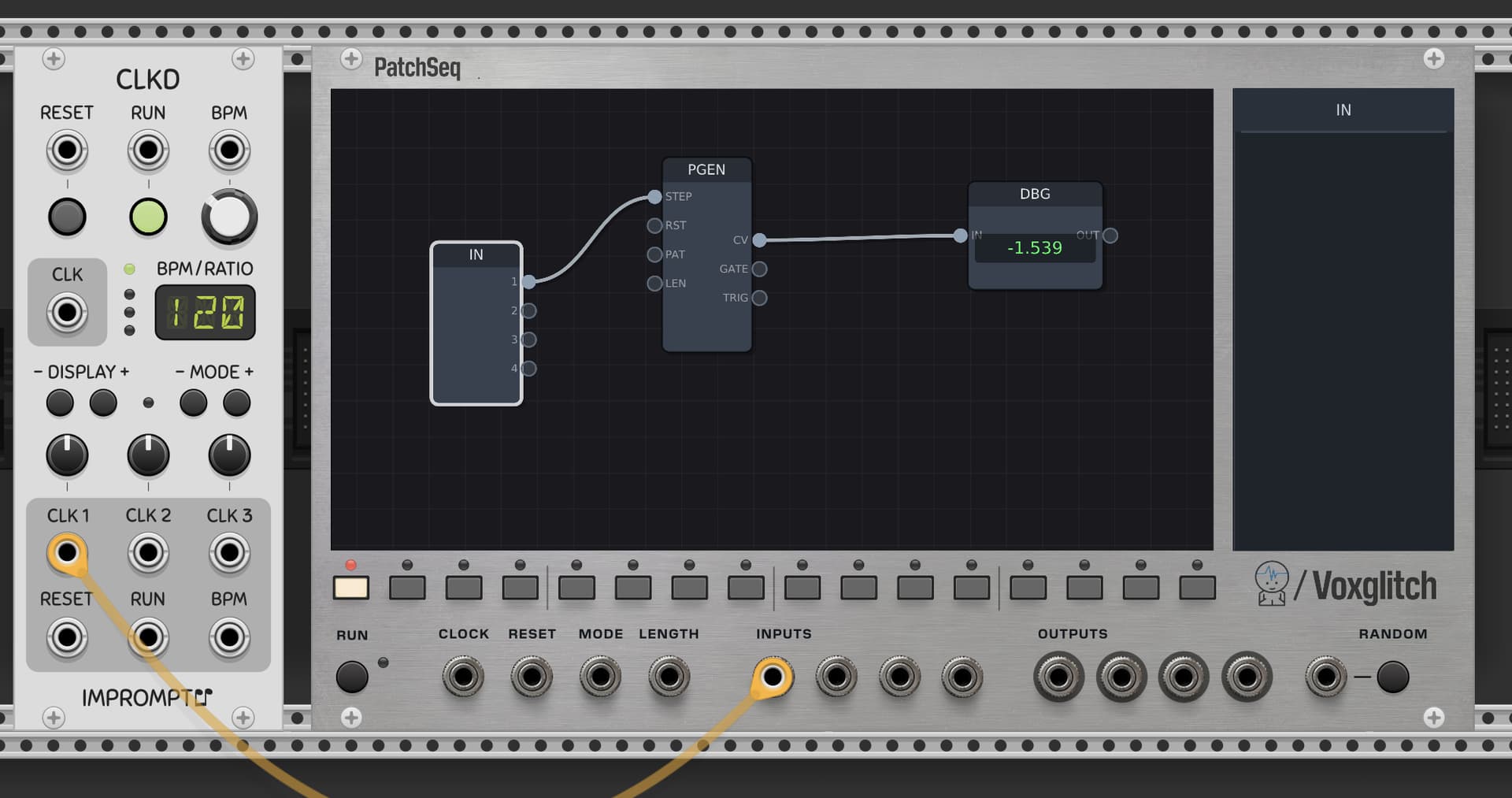
Ok, I think I might know what’s happening. Something might certainly be wrong with the clock module, but I think that there might be some confusion about how the clock module works. Let me see if I can clear it up…
In your screen capture, the sequencer has RUN disabled:
If you were trying to use the clock input with RUN disabled, I don’t think that’s possible, because the clock is ignored when the sequencer is not running.
Within any patch, the clock module is only going to provide a single gate output when in Sync mode when that patch is first reached by stepping the sequencer. When in Sync mode, you’ll typically want DIV set to 1/1, and BPM doesn’t have a purpose when in sync mode.
Ok, I just checked, and indeed there was an error where the clock could not be set to internal. I’ve fixed that, as well as improved the user experience by hiding the useless BPM knob when in sync mode.
So here’s a quick cheat sheet:
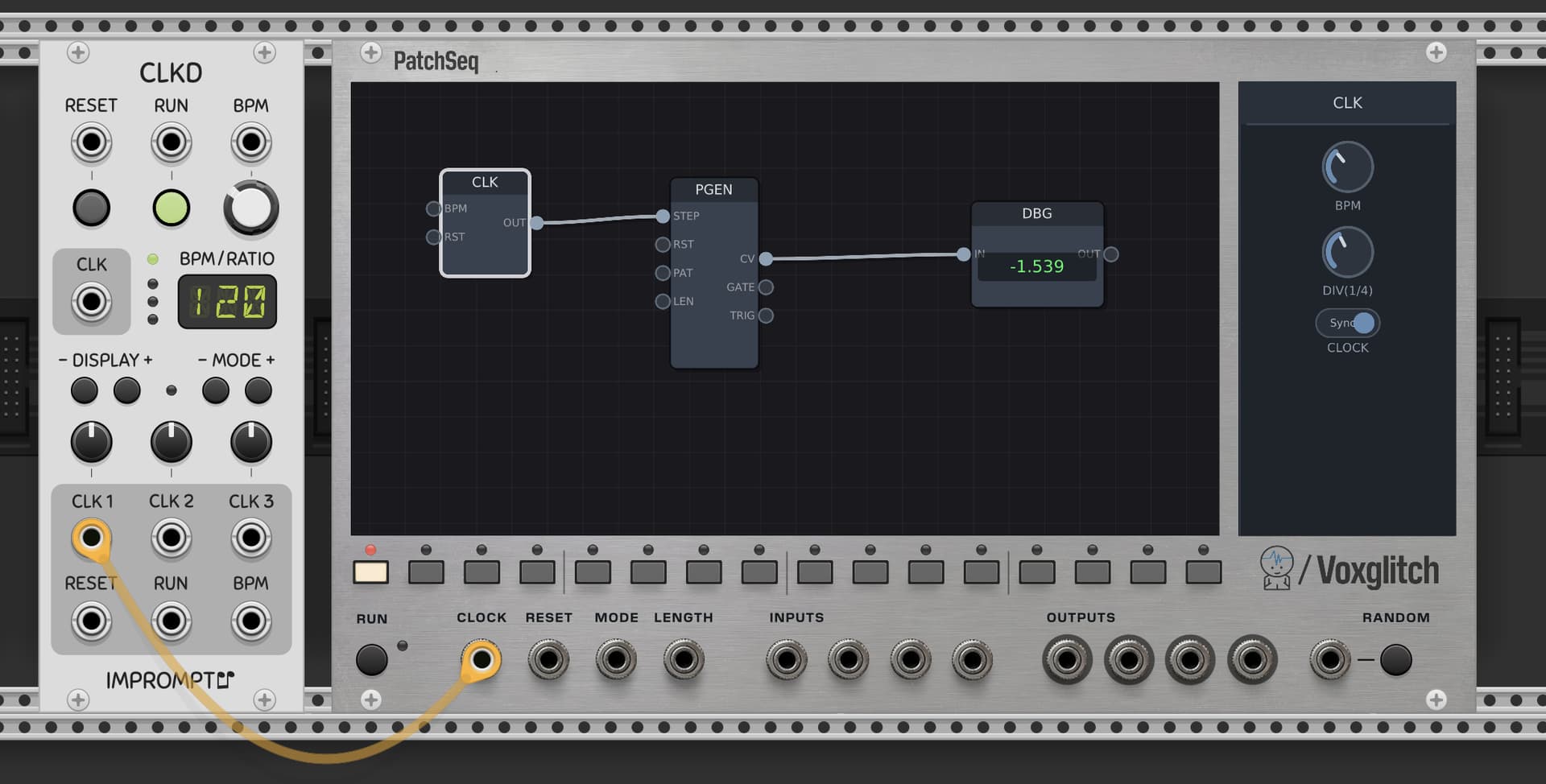
If you want to do something when the patch is reached by the main sequencer, set the clock module’s DIV to 1/1 and set the mode to SYNC.
If you want a clock that runs independently of the clock input, set the clock module’s mode to INT and adjust the BPM and clock division to your liking. << My upcoming bugfix will allow for this
If you want a clock that runs faster than than the internal clock, but still synced to it, then you’ll need to provide the module a subdivided clock signal via the INPUTS (ports on the front panel) and Input sub-module, as you were doing in your example.
Thank you Bret! I think CLK will be very useful, I’ll be testing in various patches for sure.
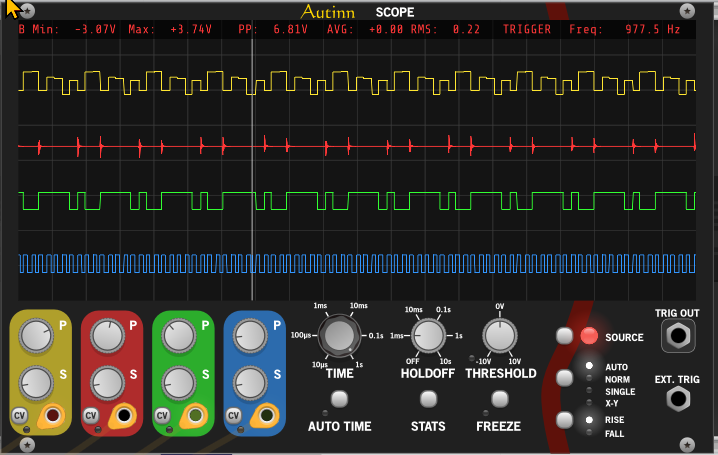
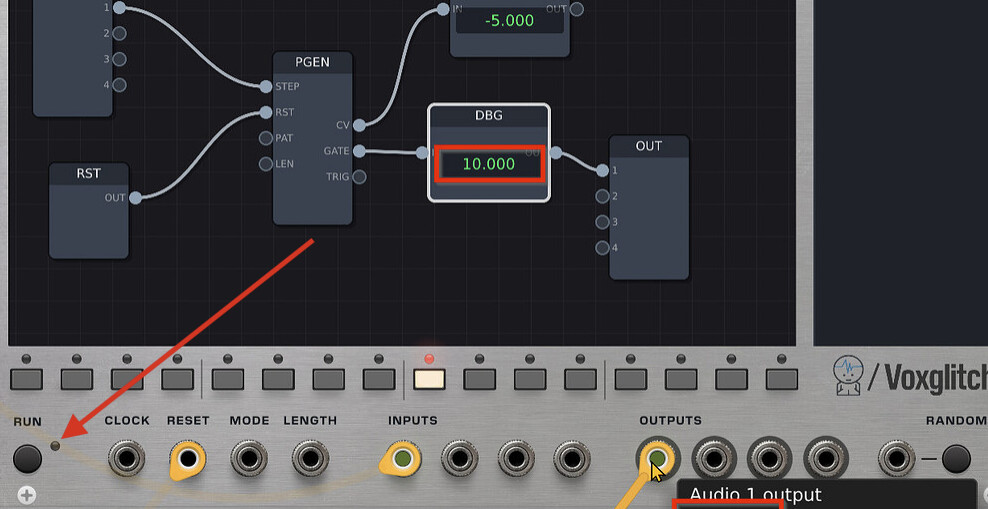
Just one more comment about my screenshot. Please note that according to the DEBUG module the PGEN is sending 10V on it’s GATE output to the OUT module. But in reality I see only 4.82V on the first output. I expected to see the same 10V. Is it by design?
One more question: I see now that PGEN generates a sequence on the CV (yellow) and GATE (green) output. But is TRIG (blue) output meant to be only a STEP-THRU?
Give me a little while to get you answers on that. I’ll also get the manual updated. The patgen patterns are likely random using a consistent seed for each generation, but I’ll find out.
Sorry for the second reply, but please forgive me - I’m going to delve into this tomorrow, so there’s going to be a small delay. On the bright side, I’m going to get documentation written for each of the patgen sub-modules, and I’ll make sure to answer your questions directly.
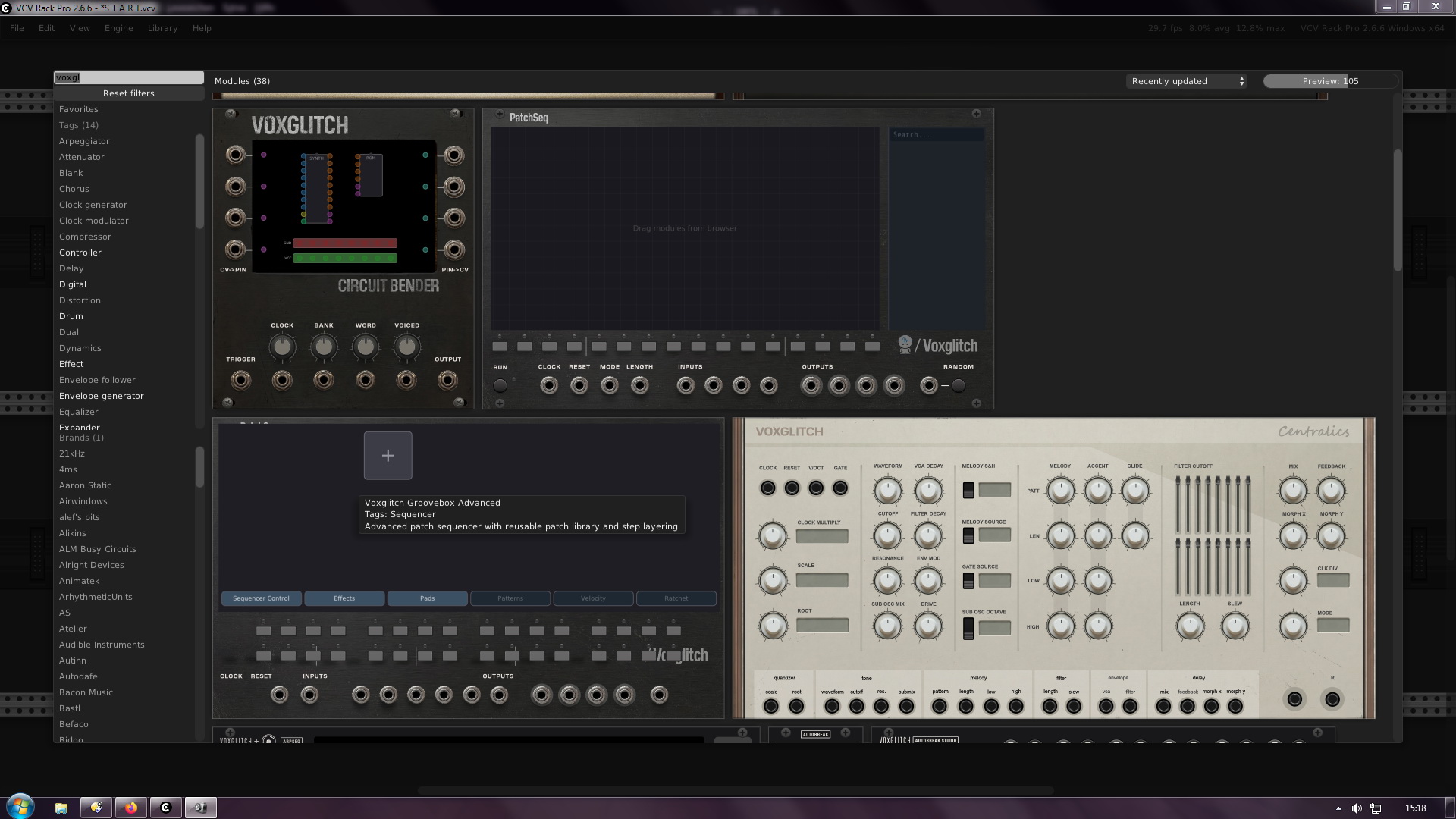
 wtf it;a even not released yet (?)
Or im did miss something.
wtf it;a even not released yet (?)
Or im did miss something. are theoretically done. However, I have to go through and test each one next. But I wanted to let you know that these features are on the way.


 If you want to do something when the patch is reached by the main sequencer, set the clock module’s DIV to 1/1 and set the mode to SYNC.