Hello fellow developers.
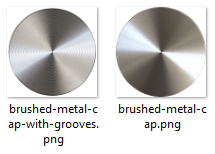
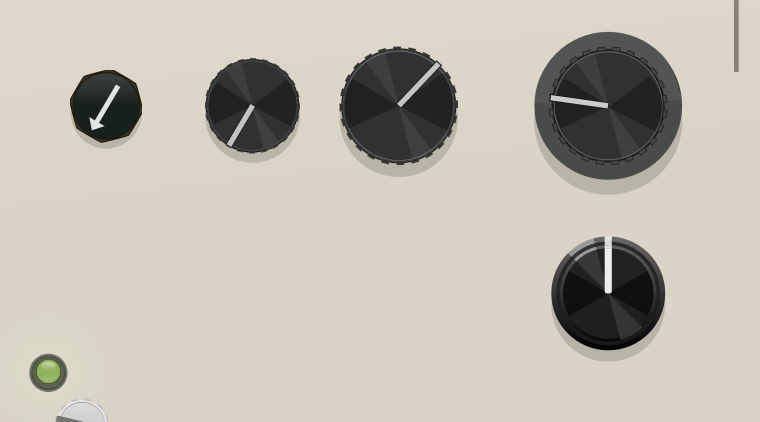
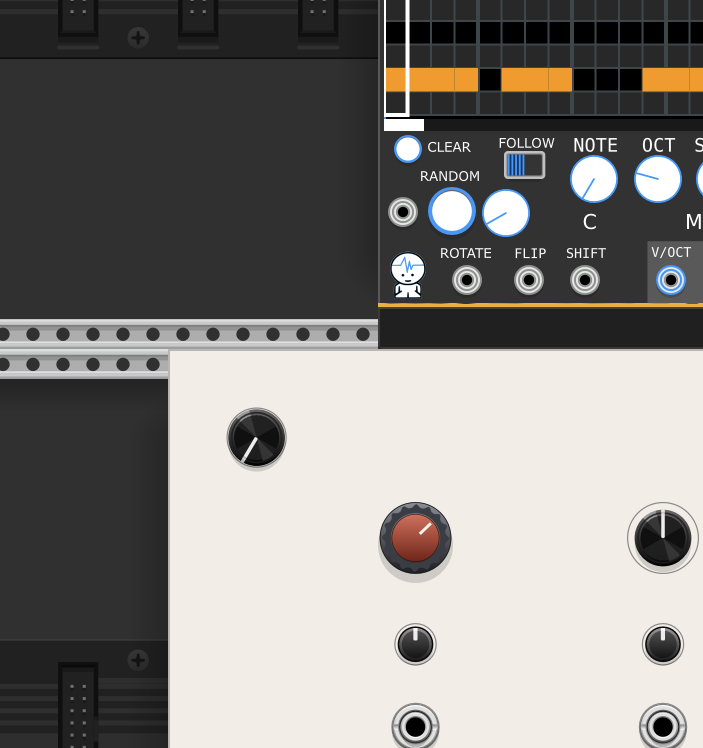
Just sharing some resources that I created: Two knob textures. These were created by taking a photo of knobs, then using AI to smooth out the anomalies. Feel free to use, repost, use in commercial projects, whatever.
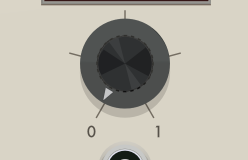
Cool! Thanks Bret. On a similar note- I just saw this on a DIY synth reddit: 3D models of 75 components. Looks like some cool parts in that library if someone wanted to have a go at it.
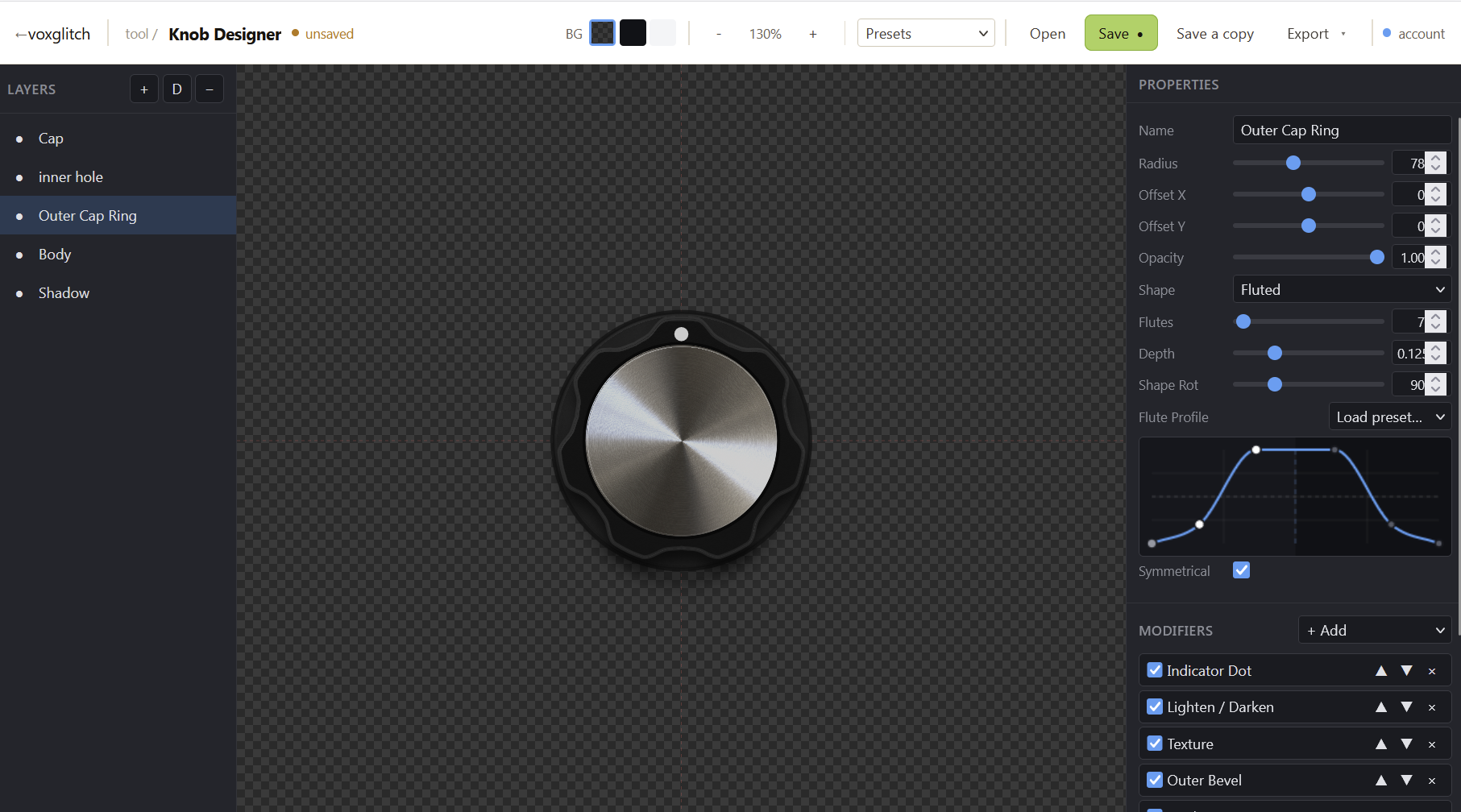
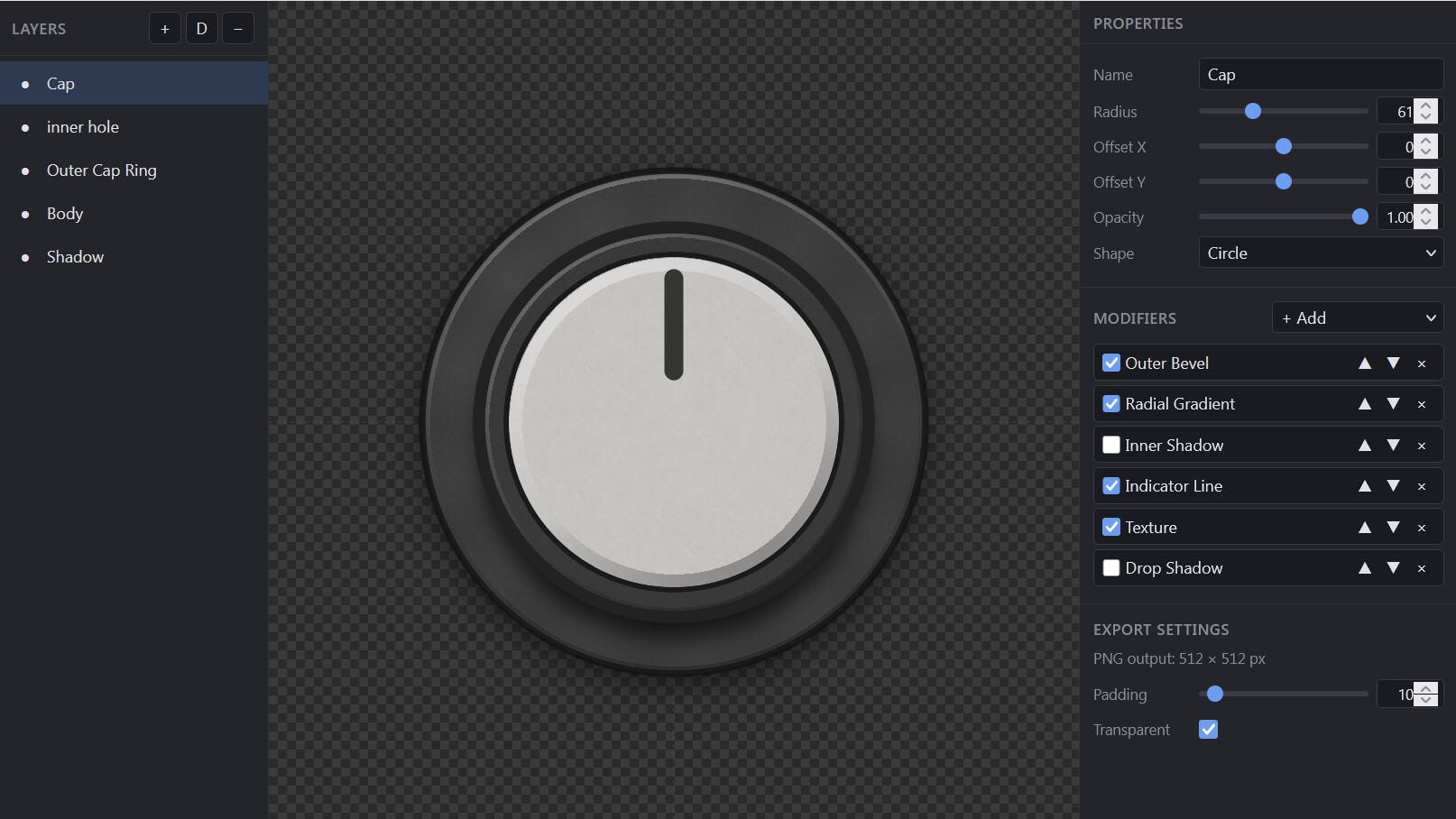
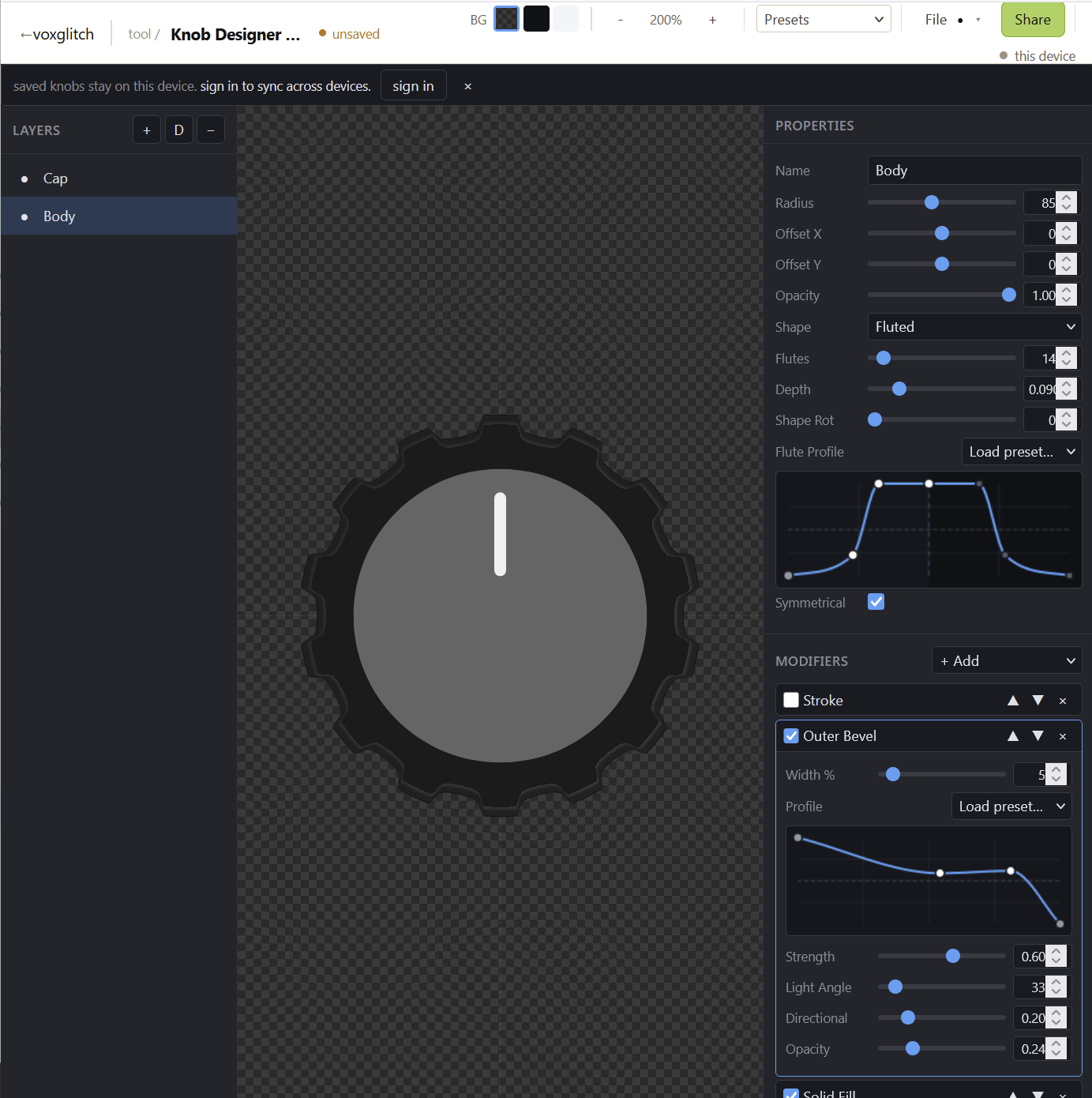
That’s cool! I’m just a week or so away from launching a website for voxglitch, which is going to include free tools I’ve created. The one I’m most excited about is the knob designer:
There’s a login system, a way to share creations with the community, a bytebeat editor, knob editor, wavetable editor, … and more coming soon.
The plan is: offer free tools and advertise commercial modules.  Maybe sell a few stickers.
Hi Bret! What is the output of the knob designer tool? More specifically, can it output SVG? In Sapphire, about 90% of my panels are SVG, 10% drawn by C++ at runtime. Sapphire style knobs are super simple, borrowed from stock VCV widgets, but it would be nice to make them at custom sizes for special cases.
Also, feature request for it: can you make it design vertical and/or horizontal linear sliders as well as rotating knobs? (Or maybe a separate but similar tool?) I use sliders in Elastika, but they are borrowed directly from the sliders in the VCV Random module. I recently wanted to use sliders for something else, but it would have been too much work to figure out how to change the dimensions and make them look different in the way I needed.
Bret, I know you went through a rough transition in your career. I’m really impressed with the direction you are taking and especially the amount of love and sweat you are putting into it. I hope it is working out for you!
the “knob designer” web app looks very cool 
it reminds me about making knobs in knobman for Kontakt instruments when I was in school  it was kinda nightmare-ish
Thanks Don! Although my career path kind-of died, life itself is good! I’m staying positive, building software, fermenting things, keeping my apartment tidy, and doing some contracting work.
Noted about your request for sliders! But, you might be disappointed to hear that the knob designer is not SVG based. I initially built it for myself, and it’s image based. But maybe I can make a separate SVG knob designer later?
@ale47p I discovered knobman while searching for what other tools were out there. Knobman does look a bit challenging. But kudos to whomever created it.
@brer_rabbit SVG knobs are hard to make. Those are pretty good!
Please don’t go out of your way… I was just curious if you already had a low-friction way to do it. Because, like you said…
But it’s pretty low priority on my list. So far I get away with a very small toolbox of simple UI components.
I did make my own port widget SVG to be far simpler than in most plugins. It was (I’m not even kidding) inspired by zinc-plated washers I use for putting between screws and wood.
Well, these days, it’s not a big bother. With the PNG version done, a conversion to SVG might take around 4 hours. Of course, I’d have to limit the SVG features, because the SVG library used by VCV Rack doesn’t support some stuff… if I recall, circular gradients, opacity, and maybe some others. But boy would it be useful to have a nice editor specifically for SVG panel components!
If it is something you find interesting, I would be willing to help. Sapphire panel svg files are generated at build time by a Python script. My script approach is tried and true for the kinds of things I do in my own plugin, mostly related to grouping and arranging controls, drawing some line art, and adding some linear gradients for spice.
Let me know if you want to bounce around ideas later. I think the scope limitation is: create output svg images for some combination of:
These are the things that I would be willing to invest time working on myself, in order to use later in creating my own modules with my existing Python script still doing most of the opinionated stuff.
Ok! I’ll keep you posted!
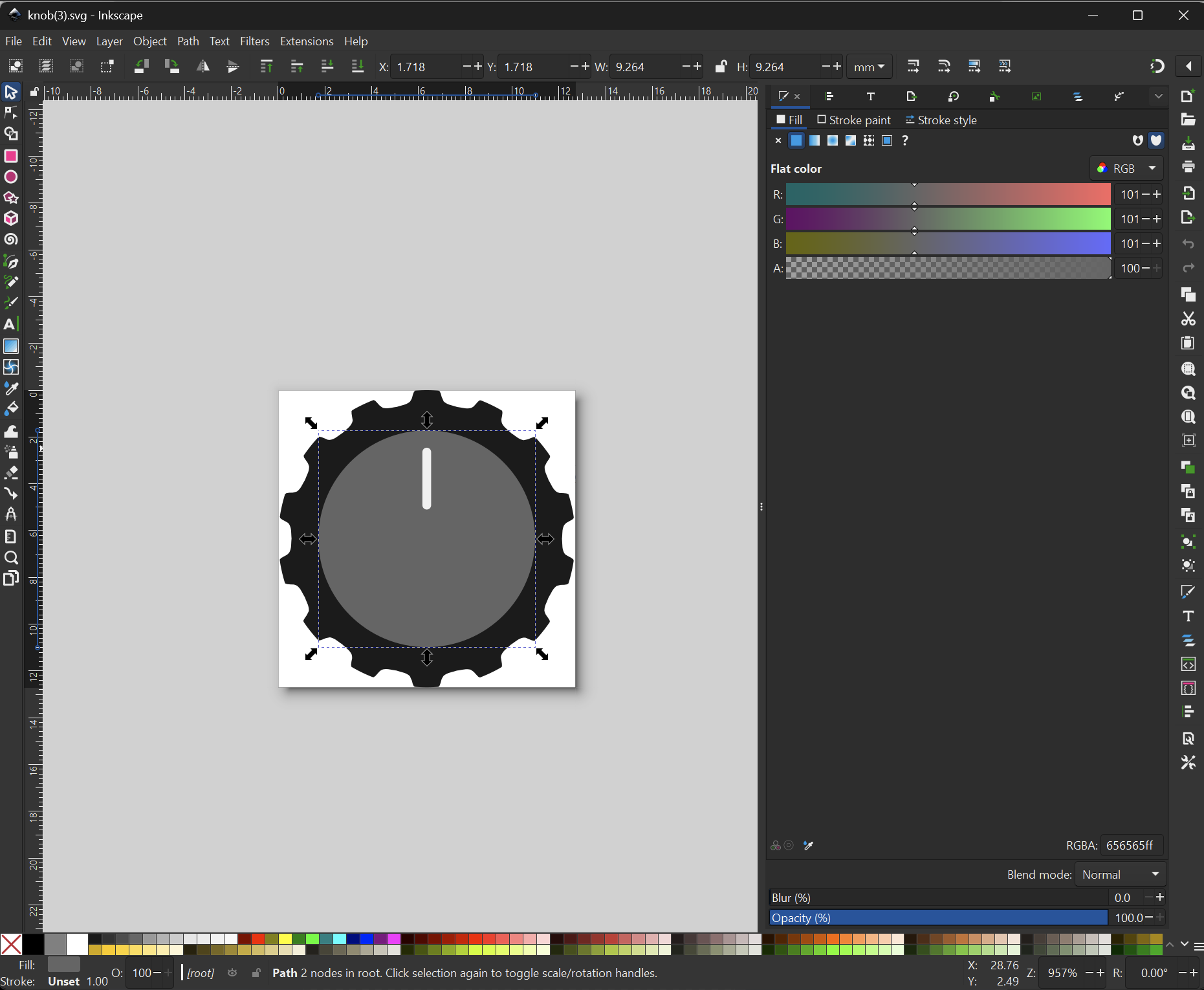
Quick update! I started exploring this tonight and it’s looking promising. I don’t see any major hurdles in making a SVG knob designer. I’ll post updates when I have them.
Opacity and circular gradients are supported. Elliptical gradients are not.
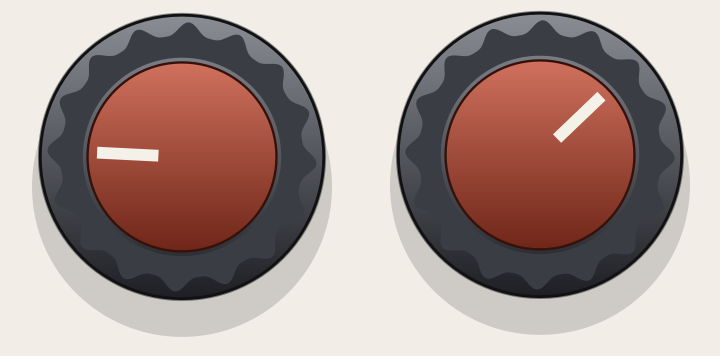
Here’s a first look at a multi-layer svg knob generated by the new Knob Designer, which now has a specific setting for NanoSVG (VCV Rack) which limit’s the SVG features to compatible ones.
The export will include all the SVGs and the knob code as well.
Here, both the indicator and knurled ring rotate, while the other layers, including the cap with gradient, do not. If all goes well, I might be able to launch the site and tool within a few days. I don’t see any major hurdles.
looks phenomenal. can’t wait to use it! if you look at the vcv rack knobs, the shading happens underneath the actual knob texture. its quite clever I hope to try that with your application.
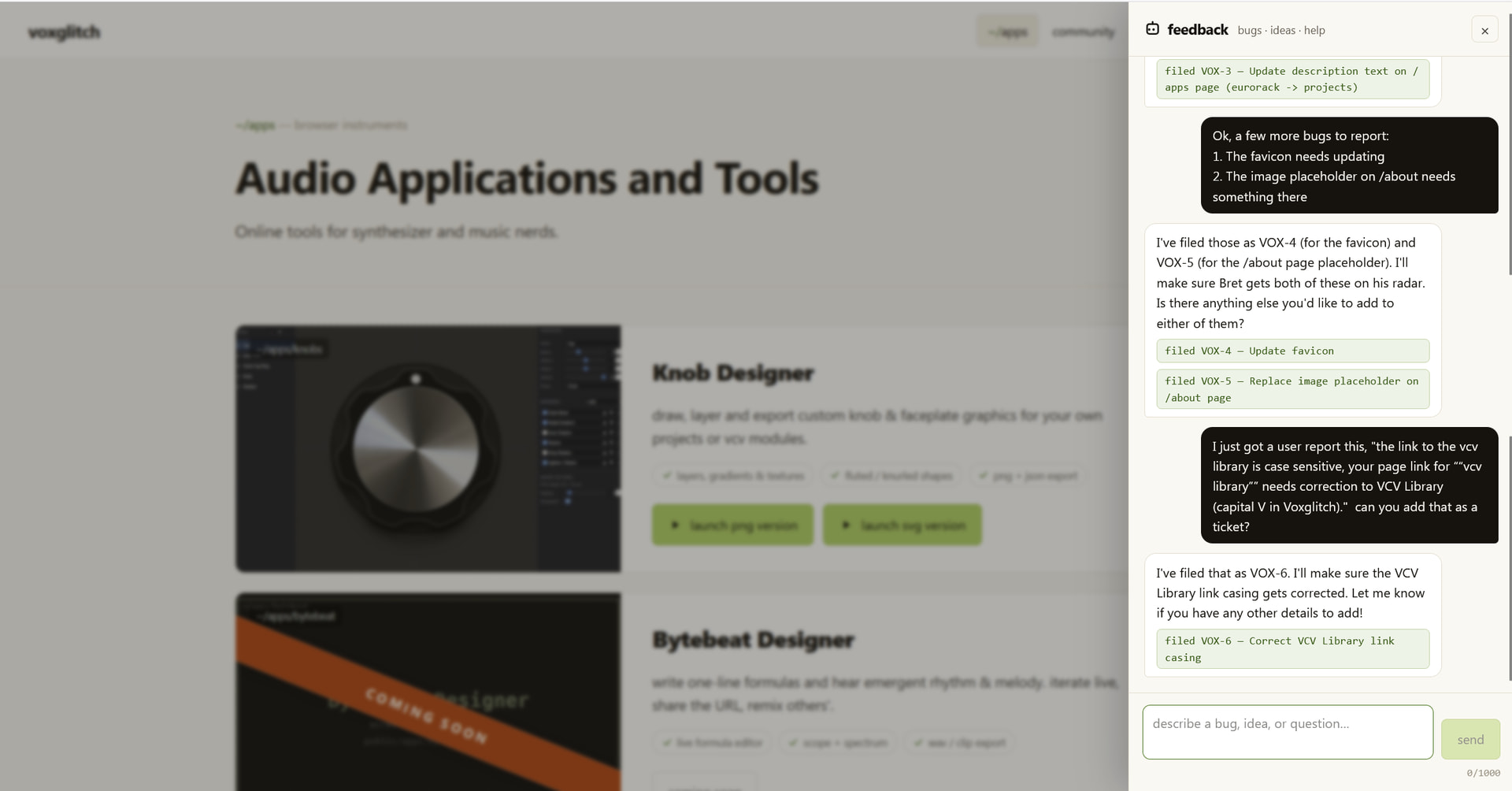
That’s added by Rack in the widget class, right? I’ll have to double check. OH! The SVG version of the knob designer doesn’t have a shadow feature, which is totally a mistake. (The PNG version does.) I’ll add that to the issue tracker. If you find more bugs or want more features, try using the feedback system on the website. It should be very easy to use.
I’ll have to explain by tearing apart an svg…
Btw you got the URL For the website? or am i mistaken?
You mean voxglitch.com? It’s live now!!
Yes, the shadows are generally coded into the Rack widget classes. Sometimes a separate svg, sometimes drawn in code.