I suppose what I meant is that the shadow is drawn typically in SvgKnob.hpp. Knobs that inherit from SvgKnob get a “free” shadow without having to implement it directly in the SVG.
  struct SvgKnob : Knob {
      widget::FramebufferWidget* fb;
      CircularShadow* shadow;       // ← the shadow
      widget::TransformWidget* tw;  // rotates with value
      widget::SvgWidget* sw;        // the knob face SVG
  };
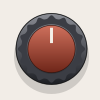
For example, this knob was exported from the knob designer without a shadow, but Rack added it in automatically:
… it was a bit confusing to me, because it should be unnecessary to create the shadow from within my knob designer software since it’s added by rack automatically. Just clarifying things!
I believe you’re both correct. I shouldn’t have removed my earlier post- many knobs in the standard library have a shading layer that doesn’t rotate. You can do this yourself- just pull in the library’s and add your own knob. Replace one of these SVGs:
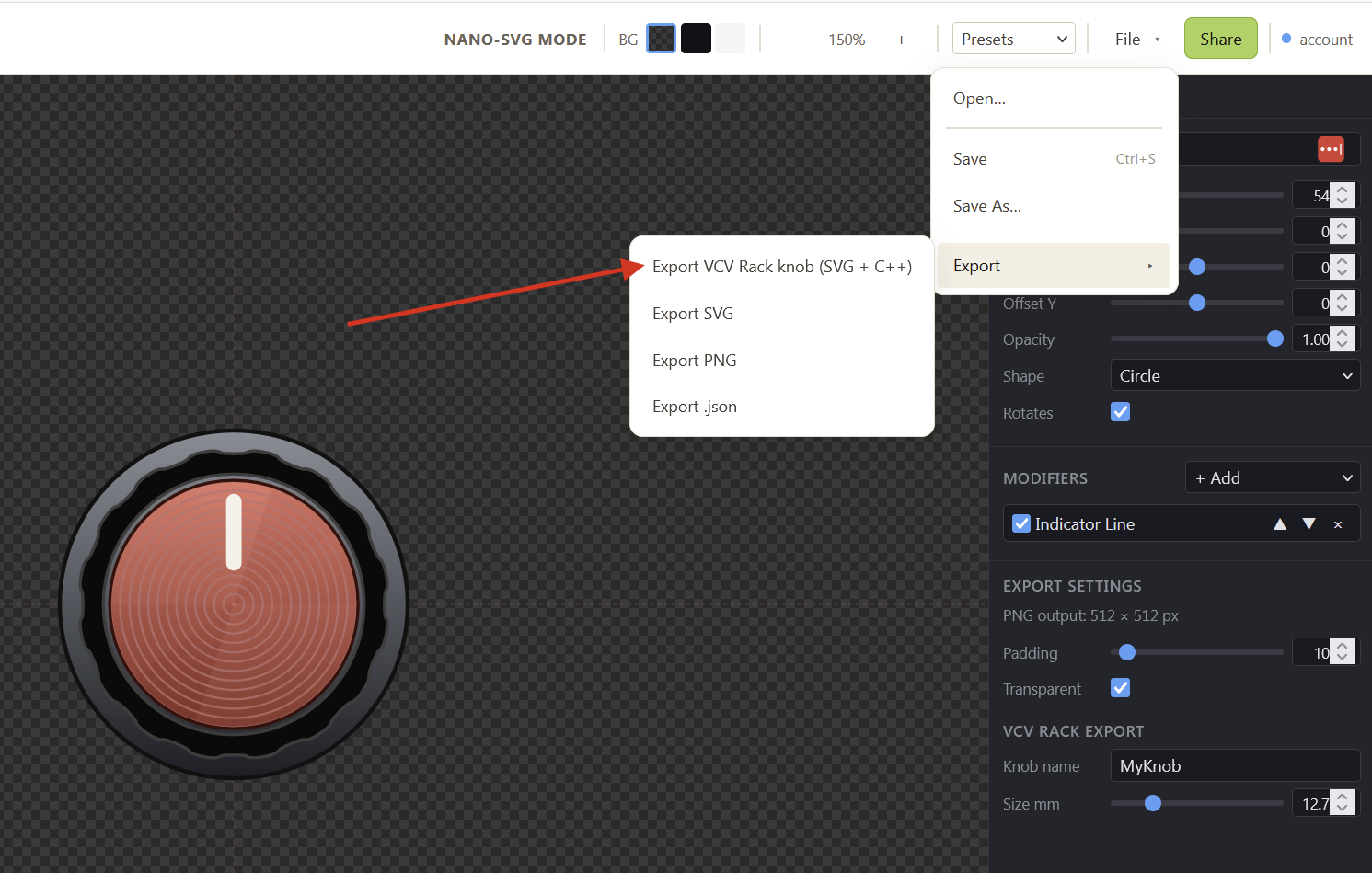
I might have mentioned this before, but since we’re talking about custom knob code, it’s noteworthy that the knob editor allows you to export a C++ file with the knob’s code so you don’t have to write it yourself: