Could this module ever do video, or is that not possible? If not, I’ll have a look at using animated GIFs. Cheers!
I just use the NanoVG API that Rack includes, here is a reference:
There isnt anything specific for video that I can see, so I would have to use some lib to implement video, i think it is probably out of scope for this module, but never say never
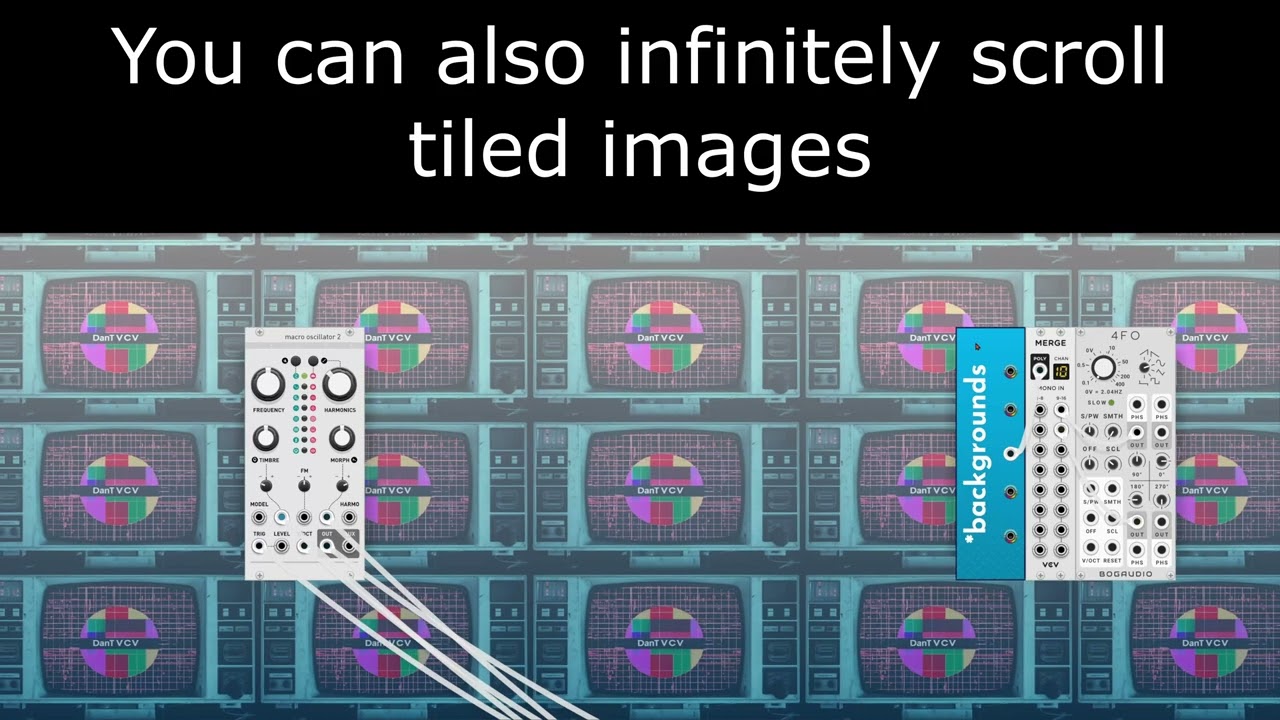
In the meantime, if you want video combined with VCV then chromakey is easy and only needs free software
Thanks, I’ll have a look at that!
9 Likes
Purfenator is a beautifully useful module, thank you for making it available!
Not sure whether this has been mentioned before, but I thought I should just ask: The context menu, especially in the section Purf Stylee contains a lot of sliders for color, gradient, image parameters etc.
Adjusting the sliders can sometimes become somewhat tedious, especially if you already know the number you want to select.
So, would there be a way to upgrade/expand the selection mechanism by just typing in the proper numbers rather than fiddling with the sliders?
Also, color selection in a 2D plane under inclusion of fields for the numbers would be nice and simplify the process of color picking.
Glad you enjoy the module.
I am not sure if something like right-click in the context menu to enable text input is possible (or possible in a relatively straightforward way).
I have been considering various changes for this module for quite awhile now, so I will certainly look into this area.
The caveat is that I have also started a new open source plugin, and that is my main focus right now. I may port some of my previous modules to the new plugin though…
In the meantime, you might find some success with using VCV Library - DanT Seizure Trigger [Purfenator Expander] and a fixed voltage provider? If you have an exact value you want, you can calculate the right voltage and use that to set the menu, rather than using the slider directly.
Many thanks for the quick reply! I understand that there are limitations to the context menu, so no worries if it is too difficult or involved to realize.
A new plugin sounds exciting!
The Purfenator Expander might be reasonable alternative. It seems to work in combination with Copper by @pachde . Copy/paste color hex numbers and has a 2D plane selection.
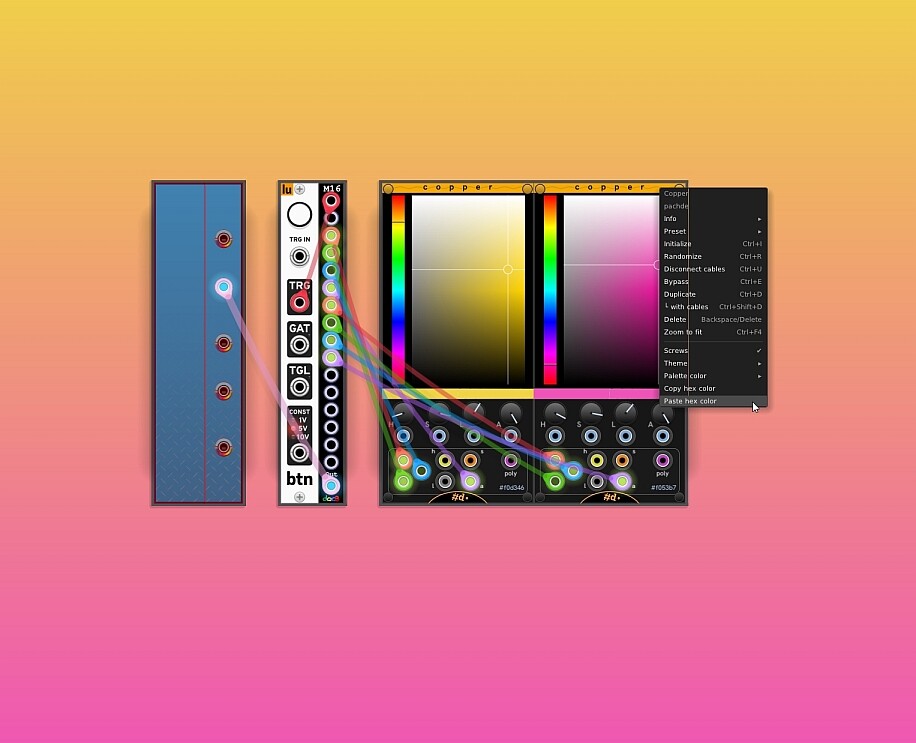
if nothing else, that is a very pretty screenshot! 
Haha! Thanks  .
.
FWIW, I have a (hopefully) more reusable implementation of the Copper color picker embedded in my WIP CHEM:
pachde-CHEM/src/widgets/color-picker.hpp at main · Paul-Dempsey/pachde-CHEM
The text input at the bottom supports hex hsl(a) rgb(a) syntaxes.
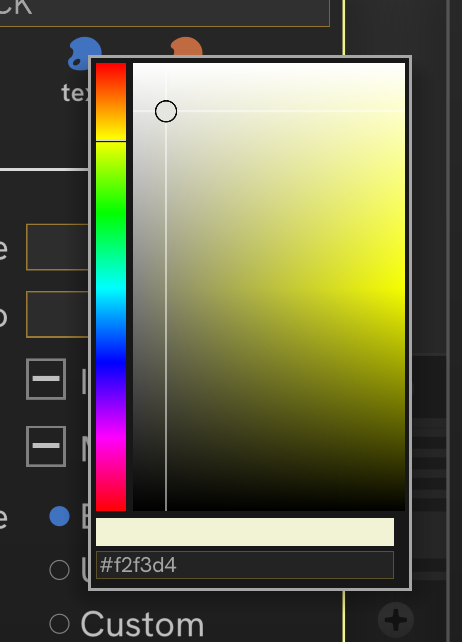
Borrow it freely - just give me a credit somewhere.
In purfenator Just wondered if it would be possible to change the direction of the gradient so its not always vertical?
Yep, totally possible… just have to find the motivation to update the code. Could add a circular gradient too, and maybe even an option so the skiff projects to the left… No promises, but I might have an update at some point.
This feature is released now 
OH YA!!! Thank you!!!
can we get a way to modulate the menu parameters?
There is the Seizure Trigger in the library…
Add the expander to either side of Purfenator, not every parameter has a CV input, but most do. Right click the expander to see what parameters are mapped to which polyphonic input.
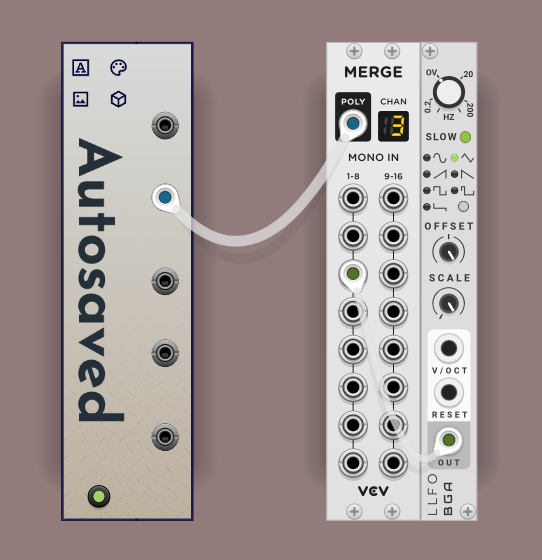
Updated DanT modules to v2.7.0 today. I noticed that Plugin Settings of Purfenator in all my patches seem to have been reset to the default appearance (blue color) automatically.
I did notice before that the plugins settings in individual patches have been somewhat ‘unstable’ on occasion, requiring to re-dial the settings, but I think it never affected all patches at once.
Is there something I can do to fix this?
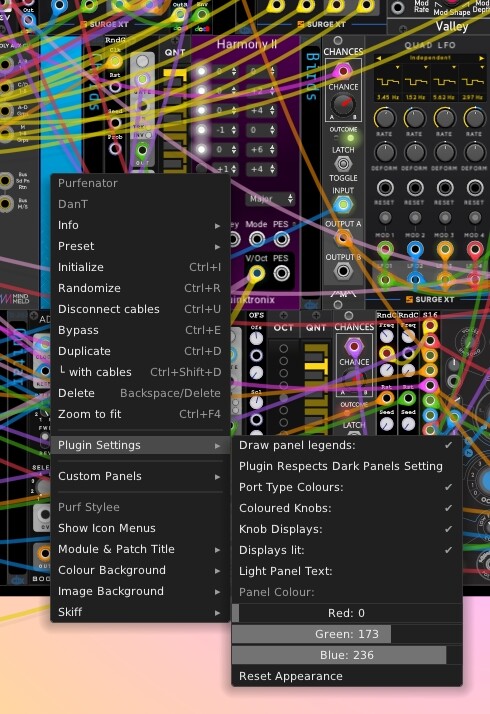
Hmmm, I’m not really sure, I haven’t changed any code that would affect those settings as far as I know.
Can you share some more details on your specific computer setup, I wonder if it is a local issue?
The common panel settings for DanTModules are saved to a file DanTNuMetal.json in your Rack2 directory. If you delete this file it would reset everything, and when you re-open Rack it will re-create the file with the default values.
Thanks very much! I cannot exclude a local issue ATM. Will investigate further, with a particular eye on the DanTNuMetal.json, and then let you know. Thanks!