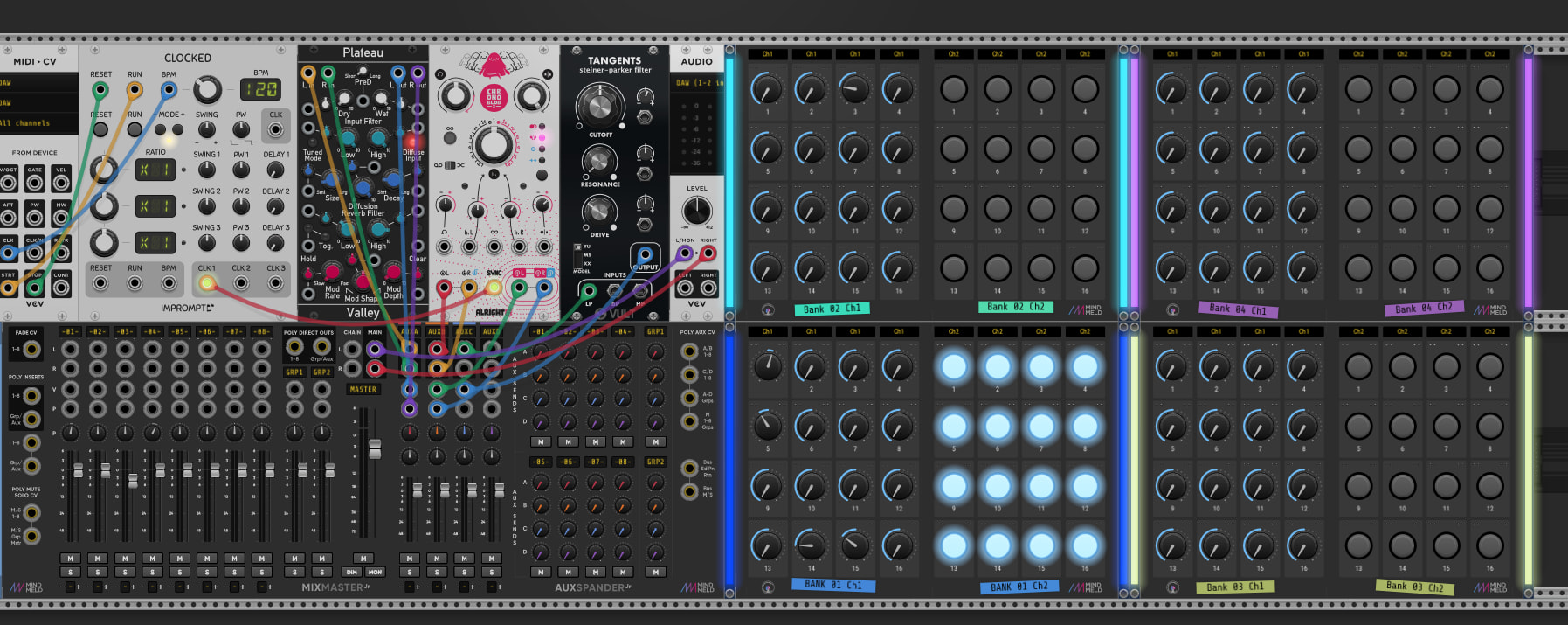
I’ve discovered that the APC can serve the purpose on its own, thanks to the magic of an Instrument Rack’s “Configure” feature.
With the plugin itself in focus (by which I mean, not the containing rack being in focus – VCV itself), then the bankable rotary encoders on the APC will address VCV parameters that were selected by “Configure” and mapped there.
Aug 7, 2026: Edited for EVEN MORE results!
I have now additionally had success with VCV running in standalone, controlled by Akai MPK49. Three banks of faders, rotary encoders and push buttons can be mapped as desired directly to parameters in VCV. I have also noted with interest the additional usefulness of VCV CC > CV module for control of CV inputs (where direct mapping isn’t possible because a module offers no controlling knob or button to map to).
In addition to which, the MPK has its 49 keys for pitch input as well.
Direct control of the VCV parameters is hugely satisfying but I can see the merit in both approaches: With VCV running as a plugin, direct mapping would offer best results only if the plugin window was always open, and that might not always be what you want.
On the other hand, instantiating VCV as a plugin within Ableton Live and using the “Configure” functionality as described (way) above places at least a clue of what parameter is being adjusted because of the inherited label that gets applied when one “configures” a parameter. So the VCV window needn’t necessarily be help open in order to know what’s going on, although said labeling is cumbersome and NOT editable – you’re stuck with the label as applied, and many of those get quite long.