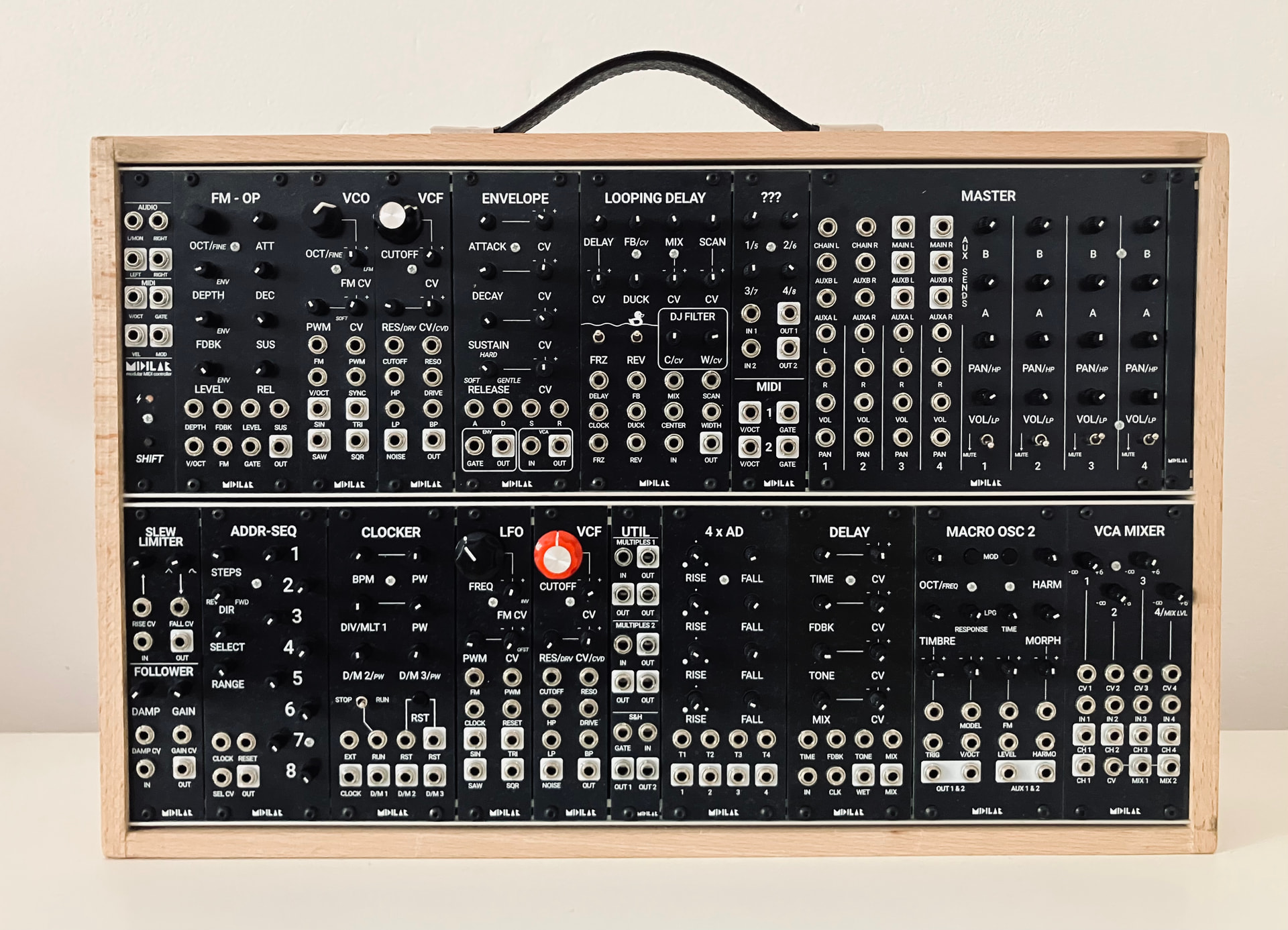
I have been researching MIDI controllers for VCV Rack and wondering what YOUR favorite controller is.
A bit of background–I fell down the VCV Rack rabbit hole (relatively) recently. As I go further, I am realizing I would really like the tactile sense of physically twiddling knobs, sliding faders, etc., so I see a MIDI controller and some MIDI mapping in my future.
There is plenty of good information out there with simple web searches and deep dives on YouTube, but I prefer to tap the hive mind and get thoughts from folks experienced in this realm. I don’t care what Google AI has to tell me, I want personal experiences, the good, the bad, and the ugly.
I’ve had the Akai MidiMix for quite a while and it’s proven surprisingly sturdy. The knobs don’t have the best feel but if you’re on a budget, and want lots of knobs, buttons and faders in a compact format it’s not bad. If you have a bigger budget the Novation Launch Control XL is probably better quality, for the same concept and package.
I have an Arturia Keypad 49 mk3 as well as a Linnstrument for MPE. On the Arturia I made me a “VCV Rack” user preset with MIDI mappings matching my patches, so I can switch between Arturia mode for their software and VCV Rack.
In addition I have small Intech Grid controllers with encoders and buttons to control various aspects of my patches like the mixer and the clock module. Not sure if I’d recommend these, they are extremely flexible but the configuration software is so not intuitive. And for some rather basic things like using two snapped together modules I actually had to get into LUA script programming. But they are great, once everything works.
Akai always puts those short stubby knobs on all their products but luckily a pack of replacement potentiometer knob caps are pretty cheap. The akai shafts are a few microns too thin and about a millimeter short so it’s a little tricky but not too hard to swap them out for taller knobs.
Art X15 Ultrafoot. For all the knobs and faders on the planet, I’d be lost if I couldn’t do things with my feet at the same time. 2x linear optical expressions, 10x on/off footswitches + programchange. Slow filter swells from my feet whilst hands still free to twiddle other things.
That said I’m a sucker for cheap used gear, so the main arsenal consists of that plus:
Purely for modulation…
Knobs - BCR2000. 32 thereof with feedback LED rings. 16 buttons.
Yamaha 01V. It’s analog outs are popped, but it’s MIDI capabilities as a fully motorised control surface with every control for a channel strip you could desire means it’s permanently mapped to MixMaster.
(I probably picked all that up for less than the cost of your average faderfox controller)
Anything else involved in the game - PaintAudio MIDI Captain foot controller (with another 2x exponential expressions).
All that gets routed and merged thru my MPC Live II and handed to VCV on a single set of MIDI IO.
Once noise starts coming out of the speakers, the mouse is relegated to the sidelines.
Neotrellis 8x4 set up as a plain note on/off surface is an awesome tool with VCV for a general bank of utility buttons with illuminated feedback, and I have a larger 8x8 that’s always mapped to Trowasoft MultiSeq when not being used as a standalone APC64 clone. I never really gelled with the monome modules. Those l’il trellis modules hold a fuzzy spot in my heart.
Thanks to everyone who replied. This is some great info. It looks like I found a used (like new) Launchpad Pro. The price is right and, if all goes as I hope, it will be purchased tomorrow. Based on my current obsession, I am guessing this will be my first of several MIDI controllers for my patches.The info you have provided has been great.
Launchpad Pro is a good hit - it has an API/Programmer’s Ref docs to let you do custom interactions via MIDI feedback/sysex etc. S’a powerful platform.
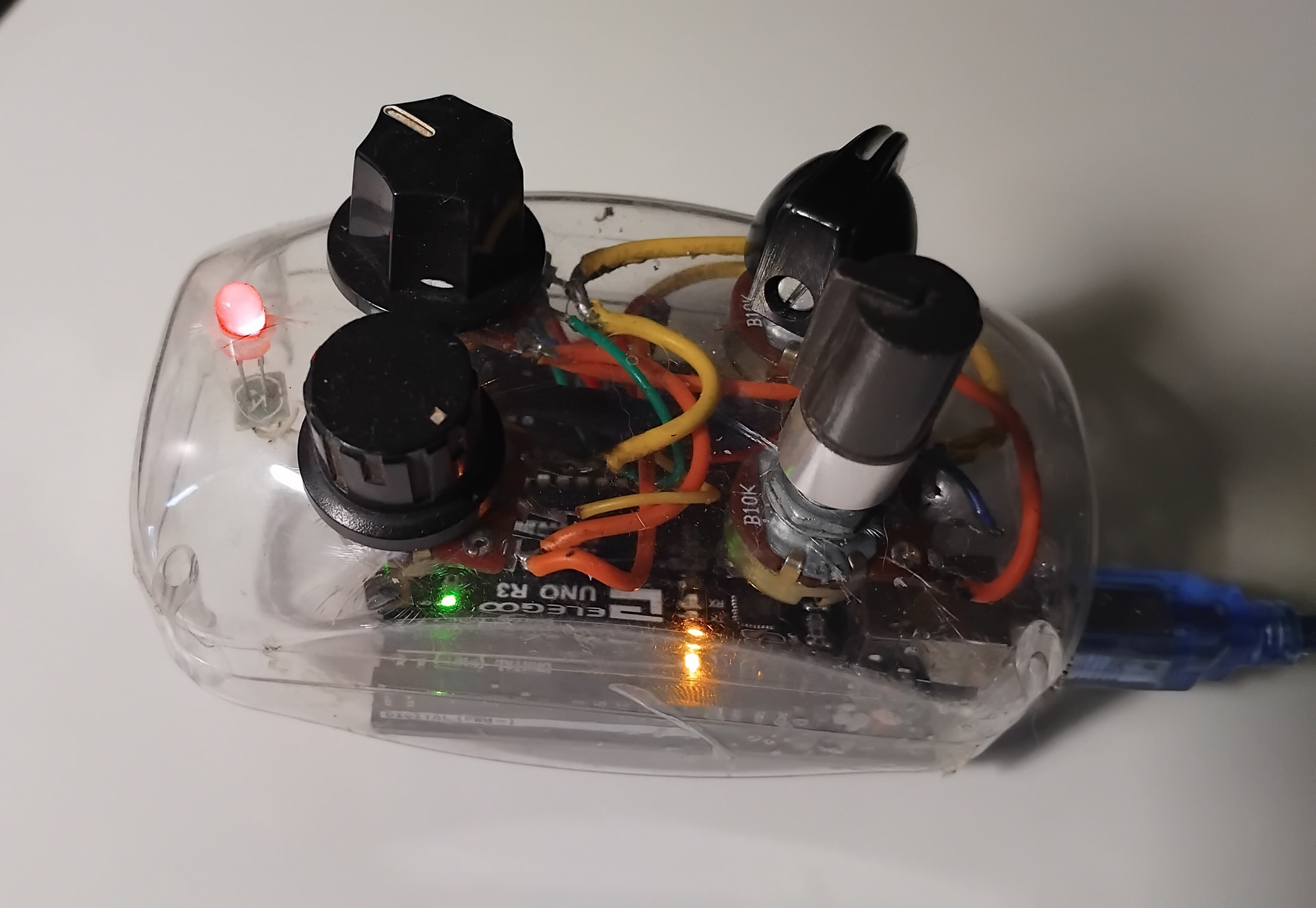
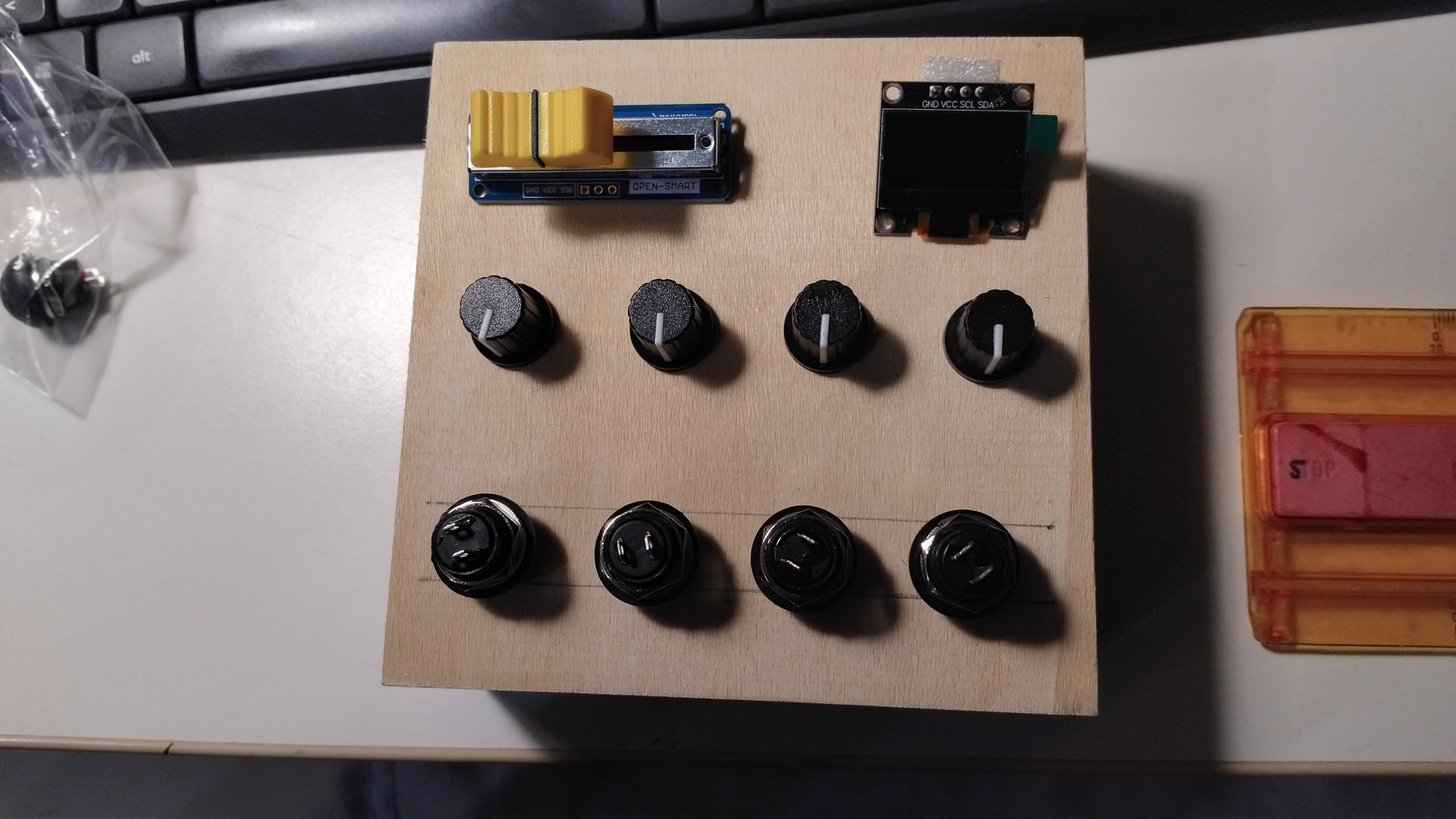
I use an Arturia Minilab MKII. In some public performances, I cause confusion with a four-knob controller made from an Arduino and a pacifiers box belonging to my kids.
Arturia BeatStep Pro + Liine Lemur 5 software running on old iPad 3 (iOS 9.3, WiFi, using homemade MIDI/OSC controls & GUI from Lemur sofware for Windows).
For keyboard performance : Native Instruments Komplete Kontrol S61 Mk2.
 I’m trying to sit down with it every day and create at least a small patch.