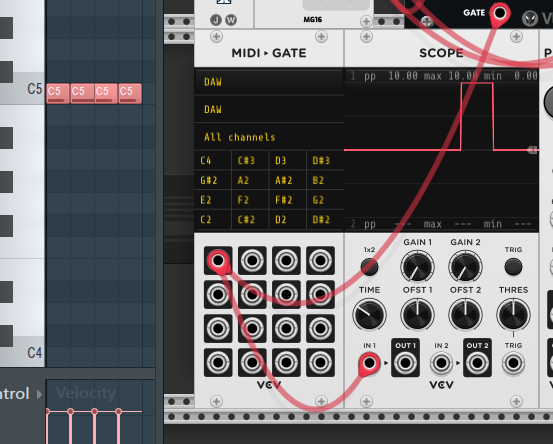
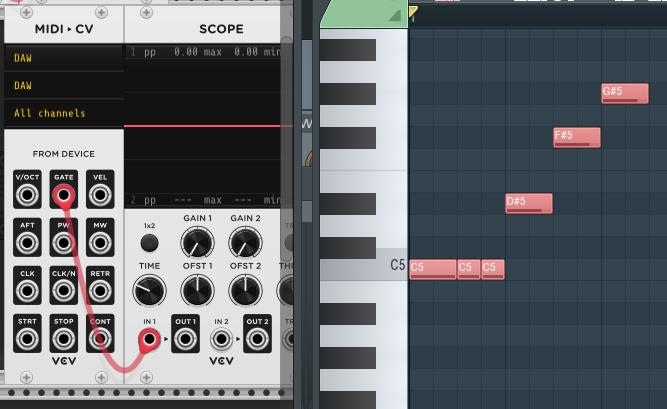
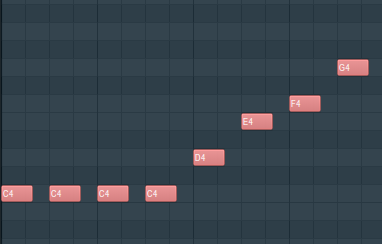
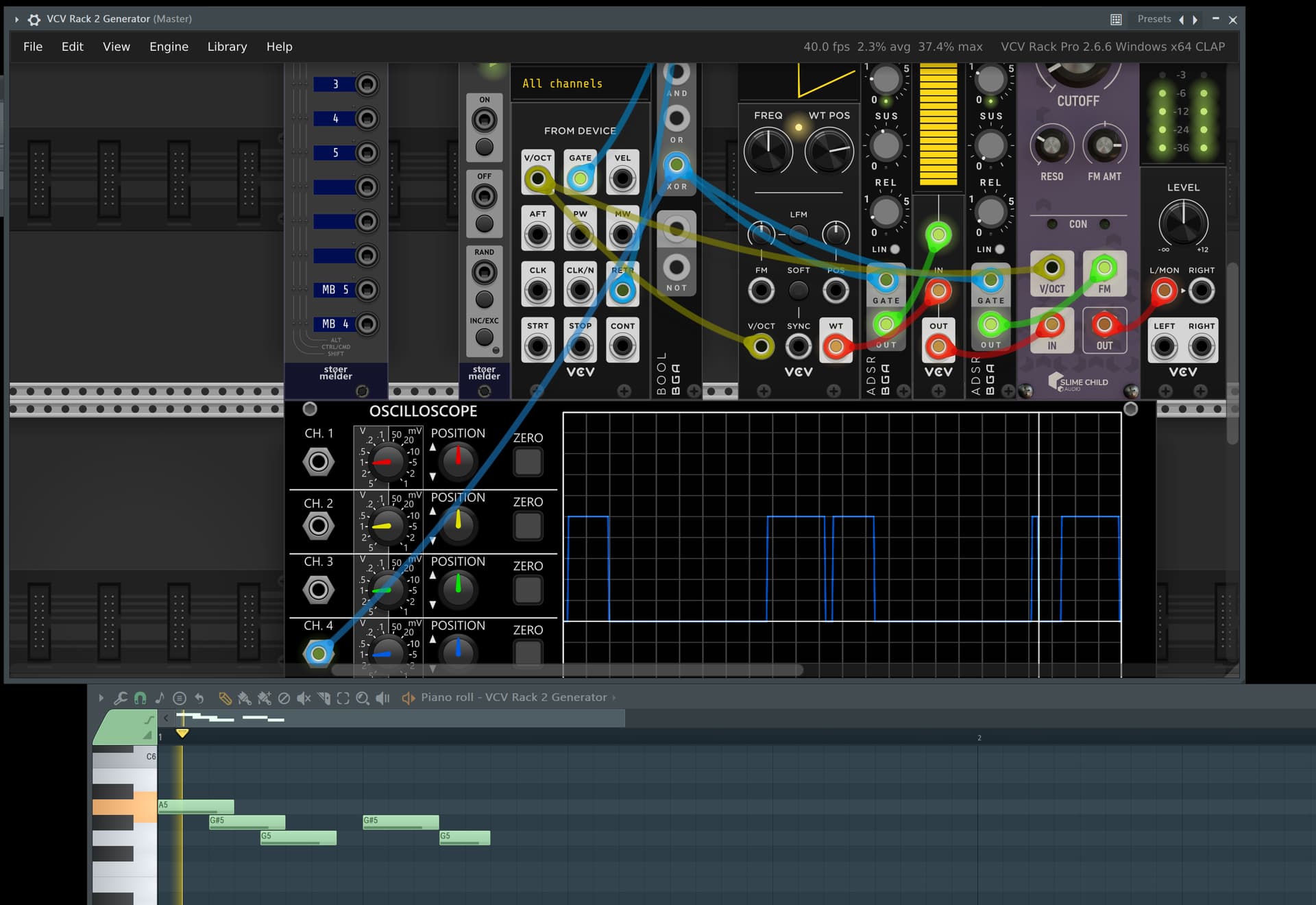
4 step notes, one after the other, but it seems I get only a single gate signal on VCV (looks the scope)?
What if I want 4 following gates? (I guess its because samples in FL Studio are one-after-other, and VCV interpret it as unique signal; it doesn’t reason as “voice”).
@Yeager I want to avoid review all the scores in my FL Studio Project, so that’s not a real solution for me.
@stoermelder nice, I know about that feature, but it generate a Trigger signal, not a Gate one (so I miss the length part of it).
BUT for now I could stay with it (just trigger): I see it only output a signal, despite the original note. So for example if I have C4/C#4/F4 it just generate a trigger signal. What if I want to route each note to different generator? (so C4 on Trummor2, C#4 on WT Osc, F4 to LFO, and so on).
Is there a hybrid between MIDI→GATE (which have dedicated output for each MIDI note) and MIDI→CV Retrigger?
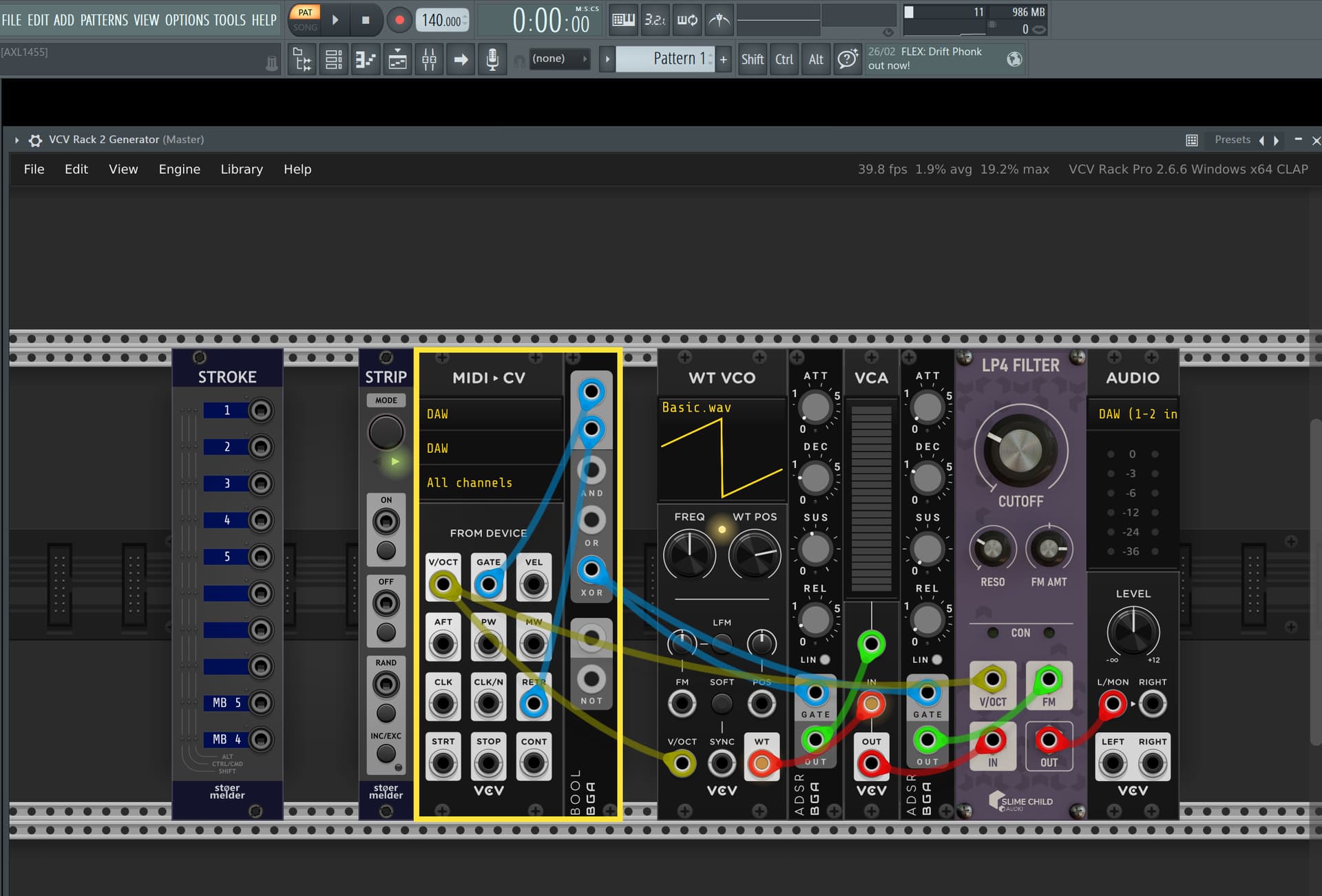
I save a strip with this configuration of modules to get the retrigger + gate effect you want. I’ve highlighted it with the yellow border but you can see how it plugs in to other things as an example.