I finally built my close-to-perfect VCV rig…
One box, self-contained, with all the grunt of an M4 MacMini within:
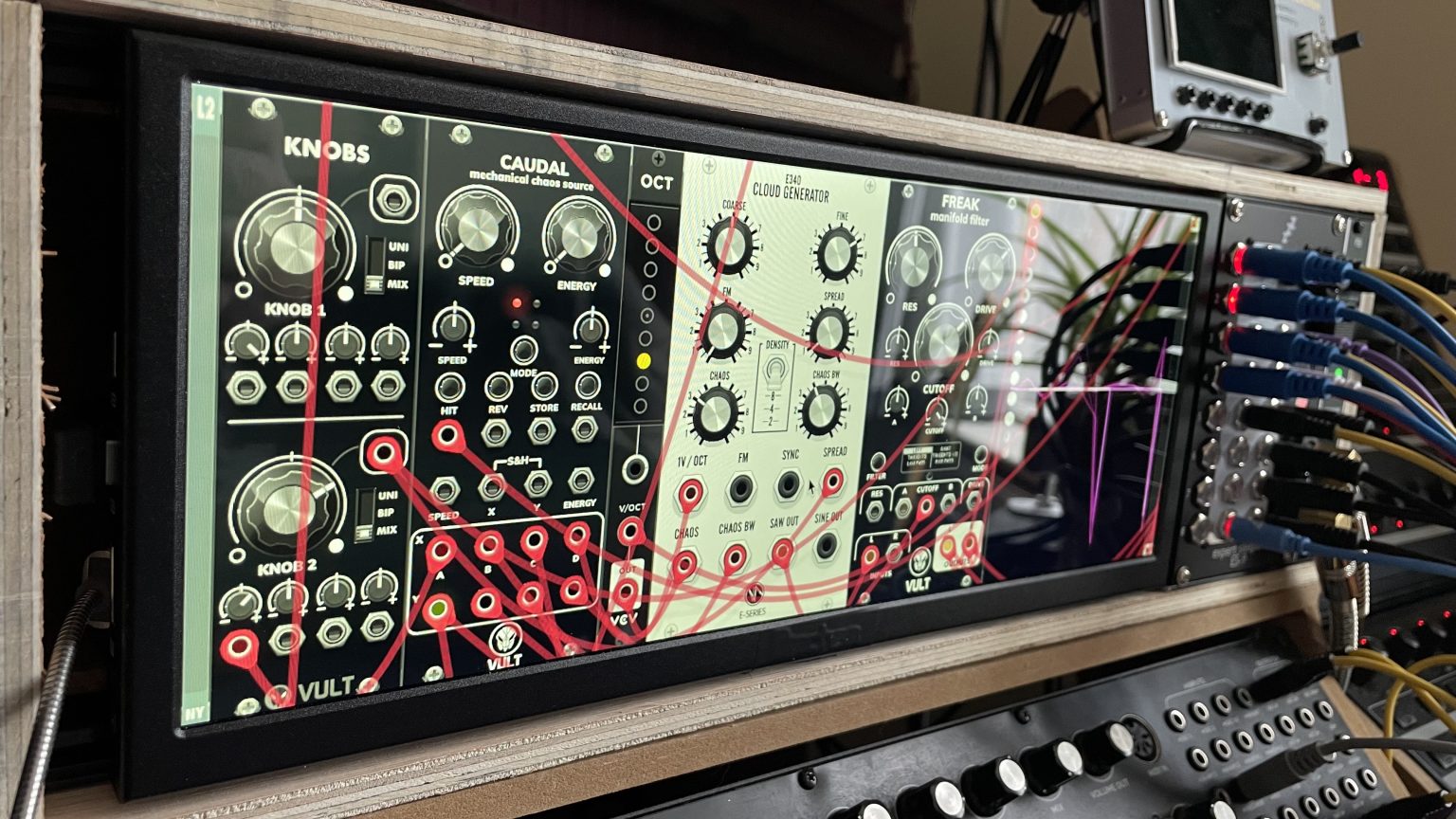
I do love happy coincidences. S’a first attempt cludge pending some refinement… deets at yonder linky:
I finally built my close-to-perfect VCV rig…
One box, self-contained, with all the grunt of an M4 MacMini within:
I do love happy coincidences. S’a first attempt cludge pending some refinement… deets at yonder linky:
Neat monitor, absolutely bonkers
Very interesting. I am curious if it will work in your way. Btw: i read that the monitors do have a very bad colour temperature. Are you satisfied with the display colours?
Modules look like modules - everything looks no different to how it looks on any other monitor in the house 
This box does nothing but run VCVRack, so perfect colour balance doesn’t really come into the equation. I’ve got a calibrated Dell 24” for that. But no, wouldn’t say this one has any major issues.
I’ve been using the screen for well over a year thus far as my daily-driver for anything audio-related.
thank you.
This is wonderful, and thanks for the diary updates too.
Do you have access to any android tablet or iPad (even an old one?). You could then try running my Pylades VCVRack control module, VCV Library - RSBATech Pylades, using the TouchOSC app, to get touch control of your VCVRack modules and patches, and to move around larger patches with on-screen grid navigation. Might be interesting to try if that enhances your setup further.
Heh… I was doing touchOSC interfaces 15 years ago (theatre show control / AV for a PinkFloyd tribute act).
These days I’m intentionally physical knobs and buttons, hence grid controllers for navigation and BCR/BCF2000s.