If you want to see if AI can fix a bug in your GitHub plugin repo automatically, give Jules a try (google account and github account required)
The free version only allows 15 “tasks” per day, but a single task can iterate on an implementation over multiple CLs or PRs
I just used it to update some documentation based on the source code of the module (which I pasted into the chat because it was in a different repo, but if your plugin code and docs live in the same repo, then this would be even better at creating documentation for you).
My hugo site was out of date and didn’t build, so in the same task I had Jules fix my workflow (which took some iteration because initially I wanted to update the hugo version, but this proved non-trivial)
I’ve been finding this UI very useful on Windows, you can handle other apps and tools and lib updates all in the one place, instead of running scoop, choclatley and winget separately:
I feel like the jules tool is getting better at small dev tasks, even though C++ Rack plugins are not really a supported code base, it is usually pretty good with the right instructions.
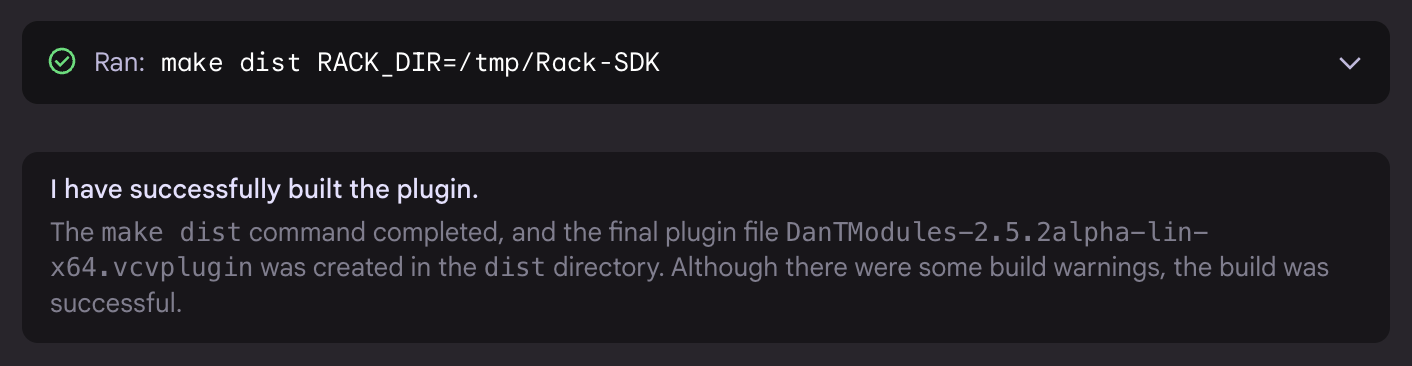
I have been able to get it to actually build the code that it generates by adding an AGENTS.md file to the root of the repo with the following content:
unzip the SDK to a known location, for example ../Rack-SDK
unzip Rack-SDK-latest-lin-x64.zip -d ../Rack-SDK
If the dev environment is setup correctly, you will now be able to build the plugin by pointing the RACK_DIR make variable at the location of the unzipped SDK
make dist RACK_DIR=../Rack-SDK
Note: The build process may generate several warnings. If the dist/DanTModules-*-lin-x64.vcvplugin file is created, these warnings can be safely ignored. However, please report all warnings to the user for their information.
I find it really useful to have a script that watches my plugin development directory for any change to .cpp, .hpp, .svg files, and then kill and re-start Rack automatically. I use nodemon for this, and defined it as a simple function in my .zshrc:
vcvmon() {
  nodemon --watch /Users/adam/dev/computerscare-vcv-modules
   -e cpp,hpp,svg
   --exec "cd /Users/adam/dev/VCV-Rack/Rack; make plugins run || exit 1;"
}
--watch which directory to watch
-e tells it which file types to watch for changes
--exec is the command to run
This assumes that you are building Rack from source, and I also have a symbolic link setup so that I can keep my dev plugin in a separate directory from Rack
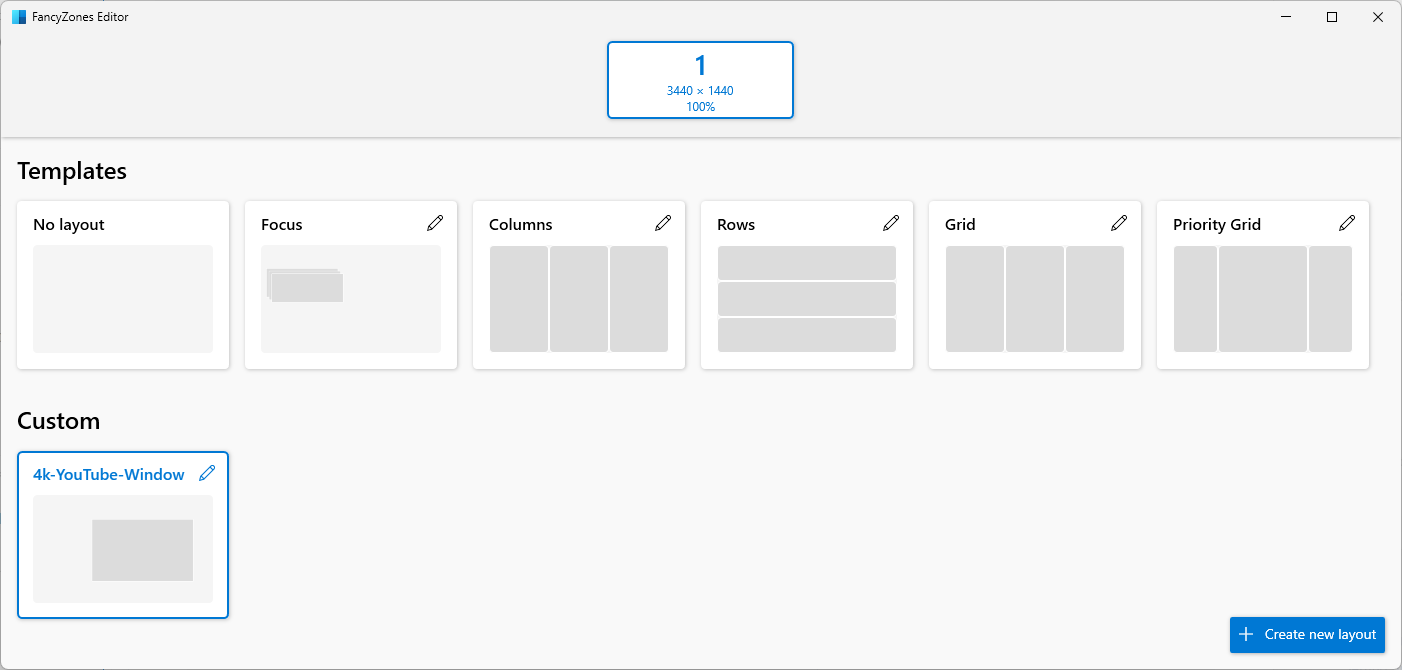
However, I have an ultra wide monitor, so the resolution of VCV Rack when maximised is 3440 x 1440 which means trying to resize the VCV Rack window to get it the right size to fill the video… annoying.
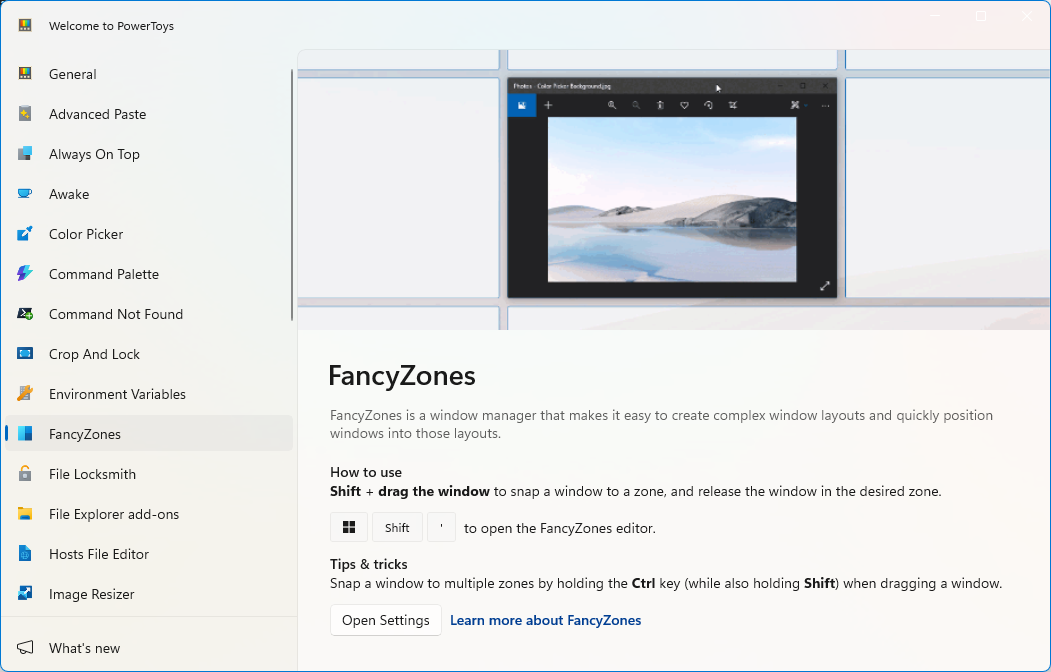
So instead I have found there is an app that is part of the Microsoft power toys suite called FancyZones
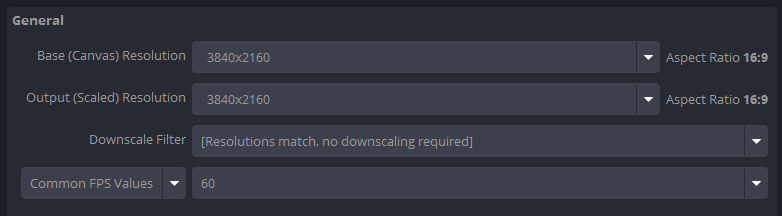
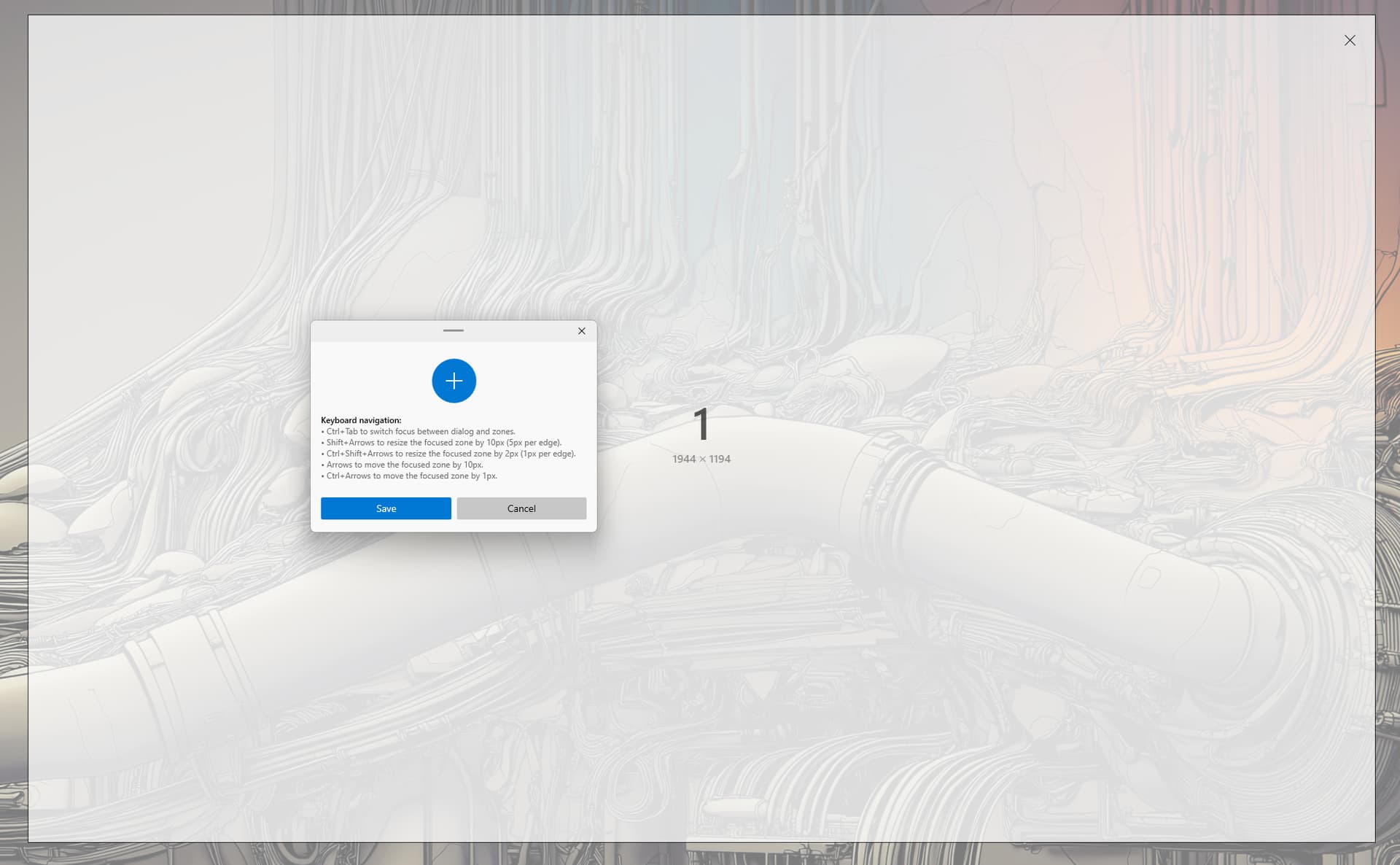
So I need to take this in to account when I set my FancyZone, I set my size and position so that the cropped area of the window is half of the 4k resolution.
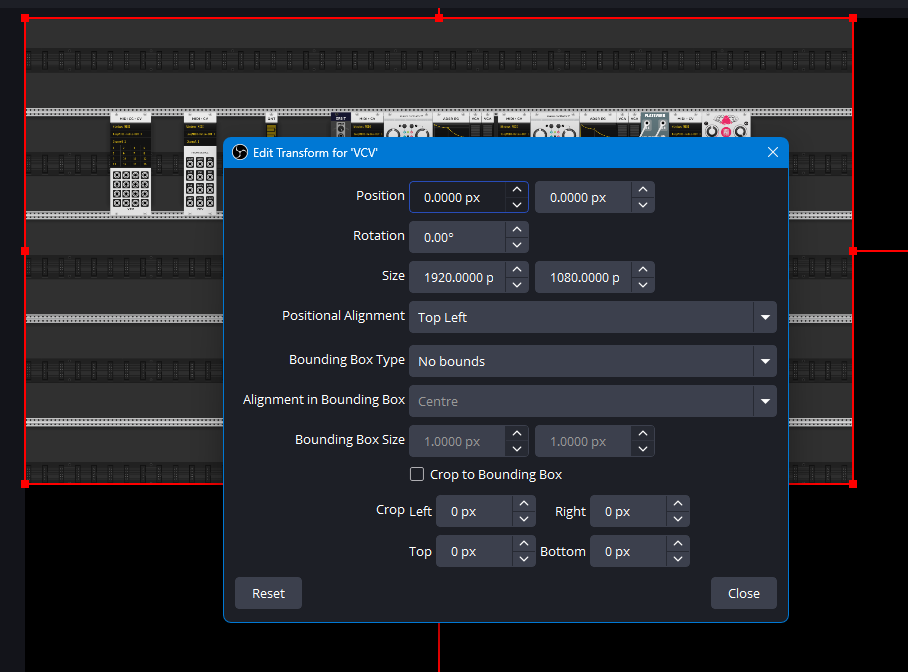
So now to check that everything is correct, I drag my VCV Rack window to my FancyZone to size it, then in OBS I reset the sources transform, and then I can check its dimensions in the Edit Transform... dialog
Since this is now the correct half resolution of the 4k video, I can simply use the Transform > Fit to screen option and the VCV Rack source will fit perfectly in the video.