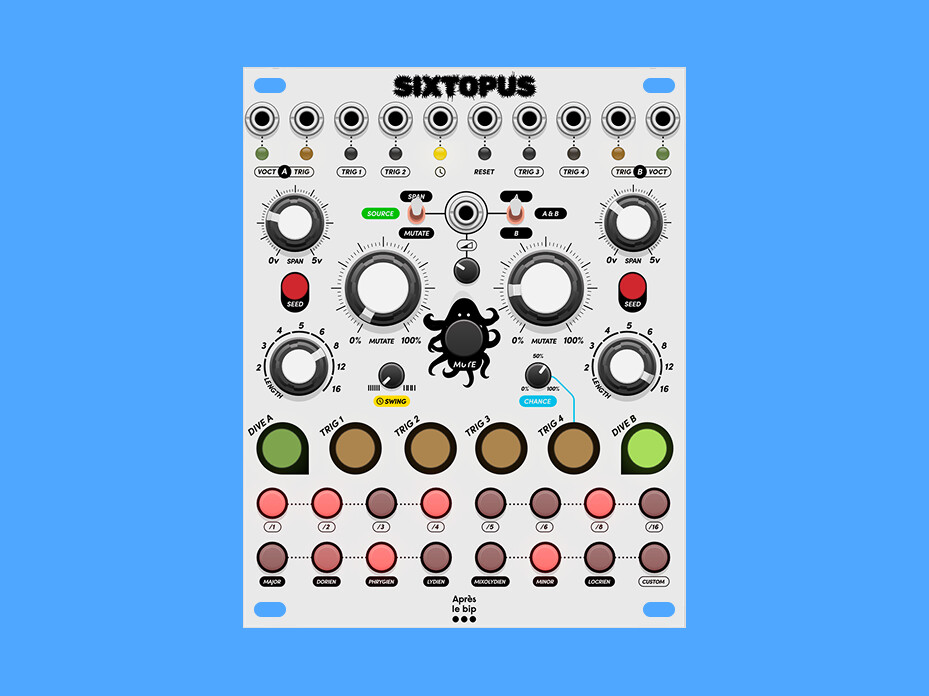
We’re Après le bip, a tiny Eurorack workshop in Paris (some of you might know our Subway switches). We just released our first VCV Rack plugin, and it’s completely free: Sixtopus
It’s a compact generative brain for small patches:
2 turing machines, looping random sequences you can lock, morph and stretch
6-track sequencer
clock division and quatinzation per track
swing and chance
The idea was to pack evolving rhythms and melodies into one module that doesn’t eat half your rack. Drop it in, patch it, and let it surprise you, but keep control.
It’s still a beta, so for now it lives on GitHub rather than the VCV Library — that way we can iterate fast on your feedback (bugs, feature ideas, weird patches, all welcome). And here’s the deal: if people have fun with it, we’ll build it as a real hardware module. So your wiggling literally decides its future
Is the yellow LED below the clock jack blinking in sync with your clock?
Are the tracks that aren’t responding in mute state?
Can you send a screenshot of your patch?
Hi Chris,
I solved it,
the tracks have been muted,
I couldn’t see this as I had the UI too small to
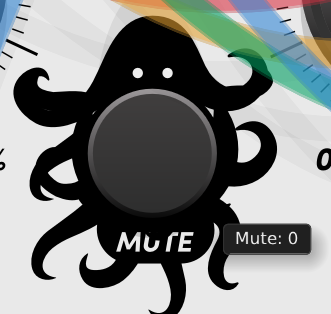
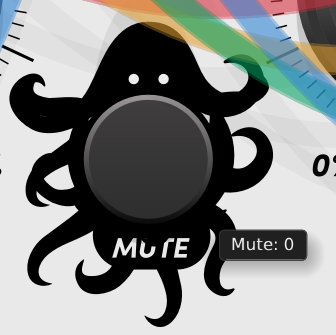
see the mute button and the “mute” text,
so I would suggest to make the mute button better visible,
and to get some visual feedback when the tracks are muted and when not.
imho this would be very helpfull when patching the module.
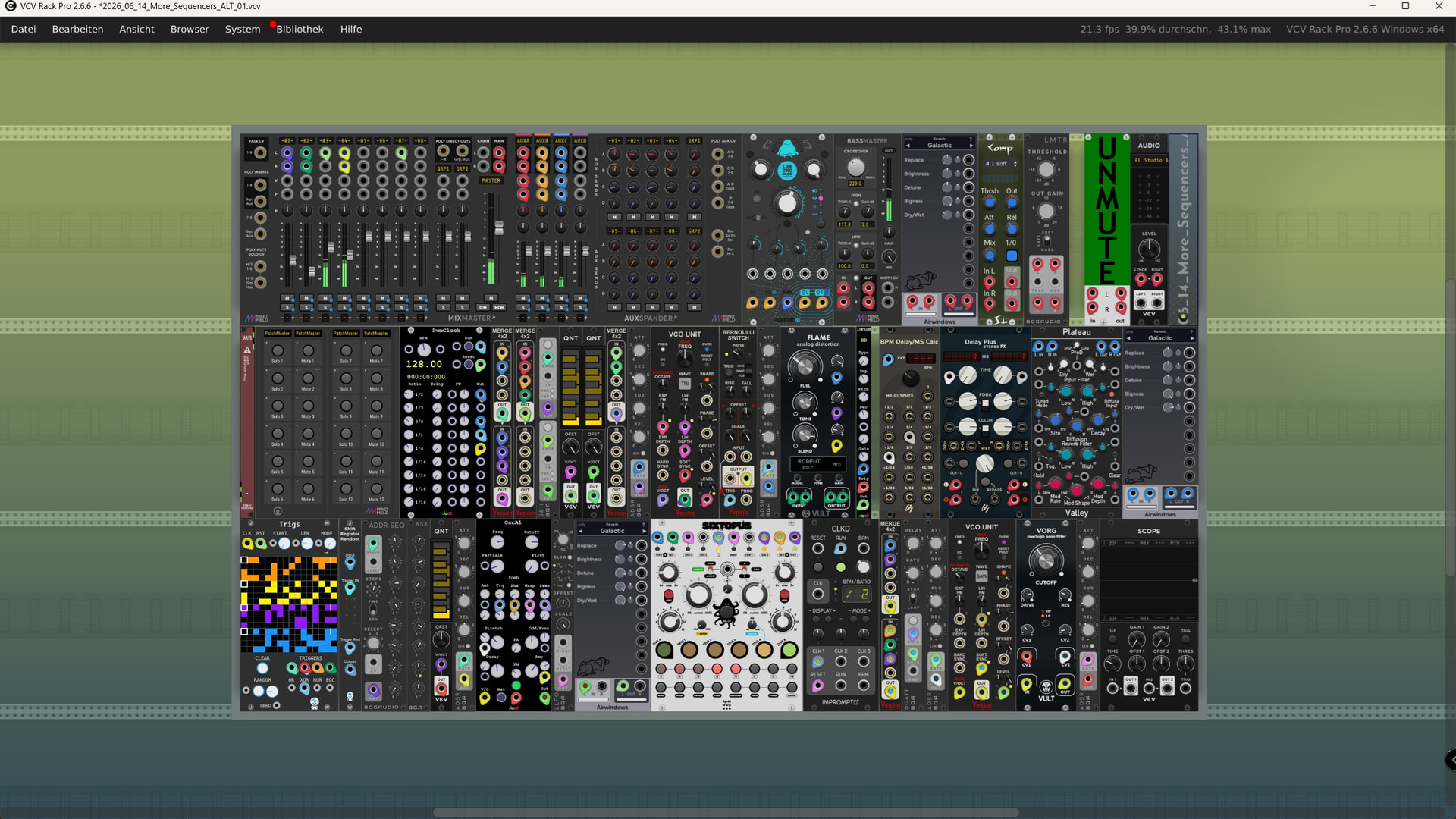
see my patch here ( this is how I see it on my 24” monitor with a 2560x1440 resolution):
So here’s how it actually works: the mute button is designed to mute the tracks.
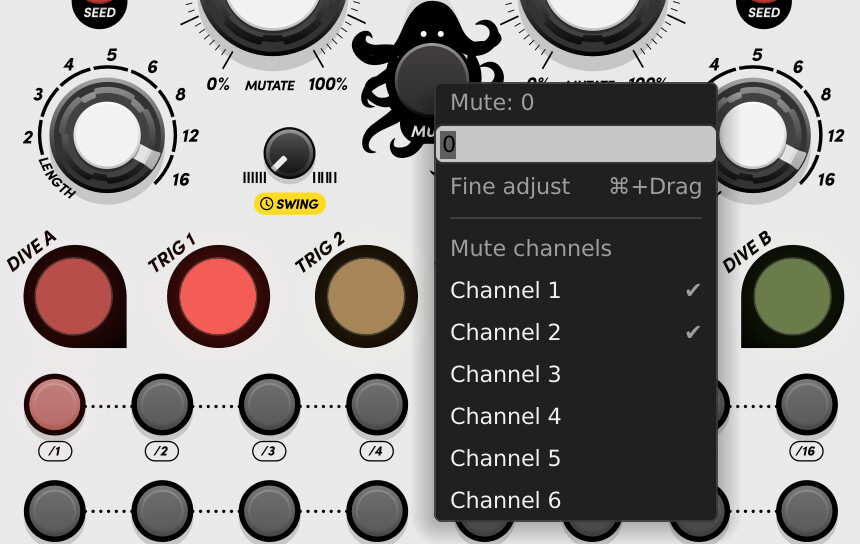
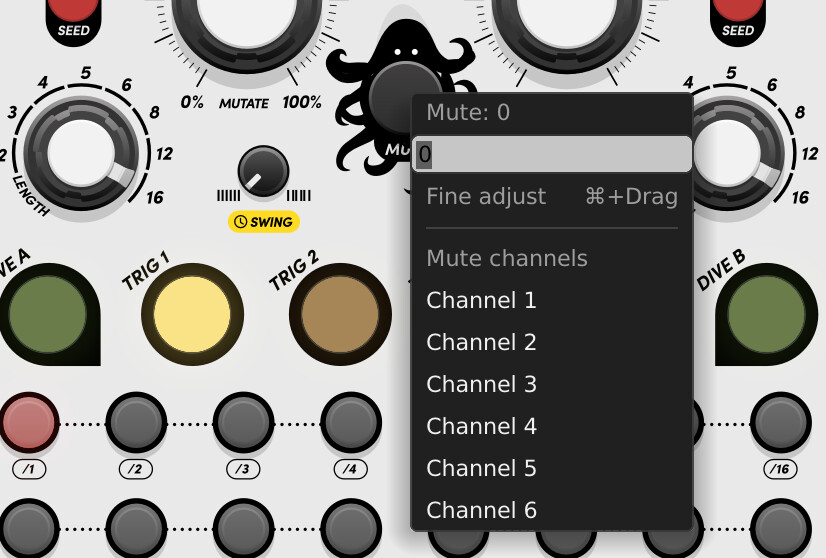
On the hardware module, you hold the Mute button and click whichever track button you want to mute — its LED then turns red. But in VCV Rack, since you can’t press multiple buttons simultaneously, you right-click to mute the desired track instead. As a bonus, a short click on Mute mutes all tracks at once.
In this screenshot, you can see the right-click menu on the Mute button, with Dive 1 and Trig 1 muted — their LEDs showing red — while the other tracks remain unmuted with their normal LED colors.
List of channel will be replaced by their name (Dive A, Trig 1, …) in the next update with a more explicit behavior.
But there is no clear indication when global mute is in affect.
Here are a few other observations:
When Dive A or B are muted the gate outputs are muted, and the CV output goes to a seemingly random constant voltage. In my mind the CV should either hold the last value, or else should be set to 0 when the channel is muted.
When Global mute is active then only the gate (and trigger) outputs are muted. The Dive CV outputs continue to update. That seems like a bug to me.
I find it very confusing that the button light intensity for an active step drops when it becomes the current step. I think it would be much more intuitive if the step buttons had two colors. For example:
Red indicates not current step
dim red is inactive
bright red is active
White indicates current step
dim white (grey) is inactive (not playing)
bright white is active (playing)
The green “Source” label makes no sense. To be consistent I think it should be black and read “Bypass TM”
And here are a few seemingly trivial graphical issues:
Probably not an issue in hardware, but the A/A&B/B toggle switch looks like a cartoon face of a man with a mustache wearing dark sunglasses when in the up (A) position. The A is mostly obscured by the switch. I think the issue is fixed if you simply move the A label (and the Span label) up so the white gap matches the B label (and Mutate label).
It seems to me the octopus logo should have six arms to be consistent with the Sixtopus name. Right now the octopus has more than eight arms, which makes absolutely no sense.
Here is an update with some fixes for mute and UI issues. Hope this will improve your experience.
Have fun,
Chris @ Après le bip
What’s new
Mute now cuts V/Oct too — muting a DIVE channel (or global mute) drops its V/Oct to 0V along with the gate, instead of leaving the pitch frozen on the last note.
Muted = dark LED — a muted track’s button turns off (matching a single-colour hardware LED) instead of glowing red. Global mute turns all channel LEDs off. Un-muting restores each track’s previous per-track mute state.
Real channel names — channel buttons and the Mute right-click menu now read Dive A, Trigger 1–4, Dive B instead of “Channel 1…6”.
English scale names — Dorian, Phrygian, Lydian, Mixolydian, Locrian.
Bigger, cleaner panel — components scaled up for readability, crisper 3-way switches, no more moustachio
That was quick! Definitely an improvement. But . . .
It is now very clear when anything is muted. But you can no longer see which channel is active for editing. I think reverting to red signifying mute is better, with bright red signifying muted and selected for editing, and dim red signifying muted but not selected for editing.
Actually the previous version did not hold the last note when channel muted - it jumped to some inexplicable voltage. Consistently going to 0 is better than it was, but I think holding the last note is the best option. In that way when using long envelopes the last note played can ring out to completion when the channel is muted without changing the pitch.


 Download (beta, latest release): https://github.com/apreslebip/Sixtopus/releases/latest
 Manual: https://apreslebip.github.io/Sixtopus/manual
 Product page: Sixtopus | Après le bip