Sapphire Zoo: a programmable chaotic oscillator

Zoo pre-release 7 is ready

Just in time for the weekend, here is the latest Sapphire Zoo pre-release:

One big change is that the factory preset files are now much smaller. I thought about it and I like what Dan said…

That’s what this version does. Take a look at the factory preset Bouali.vcvm for example:

{
  "plugin": "CosineKitty-Sapphire",
  "model": "Zoo",
  "version": "2.6.001",
  "data": {
    "chaosMode": 0,
    "compressorLimit": 0.0,
    "xVoltageScale": 1.0,
    "yVoltageScale": 1.0,
    "zVoltageScale": 1.0,
    "oversampling": 1,
    "memory": [
      {
        "x": 0.8112608013299203,
        "y": 1.8634657347391175,
        "z": -0.4299332842626939
      }
    ],
    "program": {
      "vx": "x*(4 - y) + a*z",
      "vy": "y*(x^2 - 1)",
      "vz": "x*(b*z - 1.5) - z/20"
    },
    "dilate": 1.0,
    "speedFactor": 0.5,
    "translate": {
      "x": 0.0,
      "y": -3.82,
      "z": 1.4
    },
    "morph": {
      "x": 0.7,
      "y": 0.1,
      "z": 1.0
    },
    "params": [
      {
        "center": 0.3,
        "spread": 0.08
      },
      {
        "center": 1.0,
        "spread": 0.08
      },
      {
        "center": 0.0,
        "spread": 1.0
      },
      {
        "center": 0.0,
        "spread": 1.0
      }
    ]
  }
}

It no longer has the knobs or other settings, just stuff that defines the behavior of an attractor.

When you first start Zoo or initialize it, it no longer uses the Rossler attractor as the default. I realized I needed a way for someone programming a formula to start with a clean state, not using some of the custom settings for the Rossler attractor.

If you want Zoo to default to a particular attractor, load its preset, then save it as your default preset. This way, when you create a Zoo instance, it will automatically use that preset. This way everyone gets to pick which one is their default.

Other quick notes:

I did fine tuning on all of the factory presets. I resolved issues with stability and ranges in some cases. In other cases, I adjusted the speed that the particle moves. I try to make them all roughly consistent in that regard, although particle speeds are highly variable within any attractor.

There are also some new properties in the preset files for tuning attractors. I will have to post more about this later because it’s complicated. See the notes in the pre-release for an example excerpt of the new properties.

There are still a couple of factory presets above that I have not added yet, but they are not forgotten. They are next on my list to integrate and fine-tune.
6 Likes

nvm

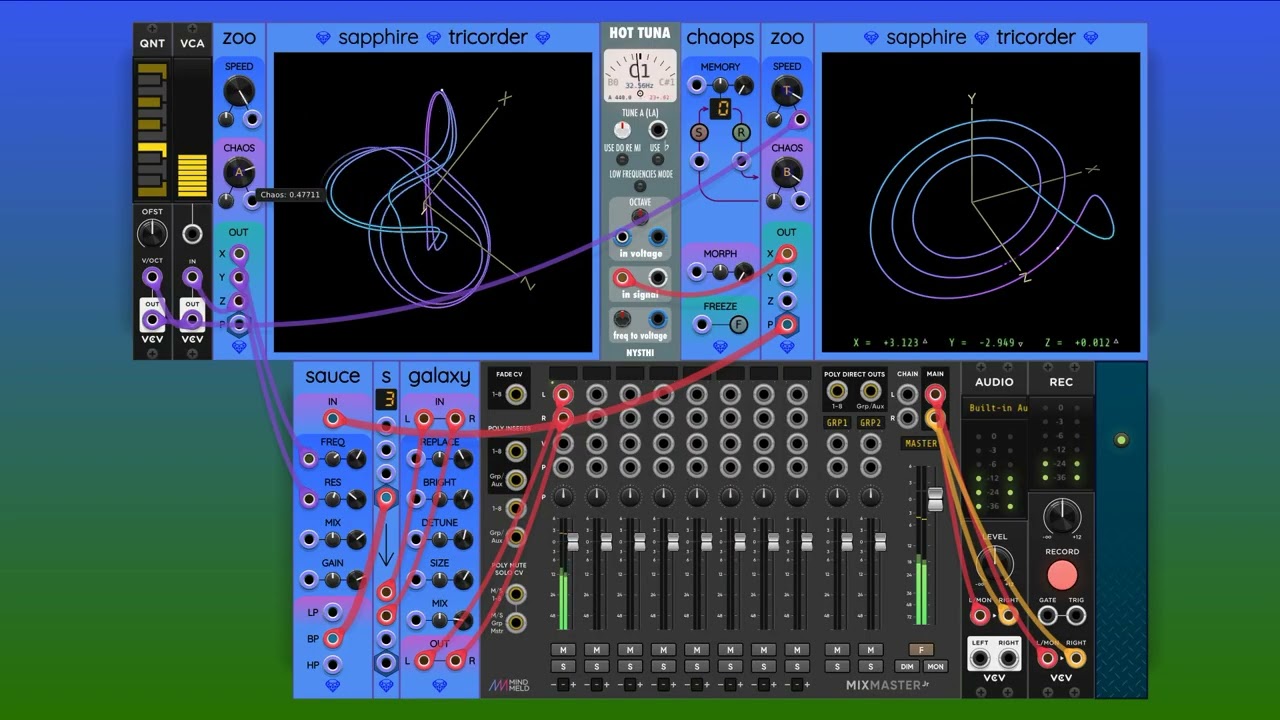
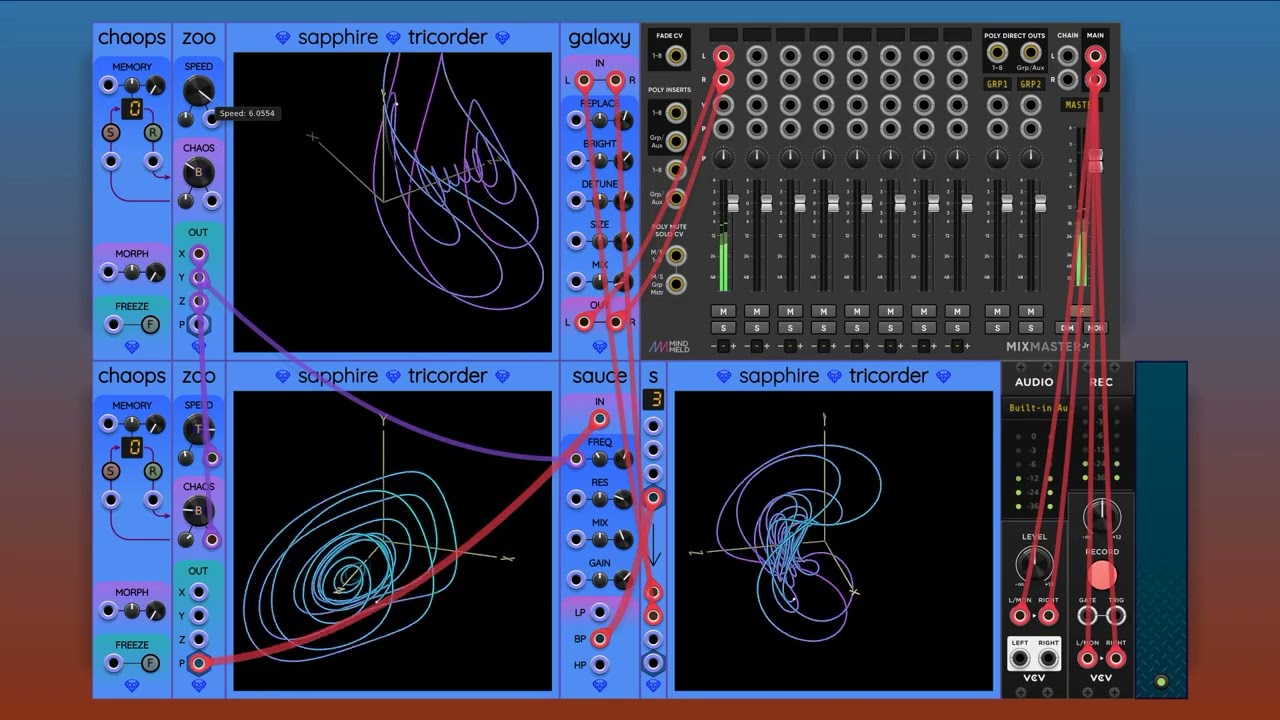
Here’s a fun thing I did with Zoo. I used one Zoo at audio rate to produce a voice. A second Zoo modulates that voice and some filter parameters.

It’s very cool that a formula interpreter is running inside an RK4 numerical integrator at audio sampling rates, and is using less than 5% CPU while doing so!

I’m very happy with how this project is turning out, plus all the helpful feedback and formula programming assistance on this thread.

Here is the patch if you want to play with this (requires pre-release 7; see link above):

zoo_f_o.vcv (4.3 KB)

7 Likes

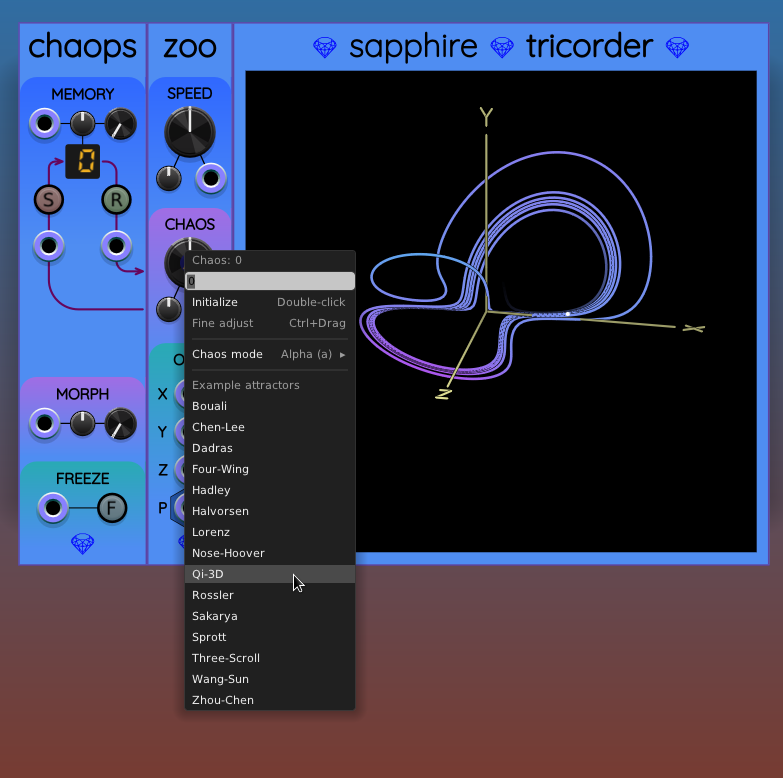
I got tired of navigating into the presets menu every time I want to change attractors. The next pre-release (number 8) will allow you to right-click on the chaos knob to immediately get a list of the factory presets:

6 Likes

Your feature velocity on this is unbelievable, @cosinekitty! Great days for Rack. I get a big smile whenever I think about this thread :slight_smile:

1 Like

Strong jungle vibes from your video. Good stuff!

1 Like

A complex chaotic oscillator voice module would be cool. This demo has some potential in that direction. Although I’m not sure if you could tame such a thing to respond to v/oct inputs.

1 Like

Bah, I’ve already caught myself clicking the Chaos button to swap attractors.

That won’t come soon enough.

It should be possible if you adjust one of the attractors into a non-chaotic repeating cycle. It will have some kind of timbre. Adjust the speed knob to get the root note you want, verified with Hot Tuna.

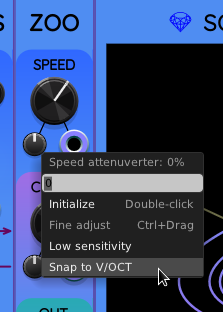
The trick is to right-click on the SPEED attenuverter and select “Snap to V/OCT”. This will put it at the exact setting so that every volt increase on the CV input will add 1 to the knob setting, i.e. double the actual speed.

For no good reason the attenuverter setting for V/OCT is 35.71428 percent. You can also enter the expression 250/7 which is the exact fraction. I added “Snap to V/OCT” as a convenience.

1 Like

Very well, good sir…

3 Likes

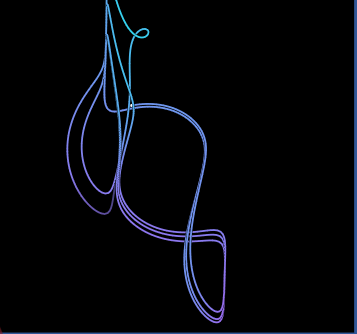
Follow-up: here is a quick demo of what I had in mind:

Here is the patch:

tunable_zoo.vcv (4.9 KB)

2 Likes

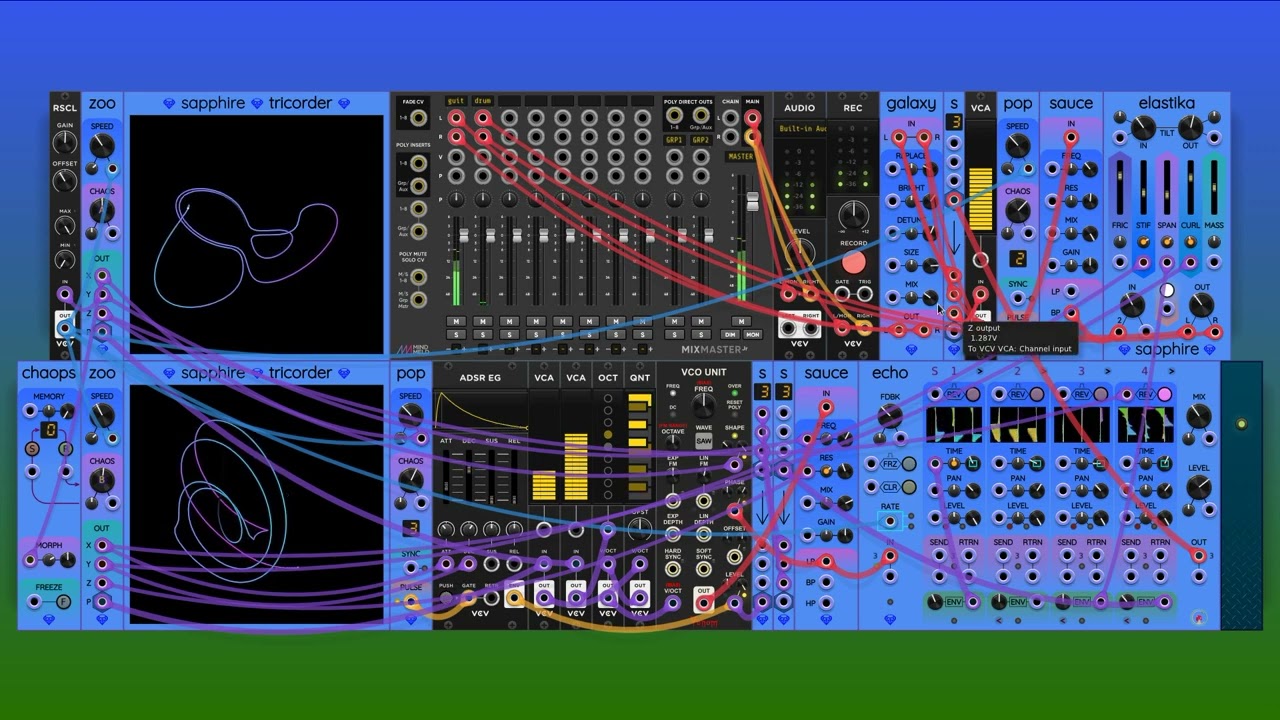
It’s Saturday night, so I’m having fun doing more of a generative performance, not just testing a module. Venom VCO Unit is my main voice with 3-channel polyphony. I mix the 3 channels as (left, right, center) into the Galaxy reverb. Echo and Galaxy provide the daydream / contemplation vibe.

Here is the patch:

zootopia_21.vcv (8.3 KB)

3 Likes

I am done…for now.

Here an attractor that was a little more than data entry.

From Strange Attractors

Rabinovich-Fabrikant.vcvm (1.1 KB)

I tried creating this preset a few days ago and could not get it to run reliably with the values provided. Today with a little info from

the chaos settings finally came together. I did not try to do anything with the x,y and z levels ATM.

1 Like

I took a look at Rabinovich-Fabrikant. I tried to get interesting behavior by changing the parameters, but this one’s range of behavior seems rather limited.

The Wang-Sun attractor appears to be the same as the existing Four-Wing factory preset.

I also looked at Zhou-Chen, but I don’t think it is different enough from other attractors, and it’s not as interesting when I change the parameters. So I’m sticking with the following list for initial release:

  • Bouali
  • Chen-Lee
  • Dadras
  • Four-Wing
  • Hadley
  • Halvorsen
  • Lorenz
  • Nose-Hoover
  • Qi-3D
  • Rossler
  • Sakarya
  • Sprott
  • Three-Scroll

@scook, thank you once again for all the work you did on the factory presets. We have a very strong roster of examples for people using Zoo for the first time.

At this point I’m focusing on testing and fixing things. I won’t be adding any new features right now. New ideas are still welcome, but I will put them in the Sapphire issue list for future work.

I’m most interested in hearing about any crashes, bugs, weird behavior, or anything that looks plain wrong.

1 Like

These did not make the cut?

I want to add those in a future release, just not the initial release. I want to make sure they act exactly like Frolic, Glee, Lark, and I have an idea for how to make that easier…

Is it really important that the Zoo versions act exactly the same? If there is a slight difference then there is more reason for Frolic, Glee, and Lark to still exist, yes?

No real strong need either way. My thought process was, it would be nice to have “reference” versions of Frolic, Glee, Lark as Zoo presets that act exactly like the originals, so that people could start with the original formulas and tinker with them. Mostly for learning, experimentation, etc.

1 Like

I like the learning, experimentation angle.

But if there are any improvements you would like to make to Frolic, Glee, Lark behavior, then you can put them into the Zoo presets only and thus maintain backward compatibility. You could document Frolic, Glee, Lark to point out the slight difference from the Zoo preset implementations, and there is more opportunity for learning.

You could also have the following presets:

  • Rucklidge attractor
  • Rucklidge attractor (Frolic version)
  • Aizawa attractor
  • Aizawa attractor (Glee version)
  • Dequan Li
  • Dequan Li (Lark version)

And then users have examples showing how (presumably) slight differences can affect the outcome.

I also like this angle. It reminds me of FL studio’s “Soundgoodizer”, which is just a wrapper around four different presets for FL’s real powerhouse dynamic compressor “Maximus”.