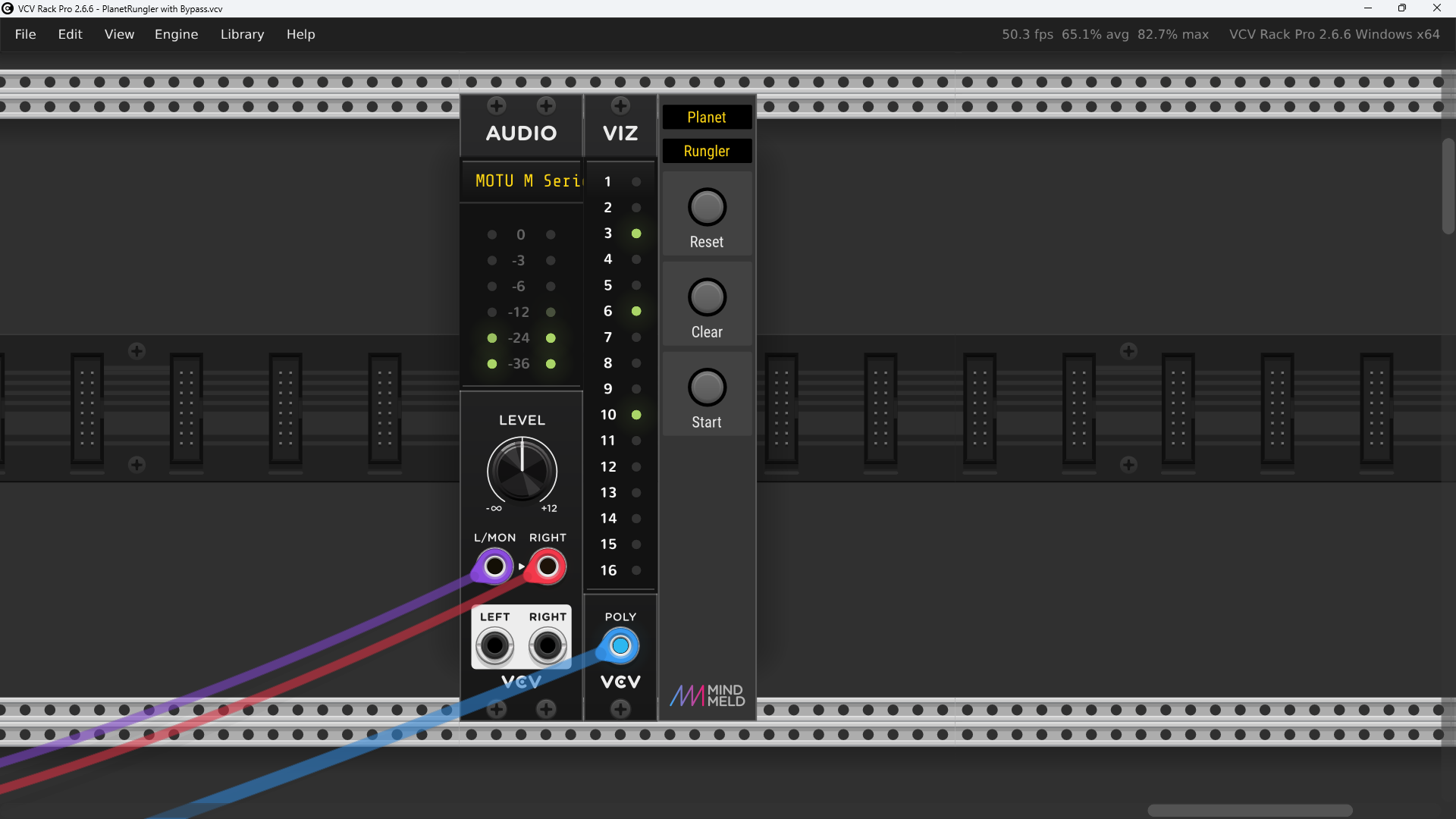
This post concerns the Planet Rungler patch that @MinorNoise posted in my Venom Announcements thread over 1 year ago.
The patch is really cool, but it is huge and is a CPU hog with 16 independent voices. It does not run well live - the CPU usage consistently goes above 100% if run at a reasonable sample rate like 48 kHz.
But most of the time, only a few of the voices are playing at once. I figured there must be some way to get Planet Rungler to run at 48 kHz at well less than 100% CPU. I didn’t quite succeed on my Windows machine, but I have it working great on my M1 MacBook Air!
PlanetRungler with Bypass.vcv (108.2 KB)
I used my Venom Bypass module to bypass each voice. This was fairly easy because the voices were already separated from each other with a large enough gap for a 3hp bypass per voice, still leaving a gap between them. I configure the Bypass to disable the target and all neighbors to the left and right and patched the Bypass output to one of the unused inputs in the voice. Bypass is set to inverted gate mode so the voice is enabled when the gate is high, and bypassed when the gate is low.
There was already a polyphonic cable where each high gate represents a voice that is currently on. I split out the channels to individually gate the Bypass modules. The 16th voice is special in that it only turns on when all others are off. A Count Modula logic module was used to NOR the 15 channels. I substituted a Grande Logic module (much smaller), to first OR the 15 channels and then NOT that result to get the NOR result. That is then merged with the original 15 channels using a Grande Poly Merge to get a control gate for all 16 voices on one poly cable.
I assumed at least some of the voices continue to ring out after they have been turned off. So I want to bypass each voice 6 seconds after it is turned off. So instead of using the control gates directly, I pass the poly voice gates into the Gate input of the Venom AD/ASR. I set the rise time to a minimum value, and the Fall time to 6 seconds. I then use the sum of the Rise, Sustain, and Fall gates to gate the Bypass modules. The fall time gives me the additional 6 seconds.
But there was still one issue - sometimes when a voice is bypassed, there is a significant pop. So I needed to mute the mixer channel before the voice is bypassed. So I took another copy of the voice gates into a second AD/ASR module and this time set the Fall time to 5 seconds. The sum of the rise, sustain and fall gates is inverted and then used to mute the mixer channels.
The end result is a voice is only enabled (not bypassed), and the mixer channel open when its control gate is high. 5 seconds after the control gate goes low, the mixer channel is muted, and 1 second later the voice is bypassed.
On my Windows machine (4 threads) at 24 kHz the instant CPU usage is typically in the mid 40% range, but the Max occasionally strays above 50%, so if I double the sample rate to 48 kHz it exceeds 100% and I get pops.
But on the M1 MacBook Air at 48 kHz (1 thread) the instant CPU usage is in the low to mid 40% range, and the max rarely goes above 50%! It is a joy to run the patch at a good sample rate and not drop any audio samples!