My usual workflow is limited to VCV Rack only. I am not familiar with connecting external gear to VCV at all… But now I thought to record some audio (and/or polyphonic CV) for a tune.
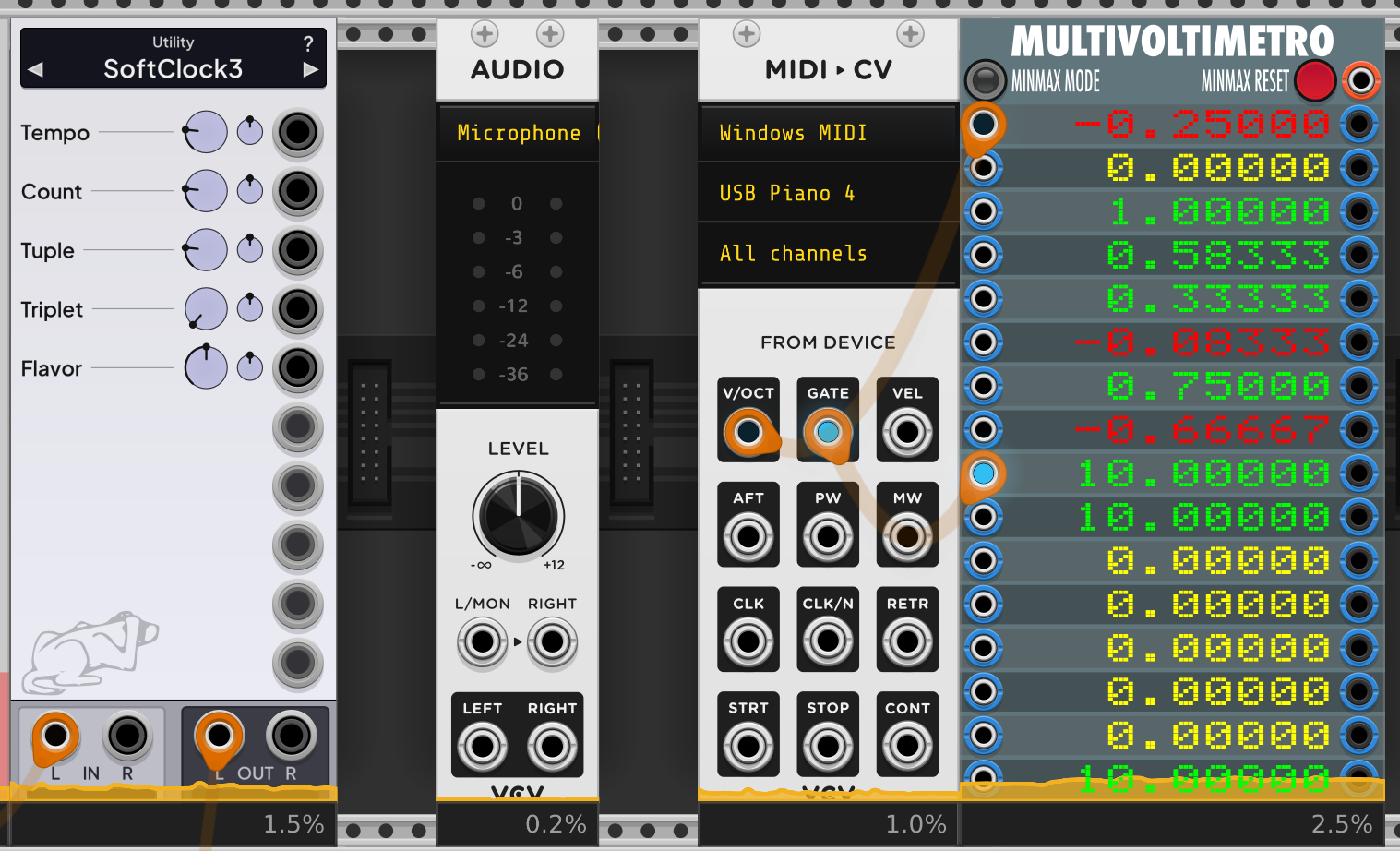
Connecting the digital piano with USB MIDI I see the incoming CVs. (See Multivoltimetro module.) But how would you record them?
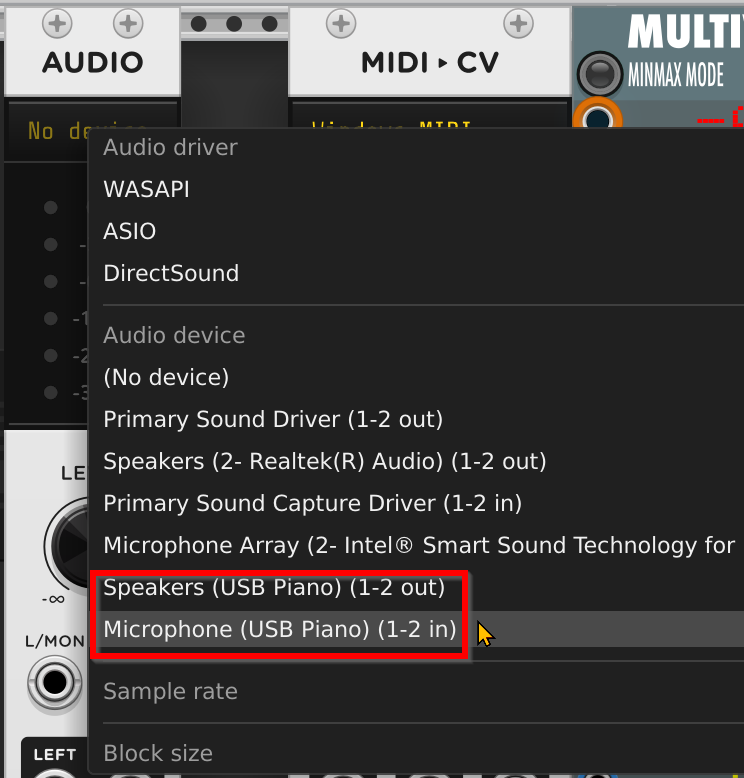
Currently I hear the VCV on the speakers of my digital piano. I also see in the VCV Audio module the piano connected. But there is no incoming signal that I could send to my recorder (like VCV Record). How to record the piano sound as a WAV in VCV?
If I understand you correctly, your main issue is getting the sound from your piano into VCV Rack in the first place. The standard approach would be to use a sound card/device with an audio input. You would connect the audio output of your musical instrument—for example, your electric piano—to this audio input using an audiocable.
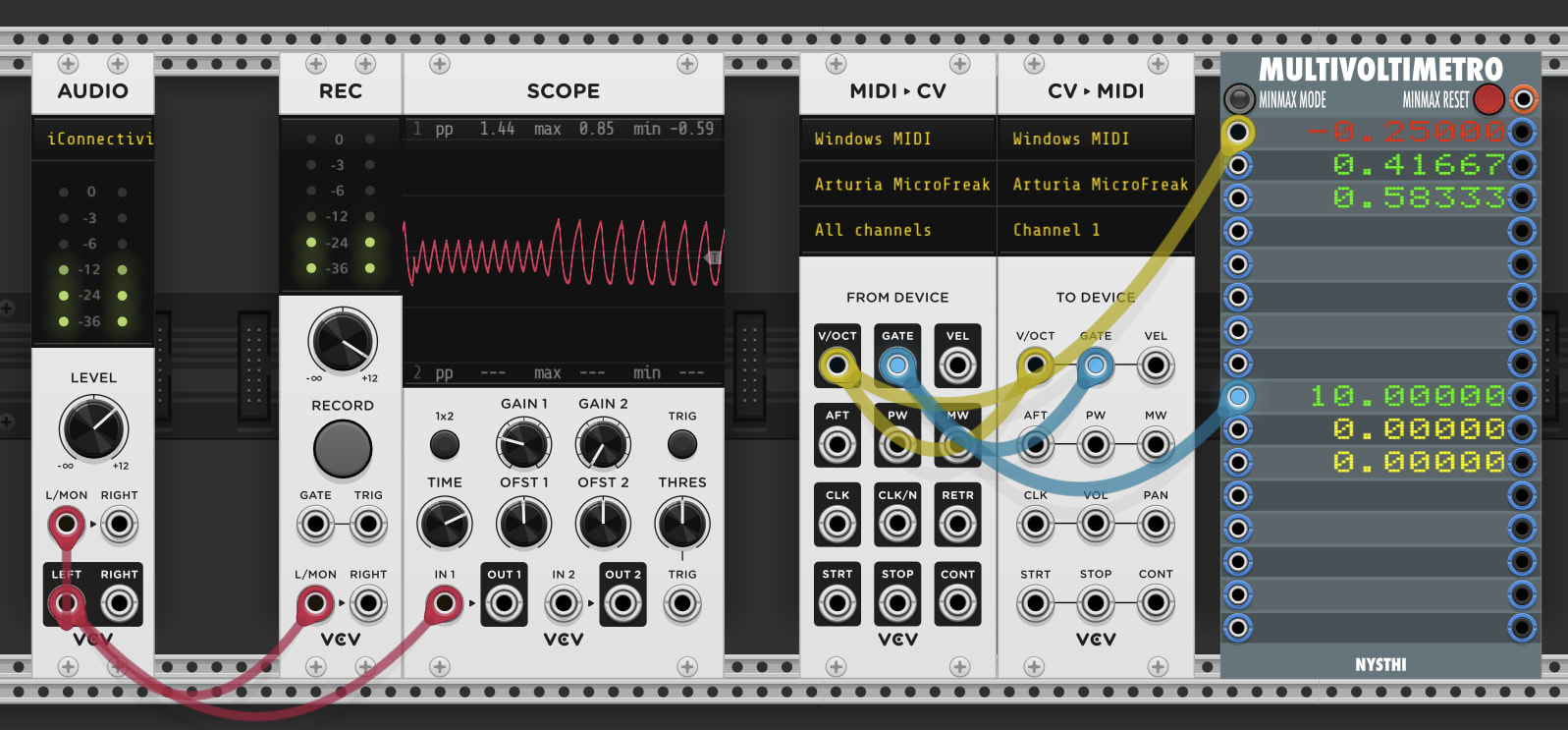
Then, in the VCV Audio module, you can patch from the left output (bottom left, black) to the left audio input (top left, white). This allows you to bring an audio signal from an external musical instrument, or an other audio signal into VCV Rack and record or process it further, see screenshot.
However, based on your screenshot, it seems you’re using your electric piano as a sound device. The question is: how do you play back sound when you’re not using the electric piano?
Any module that can record and play back sound can also record CVs. Same difference really, voltages are just voltages. So you can use loopers to loop a CV signal pattern recorded from a MIDI CV output.
Thanks for all the feedback! Sorry for addressing two questions in my original post…
I think the CV recording is straight forward I just don’t find the right module for it. Feel free to recommend your favourite one.
As of the audio recording I think it’s a cabling issue. (VCV Audio + Record works in some other cases. Although with a huge lag.) I’m going to sort it out somehow.
Yes it takes up a ton of storage, so best for live CV signals. You can also use a module like my CVfunk Arrange, if you have a clock signal. It can be set to record and save up to 2000 steps, and saves it on patch close/open.