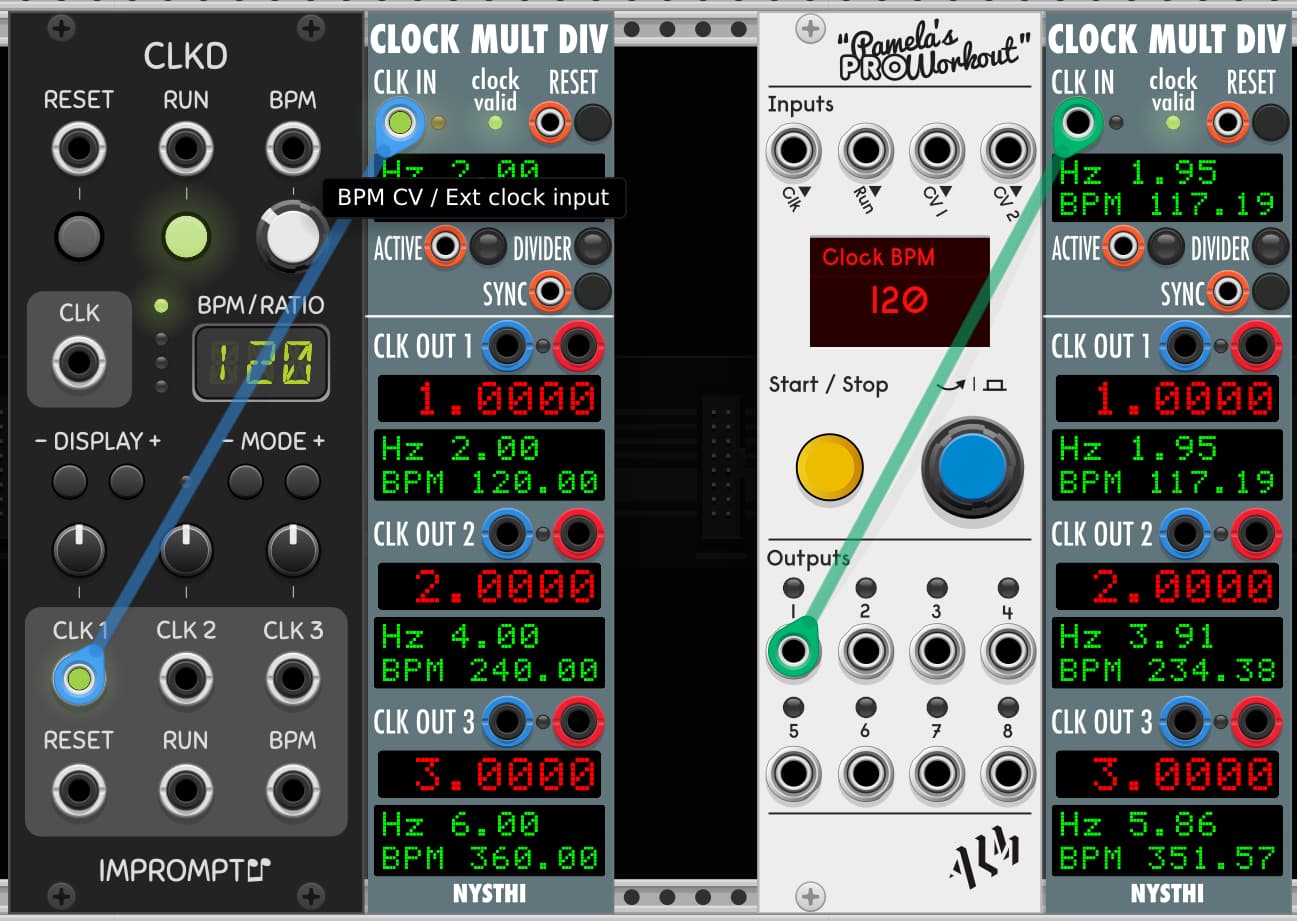
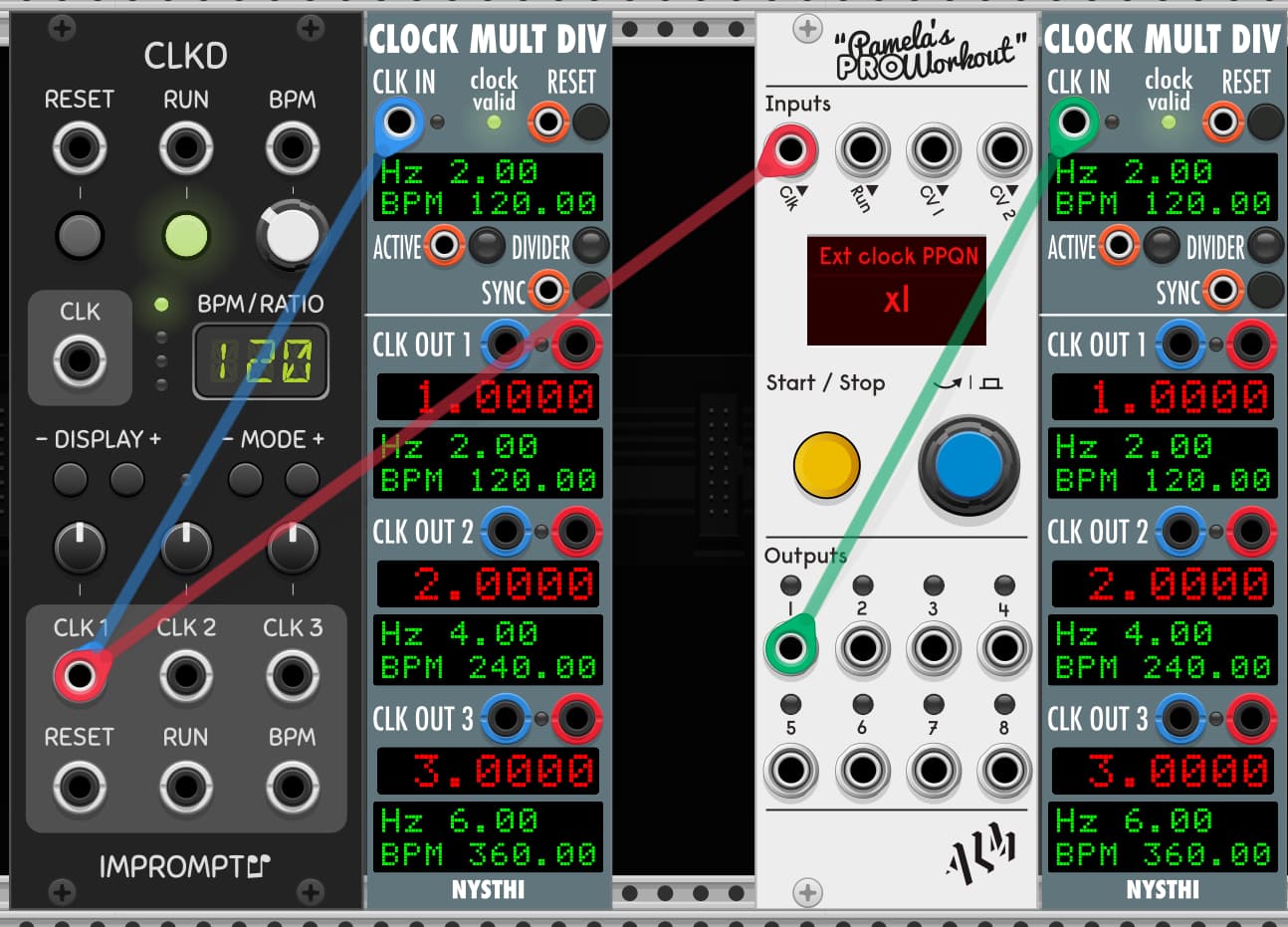
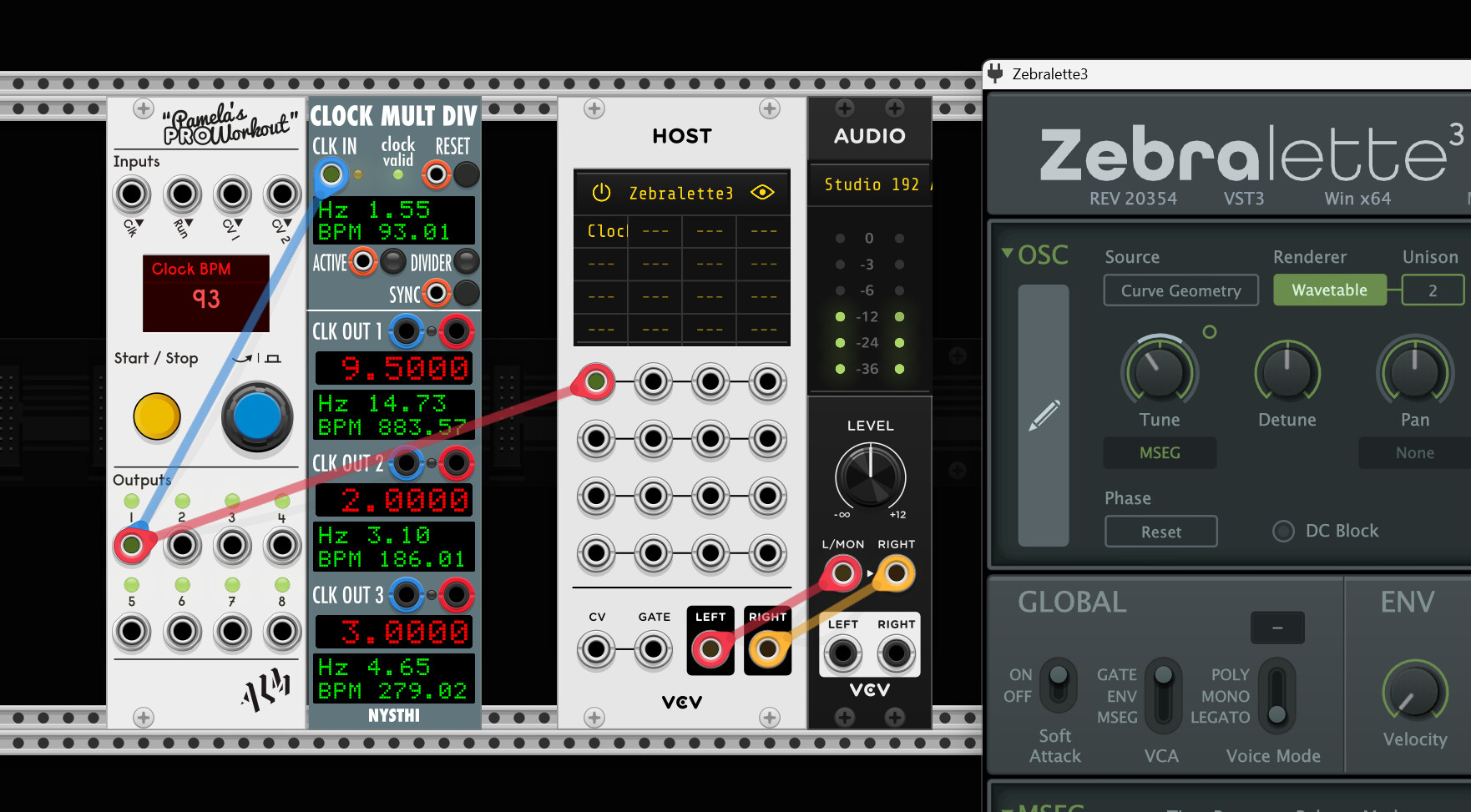
This has been bugging me for a short while now, and I’ve exhausted poking in all the likely settings and menus for a solution.
I’ve been using Pam’s Pro Workout as my primary clock for a while, but recently recorded audio from a patch running off Pam’s at 120bpm for use in an Ableton project. I noticed the recored audio was off, running a little fast, tempo-wise, when dropped into the 120bpm Live session. Hmmm. So I went back, swapped Pam’s for Clkd, re-recorded, and the audio was all good. More investigation comparing Pam’s with other clock generators (Clocked, Geodesics Twin Paradox, CV Funk Synchro) and it looks like Pam’s is not quite on its stated tempo, with all the others being good.
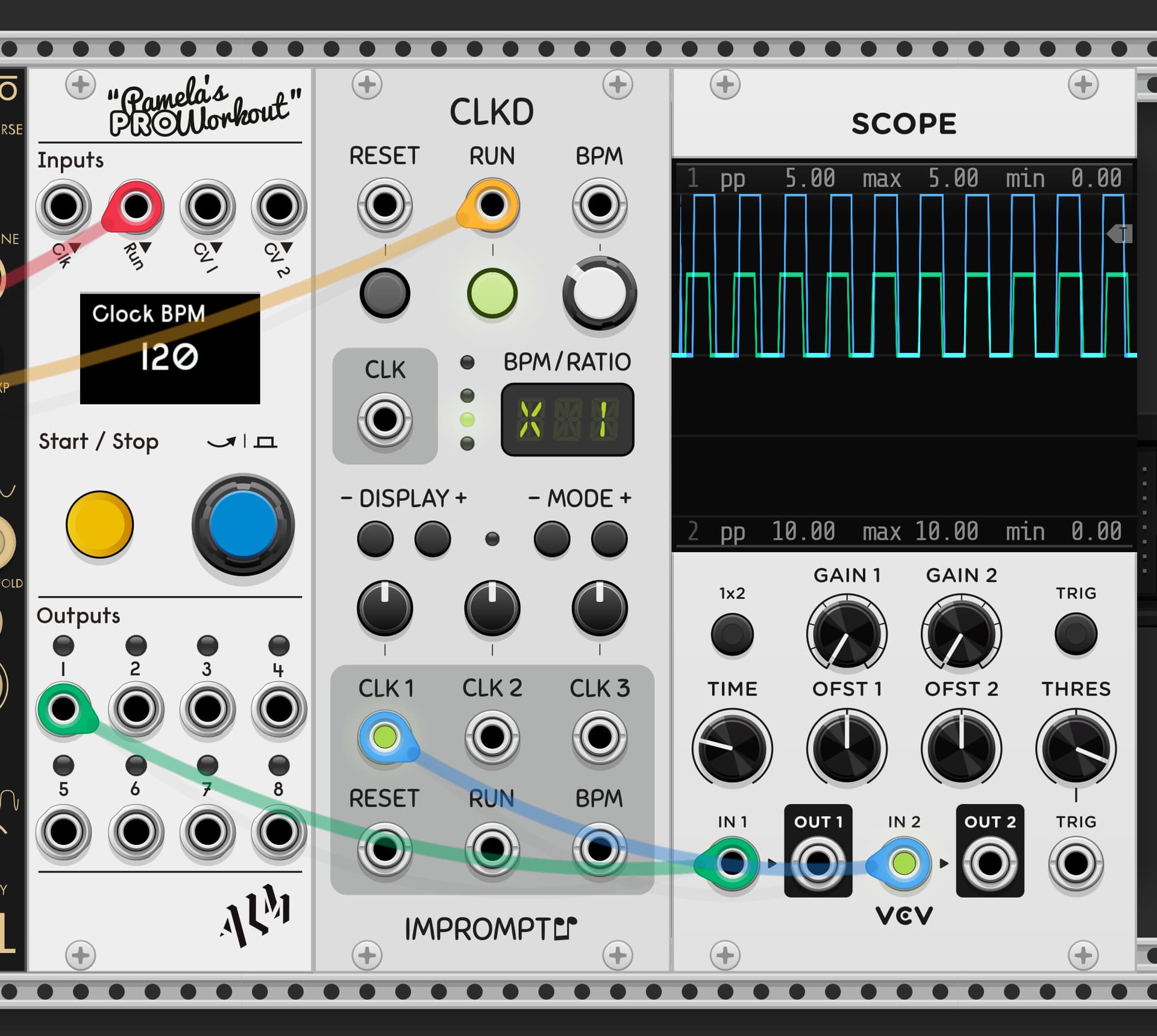
Here’s an example of the drift on the scope. This is Pam’s (green trace, 5v gates) vs. Clkd (blue trace, 10v gates). It’s consistently running fast.
Anyone else seeing this behaviour? Any possible solutions?