New Version
pachde One version 2.3 is now unleashed in the VCV Rack Library. If you don’t have it yet, subscribe today: VCV Library - pachde-One
Includes five new modules, mostly for spiffing up your skiff, and refinements for better control of Copper as an extender. As always, every module is documented.
Info is better than ever, with quick on-panel editing of the text a click way. Press F2 or click the i logo for the Text settings dialog with options for text orientation (Normal, Up, Down, and Inverted), panel and text colors, margins, font selection, and Copper control.
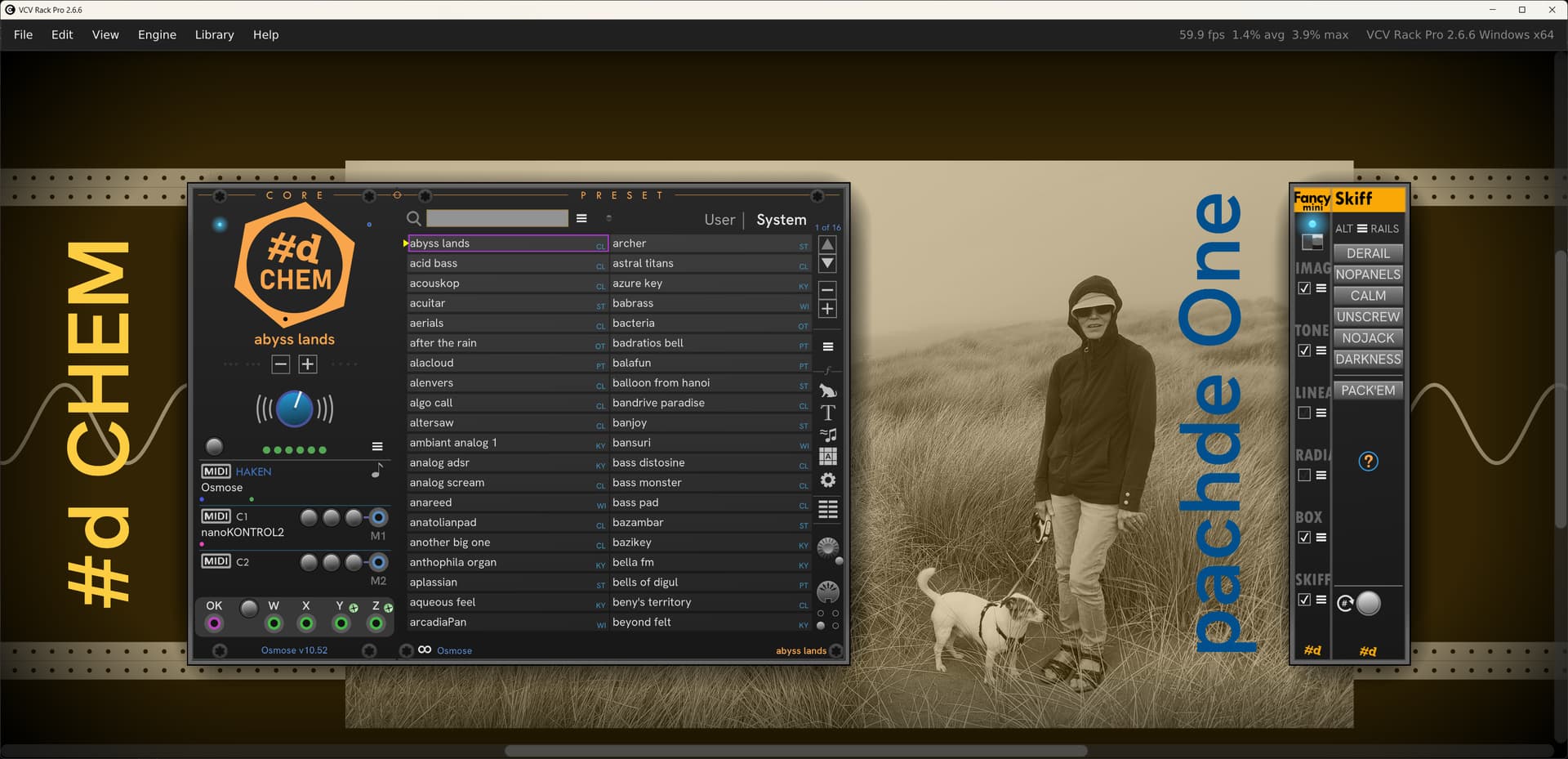
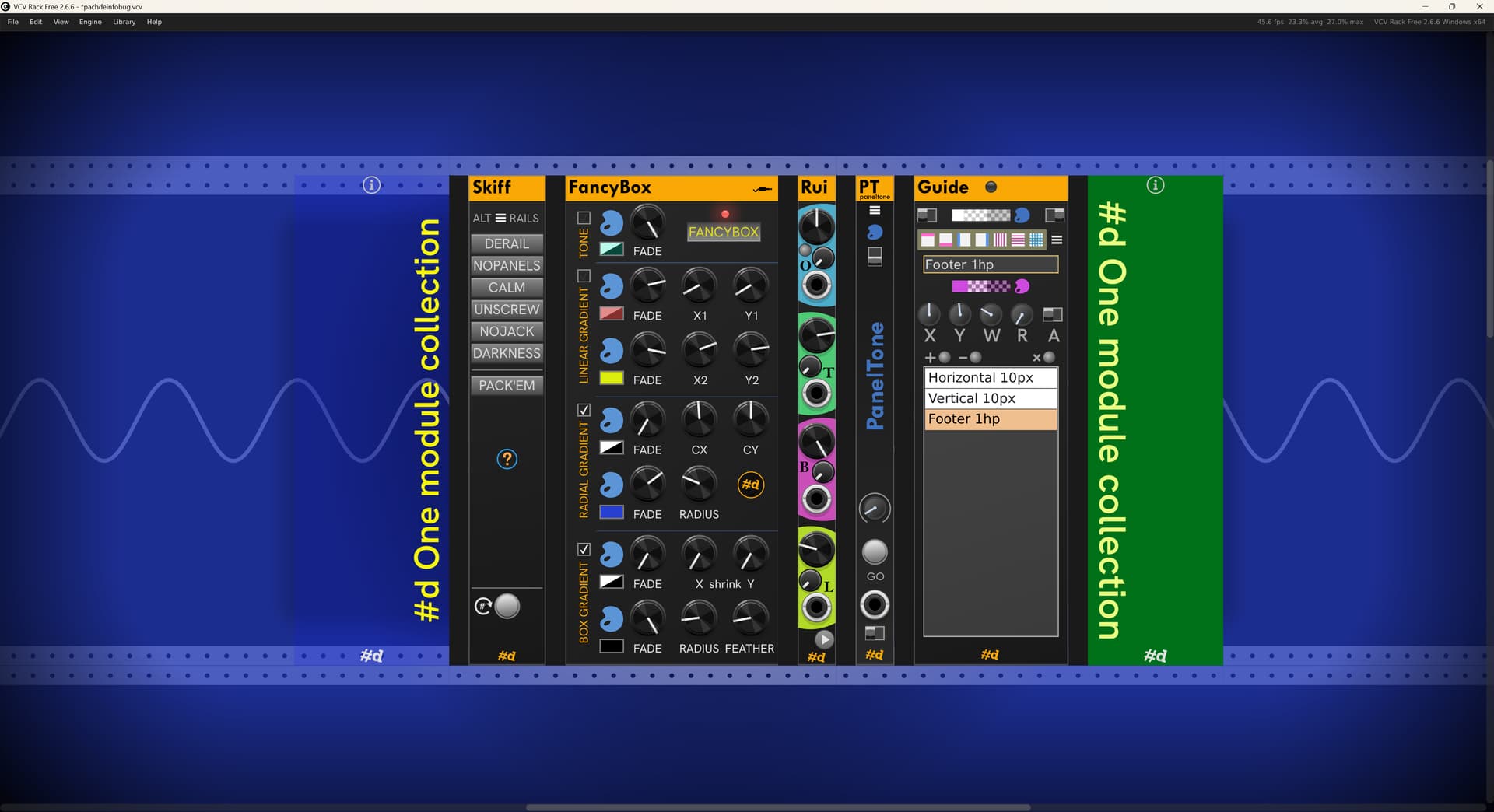
new Skiff with some cool options:
- Alternate themed rails, or set your own Rail SVG. The snip shows the Sine rail, and there are 6 others.
- DERAIL — Hide the Rack rails, leaving the background black.
- NOPANEL — makes most module panels transparent.
- CALM — A smoother, calm rendering of many common Rack knobs and ports.
- UNSCREW — Live dangerously: remove the screws from most modules.
- NOJACK — Hide unused ports.
- DARKNESS — Quell das blinken lights.
- PACK’EM — Pack all modules, or selected modules into neat, left-aligned rows.
Hover the ? for keyboard shortcuts when the mouse is over Skiff:
- F6 = Zoom selected modules (why Rack didn’t already do this is a wonder).
- F7 = Pack selected modules
new FancyBox — Jazz up your skiff background with up to 4 layers of Fill/toning, Linear Gradient, Radial Gradient, and Box Gradient (vignetting). FancyBox has an expandable panel to show or hide the 46 CV inputs for animating the colors and parameters of the layers. You can use Fill for green-screen in OBS or video editing software.
new Rui — 2hp knobs and CV animation for Cable Opacity, Cable tension, Room Brightness, and Light Bloom. F2 to suspend automation, F6 (or the tiny button) to toggle cable opacity.
new PanelTone — 2hp module for lovely toning of module panels in the patch for a unified look. Options for toning all/left/right/row/selection, so you can color-code the voices or functional segments of your patch. The effect can be barely noticeable, up to completely blanking the panel by changing the opacity of the color. Check out the factory presets. CV control can fade in/out on a trigger, or modulate the effect continuously. Pair with a Copper to animate the color, too.
new Guide — A development tool to overlay a panel with customizable design guides, so you can see where widgets might need fine adjustments.