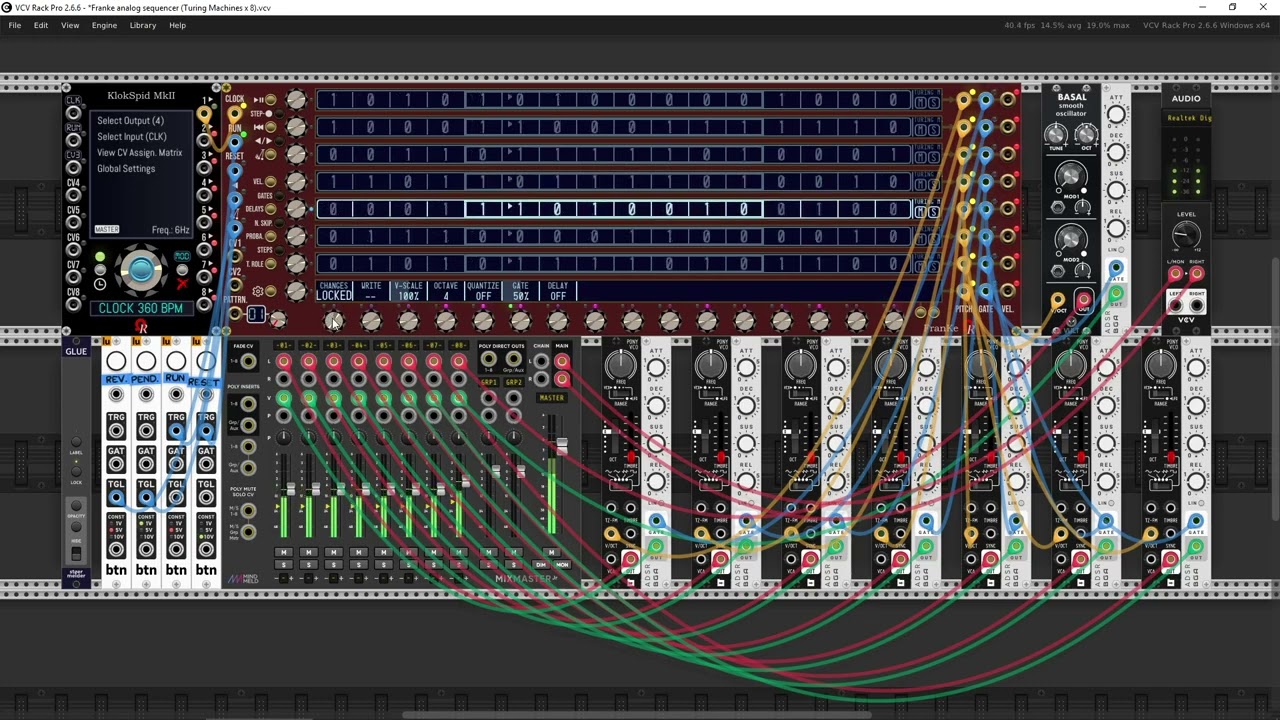
OhmerPrems announcements thread

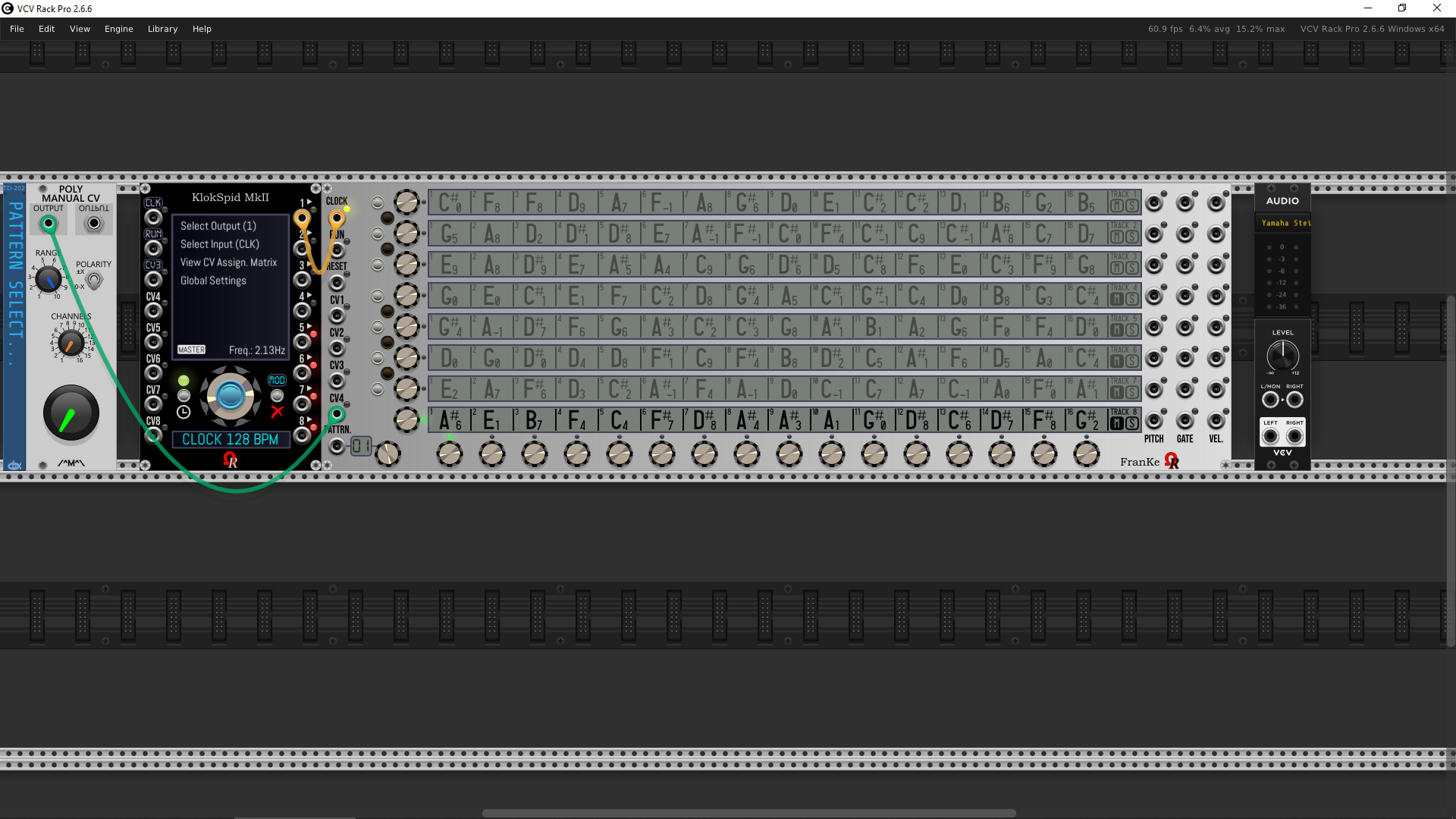
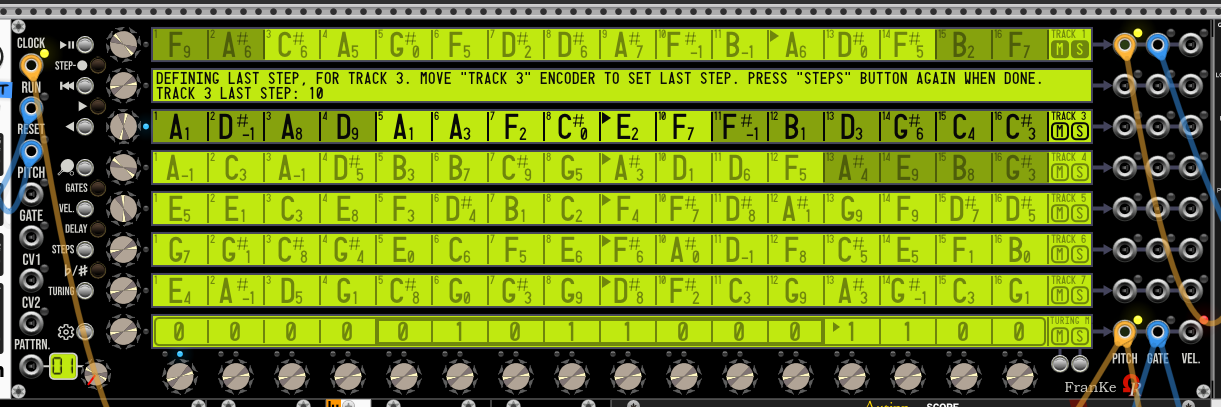
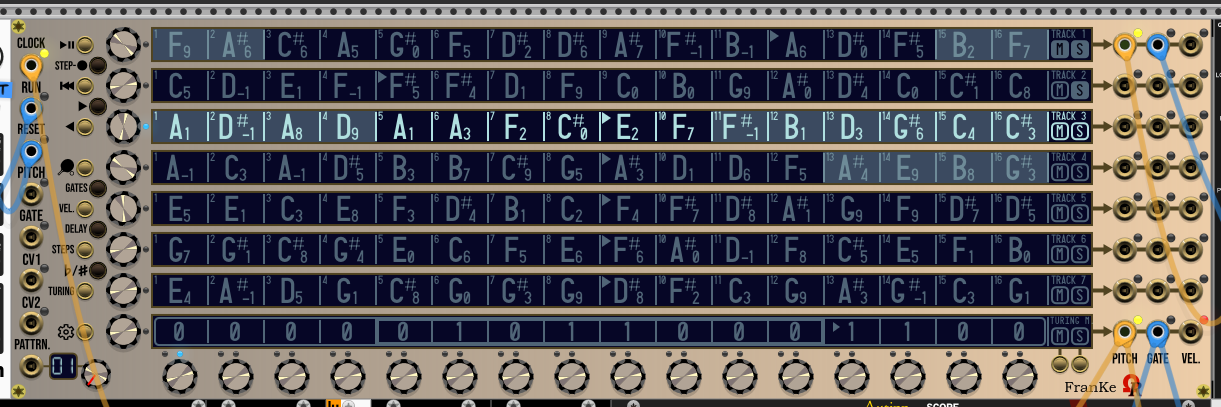
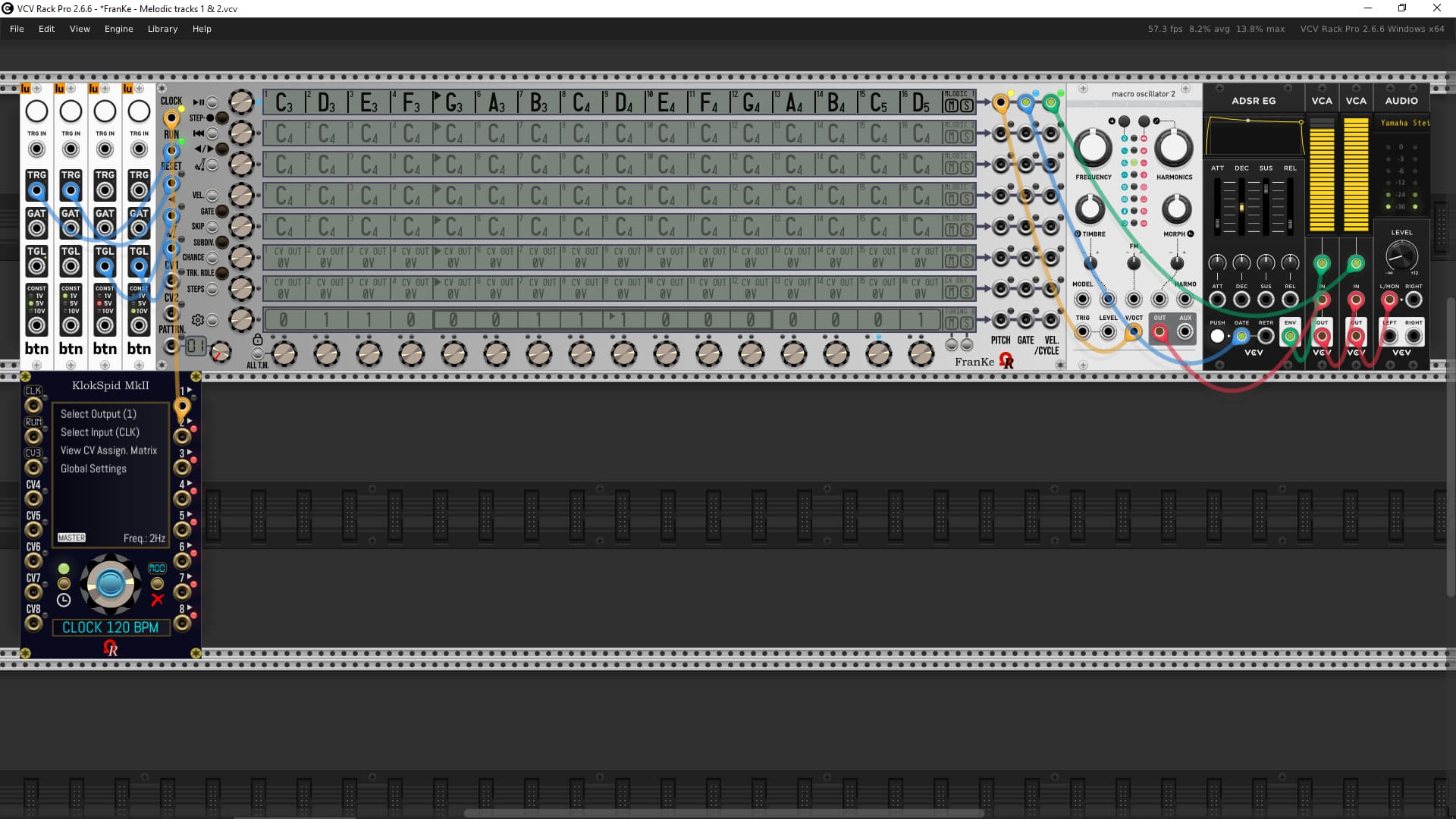
Updated screen capture (FranKe module) - Aluminium model (theme), pattern #1, tracks 4-8 muted:

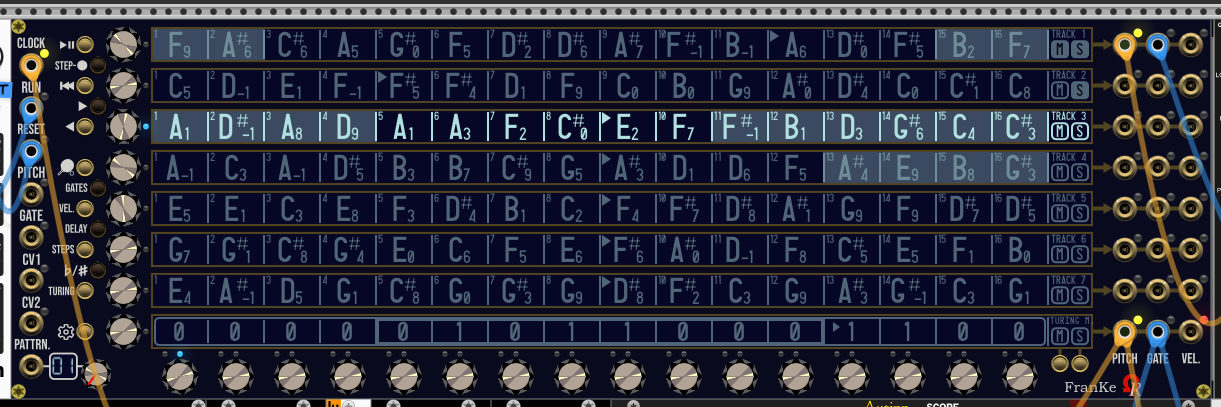
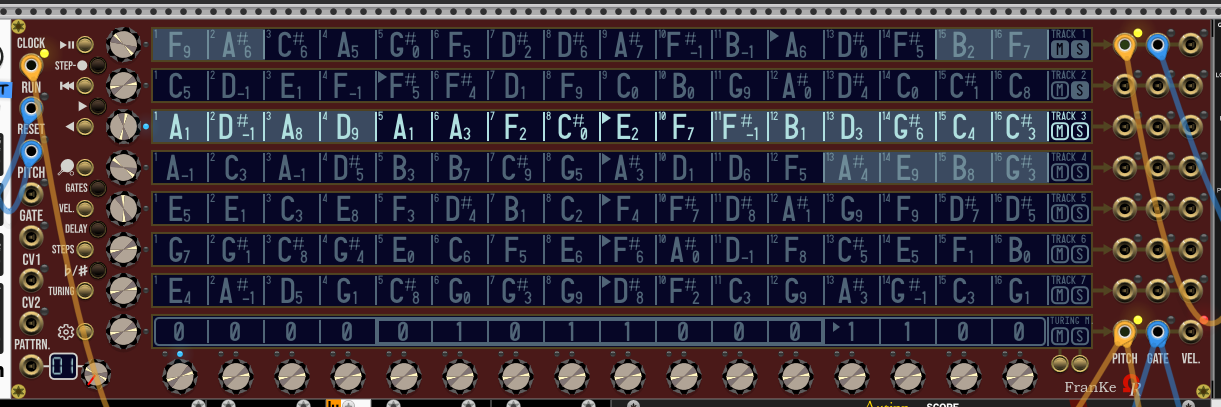
Exactly like FroeZe module, this (WIP) FranKe module is using LCD for 4 first models (themes), and OLED for last 4 (“Signature”-line models) - as usual by Ohmer Modules! :wink:

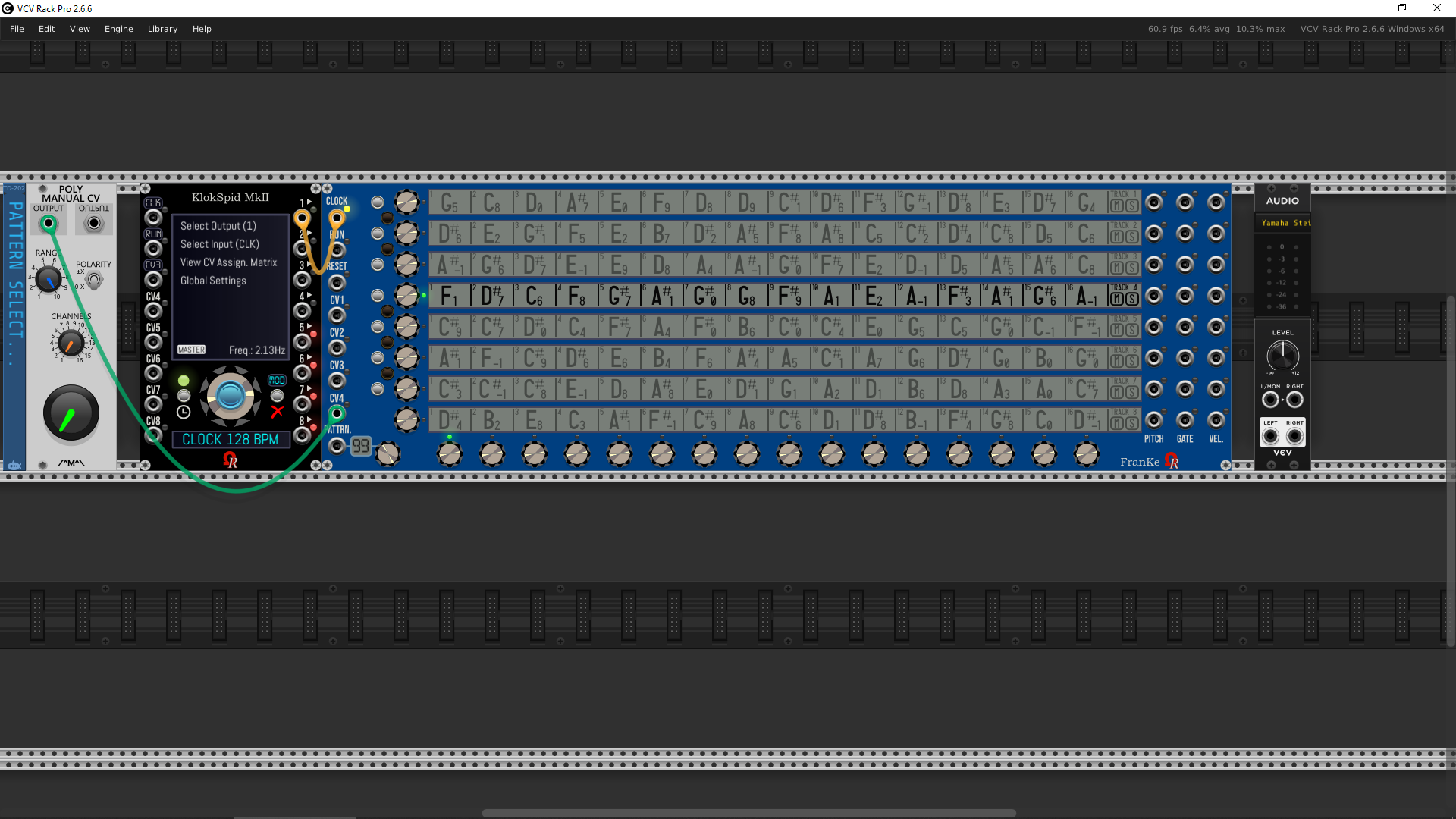
Like FroeZe, the yellow backlit displays (only for Absolute Night theme/model) can be dimmed, or not, by clicking on the Ohmer logo (bottom-right of the module), this affects all 8-track displays, and current PATTERN midi-display (bottom-left, near PATTRN input).

:information_source: Other LCD-based models (Aluminium, Stage Repro and Cobalt) don’t use backlit LCD.
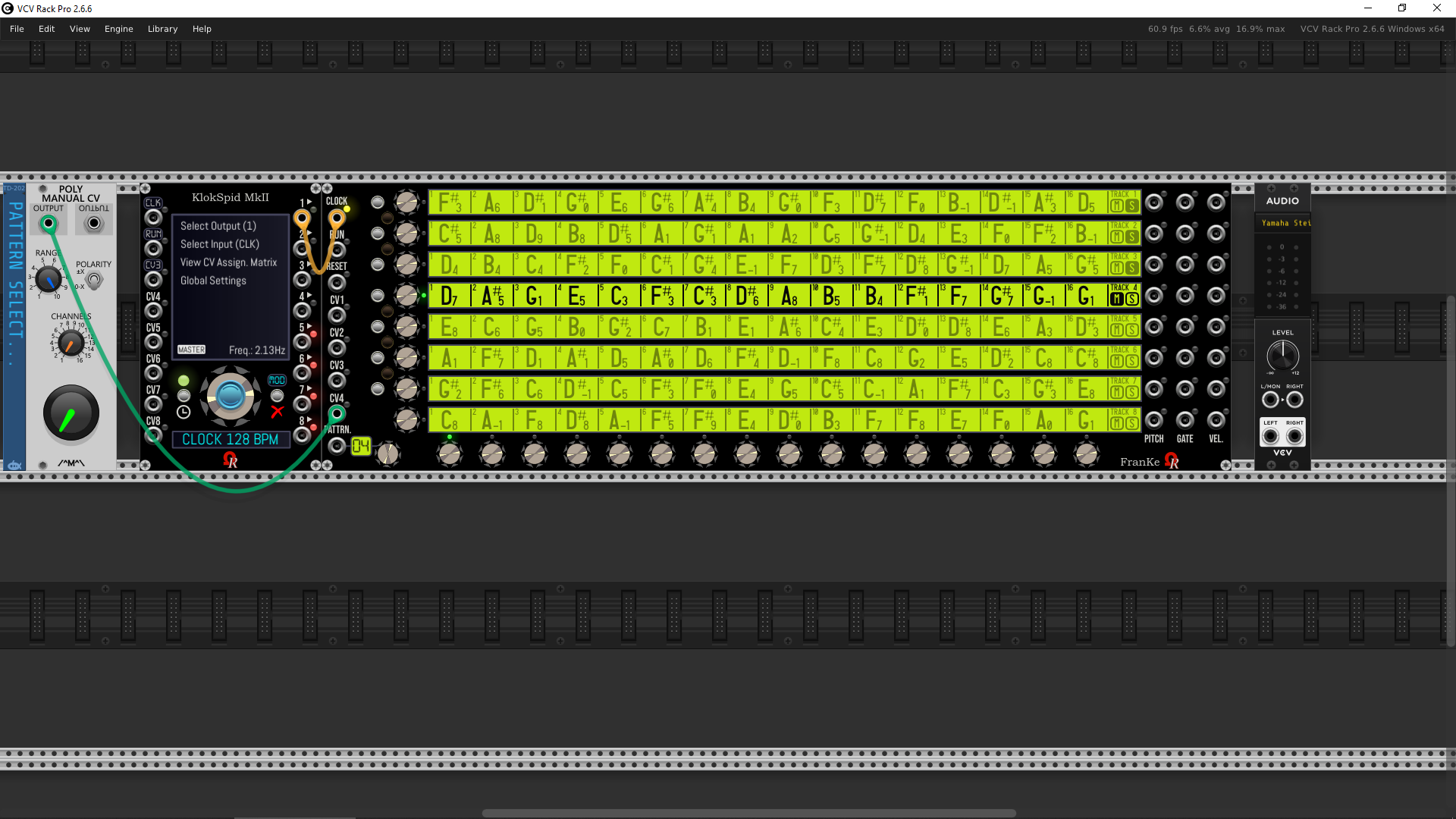
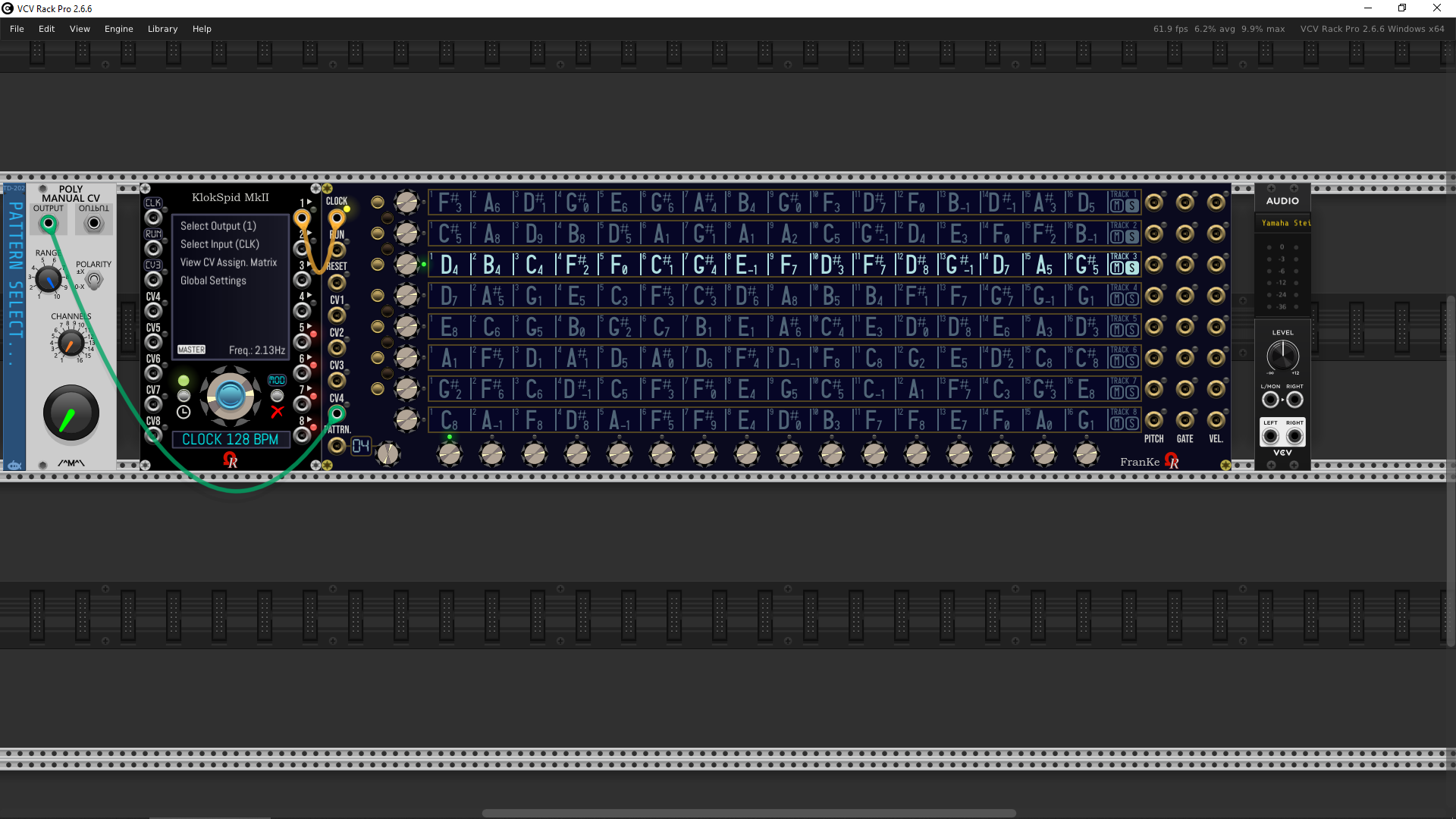
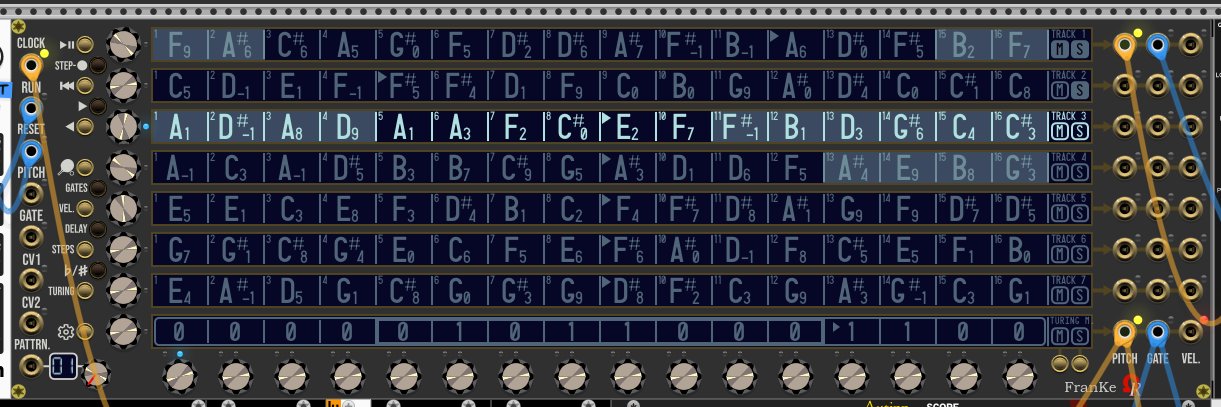
Pattern 4 (randomized notes), Tracks 1, 2, 3 are SOLO:

Also pattern #99 (the last)…

3 Likes

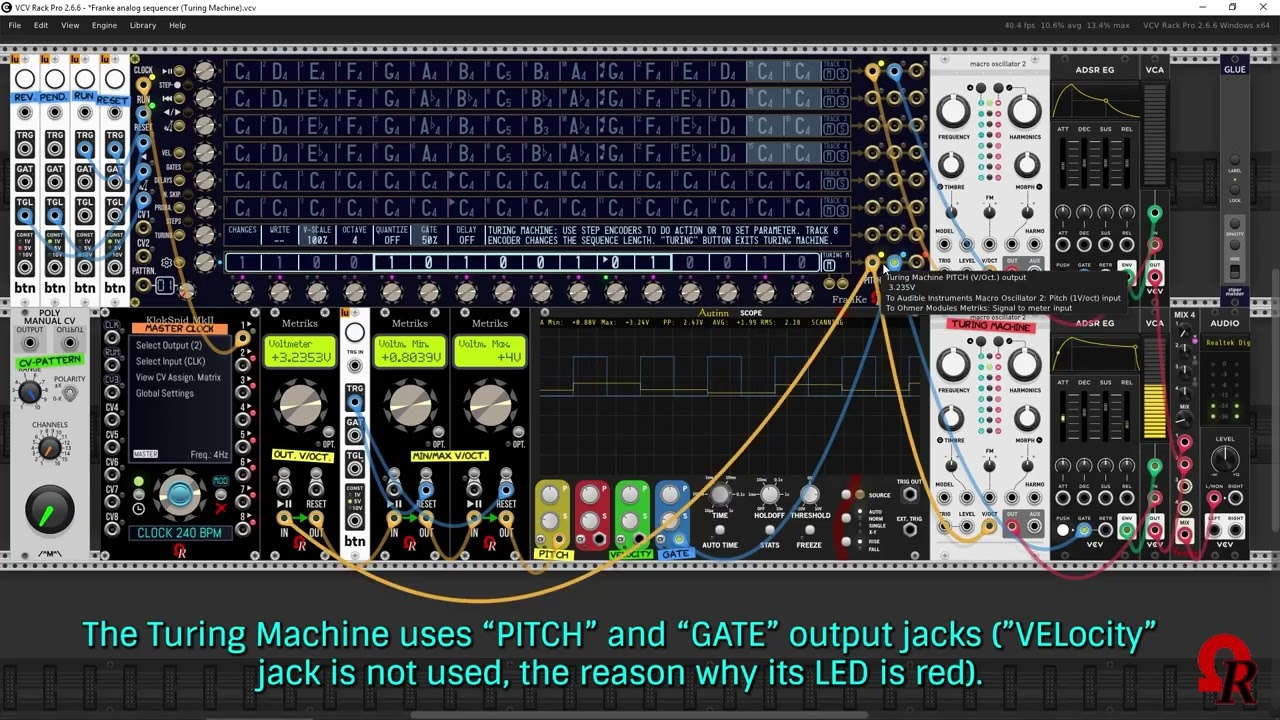
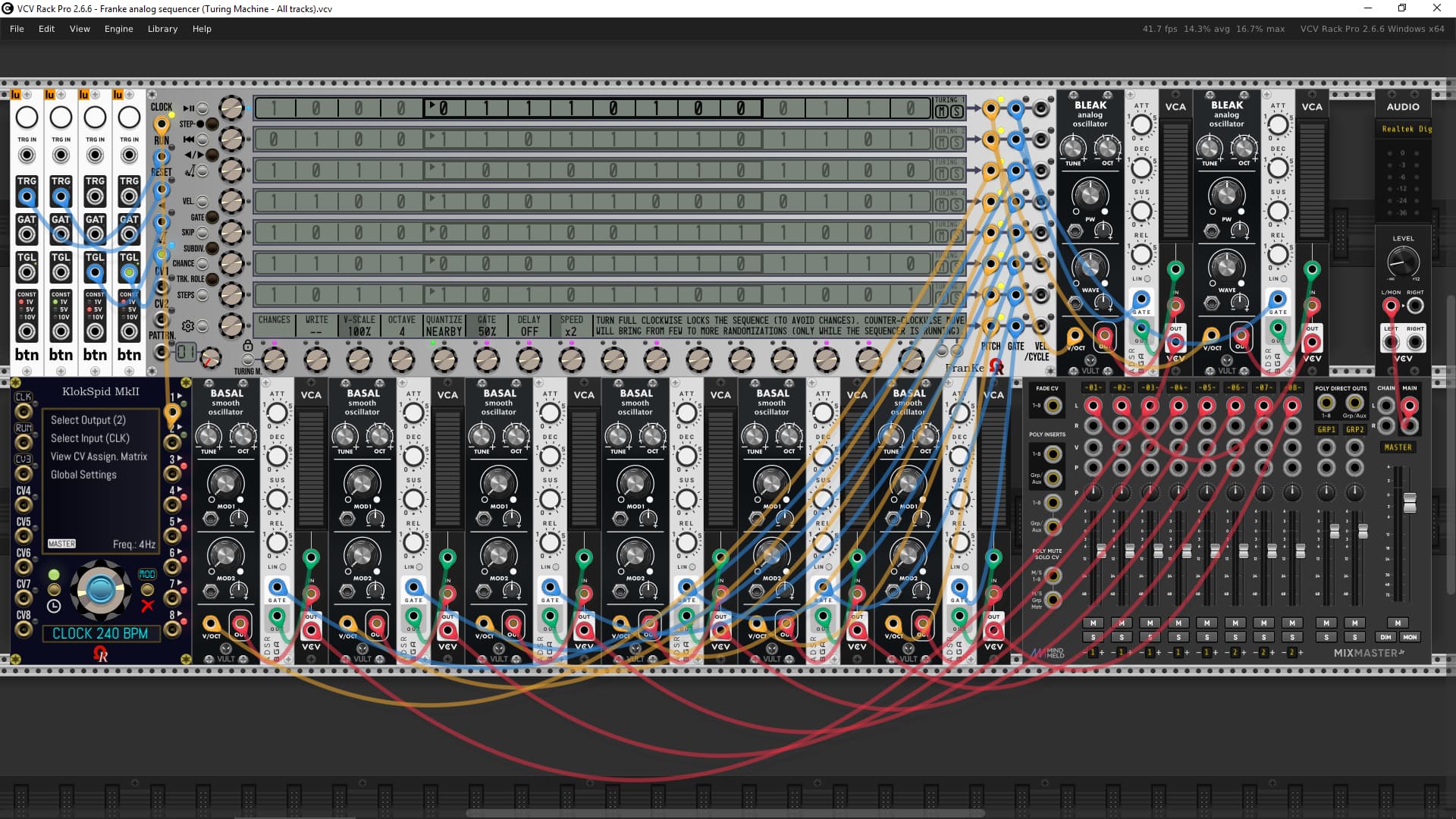
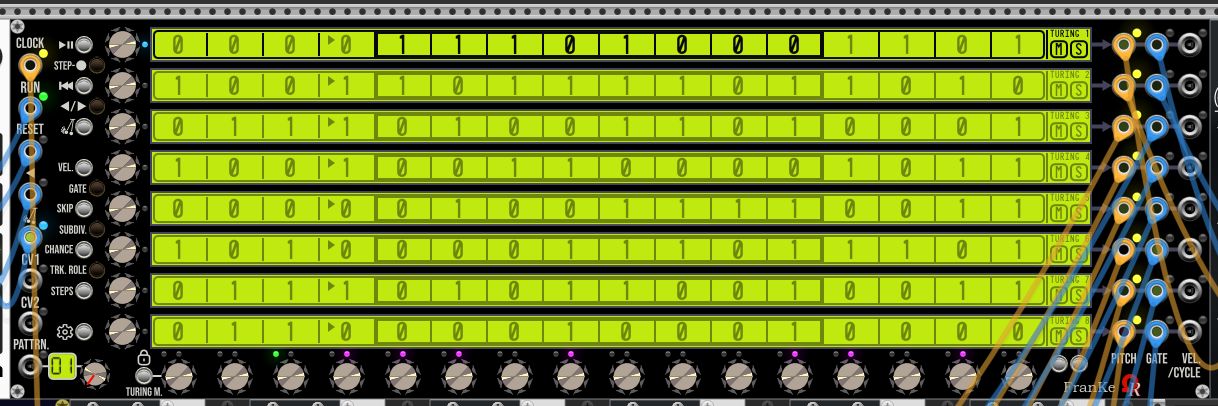
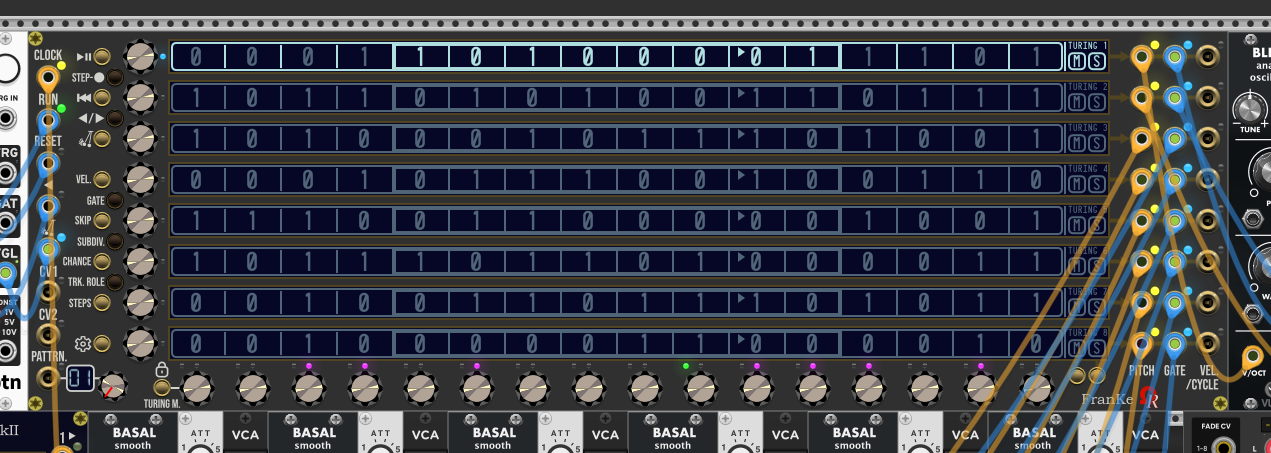
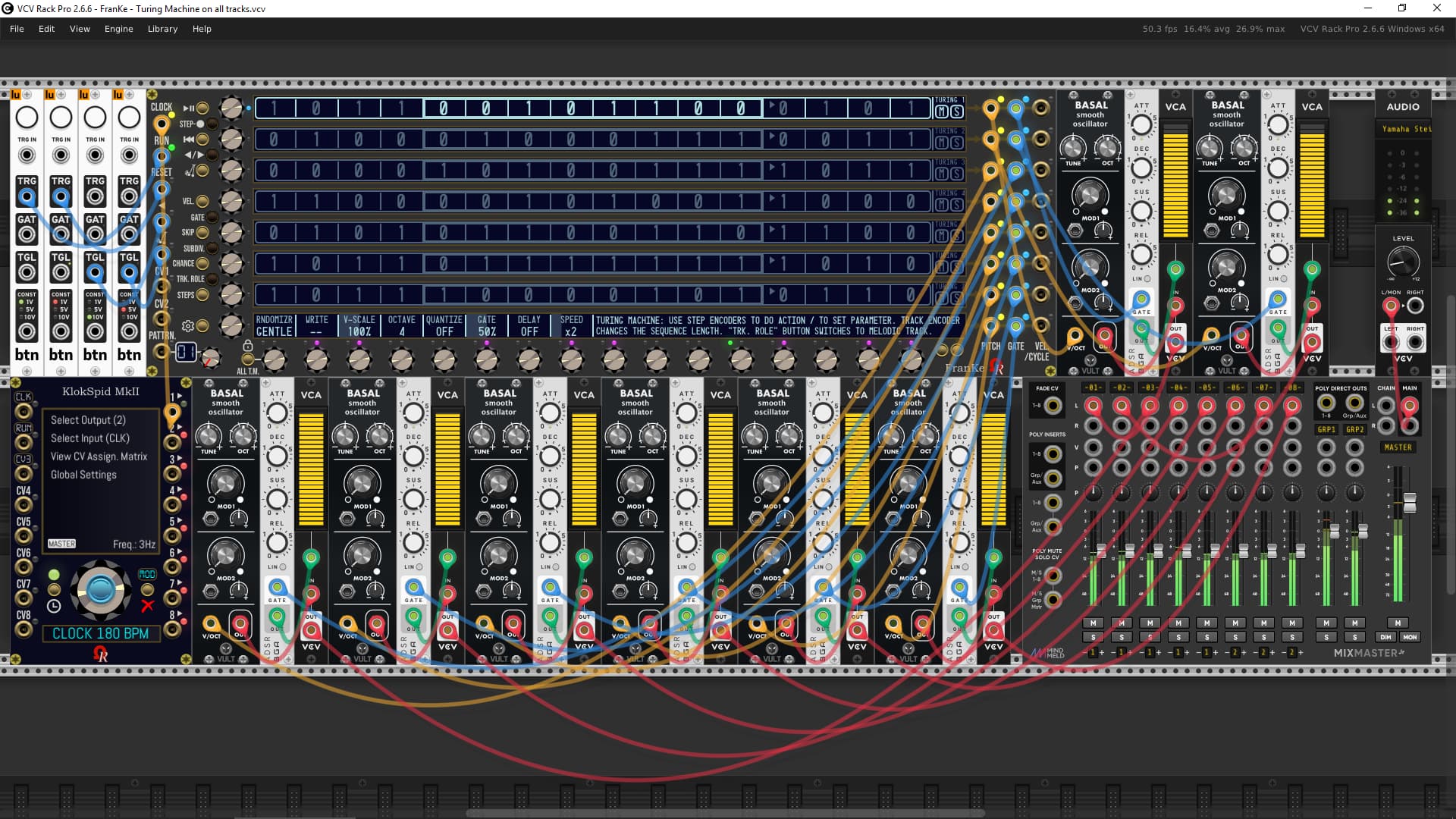
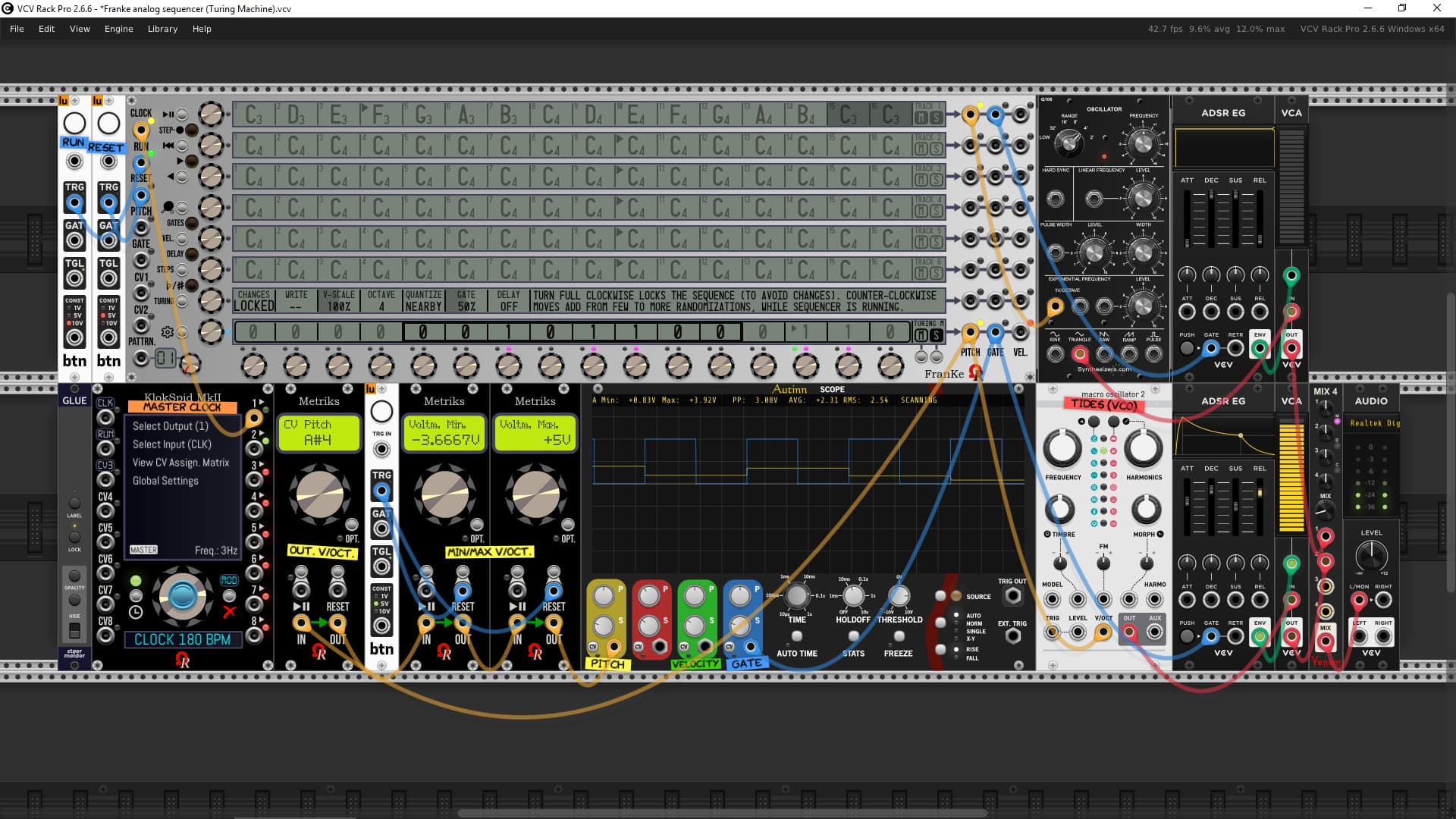
FranKe module, its Turing Machine in action, at BPM 240.

Remaining to do: the sequence length (LENGTH), the pitch voltage rescaler (V-SCALE), the quantization (nearest note, possibily global sequencer’s scale), the GATE length (gate duration, as %), and VELOCITY (not definitively designed with my customer).

Uncommented (temporary) video…

1 Like

Hello, one question: is it possible to implement a clock per track?

Hello!

Firstly, this FranKe module must meet specifications given by my customer (although this module remains my intellectual property).

However your question is not clear.

For sure, no CLK output jacks. Per track, only PITCH (V/Oct), GATE and VELocity output jacks.

:warning: Please to be more precise concerning implement a clock per track?
Are you meaning different “speed ratio” per track? (regarling the “master” BPM/frequency).

It’s not too late, in case your request will be agreed by my customer, of course I’ll consider it, but I’ll must be absolutely sure about what you’re wanting! (no want to renew our misunderstanding experience concerning KlokSpid MkII and BPM-CV - if you remember).

Also please consider - for the future - to be more precise about your questions / requests, otherwise I’ll don’t take the time to reply. I’ve ton of stuff at the moment, so I’ll hope you’ll understand this. Thanks in advance.

Dominique.

OK i See.

i mean independently input clocks to drive the track.

sorry for the inconvenience.

Karl

1 Like

Hi Karl,

Don’t worry, but it’s very important to be clear, first by language barrier (assuming English isn’t our native language), also a developer can’t go “in the brain” of somebody, aren’t?

To reply, no, they’re only one input CLOCK jack, used as “time-base” for whole sequencer.

However, this morning I’ve vocal discussion (by WhatsApp) together with my customer (not located in France), he totally agree about clock ratios (all based on main clock), for each track!

Scenario: the external clock is set as BPM 120 (2 Hz), whatever by BPM-CV, or by pulses detection (PPQN 32 or 24). Track 1 will can play at - default - x1 (aka BPM 120, too), track 2 will can play at x2 (aka BPM 240), track 3 will can play at /2.3 (aka BPM 120 divided by 2.3), and so on!

:information_source: Default for all 8 tracks is always x1. If enabled, Turing Machine will use track 8’s ratio.

Ratios will be (free) decimal factors (max. two decimals), such x2, or x2.5, or /3.14. Ranges of ratios are not yet defined, however.

Also, track delays (delayed/late events), per track too, is “in the pipe” / feature planned since the beginning!

Except in case I’m wrong, I’ve never seen a sequencer module with multiple CLOCK inputs (one per track). I repeat: except in case I’m wrong! Also, the module is already designed, so I’ll can change it, hope you’ll understand our choice.

oh wow, that sounds very good to me.

another question: is it possible or planned to play a single track in reverse or ping along? i mean the possibility for only a single track not the whole sequencer. e.g track 1 plays reverse, the other tracks forward.

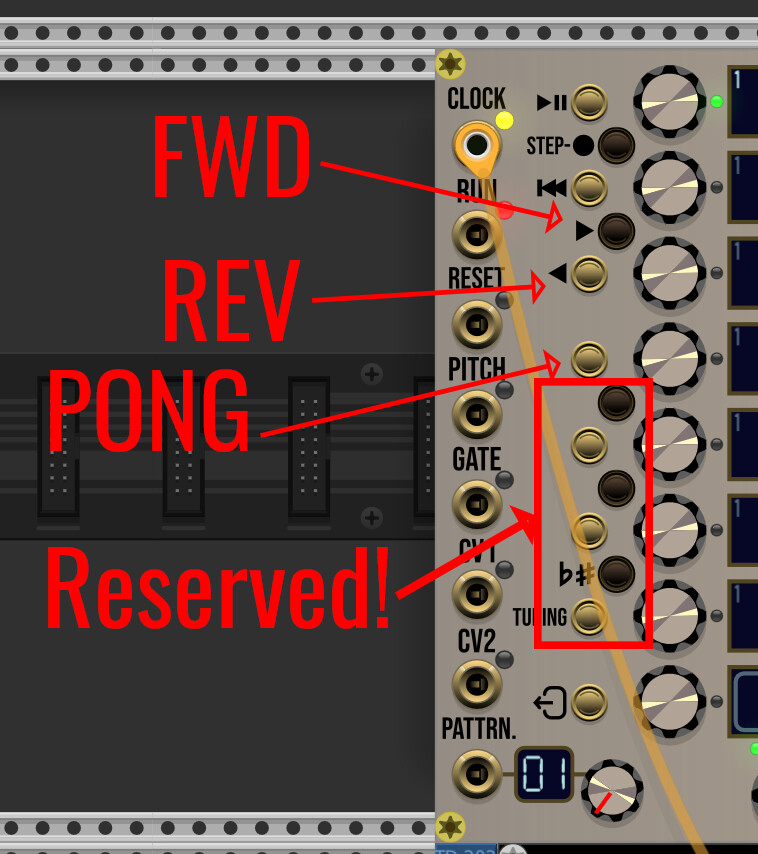
Yes, like FroeZe is doing! :wink: switchable by buttons (piano-like, left and right triangle on D# and E), for selected track - only while playing). Button for PONG will be “F” note. No more feature, because I’ll need the 4 remaining buttons for OCTAVE (to change note octave for selected note in the display), GATE to adjust individual gates, DELAY for track delay, and VELOCITY to adjust individual velocities.

Independent track lengths is cancelled, not viable about the module concept (controls). Too bad!

Ah OK.

what about skipping and muting steps? skipping means jump from previous step directly to the next.

muting means sending no gate or trigger.

Reserved, from top to bottom:

(F#/Gb) → Octave adjustment, per note.

(G) → GATE adjustment, per note.

(G#/Ab) → DELAY (for the selected track).

(A) → VELOCITY adjustment, per note.

About FWD and REV buttons, while sequencer is paused, these buttons are used move by one step to previous or next step. Cycle (if left/right bound is reached). Also used on STEP-RECORDING (while transport is paused, to return/advance step, in case of note mistakes).

Muting will be done - per individual note - by setting its GATE to 0% (will be displayed as OFF under GATE during setting).

Note skipping is not under consideration, this feature will not be implemented, I’m sorry.

thanks a lot.

1 Like

You’re welcome Karl!

Implementations will be progressive (but planned & prepared in C++ code) to avoid “bad surprises”, later!

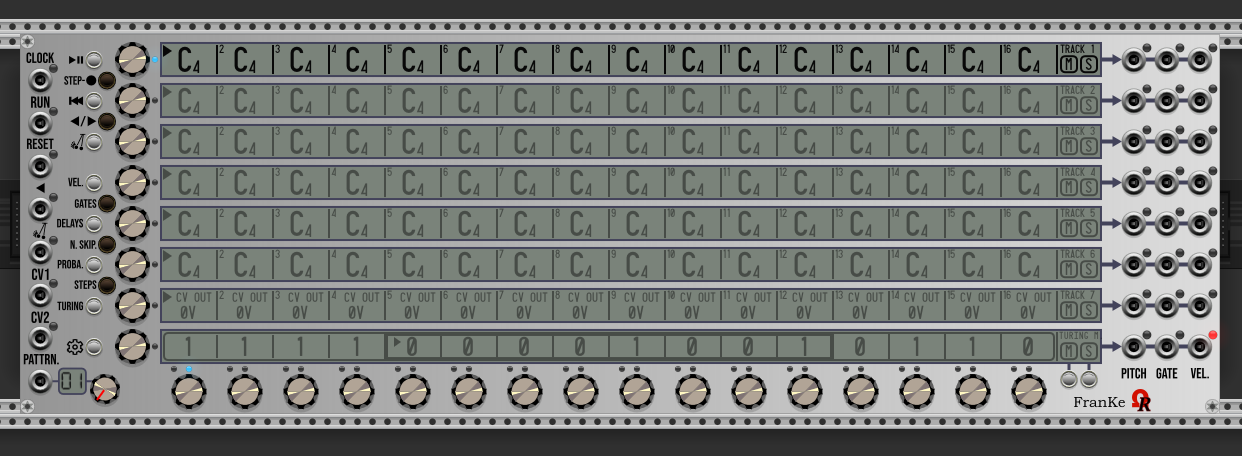
The final layout of the Franke module (panel screen printings).

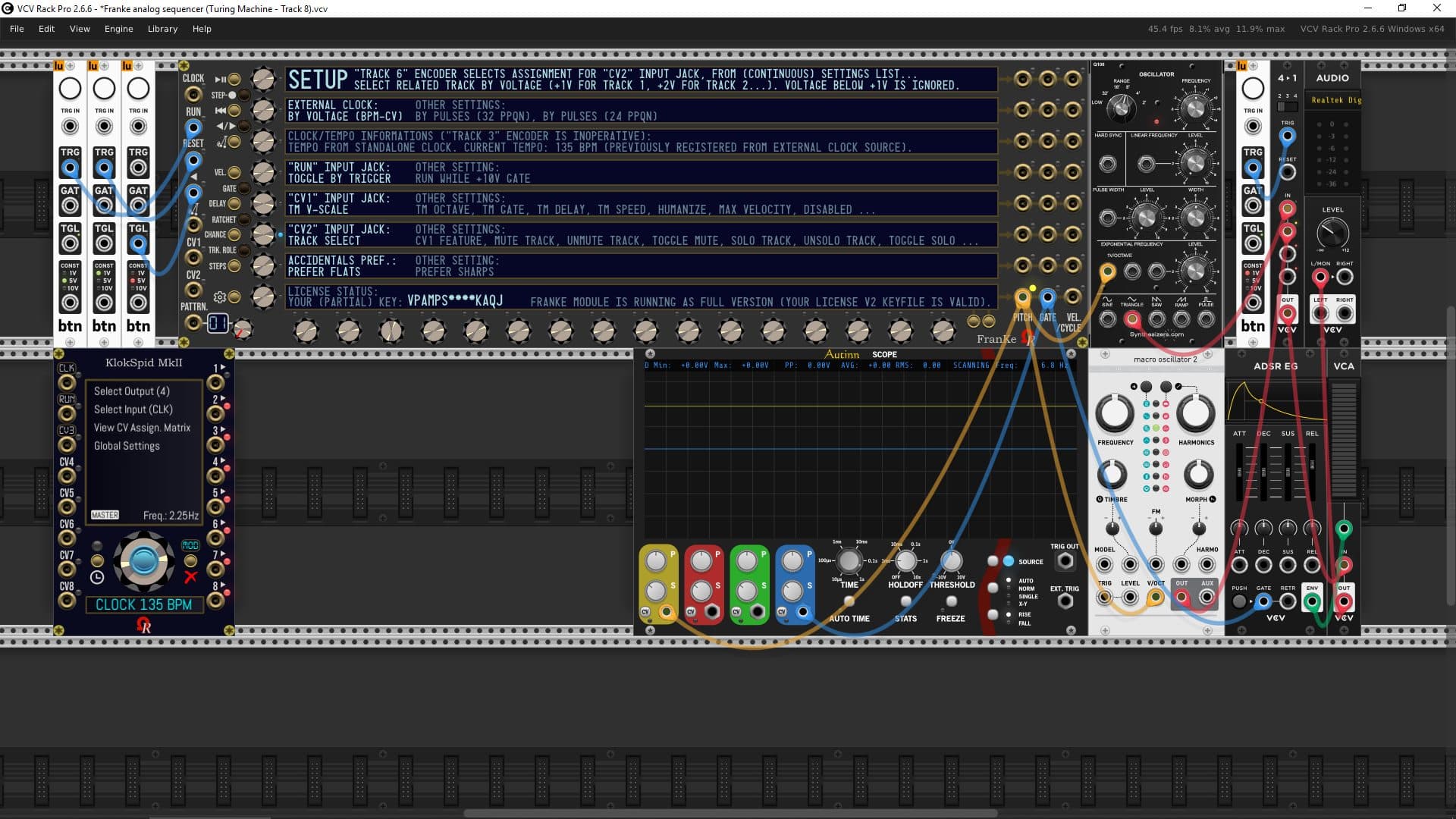
Aluminium panel (Turing Machine in action on track 8, testing patch using tracks 1 and 8):

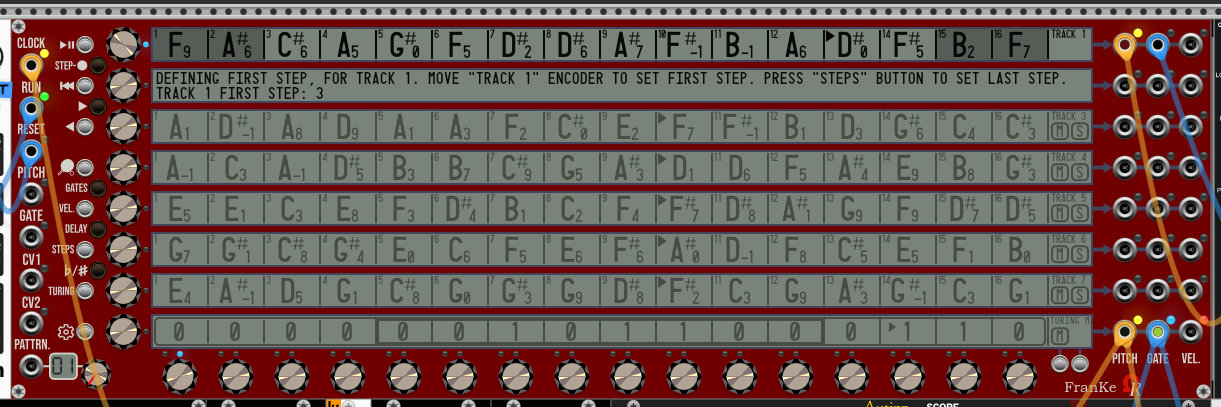
Stage Repro panel (while setting first step for track 1 - last step was already set to step 14):

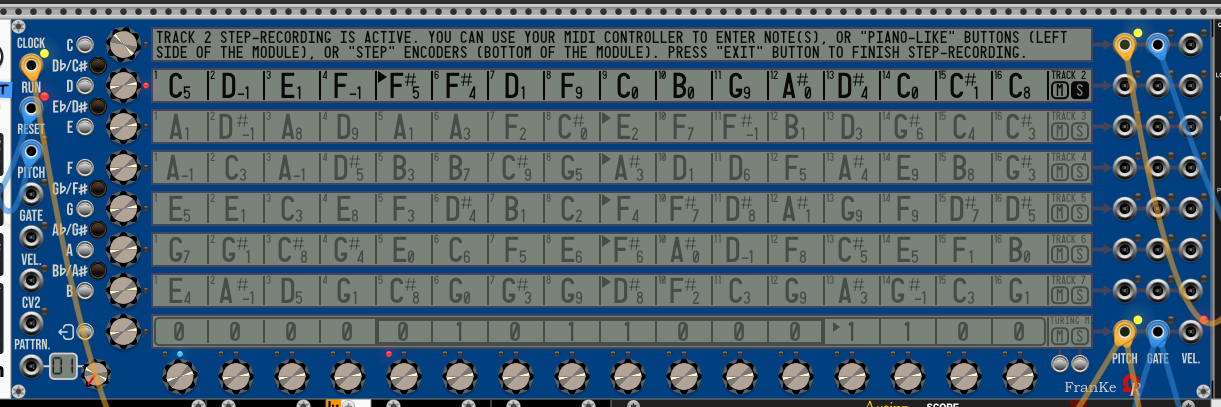
Cobalt panel (while step-recording track 2, step 5 is waiting…):

Absolute Night panel (not dimmed displays - for Absolute Night’s backlit LCD, light can be dimmed or normal by clicking Ohmer logo at the bottom right of the module):

Dark “Signature” panel:

Fort Knox “Signature” panel:

Oxide “Signature” panel:

And the last one, Titanium “Signature” panel:

1 Like

The development is always “on the way”.

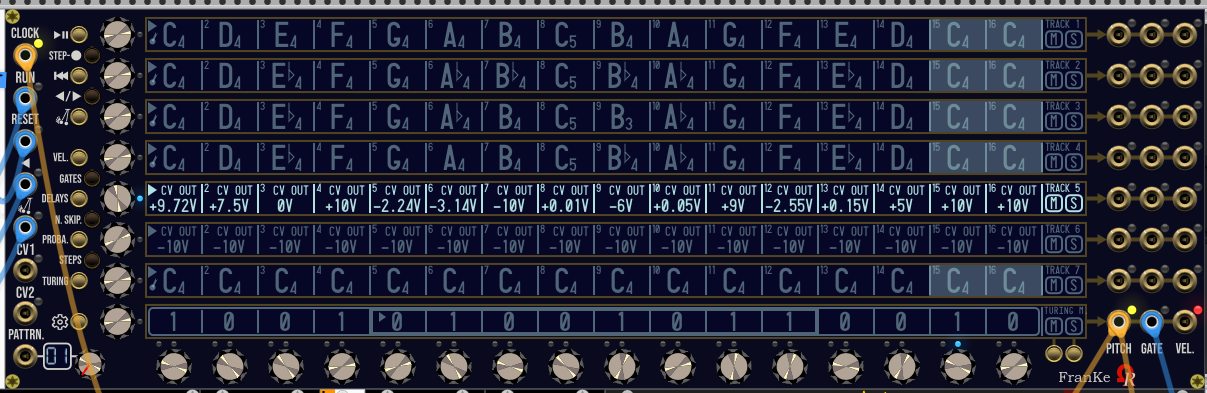
Lastest feature addition is any track can be “melodic” (display & play quantized notes), or CV ouput (CV OUT) who can deliver any voltage in -10V/+10V range (by 0.01V step).

Step 1 to Step 16 encoders adjust by +/- 0.01V. Track encoder adjusts by +/- 0.1V (all steps of the track). By clicking on “cell”, this increase by +1V (cycle when +10V limit is reached).

By default (on new module instance, or on Initialize command from contextual menu), like shown below :

  • Tracks 1 to 6 are melodic tracks (displaying note, octave and accidental).
  • Track 7 is voltage track (aka CV OUT).
  • Track 8 is (pre-enabled) 16-bit Turing Machine (press TURING momentary button - near CV1 input jack - to disable & restore previous track 8 as melodic track / or CV OUT).

Track(s) role(s) - Notes or CV OUT - can be changed via contextual menu, either for any single track, also by groups (Tracks 1-4, Track 5-8, All tracks).

Notes and CV OUT are totally independent between each other, so by modifying one this doesn’t affect other!

YouTube presentation video is coming soon (1st weekend of April)…

2 Likes

Hi there, this is a French-spoken (but with English closed captions) about quick tour of FranKe analog sequencer module (in development) and a wide presentation (kind of mini tutorial) about its Turing Machine feature. 35 minutes.

Hi all!

2’30” video showing all 8 Turing Machine lines in action…

Now all tracks are versatile, any track can be:

  • Melodic (using notes).
  • Modulation track (named CV OUT track, free voltages from -10 to +10V, 0.01V steeping).
  • 16-bit Turing Machine line.

Default (fresh instanciated module, or after Initialize command from module’s contextual menu):

  • Tracks 1 to 5 are melodic (prefilled by C4 notes, velocities @ 100%, gates 50%, no delays, probabilities @ 100%, no skipped step).
  • Tracks 6 and 7 are “CV OUT” (all steps @ 0V, velocities aren’t applicable, 50% gate, no delay, probabilities @ 100%, no skipped step).
  • Track 8 is Turing Machine (random sequence, velocities aren’t applicable - replaced by +10V 1ms triggers on sequence cycle/repeat, locked sequence, 16-bit length, floor octave 4, V-Scale @ 100%, gate 50%, no delay, speed factor x1.00).
2 Likes

Hi all!

News about FranKe module, in development: the global module’s SETUP is now fully operational. It permits to reduce the module’s contextual menu (right-mouse click menu, over the module). It permits to:

  • Select the external clock source mode (by pulses 32/24 PPQN, or by BPM-CV).
  • The RUN input jack behavior (as transport toggle, or while +10V gate is held).
  • CV1 input jack assignment (temporary list, may be extended later).
  • CV2 input jack assignment (temporary list, may be extended later).
  • Flats or sharps preference, for melodic (note-based) tracks.

Also, it reports clock & tempo informations (over track 3’s display), and license status (track 8), because it’s removed from contextual menu.

Planned as public stable release (plugin version 2.6.9) during Saturday, May 2nd.

2 Likes