Has anyone had any trouble with OBS Studio not screen recording VCV Rack in full screen mode? When I try to screen record with “Display Capture” there is a yellow outline around my entire screen and I can record the screen just fine. But when I try to record VCV Rack and go into full screen mode, the yellow outline disappears and the cursor is gone and it doesn’t record the video. It was working just fine earlier yesterday and I tried pretty much everything to get it working again. Does anyone know of a solution?
I just tried it and had no problems to record VCV in fullscreen mode,
I’m on win11 and use the latest OBS update
I should’ve mentioned that I am using Windows 10 and using the most recent versions of OBS and VCV Rack. Recording full screen mode works for any other app on my computer except VCV Rack. I can provide pics of the issue if that makes things clearer.
Okay, here is OBS and VCV running together:
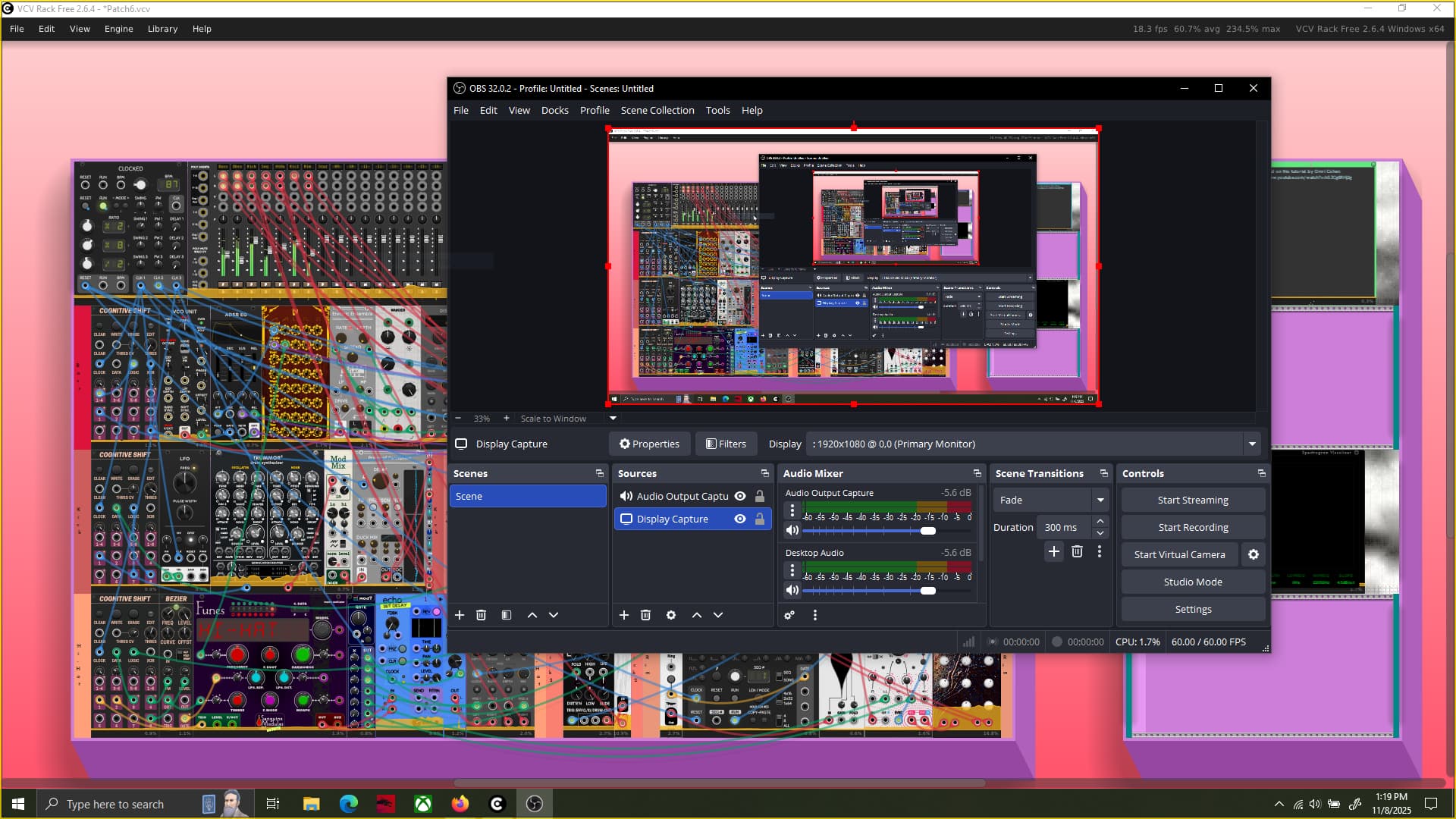
But when I hit fullscreen mode in VCV it looks like this (notice the lack of a yellow outline around the screen. This means that OBS is not capturing screen.):
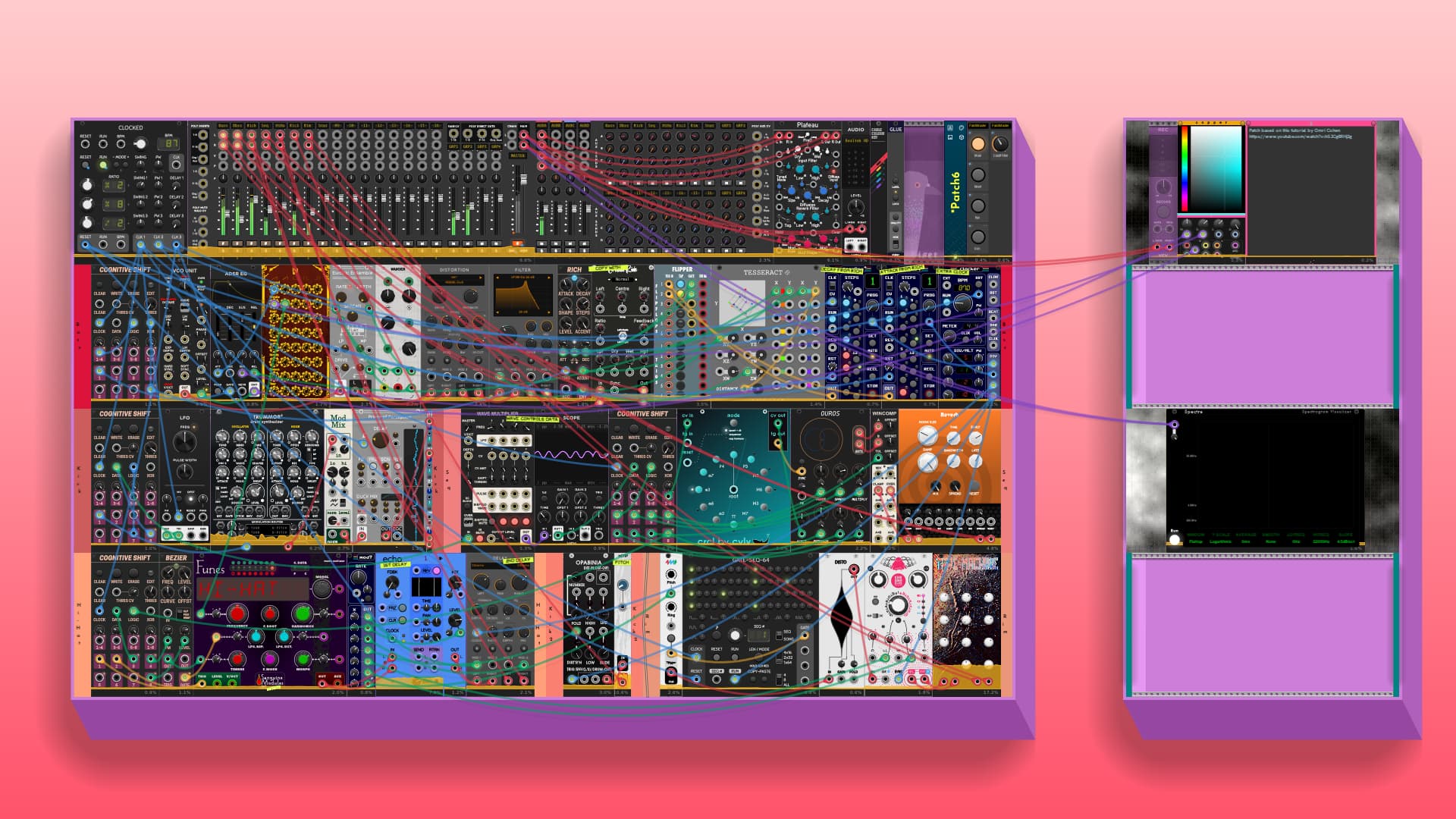
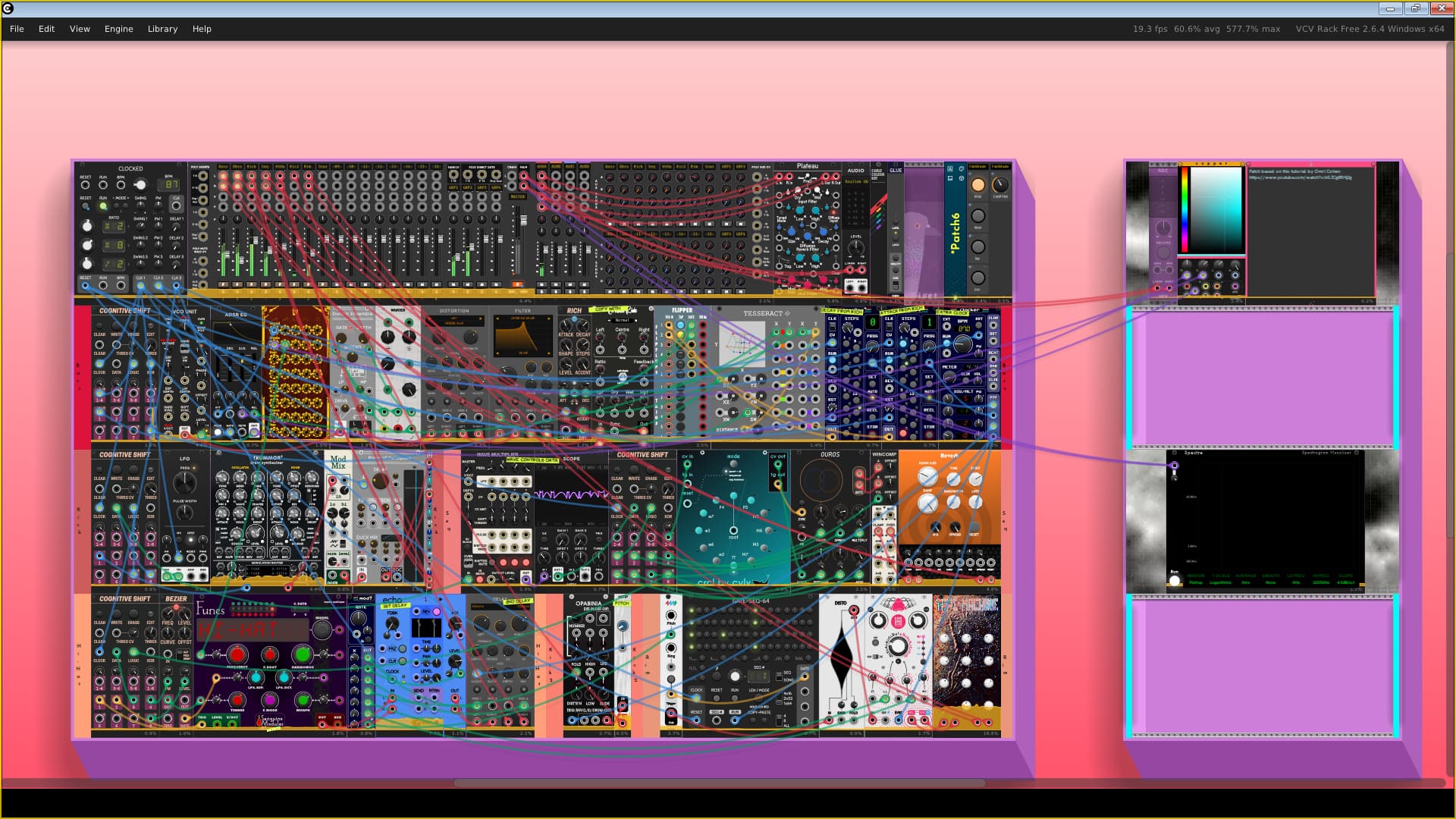
Now when OBS is recording, the output video looks like this (notice the window bar at the top. Looks like a flash from the past. It records the audio though but not the screen activity.):
Like I said in the first post I tried everything I could think of to remedy this problem. Other app don’t have this issue with OBS. Just VCV Rack. Any ideas?
Maybe try it with a more simple patch (init), to see if it is one of the modules that is not playing nice ?
I did try that but it didn’t work.
1 Like
maybe it is a bug in OBS?
I would try to report this on OBS forums,
and maybe send a bug report to support@vcvrack.com
1 Like
I would guess Windows is optimizing fullscreen Rack into true exclusive fullscreen, which Windows has supported since, IIRC, either 8 or 8.1.
OBS capturing the fallback “Aero” style menu bar is a pretty good sign Windows is deactivating DWM/window compositing and making it true exclusive fullscreen, so I don’t think OBS will be able to capture it with a display or window capture. Try a “Game Capture”, it should work.
1 Like
Yeah. Maybe that’s good idea. Thanks!
Huh… I knew that it had to be something either VCV or Windows related. But I did try Game Capture in OBS but all I got was a black with just audio in the video output no matter what I tried. Do you know how to reactivate “DWM/window compositing” for VCV Rack? Do you know how to make Game Capture work?
Strange. It might be worth testing it while launching OBS as administrator…
It works fine for me, and I also use the VCV Recorder module to record videos, so I sadly can’t be of much more help here.
1 Like
Okay, I actually managed to fix the issue! The way it worked for me on Windows 10 was search for “Graphic Settings” in the search bar. Then, under “Choose an app to set preference”, click “Browse”. When the window opens, search for the “VCV” folder in the “Program Files” folder. Open that folder and select the “Rack” app. Once you see that Rack has been added to the list, click on the icon and select “Options” then select “High Performance” and then select “Save”.
I hope this helps somebody having a similar issue. Thank you to everyone who helped as well!
5 Likes
Congrats! I doubt you’re the only person who has hit this issue, so thanks for finding and documenting it!
BTW, as the thread creator you should have the opportunity to mark your post above as a solution, which will make it even easier for others who are having the same problem.
2 Likes