Hello everyone.
Dumb question:
Is there a way to allow us to type comment of the patch. A kind of “NOTE-block widget” of Mac OS.
I think VCV dev team should allow us to enter comments in each module.
Hello everyone.
Dumb question:
Is there a way to allow us to type comment of the patch. A kind of “NOTE-block widget” of Mac OS.
I think VCV dev team should allow us to enter comments in each module.
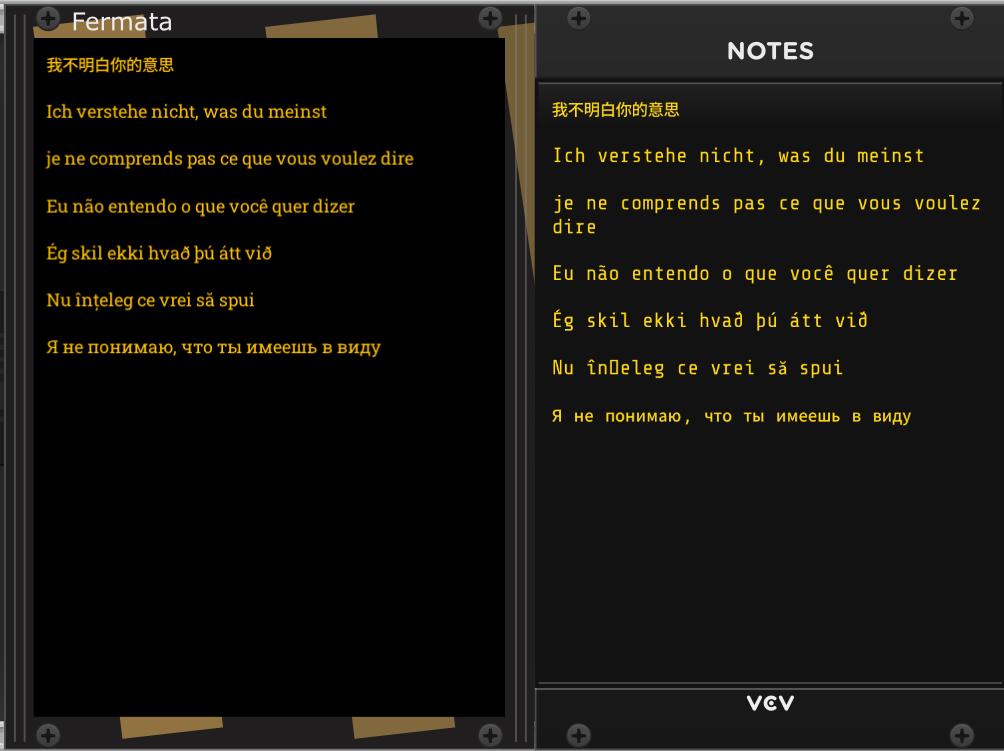
(I don’t known Mac OS). If I understand the question correctly (??) Notes (from VCV Rack Fundamentals) Fermata (from Stochastic Telegraph)
A few more:
TD-316 from Submarine
Info from pachde One
Patch Notes from Studio Six Plus One
All the above and the two from @gabtiorbi are for paragraphs (with automatic word wrap)
There are a bunch of additional modules for various types of labeling. Just search for “text” or “label” within the VCV Library. Of particular note is the Glue module from Stoermelder that lets you attach labels on the surface of other modules
hello, but unfortunately they lack support for languages other then english. as far as i tested them.
Karl
 Missing the Corsican !!!
(Ùn capiscu micca ciò chì vulete dì)
Missing the Corsican !!!
(Ùn capiscu micca ciò chì vulete dì)
Cheap plug…
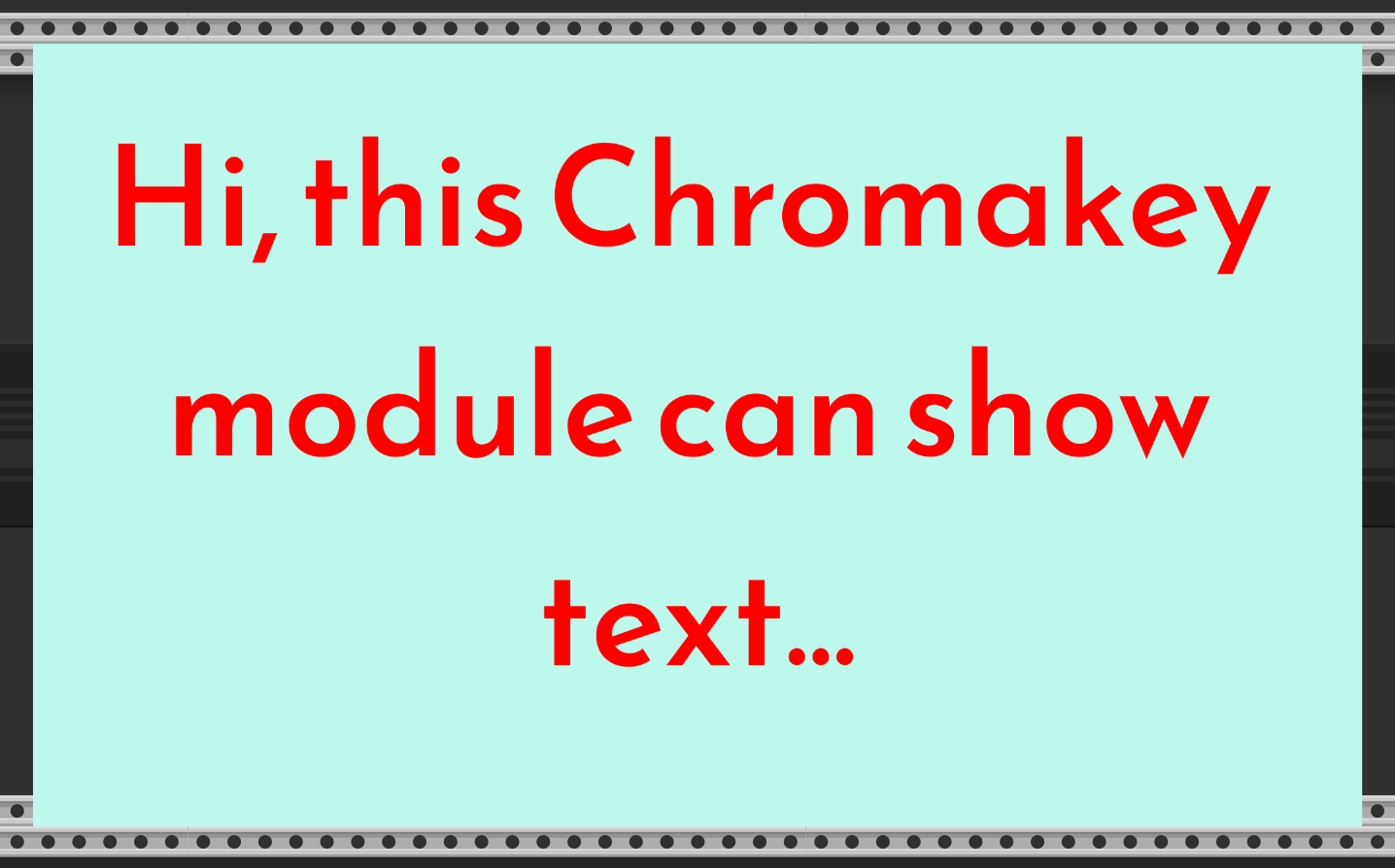
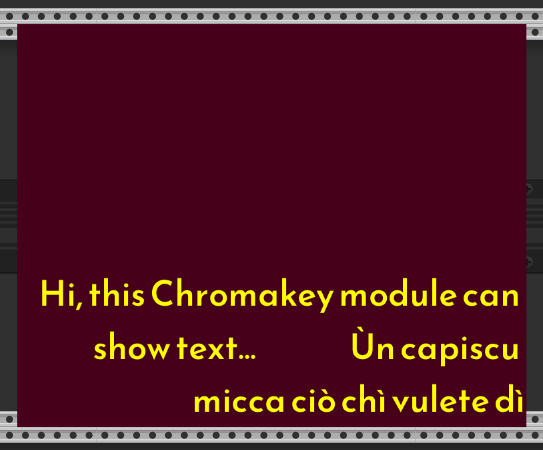
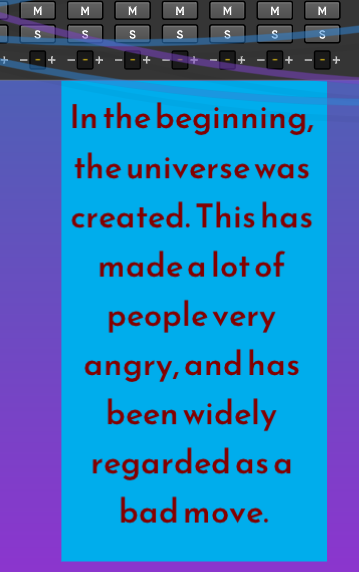
Chromakey can resize the module and text, and change colours too
edit: you can also position the text, and Corsican works
At some point I might get around to adding some different fonts
i can’t insert german umlauts (äöüß).
Display of characters and input of characters are two separate issues, VCV can display them without issue.
I would guess the issue is with your system keyboard configuration rather than Rack.
hmmh, i don’t understand that. outside vcvrack my terminal or other software has no problem with german umlauts. only inside vcvrack. any other user with this problem? strange.
Yeah that sounds strange, possibly there is some Rack issue with the region, you should contact support.
Does it work if you copy and paste the umlauts?
good idea! will test it in the evening.
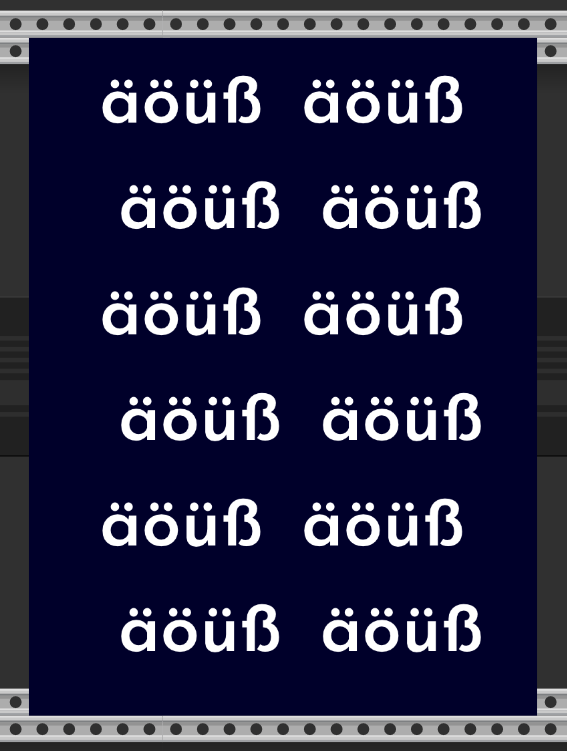
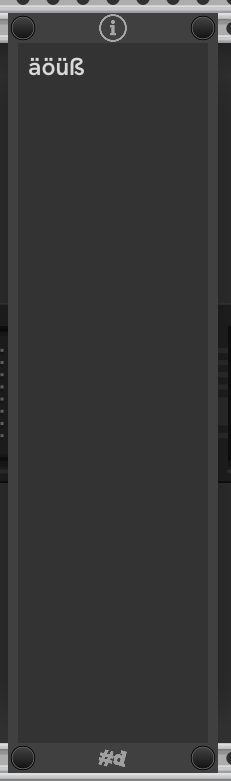
pachde Info (on Windows) showing umlauts, pasted from copying from this thread:
Worked fine on Mac Sequoia 15.6 as well.
Info uses Hanken Grotesque by default which has a limited Western set of characters, so it won’t display some languages correctly (e.g. CJK) until you select a font suitable for that language (unless Rack supports font fallback, which I don’t think it does).
So, I’m not super clear about the repro. If this is a keyboard entry issue, that’s on Rack. Pasting should work fine in any of these modules.
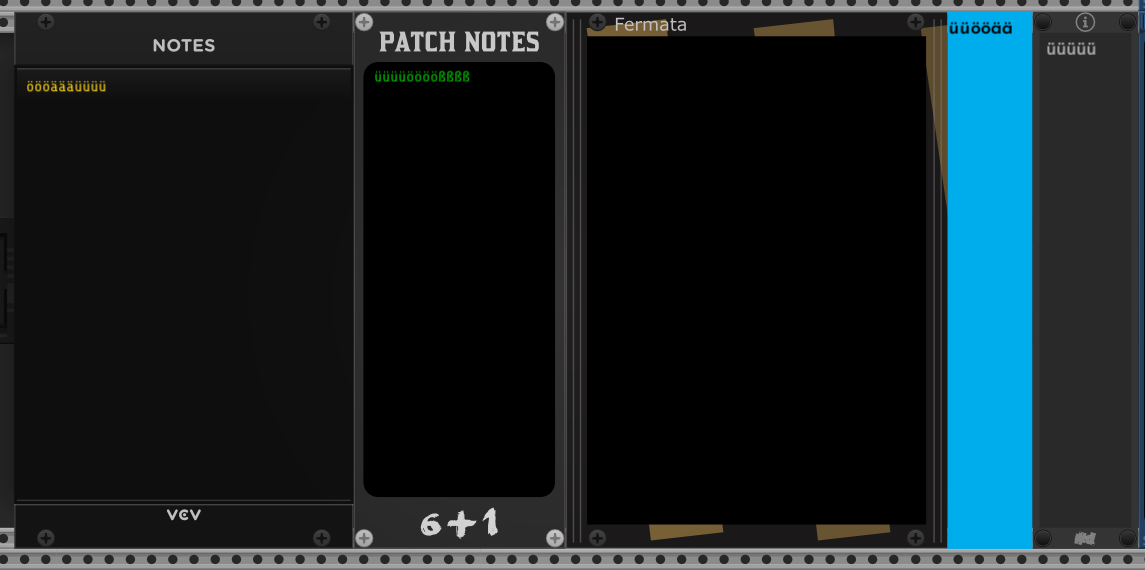
i just tested some modules.
i am suprised, only fermata is not working. in older versions of rack there are more. perhaps anything has changed. now i will not use fermata anymore.thanks for the comparation.
Karl
I never knew Chromakey could do that. Very cool! The documentation does not mention this capability. I’m glad you mentioned it here today, because I will definitely use that in my patch videos.
Hmm yeah i must have neglected to update the manual when i added that feature, sorry, ill put it on my todo list
Ah, interesting (I’m the developer of Fermata). I based out on an old version of the Notes code, but perhaps the Notes code has added support for these characters lately.
Mahlen
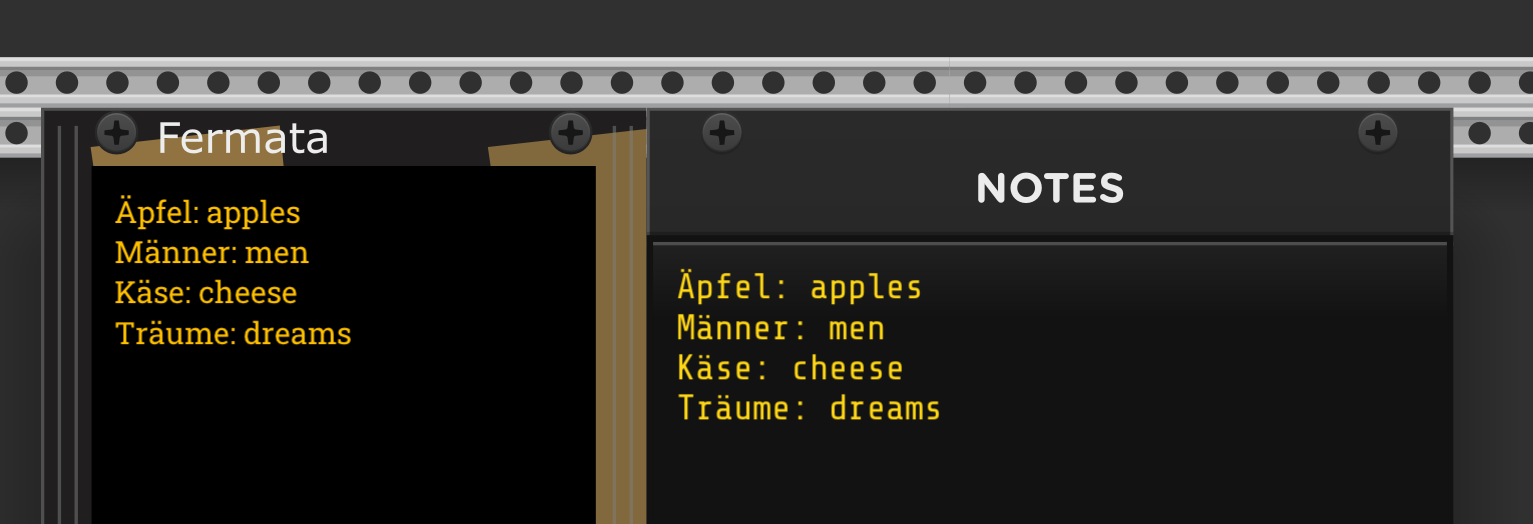
Weird, I don’t see a problem in Fermata (this is on Windows):
Would you mind sending me the patch that resulted in the screenshot you made? What OS are you on?
Mahlen
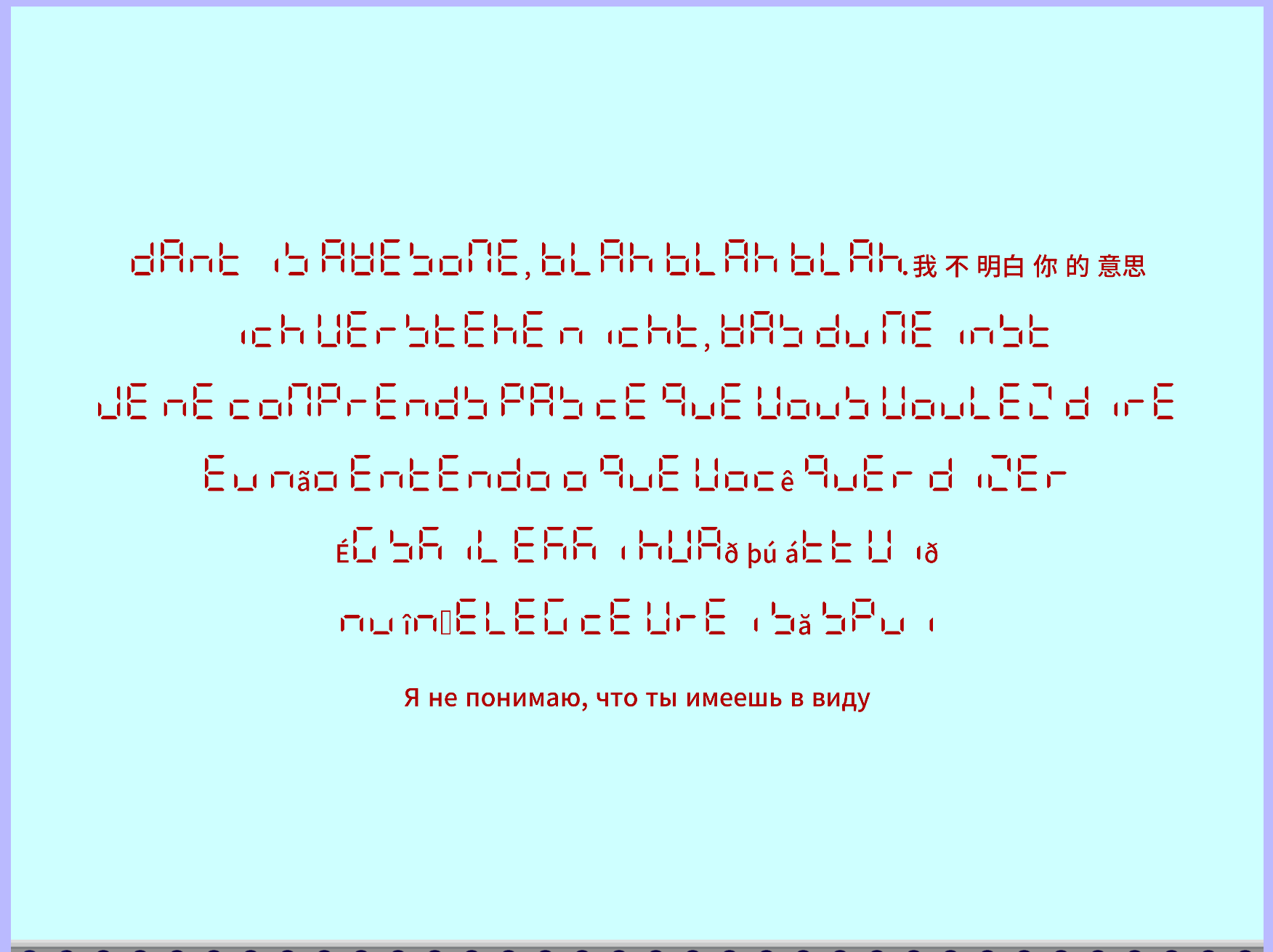
It does if you use the Rack fonts, I implemented the DSEGClassicMini font in Chromakey, it has a Noto font fallback:
edit: think i’ll remove the DSEG font, its not that useful for text like this 
Hi Mahlen, maybe try this, in order to type an umlaut you first press shift +

and then press a letter f.i. a.
It should result in this ä, it does in NOTES but not in Fermata.