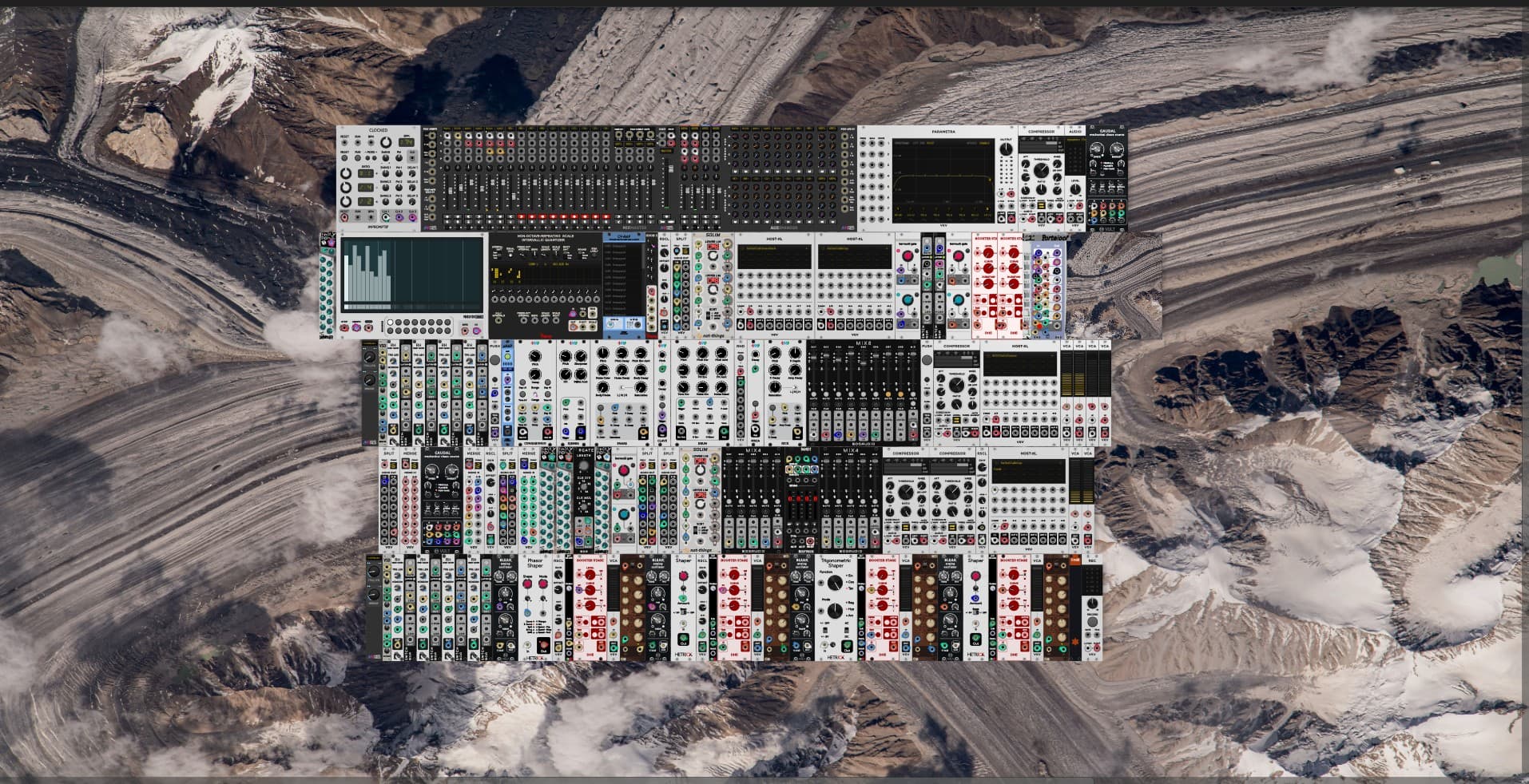
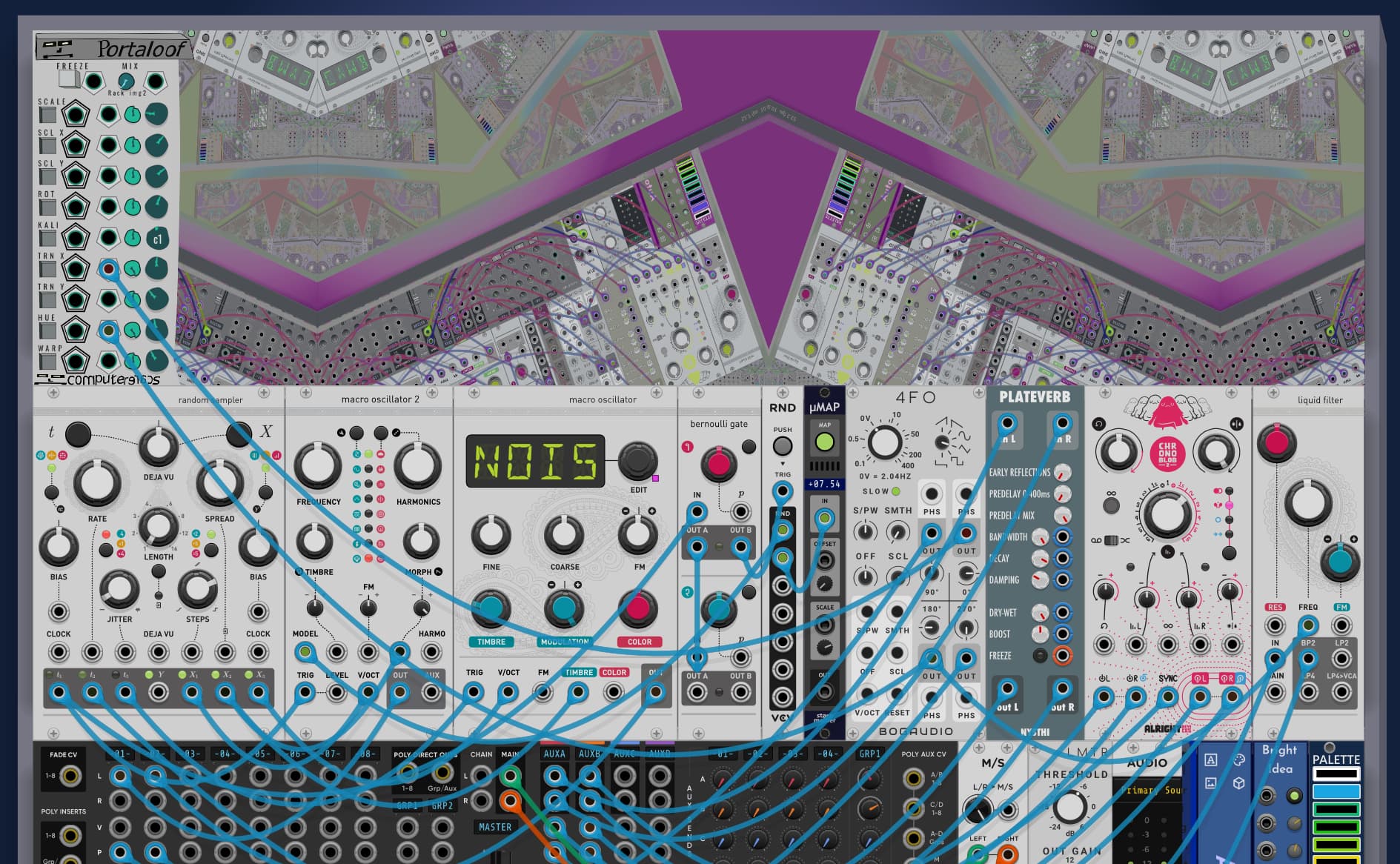
Hi, I’ve created a rather wacky visualization module - Portaloof. Ever plug a video camera into a TV and then point it at the screen? Portaloof re-draws your Rack window into its own window, along with offering various color and position transformations. Can also select image sources or other modules in the Rack as the visual source.
The feature set is pretty locked in at this point, but would appreciate if anyone especially folks running Windows or Linux would be able to give it a try before I submit to the Library.
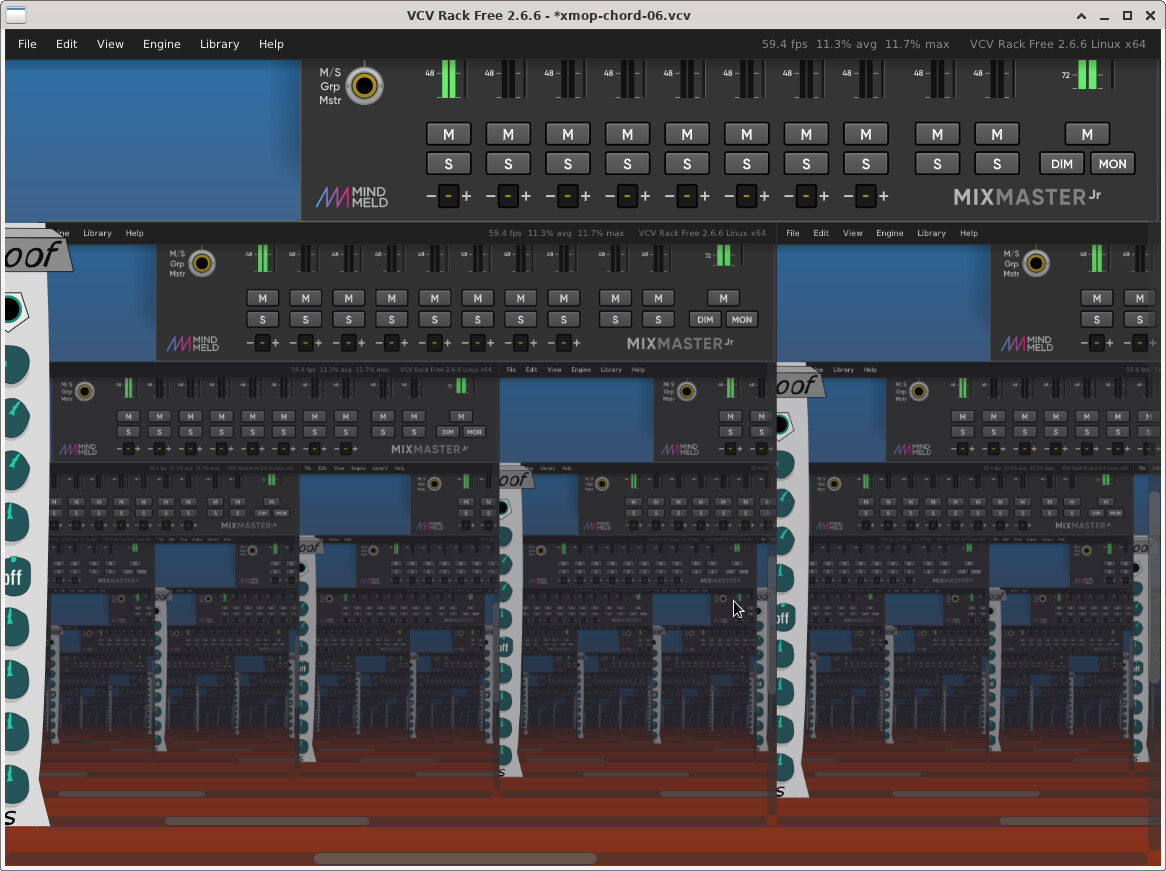
one small issue tho… If I 1) hide the uI, then 2) move the module’s display window to the left next to another module (to close up the gap left by the hidden UI), then 3) un-hide the UI… the UI will be projected behind the module to the left. Like so:
I know you said the feature set is already locked in for the intial release, but for a future update please consider allowing loading multiple images (ie, directory of images) that one could sequence, cross-fade, randomize, etc. Basically an “image sampler & mangler”.
@dan.tilley I added “Crop out Rack Window Borders” now enabled by default, which will not include the scrollbars and the top menu. Context menu option to turn it on/off.
@fiddlercrabseason My other module, Custom Blank can load an image and there is a “slideshow mode” that can run automatically or CV controlled (with the Custom Blank Expander) to view images in a directory. Per your suggestion, I added crossfade as an option in Custom Blank. In Portaloof, you can select any other Module in the Rack as a “source”, so you’d run the slideshow in Custom Blank, and then can do all the transforms in Portaloof.