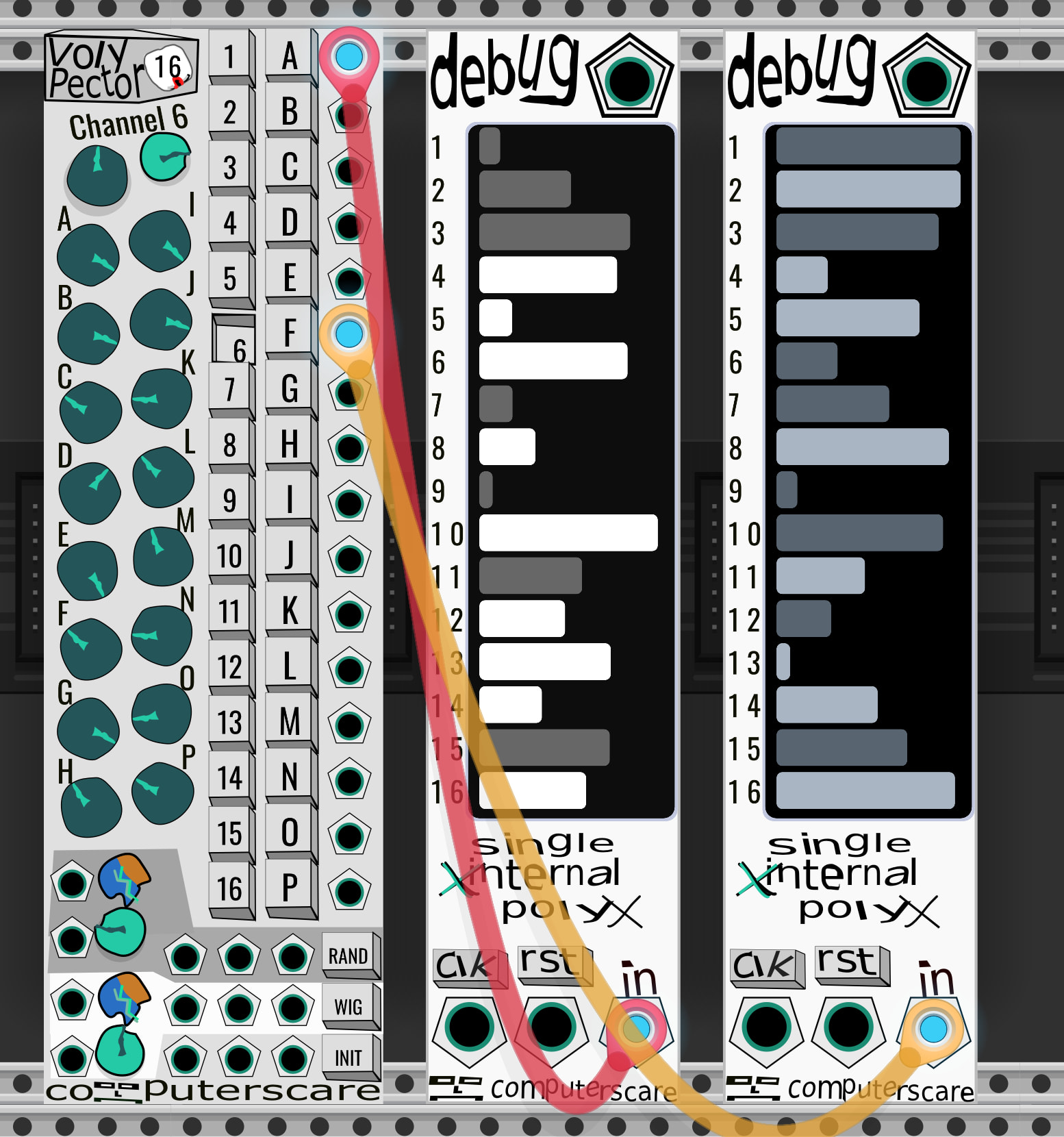
I have a new polyphonic utility module that I’m getting ready to submit to the Library: Voly Pector. It allows configuring 16 polyphonic constant signals. Basically 16 copies of Knoly Pobs, but you select which “view” so you aren’t seeing all 256 voltage value knobs at the same time. You can view/edit each voltage for an Output “Band” (the Output cable, labeled A thru P), OR by Output Channel (eg: view/edit Channel 6 for all output Bands. Illustrated in screenshot)
Also includes a scale/offset for each channel/band (allows eg: offset channel 6 of all Outputs by +3 volts, or scale the knobs of Output C by 0.32)
At the bottom, there are inputs and buttons for randomizing, initializing, and “wiggling” (moving a knob by some small amount) with associated scale and probability knobs and CV inputs.
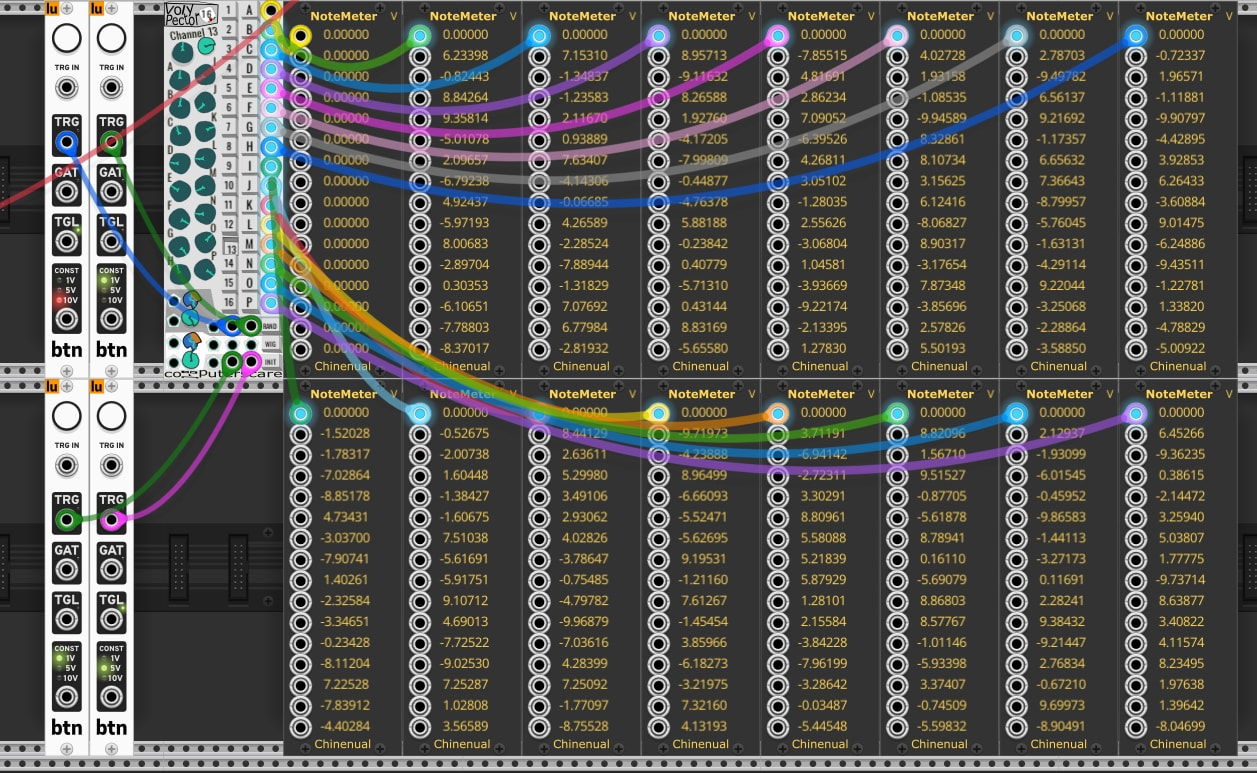
There are 3 trigger inputs for each of randomize, wiggle, and initialize, allowing the operation to be done to everything, per-channel (via a polyphonic trigger signal), or per-output (via polyphonic trigger signal.
Any testing anybody would be willing to do, especially on Windows or Linux would be much appreciated! The v2.3.6 Release Candidate is on Github
A couple more random fixes/updates as part of this release:
Knoly Pobs:
- Fix saved bipolar main knob values loading as 0 when they were negative
Sloly Pit:
- Add blank routes and randomization defaults
Debug:
- Note name / midi note number mode to display, eg: “Db3” or “F#5 - 43”
Development:
- Add portable vcvmon watcher script
1 Like
Thank you very much for this really interesting module! Tested in VCV Rack Pro 2.6.6 WIN10.
Maybe I am doing something wrong, but it appears that RAND, WIG and INT via CV-port trigger always affects the first channel (1) or band (A), independent of which channel or band is selected via the buttons. Is this the way it is supposed to be?
Just a small note: I think it’s less intuitive to not place the CV port for RND, WIG and INT ‘all’ next to the respective buttons, but have two other ports in between.
Didn’t find any other issues.
Thanks for testing!
Each of the Init / Random / Wiggle “rows” has 3 trigger inputs:
Left : Randomize All - will randomize all bands/channels (no polyphony)
Middle, under the Channel buttons - Randomize by channel (is strictly polyphonic, I think what you’re seeing is sending a 1ch signal to this is just operating on channel 1)
Right, under the Band buttons - Randomize by Band (strictly polyphonic, a 1ch signal will randomize only Band A)
I think what you were intending to do (randomize everything) could be accomplished by patching to the left-most input.
I thought that the “standard polyphonic behavior” generally found in Rack (a 1ch signal applies to all channels) didn’t seem intuitive for these inputs, but maybe this is also confusing. “Standard polyphonic behavior” would look like: there is no “randomize/wiggle/init all” input jack; a 1ch signal will apply to all; and in order to just randomize ch1, you’d need to wire up a polyphonic signal with your desired trigger on ch1 and a blank 0v on ch2. This seemed weird to me, and I just added the “randomize all” jack.