Hi!
I made a silly song using Suno, and thought I’d reach out to the community to see if anyone would be able to create an equally silly AI generated music video for it: You will never be a model by Voxglitch | Suno
Hi!
I made a silly song using Suno, and thought I’d reach out to the community to see if anyone would be able to create an equally silly AI generated music video for it: You will never be a model by Voxglitch | Suno
I carefully evaluated your lyrics as I listened to this song. Zero lies detected.
It’s tempting because I like the song and the lyrics could really make for a good music video. But while a song can be made quickly on Suno, a 1 minute 50 second video that stands up to scrutiny is really hard work. I may not be aware of all the latest possibilities, but to make something interesting, you have to generate a looot of shots and edit them all together. Especially since, compared to the song, I see something very dynamic, not the kind of thing that video generators produce by default. I can see it in the style of Igorrr’s video: ADHD, which you’re probably familiar with.
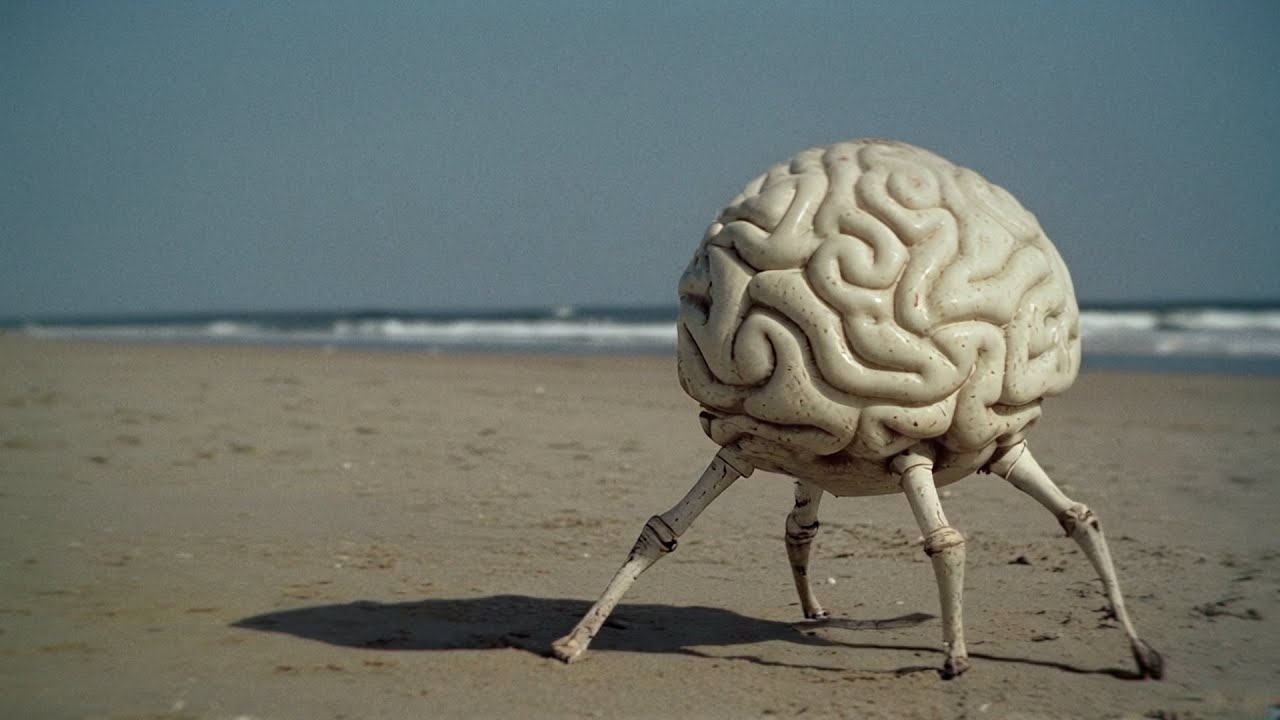
I can assure you that there’s a lot of work behind it. But that’s just my opinion. maybe someone else will have a different one.
Good point @lozzec . Also, I hadn’t seen that yet. Awesome music and video. Reminds me a bit of Venetian Snares. 
If you are interested in giving it a try yourself, there are loads of free options or trials. Bang out a folder of slop, then just DaVinci edit it all together, OK maybe not beginner level, but its not advanced
Depends on the sort of quality you want, if you dont care that much, just want to create, then subscribe to midjourney, thats how I made my AI videos.
Or YouTube has a bunch of good stuff, eg
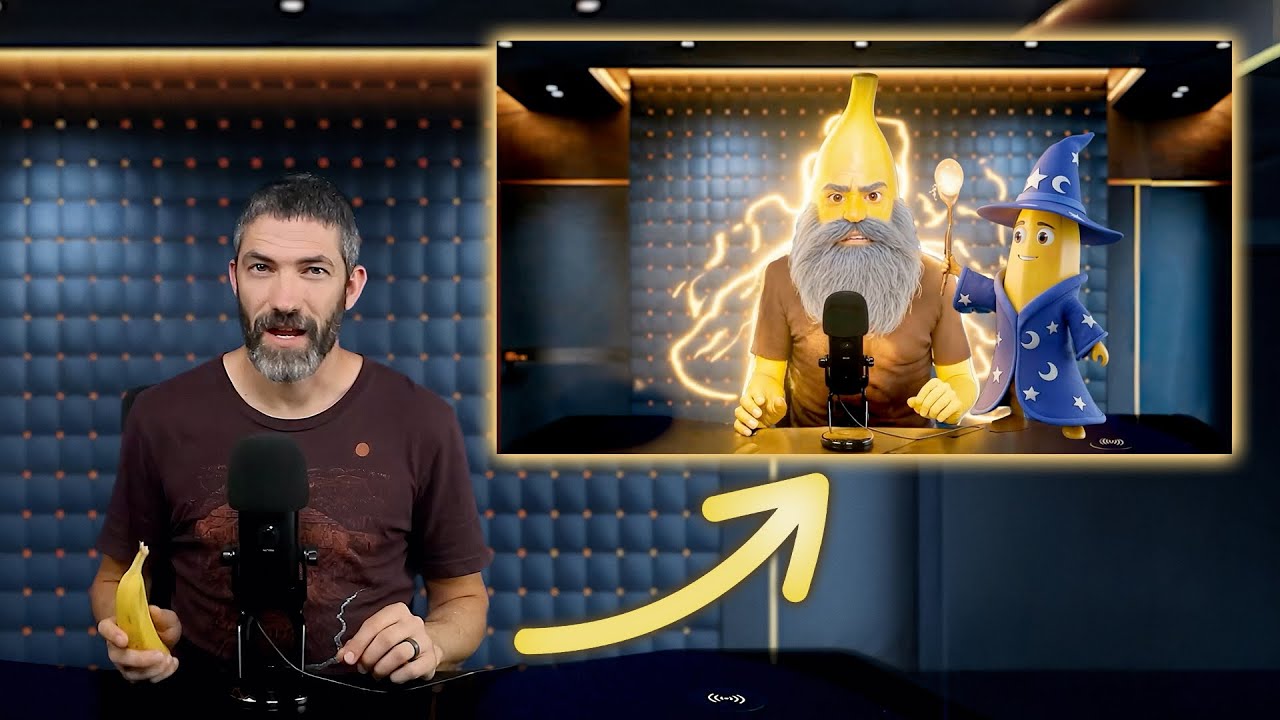
Alternatively you can run models locally for free with ComfyUI.
It’s a graphical front end that offers a visual programming node-style workflow that’s fairly easy to use once you get familiar with it.
I lost many a night’s sleep when I first came across it.
There are literally thousands of models to choose from available from sites like such as:
You can even train your own specialized fine tuned sub-models.
As @lozzec stated it takes varying degrees of effort to create polished output, but it’s truly amazing how far the tools have evolved. Don’t expect to be putting out IGGOR level stuff without putting in the work.
I dabbled a few years ago when there were only a handful of options that only ran on Linux and took a couple of days of compute to do much less. Picking this up earlier this year I was blown away by what used to take 12+hours now completes in seconds with today’s graphic cards.
It does run on Mac M series machines but compute times are slow (double or more) than a $500 PC with an Nvidia card due to the lack of modern GPU support but if speed isn’t an issue it’s a great way to jump into a very deep, very rewarding rabbit hole.
You are limited only by the amount of RAM (Mac) or VRAM (Windows/Linux) on your system in how big of a model you can run, but there usually different sized versions of most models to choose from.
Amazingly, ComfyUI embeds the workflow used to create an image/video into the meta-data of the output. This means, you can browse through the galleries above and drag a downloaded image into the app to see how it was created. An excellent way to accelerate the learning process.
Enjoy - but don’t blame me if you end up sleepless, unwashed and forget to feed the cat for a few days.
Cheers!
As mentioned above, there are tons of websites and models available. But that’s also the problems. When you want to make music, it’s Suno or possibly udio. To make graphics stuff you have literally tons of tool. Each one with is specificity, it’s cons and pro. If you are a newbie it"s like enter in a jungle. I don’t say it’s not fun, but it’s very time-consuming.
Exactly, and especially because it’s a music video. The editing has to be dynamic, and in this case, it also has to be consistent with the lyrics. To my knowledge, there is no AI yet capable of producing this kind of editing out of the box.
That’s a creative solution! I might try something like that for one of my more ambient tracks! I haven’t gotten too deep into AI generated video. I played with it a while back, before some of the recent tools have evolved, so I should take another look. Mostly, I just don’t want to deal with another monthly subscription, so I might try using local tools, like Comfy UI.
Hmm… I do have a midjourney account through, but I don’t think I pay for the tier that offers the higher resolution.
Another option is that I simply wait 6 months until everything is 4x better and 2x cheaper. Ha ha ha.
If you happen to have a decent Nvidia GPU (I have a 4090), this is absolutely worth a try.
For this video I used IndexTTS to generate the voice sample (can you tell who its based on?), I made a very simple vocoder mp3 in VCV and used that with a MidJourney image in ComfyUI in the video_wan2_2_14B_s2v workflow
Hello I saw a video for Veo3 and it made me curious to try it. So I did a quick test. However, Veo3 is definitely not free. It’s actually quite expensive. There is this website https://tryveo3.ai where you get two free video generation. Unfortunately, I clicked too quickly and messed up my first trial, so it’s a one-shot test. I get a 8s 720p video. In short, very limited test. But I must say I was impressed. First of all, the understanding of the prompt is really good. (Or maybe I was just lucky). And there’s sound right away. So the character says a sentence (even if the exact text was not in the prompt).
Here is the prompt : “A man walking front to the camera. He has big feet. He seem neglected, and angry, and point finger to the camera. He talk about his lost glove. The background is like a desert during a sandstorm with the sun behind it.”
After some editing, here is the test (non repertoried video) Obviously, the lip-syncing is rough, the quality is a bit crappy, and that’s just one verse, Difficult to keep going for longer than that based on an 8-second video haha.

And the original video generation if you are curious.
By the way I’ve remove my previous videos as make promotion here was not my goal. Haha
Have you already try to generate 1080p videos. I would be curious to know about render time when running locally
No i just used the default settings, but that video was pretty quick to generate, I think I could do 1080p without a problem. There are also upscaling models available, not sure if any work on video though
Upscalers do indeed work with video. In fact whether you’re creating a single image or video (it’s really just generating a series of still images) adding an upscaler to the workflow is required if you want high quality output.
The reason for this is that all models are trained on low resolution content. I imagine scraping the entirety of the internet to steal content was a massive undertaking with insane storage requirements for source material. That and the increased compute time for training at higher resolutions. This is also why the recommended aspect ratios are often non-standard.
You can set the output to any resolution you like without upscaling, but the output can give mixed results outside the bounds of the trained resolution. The outer edges of the generated images can contain more artifacts and weirdness, because the model just doesn’t know what to do so it starts ‘guessing’.
Thank you @lozzec - that video gave me a good chuckle during my morning coffee