I’m hoping that something already does what I’m thinking of, so I can avoid creating it.
Here’s what I’m imagining: a module or arrangement of modules that has input(s) and a trigger; Receiving a trigger this causes the module to save the input value(s), assign them an index voltage, and then saves them into the patch? So that, after the patch saved and then later loaded, a different input on the module can be assigned that voltage, and the output(s) on the module now have the corresponding voltages to when the trigger fired.
Here’s a concrete use case: in this video, I demonstrate one use I’m finding for Twixt, namely exploring the range of sounds a different module can make. This video uses @codyge 's Ouros as an example.
But it occurs to me that, hey, if I found a few sounds I really like and want to get back to easily, how would I do that? Copy out the NN outputs being used, put them into (what?), and then trigger them somehow? Or is recording the output my only solution?
Far easier would be to just save the XY location of Point at that moment, and then get back to it somehow. Twixt already maps two numbers → 12 (or more) numbers, why not link a single number (the index) to those two numbers? Then I can call up that sound whenever I please.
I keep hoping that a “sample and hold” might do this, but I don’t think any of them save to a patch. And there are recorder modules that can save to a patch, but they seem to favor recording a passage of CV motion, not indexable individual CV states.
Less convenient perhaps, but my Venom Poly S&H ASR can also work. By default it stores all saved values in the patch, but that can be turned off in the context menu.
One advantage of Poly S&H ASR is it is fully polyphonic, so each slot can save multiple CV values. Once you have filled your slots, make sure you patch a polyphonic source with the correct number of channels into the top Data input. Then all outputs will output their saved values. It doesn’t matter what values are appearing at the Data at that point.
Both of these are interesting. Having pads is nice, except each pad seems to only hold one value? So to get to a two-value preset, you need to hit two pads, as best as I can tell.
Poly S&H does expose all the values nicely, but selecting them…thinking.
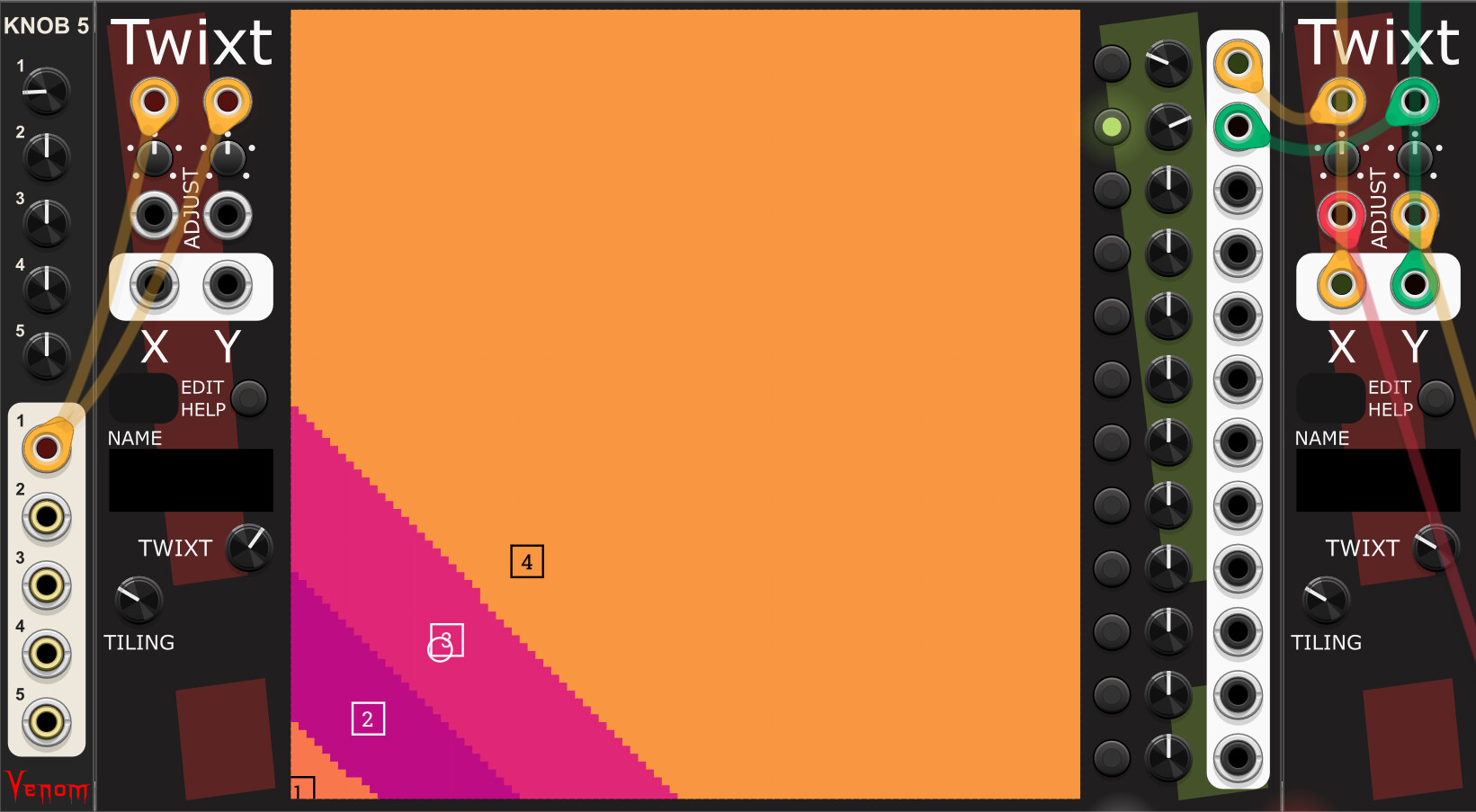
I did come up with a way to do it with another Twixt module:
Here, the Knob 5 uses the same value for X and Y on the “preset Twixt”, so that’s kind of indexable (i.e., that could be any voltage source). Then the first two Outputs of this “preset Twixt” control the X+Y of the other “playing Twixt”. But you must set the positions by examining the the X+Y on the “playing Twixt” and typing in those values on the “preset Twixt”, which is a bit tedious.
Kind of adorkable for its recursive nature! And I’ve given myself a bug to make a Twixt preset that has all eleven [-5, 5] squares in place. “X=Y” seems like a good name for it
But I’m going to ponder how to make the gestures easier, and also think on how generally useful what I’m imagining is or isn’t.
I do a lot of this. There is not a perfect solution (yet) if you ask me.
computerscare debug
Venom as mentioned
new computerscare VolyPector
your own Memory module, of course!
Sickozell shifter
T spellbook
Sparkette Ram-40964
All with their own strengths and weaknesses.
For just grabbing less than 16 values on the fly where the module is stateful and data is stored with no extra peskiness on the user end, you can’t beat Debug. You can unpatch it, duplicate it, and it’s still stateful. Dave’s module is great, but if you unpatch it, it defaults to non-poly, so that data’s lost.
For a larger batch of data where I don’t mind spending some time to name a preset and string together a capture s&h mechanism, my go-to has been T’s Spellbook, but I have a couple instances of the new Computerscare module (with 16 uMaps, unfortunately) and that might be my new buddy.
I believe you can use that Sparkette module to archive, uh, a LOT of data, but I’ve barely played with it.
For me the allure would be a module where I never have to twist a knob, multiple poly sets can be grabbed at once, and data is saved/persistent with the patch.
This might not help your use case, but another module in this area really couldn’t hurt!
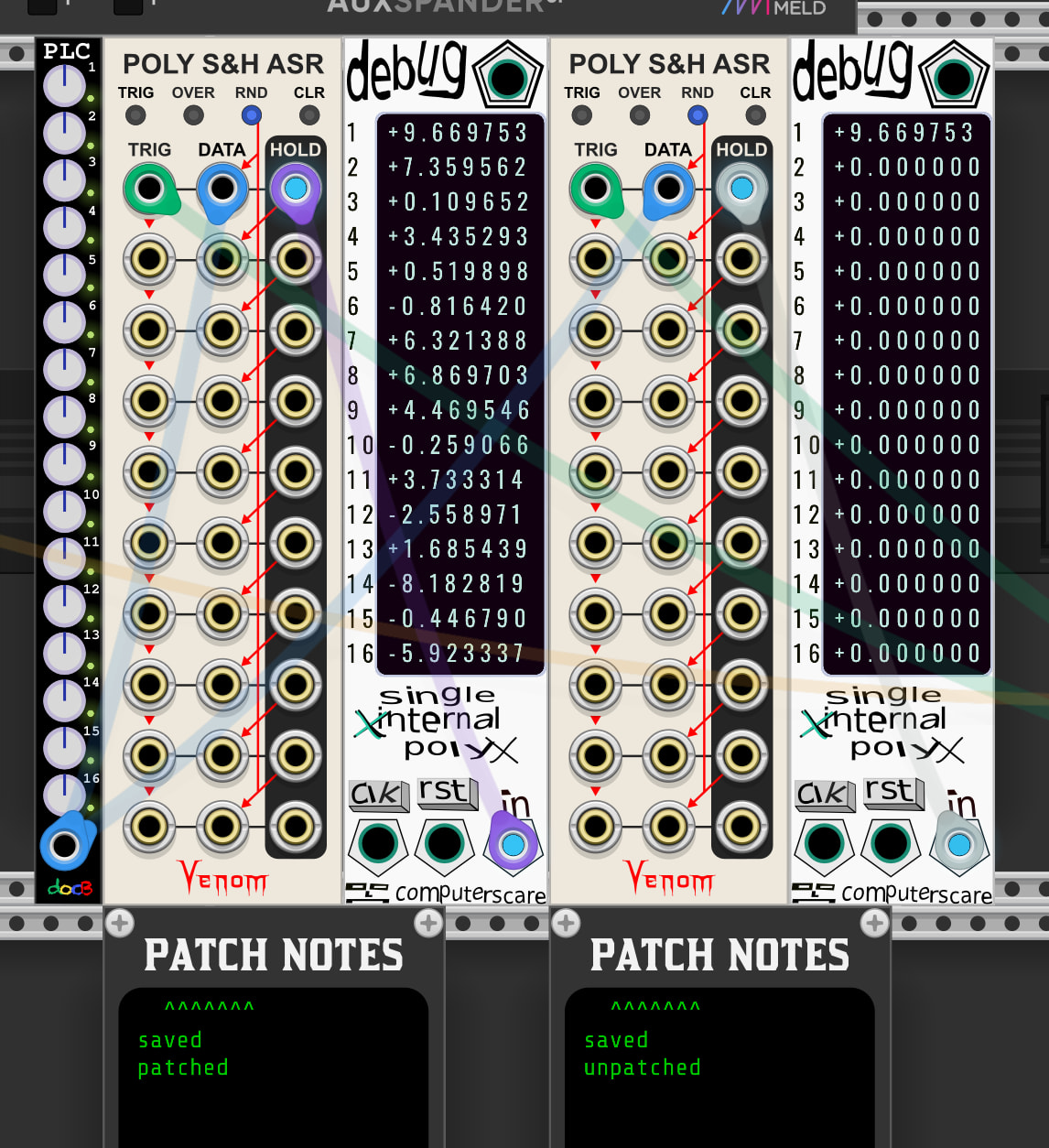
The data is not lost, but only the 1st channel is output. If you then repatch a poly signal to the top Data input (values don’t matter) then all the saved values are output again.
Oh, thank you sir, I stand corrected! I played with it a moment before posting that, but I guess I patched a mono cable in to test it.
Testing again…well, if you unpatch the module, save the VCV patch and open again, then you only get the 1st channel. Not complaining, mind you! (Trigger cable in screenshot is also 16ch)
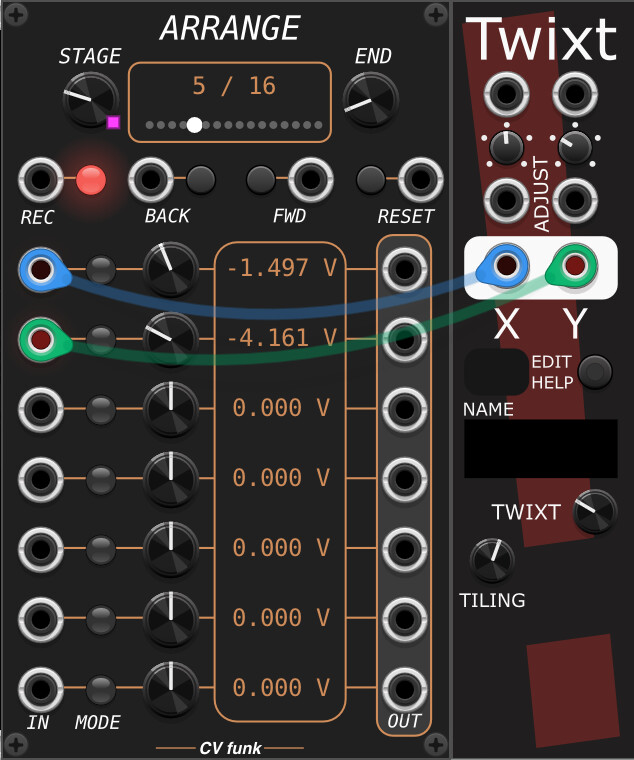
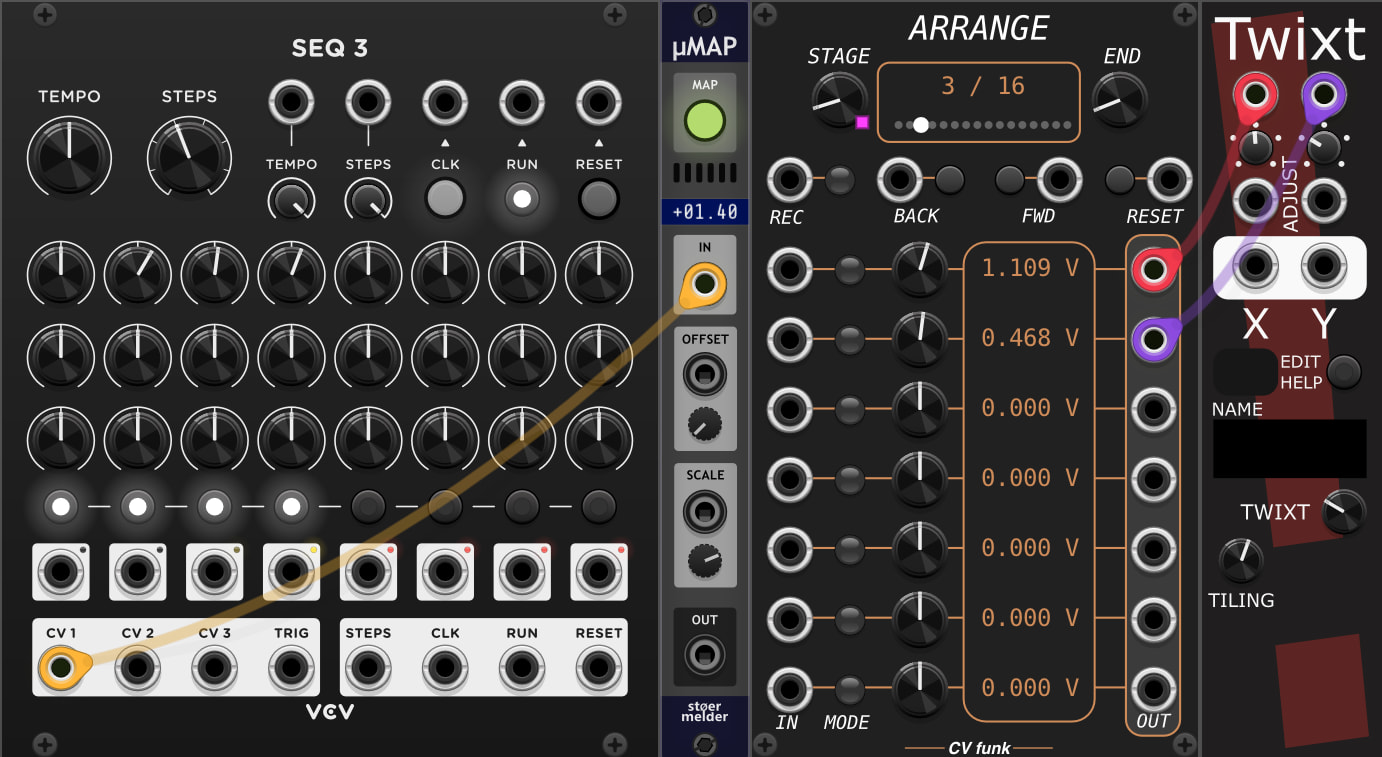
Recently I added all the ArrangeXL features to the free Arrange, so now if you go to the context menu you can switch it to EDIT mode. Also it has more extended copy/paste add/delete stage options in the context menu, hopefully making it more fun by allowing you to copy your sequence and duplicate it and make edits.