I upgraded to the Pro version of VCV Rack as I thought it might make my workflow more straightforward in terms of recording in Logic and it works well, except that I cannot increase the size of the VCV Rack plugin window. Obviously, trying to use VCV Rack in a small window is pretty annoying and ultimately will limit what I can do. Any ideas? I have researched this generally online and found nothing that works. I would be very grateful for any advice.
There’s a triangle hidden down in the right bottom corner of the plugin window. Drag that to change the size of the window.
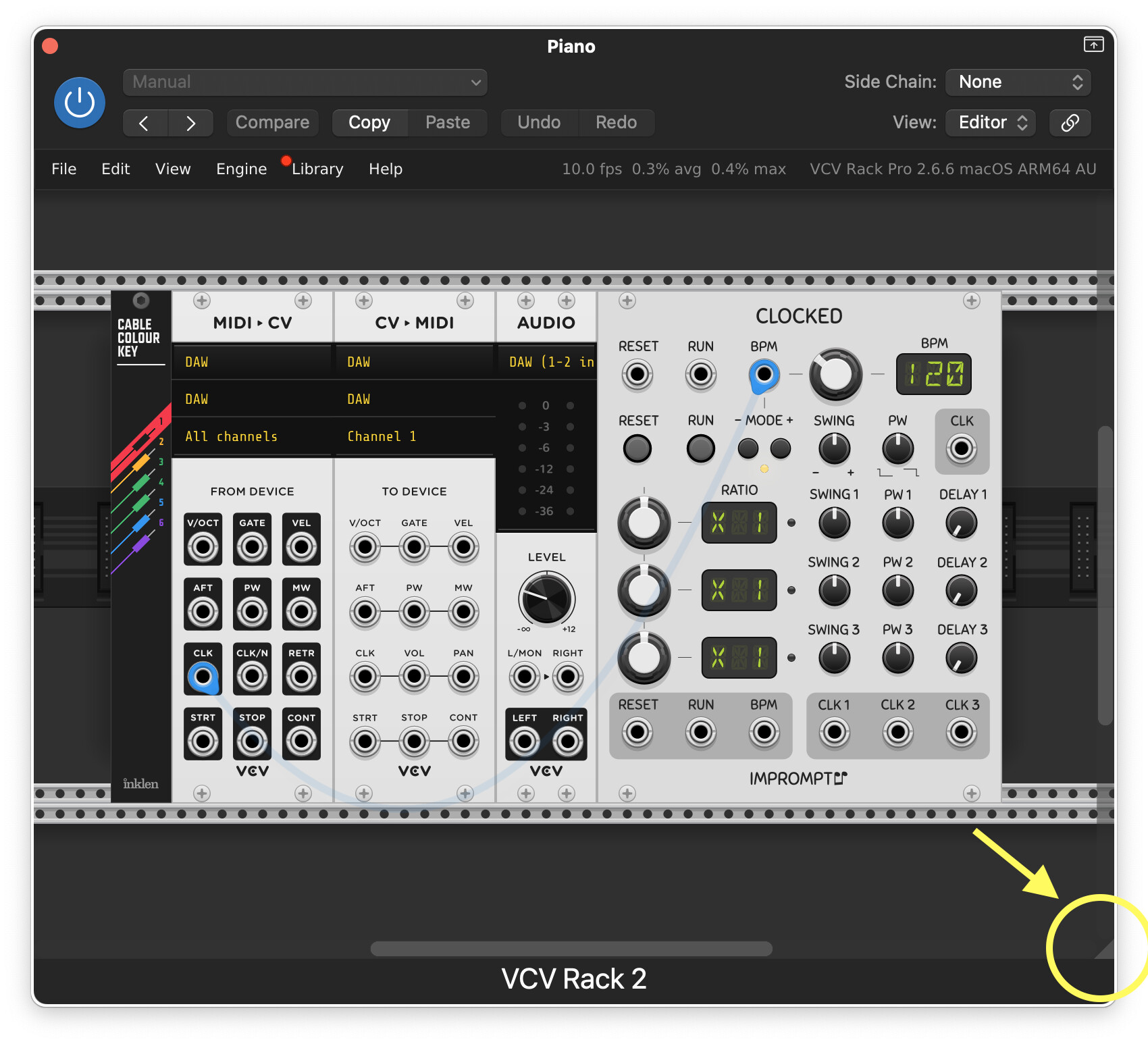
1 Like
Have you tried VST2 or VST3? I’ve found that different plugin formats behave a little differently.
I can’t answer for VST - I only use Logic/AU.
Thanks for your help. All good now!
2 Likes