Help is a new VCV Rack plugin that adds pop-up help for over 4,000 modules, which is essentially the whole free library. Option-click (alt-click on Windows and Linux) a port, control or faceplate, and a pop-up appears above the pointer explaining what it does.
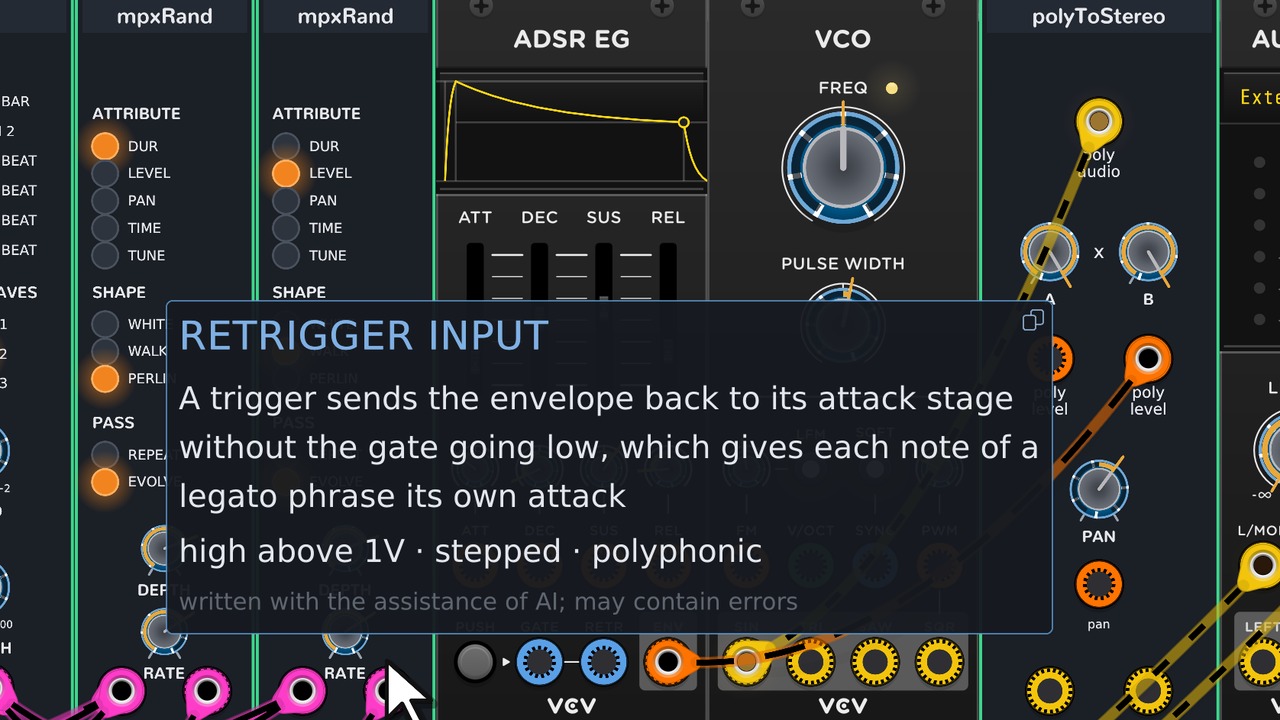
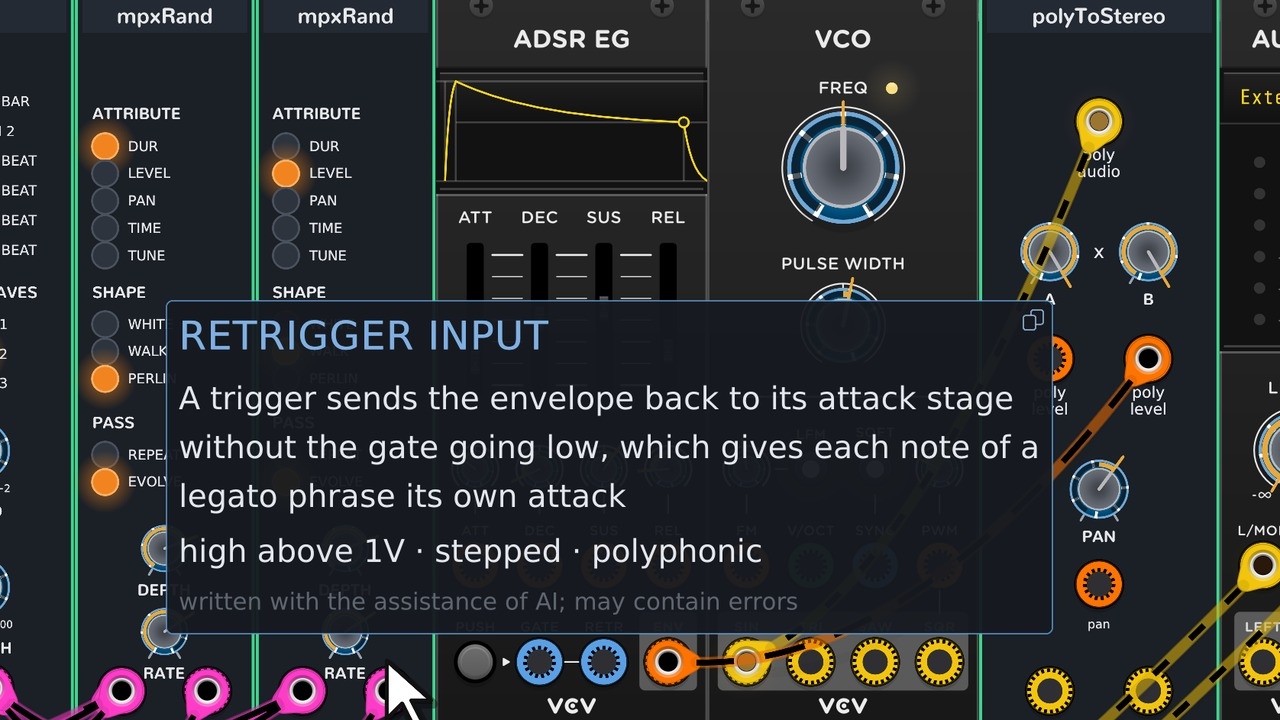
For ports, the pop-up also shows the expected voltage range, whether the signal is continuous or stepped and unipolar or bipolar, and whether the port accepts a polyphonic cable. The text size can be set from 80 to 250 percent.
Help is one module with no inputs or outputs. A switch on its panel turns the click gesture off, since Rack and some plugins use option-click for other things. A different key combination can be chosen from the right-click menu.
Help can also speak, using your system voice. Enable this on the Help faceplate and click a help item to hear it spoken. To change the voice, change your system default voice.
Help has been submitted to the VCV Library but is not there yet. Until then, download it from GitHub: GitHub - chrisgr99/DreamerHelp: In-rack help for VCV Rack: option-click any control for a note saying what it does · GitHub
The help database is a starter set covering every module that could be analysed from its manual, change notes, panels and source code. Every fact cites where it came from. Paid plugins I do not own have no entries yet. Makers can correct that help, or add help for new modules, by including a JSON file in their own plugin package. Ideally the Help module itself would not need to keep up with recent help changes: if developers keep their help in their own module repositories, it reaches users through normal VCV Library updates. I will also periodically run my AI analysis over new and revised modules, to keep the default help as current as possible.
Notes for module makers, and how to report help that is wrong or missing, are in the reply below.
For questions and bug reports, please use the Dreamer Development thread: Dreamer Development: Clarity, Test Gear, Dark, Help and MPX (latest: Help 2.0.1)

