DanT Neon-Oblique - AI Panel Experiments

:eyes:

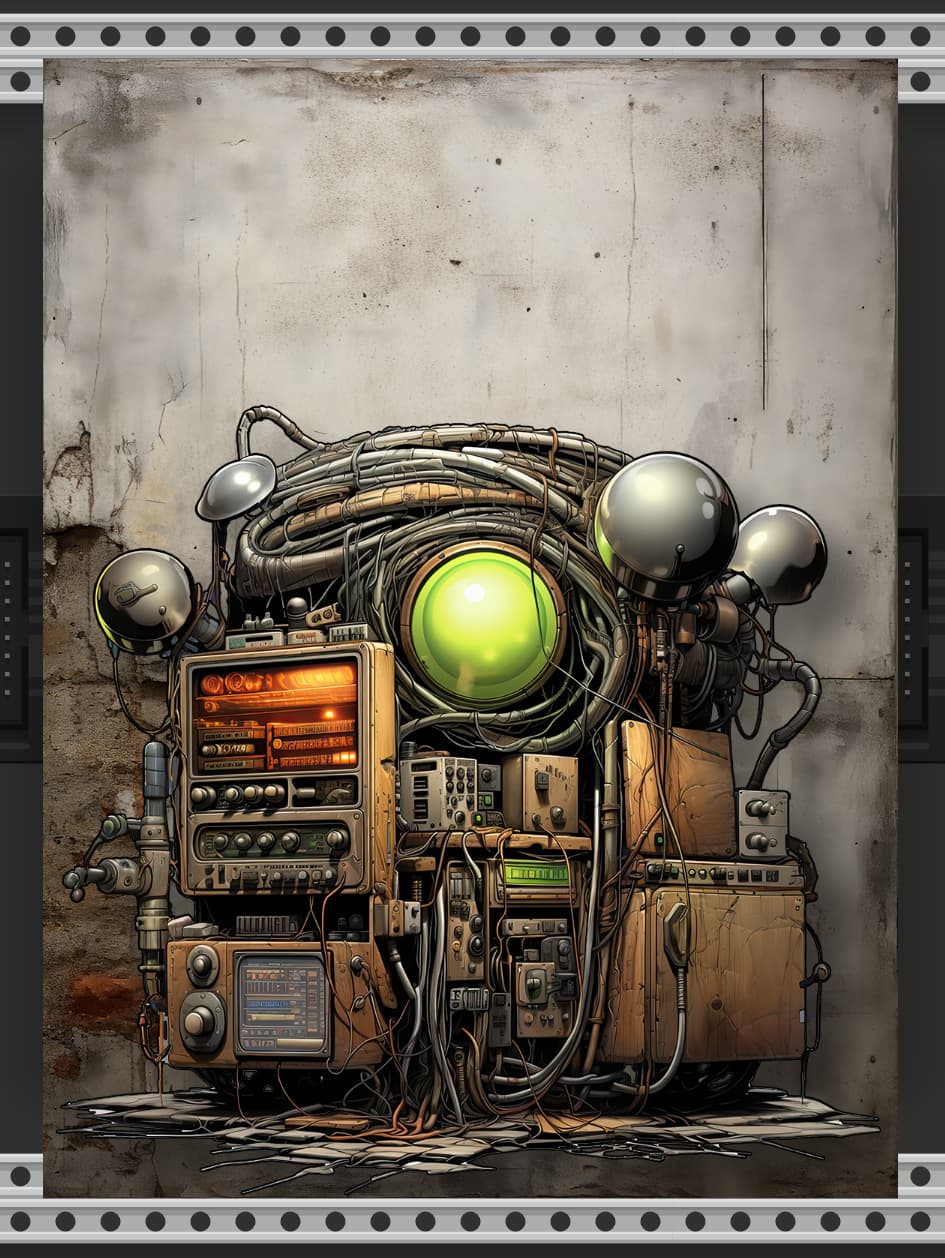
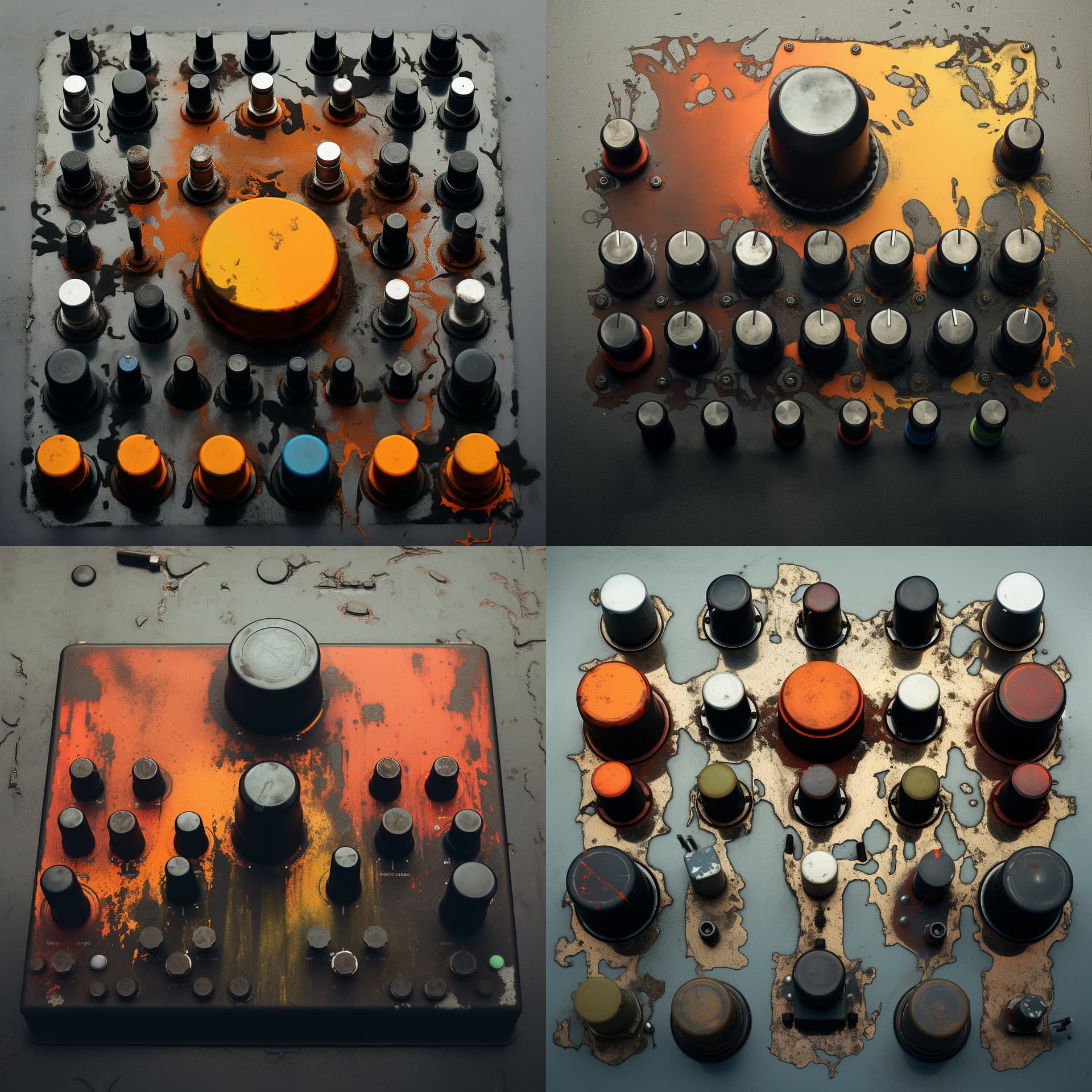
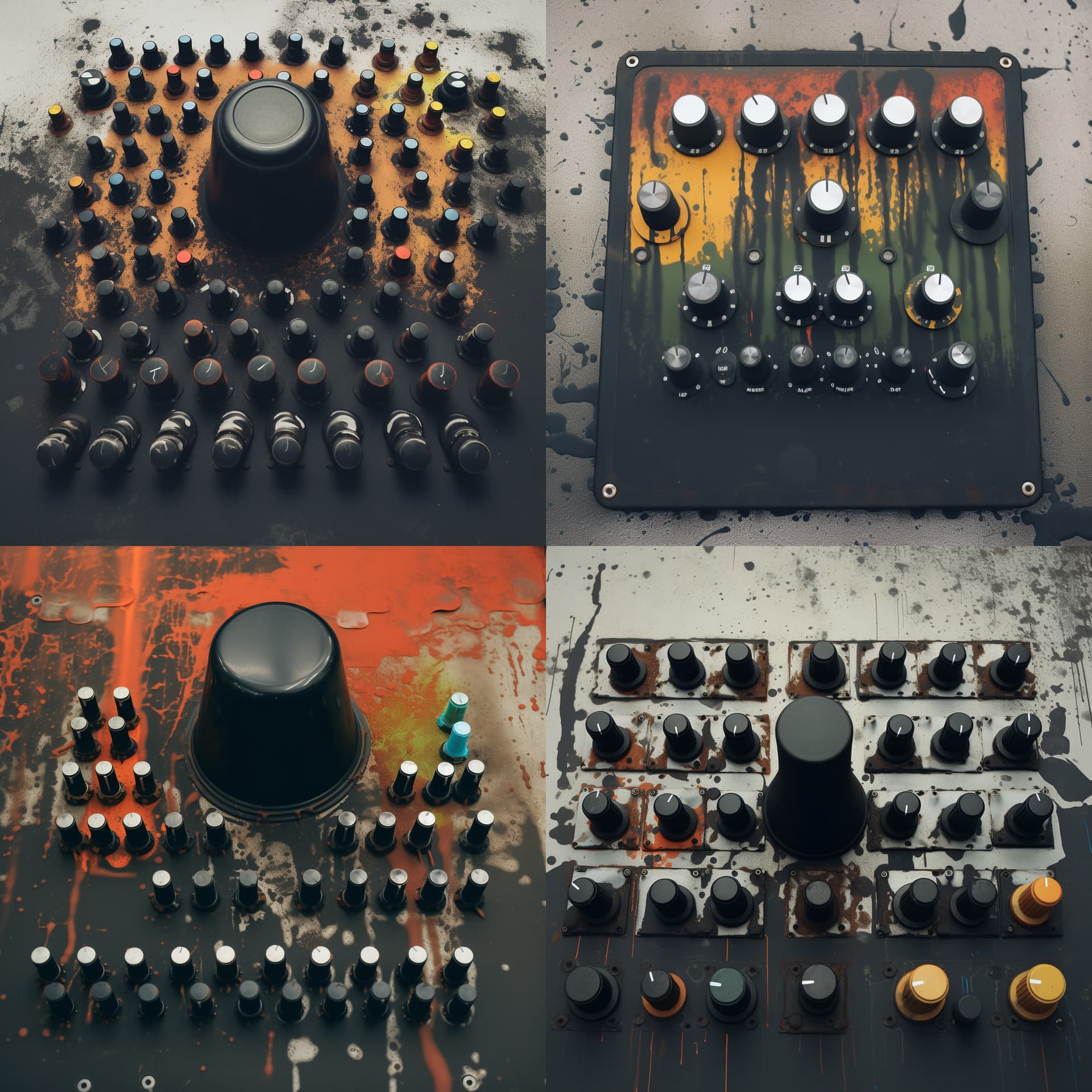
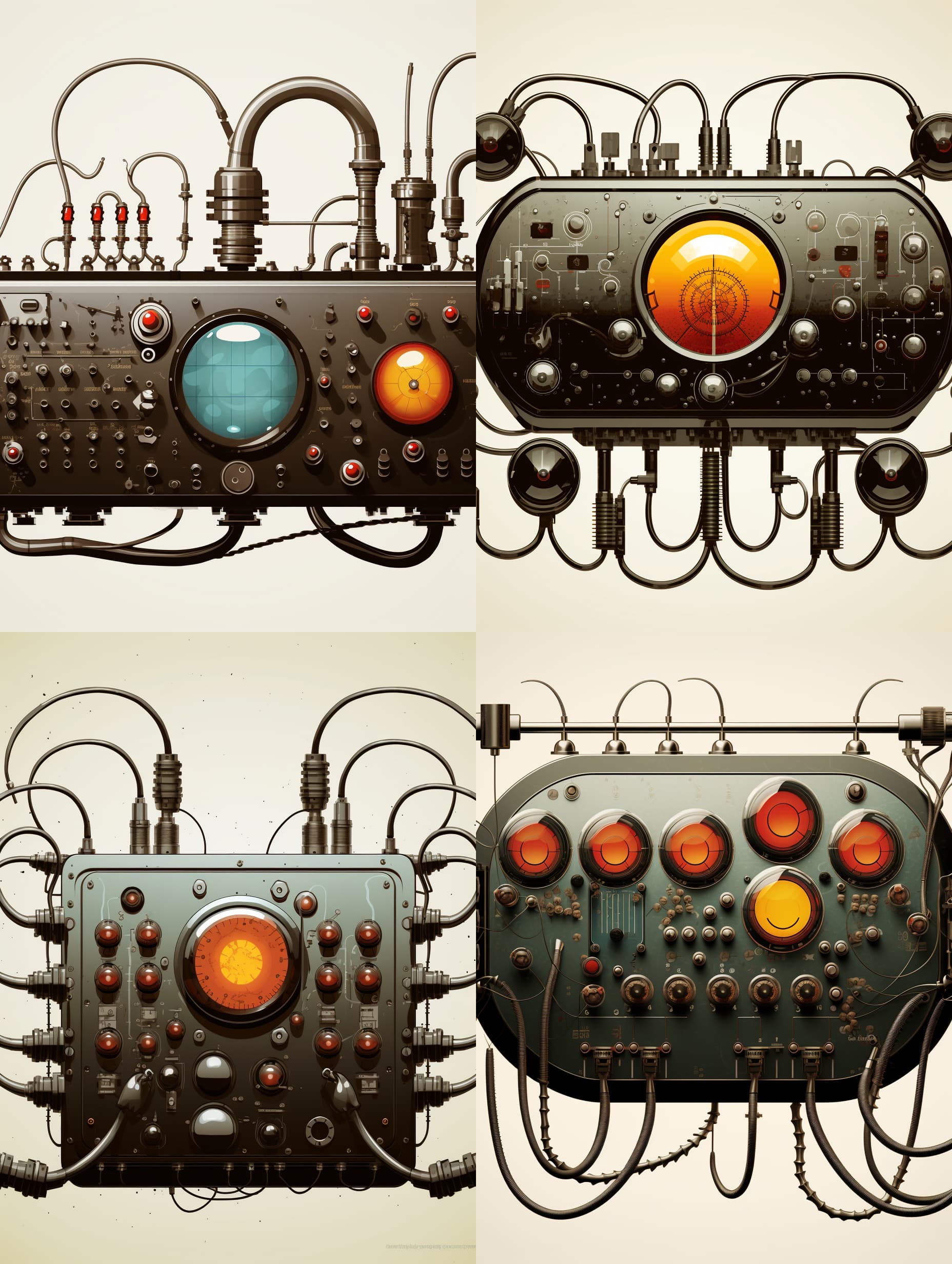
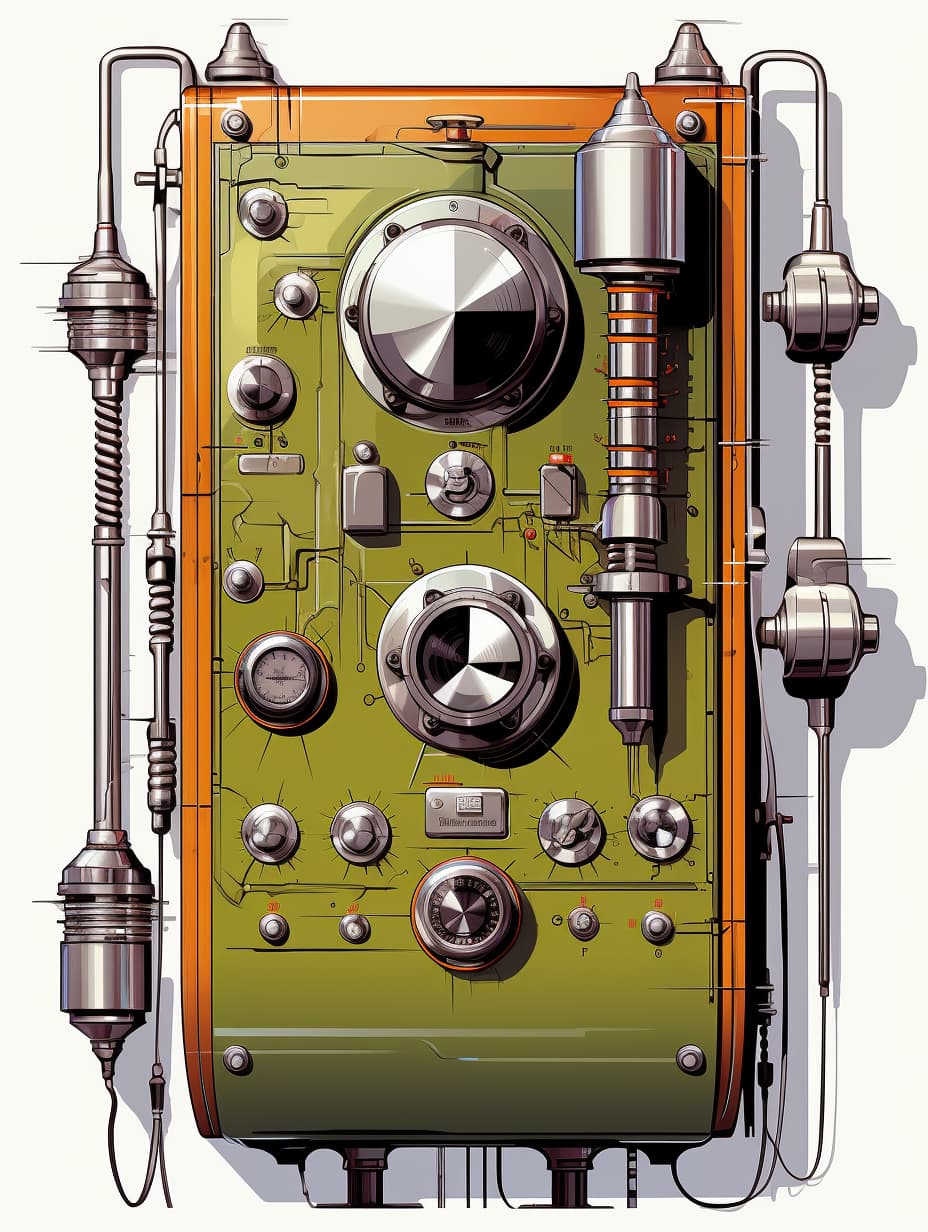
Probably wouldn’t make a good panel, but this just popped out of MJ, sometimes its just amazing how small prompt changes can give wild new results, the only difference between this and the prompt for the panel above was that I added the word camouflaged :man_shrugging:

2 Likes

a weapon masquerading as a toy.

Many of these images aren’t useful as Rack panels without some jacks. Perhaps the working interface can be done in an expanders (or in the same module adjacent to the image) which could look like any other Rack module, leaving the image pristine.

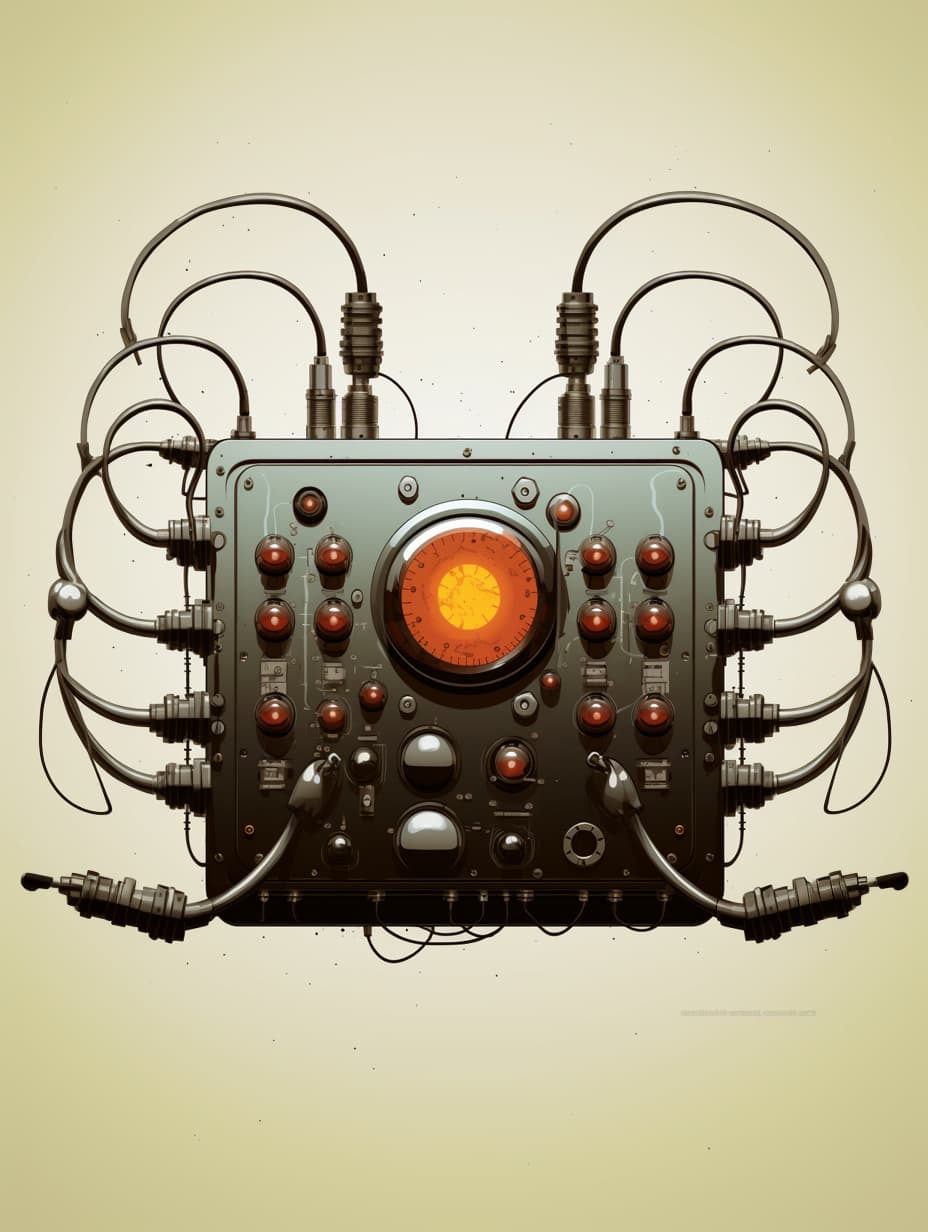
Four sockets, two big knobs and a small knob. Could be an excellent filter.

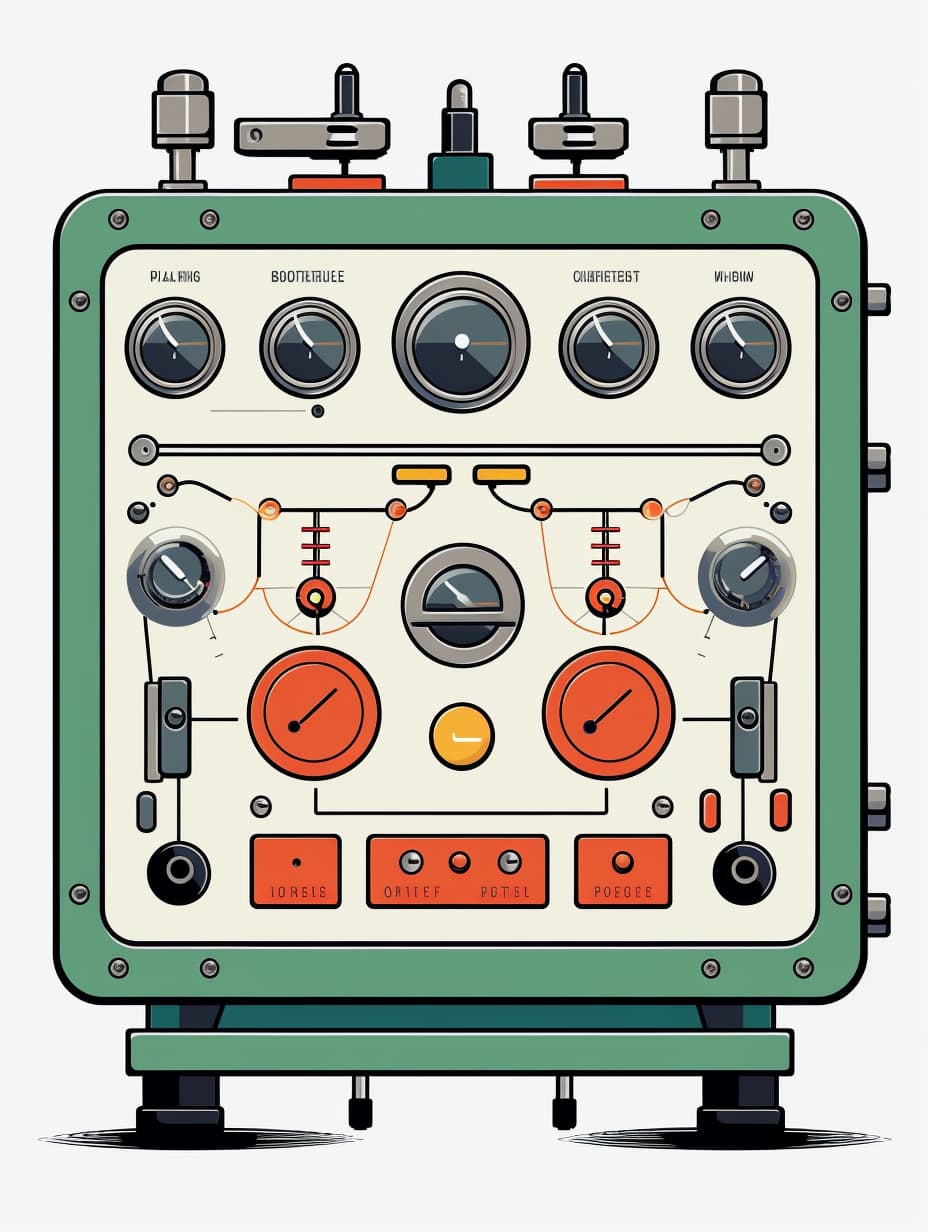
Here is one a bit different, I might try layering other images on top of this one

Edit:

2 Likes

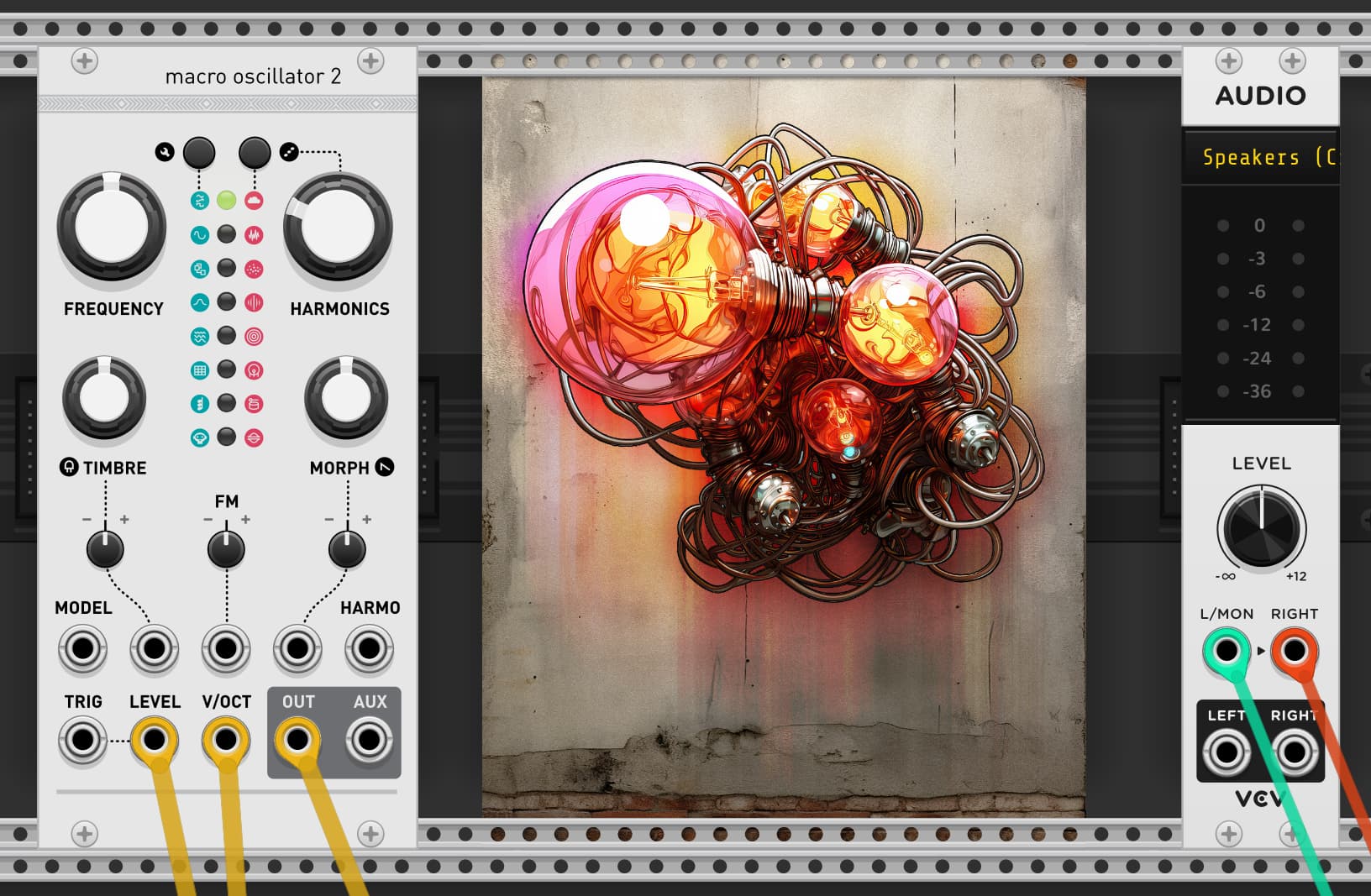
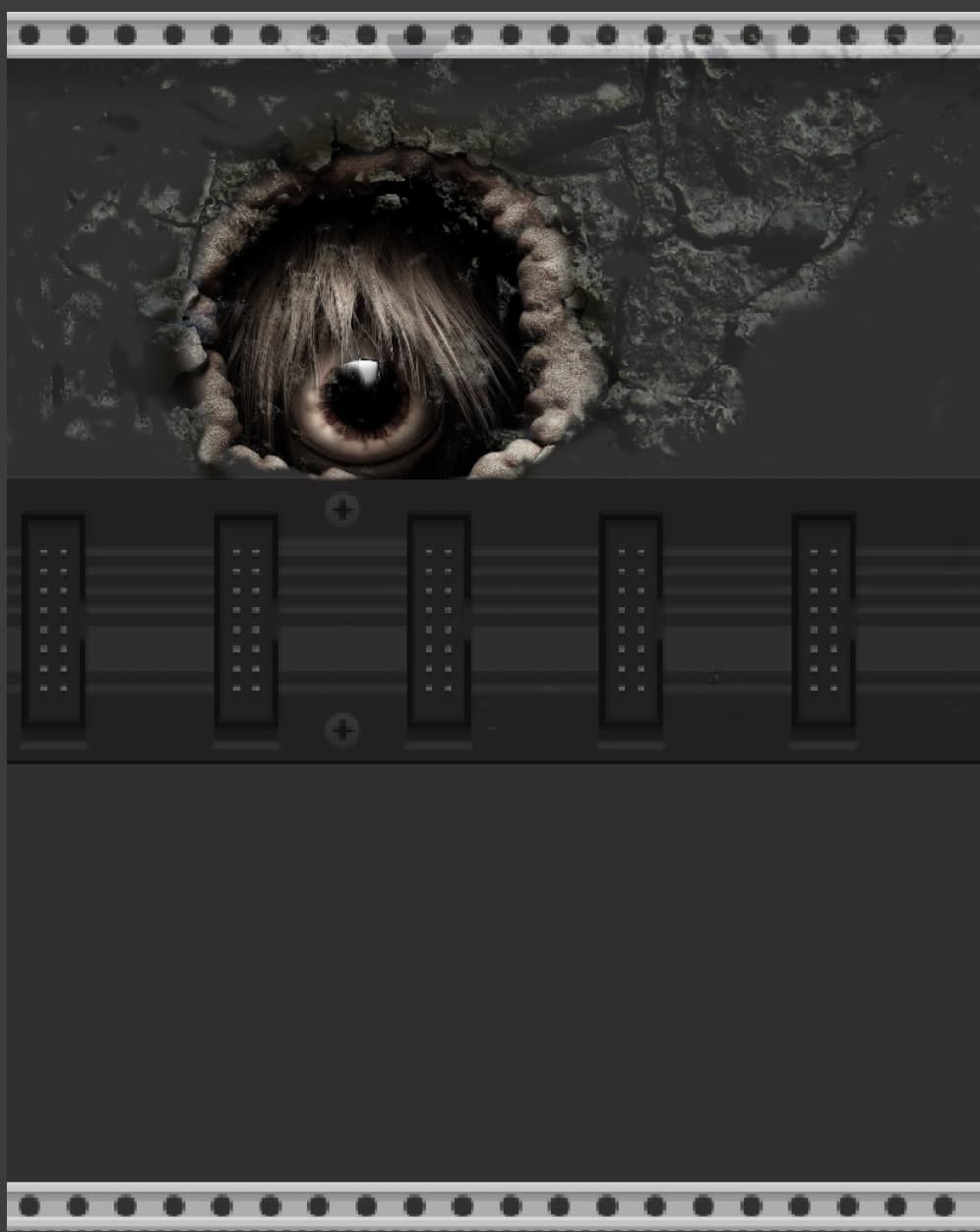
Just an idea, but given that the rails are in the component library, you could place things seemingly ‘behind’ the rails by redrawing the rail on top. (The holes should just line up.) Indeed, you could even have it be a broken rail here and there…

1 Like

Great idea, thanks, I’ll see what I can do with it…

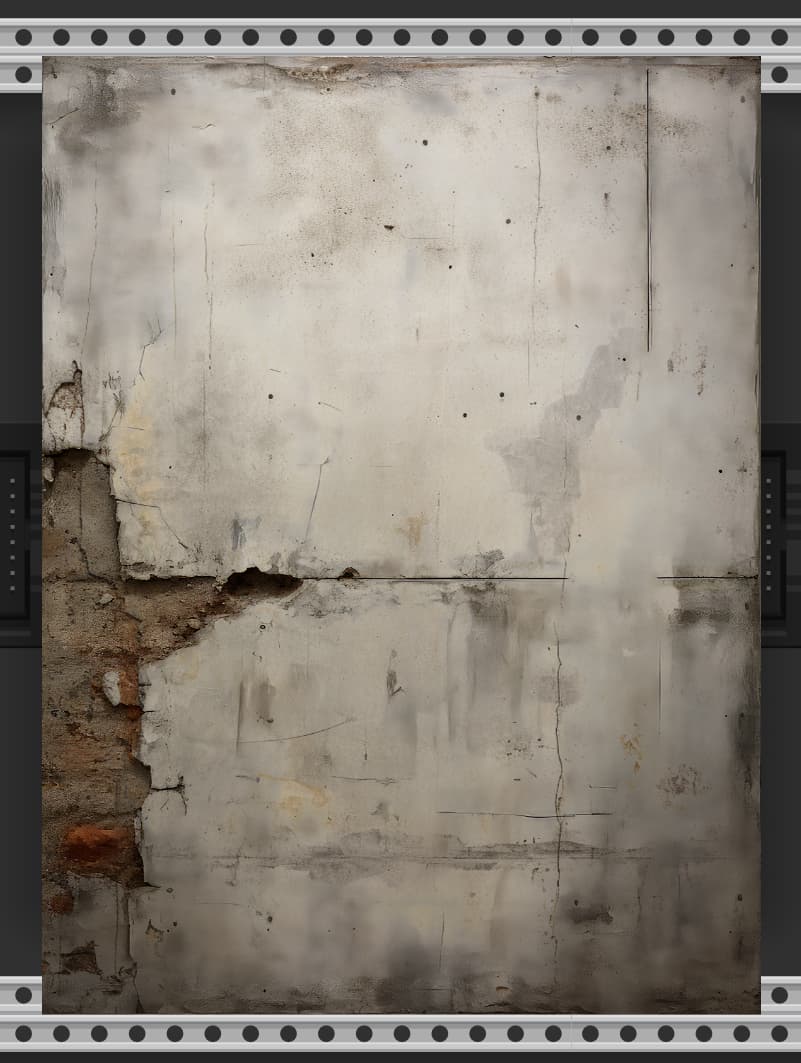
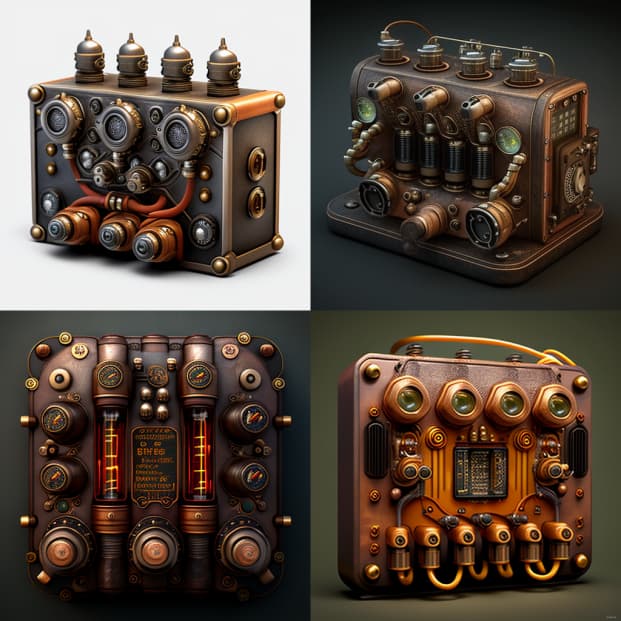
This is really cool, especially the stark blankness of the first image. It just moves the head to different space, nine inch nailsy, maybe be a little sparse within that kind of space instead of full steampunk may be more exciting. one big knob and some switches, a huge led bulb that changes color as intensity or voltage rises. just being playful here, its your baby of course, great design concepts!!

1 Like

They do! It works better than I expected, even when moving the module around it looks like its behind the rails

2 Likes

:thinking: It’s missing the cat. :black_cat:

5 Likes

It’s not the scariest blank panel example but I think you’ve already got what I meant.

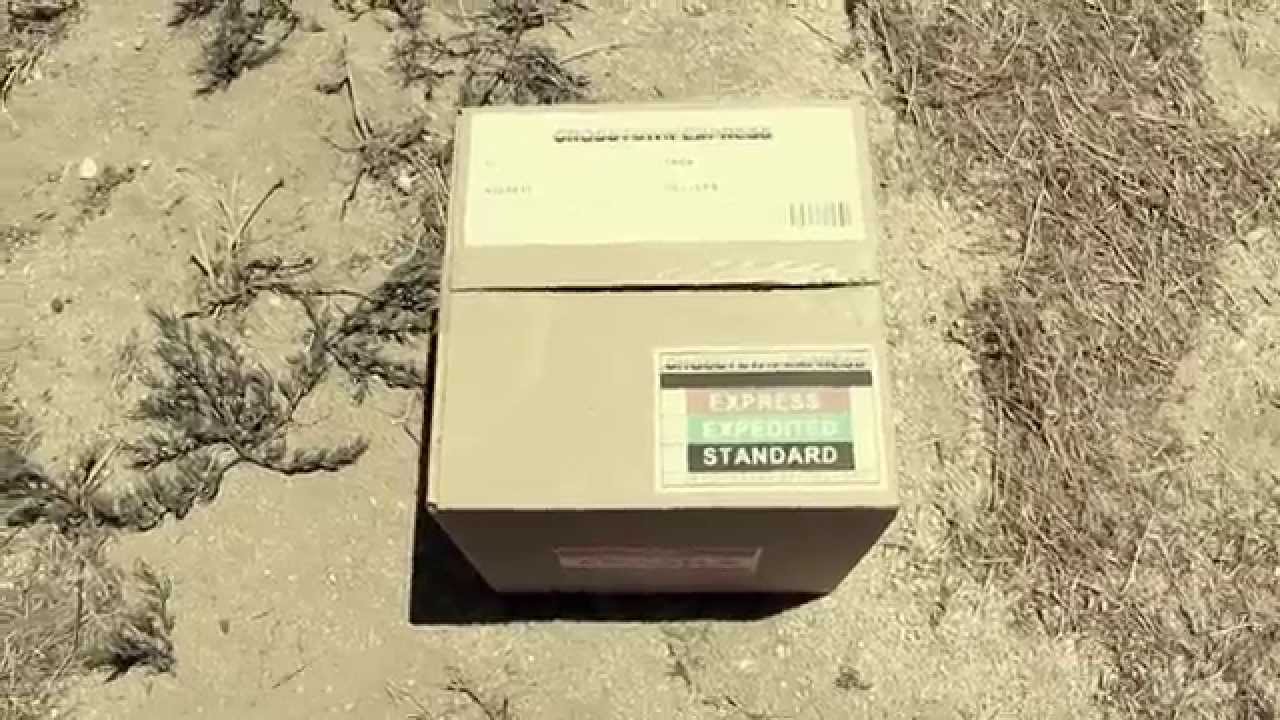
Call the module se7en, and when you click it it says “What’s in the box ?”

1 Like

NINsy, I like it…

4 Likes

I’ll need to do some new coding to create a knob that uses PNGs rather than SVGs (not sure if its as simple as it sounds though) but once I do, it will be a whole new playground…

5 Likes

2 Likes

It always amazes me…

For MidJourney experiment artists:

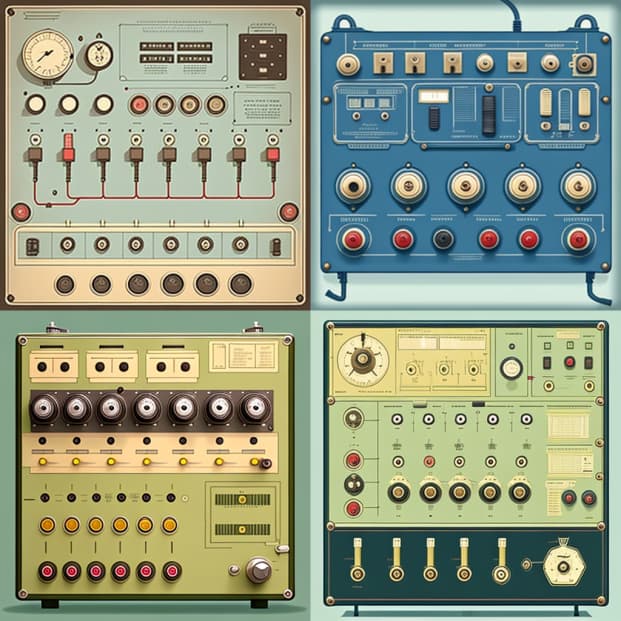
vector art, simple, 2d, front panel of a scientific equipment, six sockets, buttons, schematic illustration --no background, --no 3D

2 Likes

Nice prompt, my suggestions would be to:

add an aspect ratio to get the size you want, normally the square will make a very wide panel

add border and blur to the negative prompt

For example:

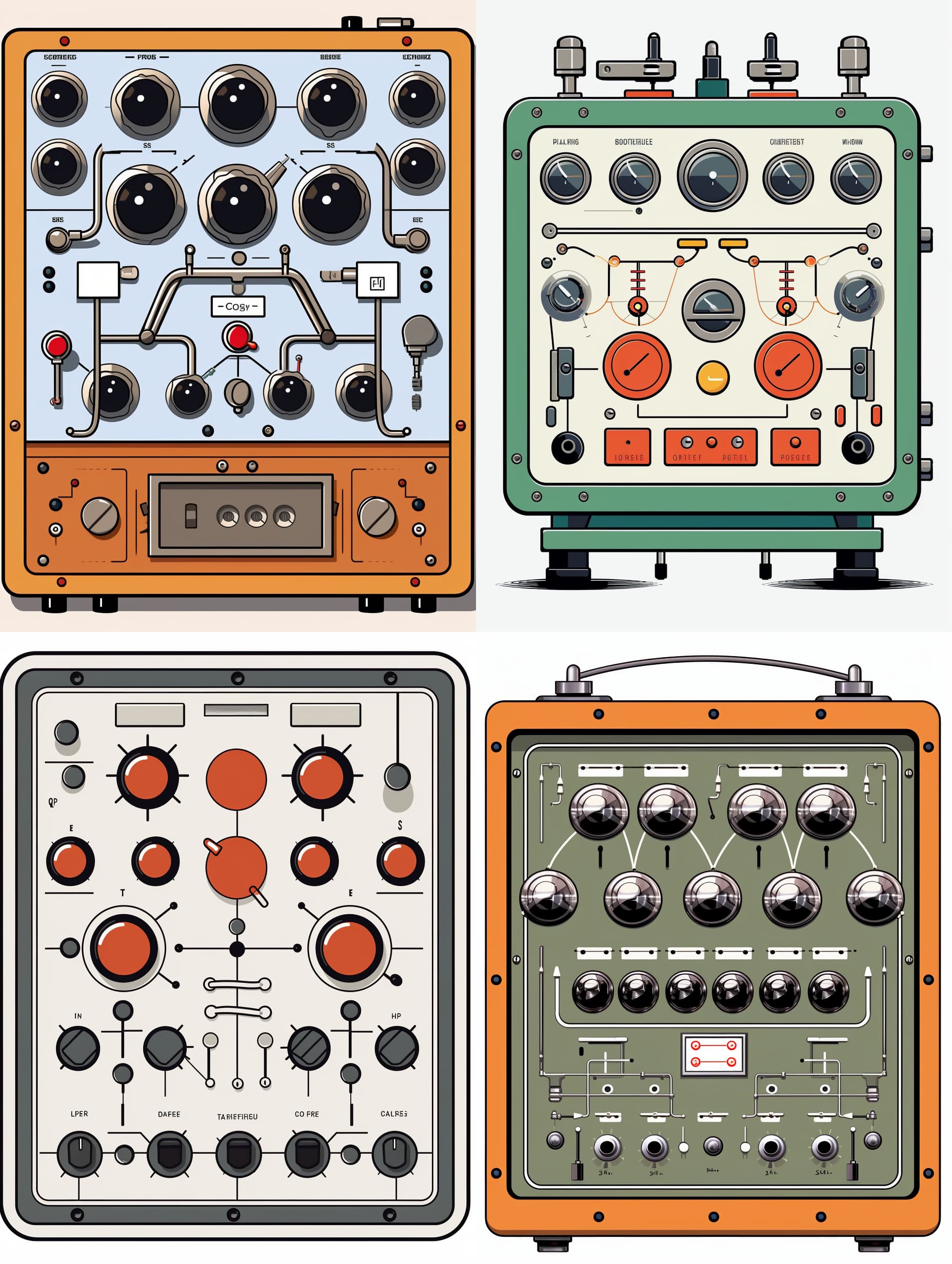
vector art, simple, 2d, front panel of a scientific equipment, six sockets, buttons, schematic illustration --no background, border, blur, 3D --ar 3:4 

Now, to push your experiment a bit further, choose an image to upscale

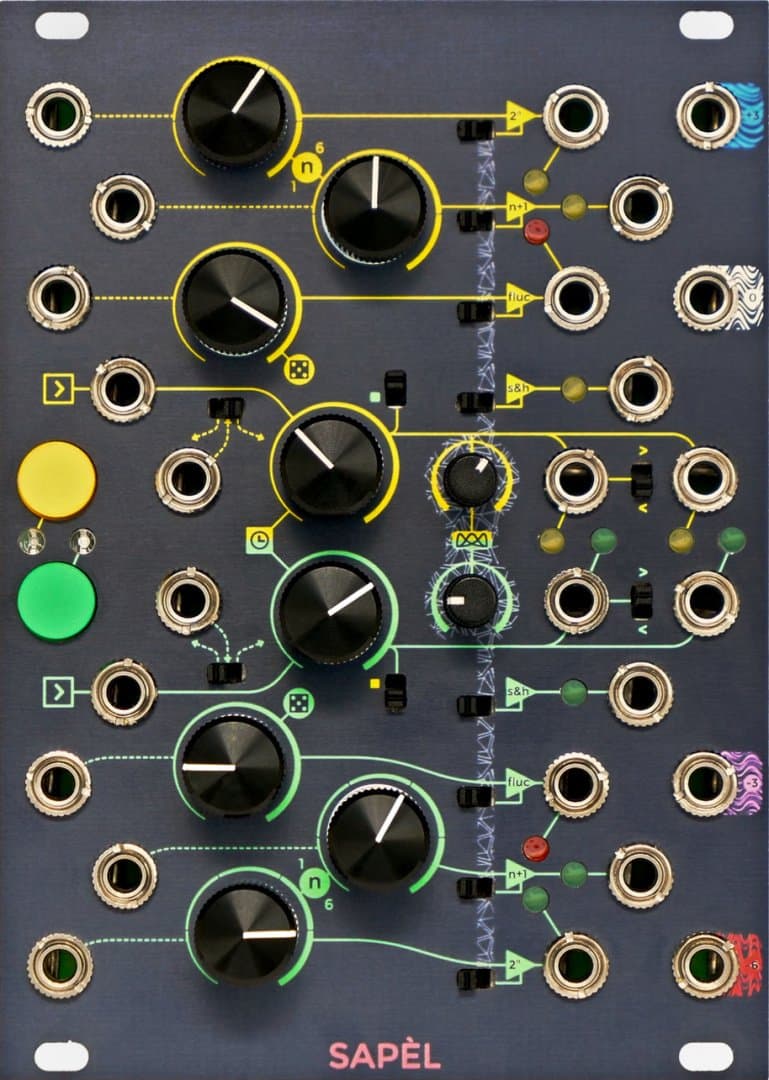
Next, find an image you like the style of and paste it into Discord, for example I am going to use this SAPÈL image

Get the image URL by clicking on it, then right clicking it and selecting Copy Link

Now click the Vary (Strong) button, paste the image URL as the first thing in the prompt and send it

Rinse and repeat until you hit on something cool, and of course your style image doesn’t have to be synth based

Also, if you get an image with the edges cut off as above, MJ now has a zoom out tool

1 Like

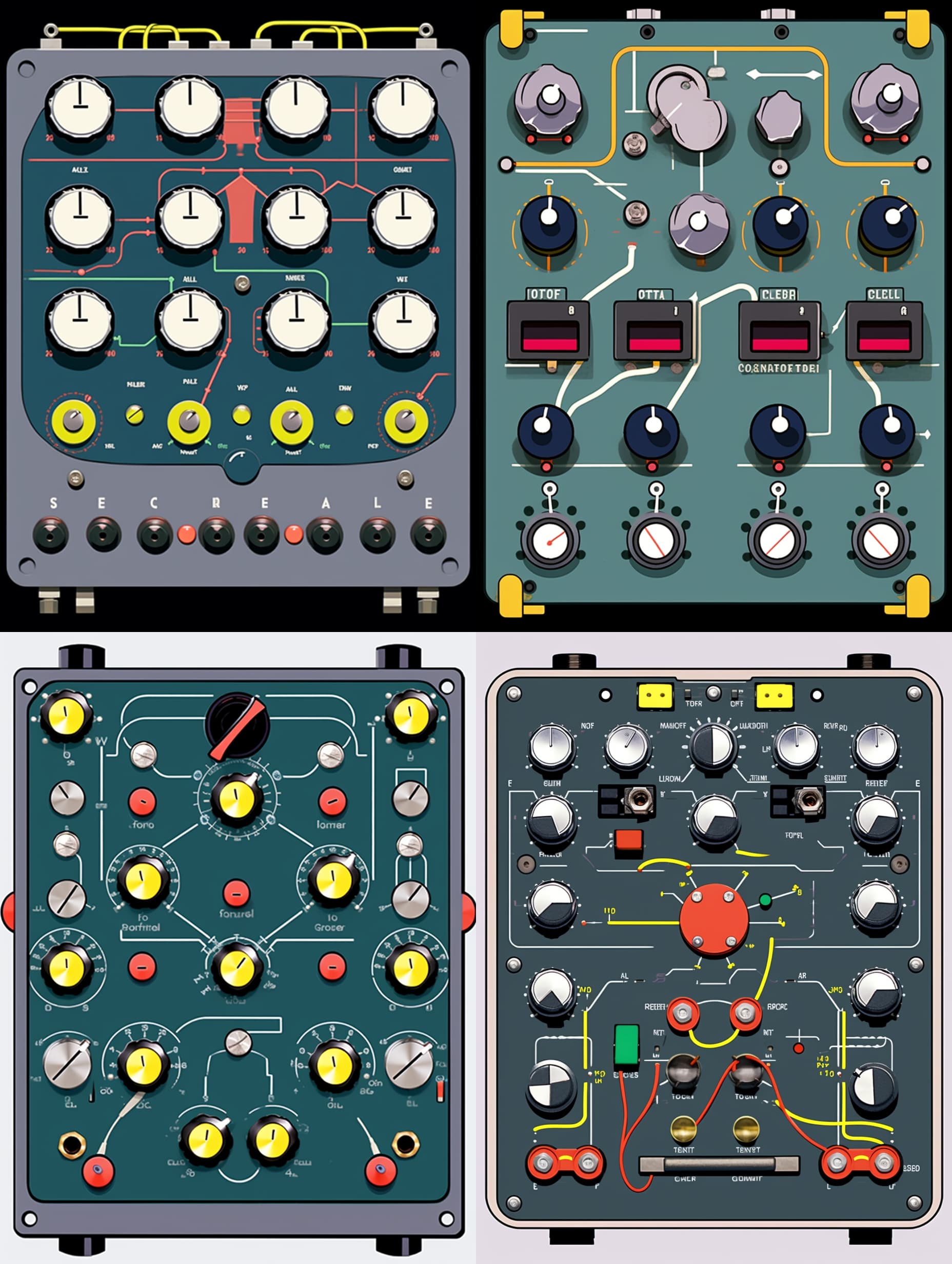
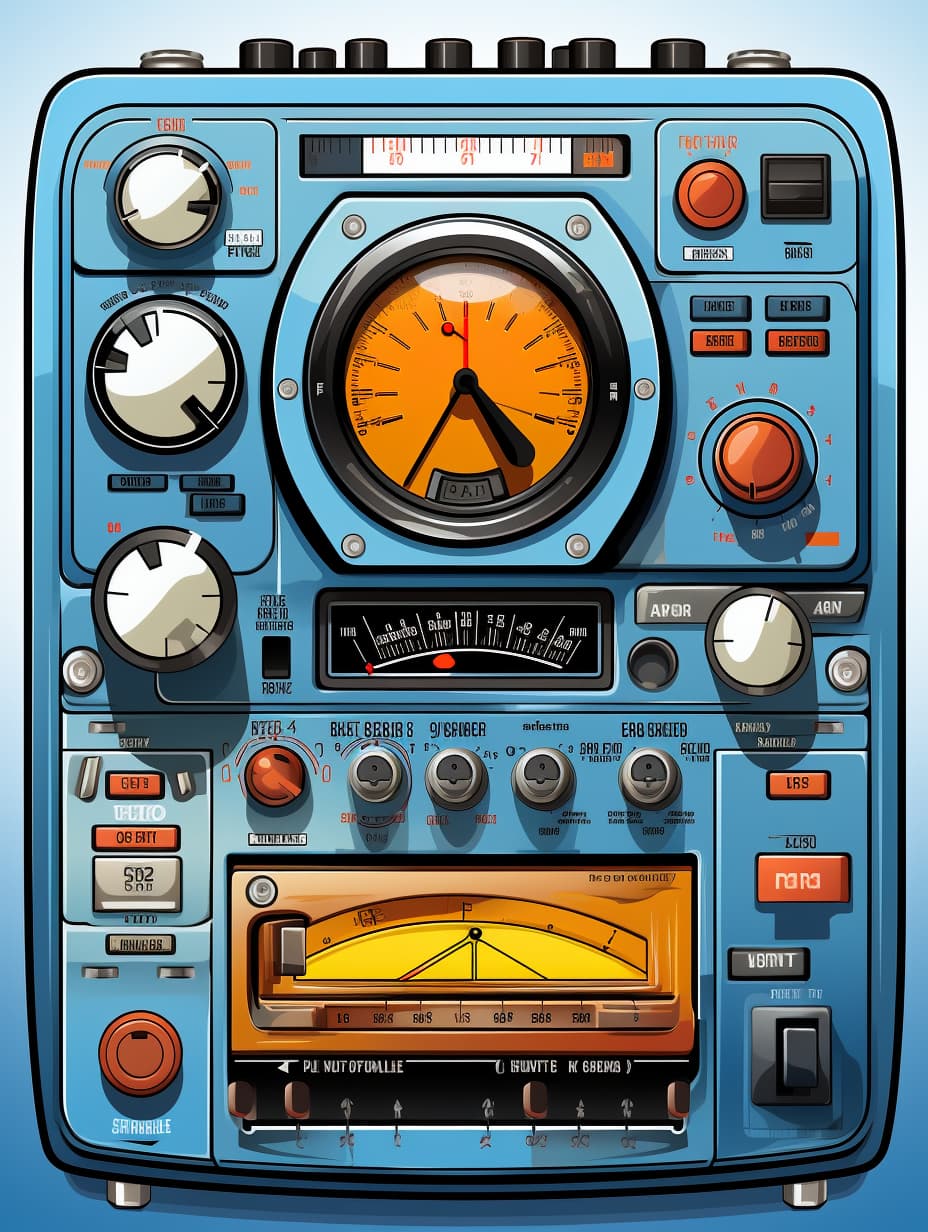
If you want a style that is more vector-ish (possibly even traceable to an SVG to avoid using PNGs) you can try adding --s 750

Sometimes this gives great results

BUT its not always that consistent, can cause some weirdness

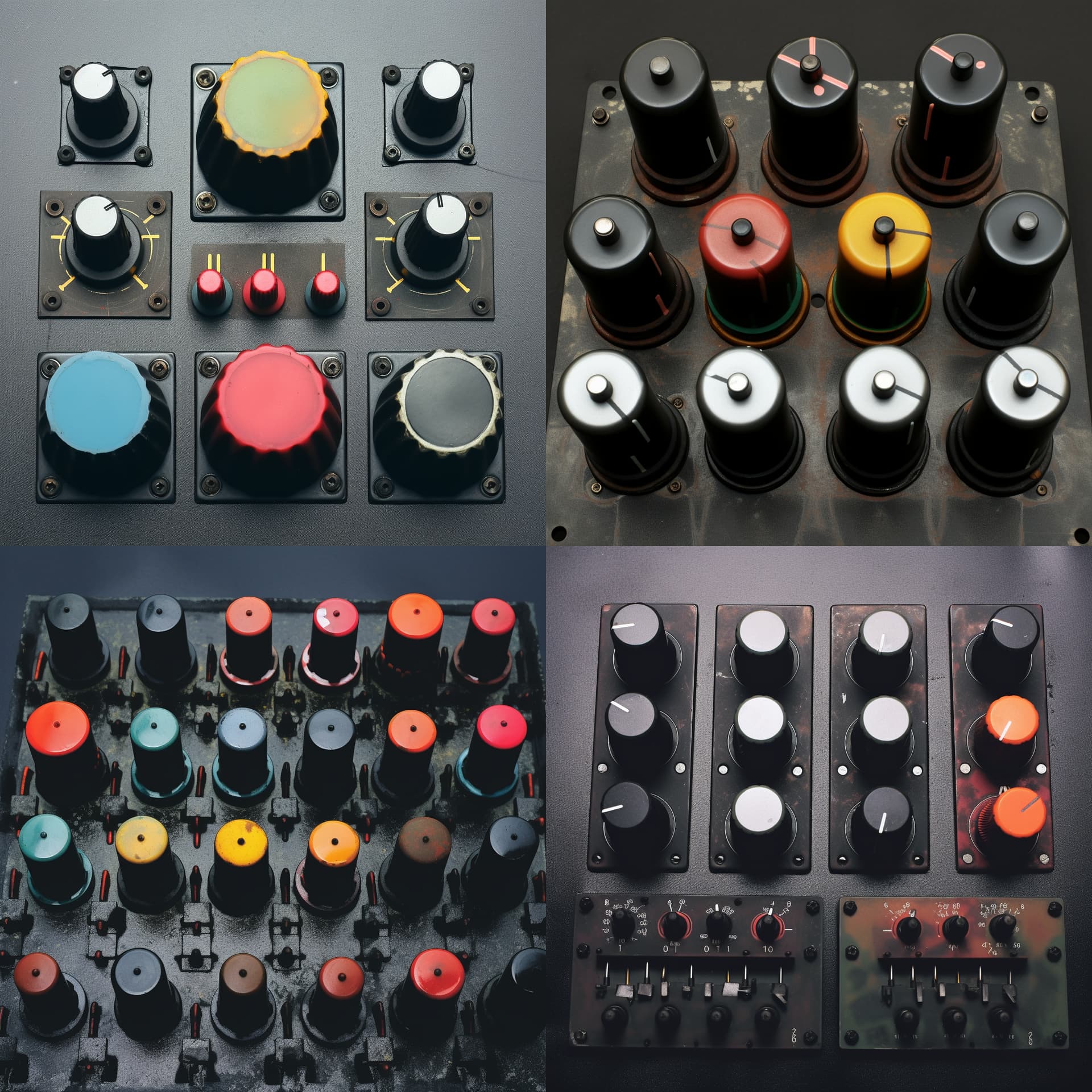
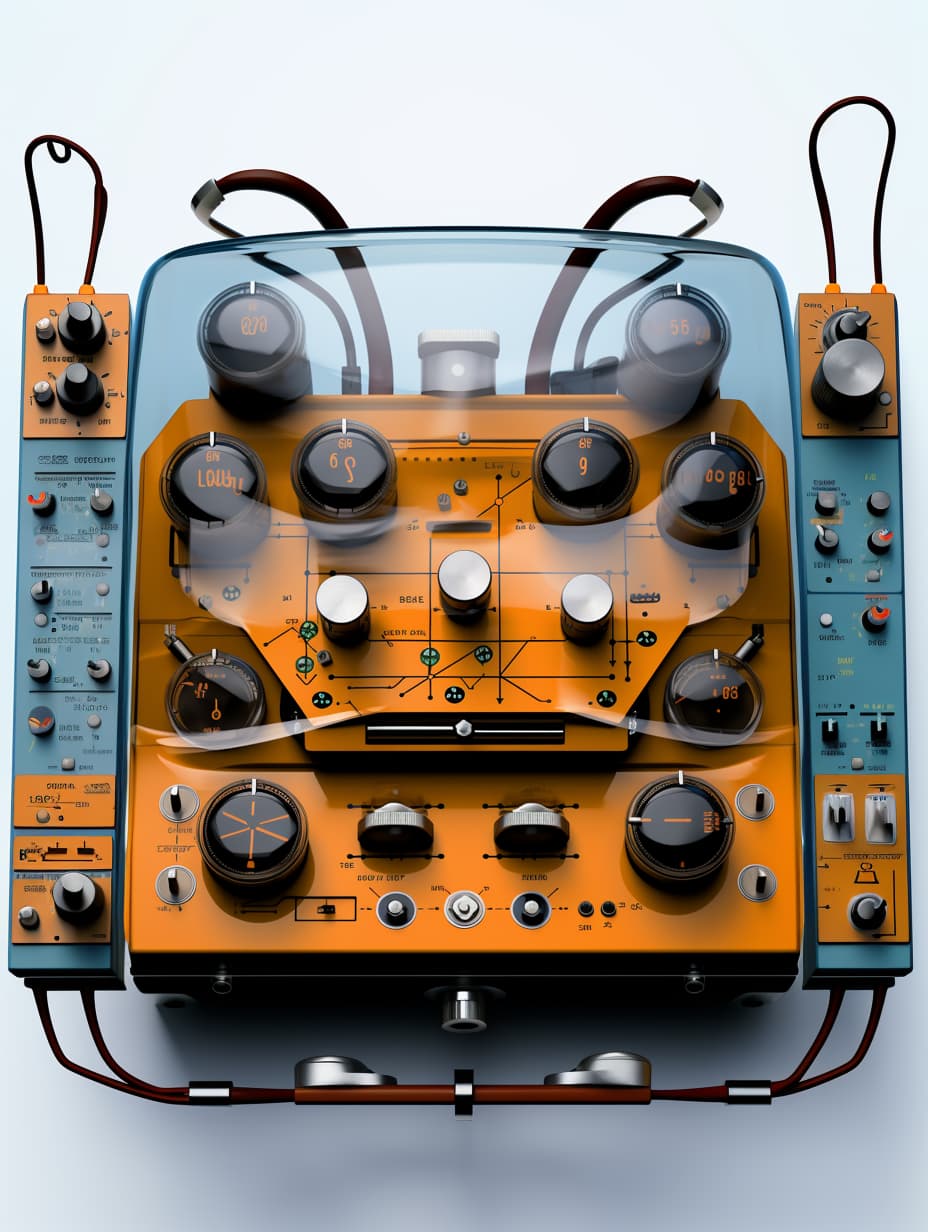
I like the dials on this one, might be able to cut them out and turn them into functional knobs

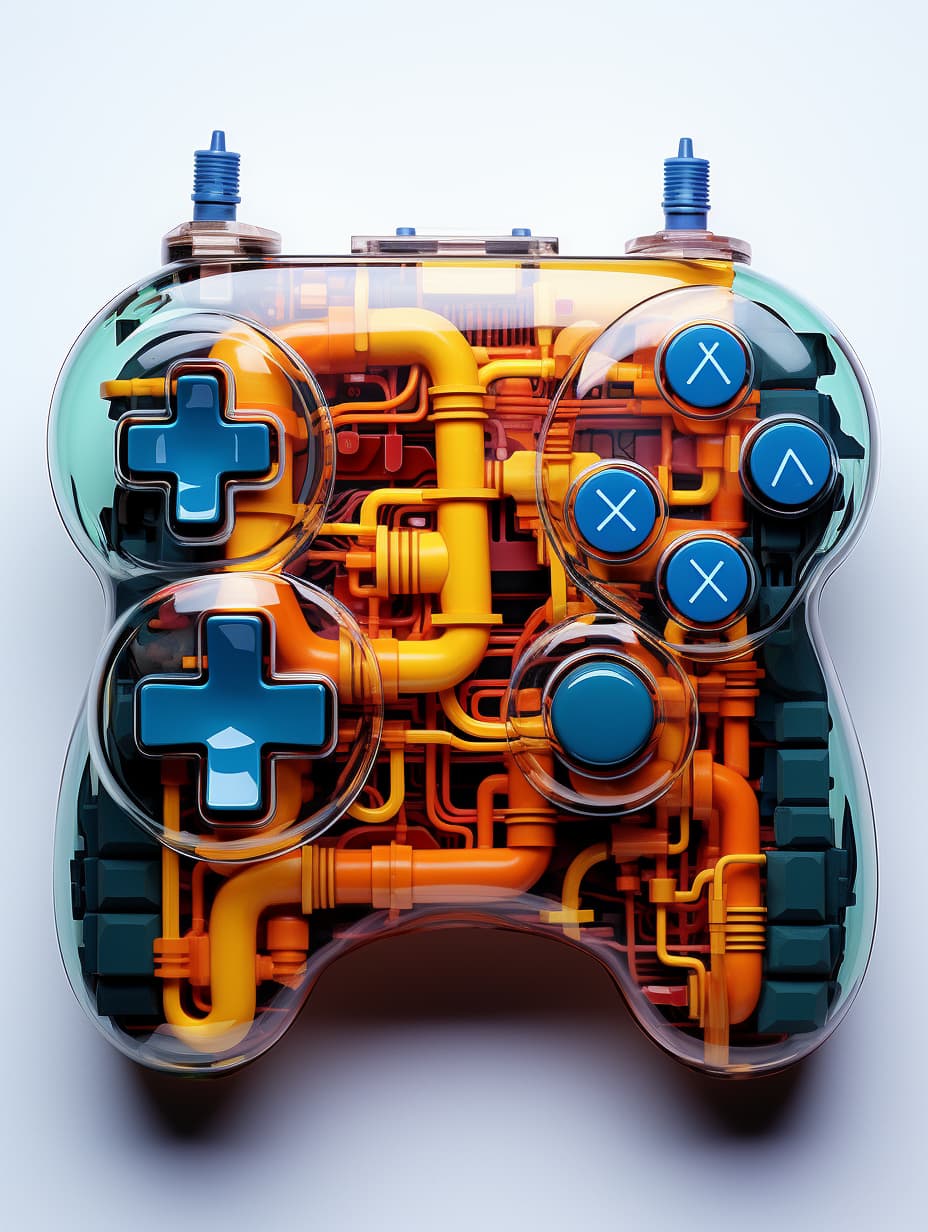
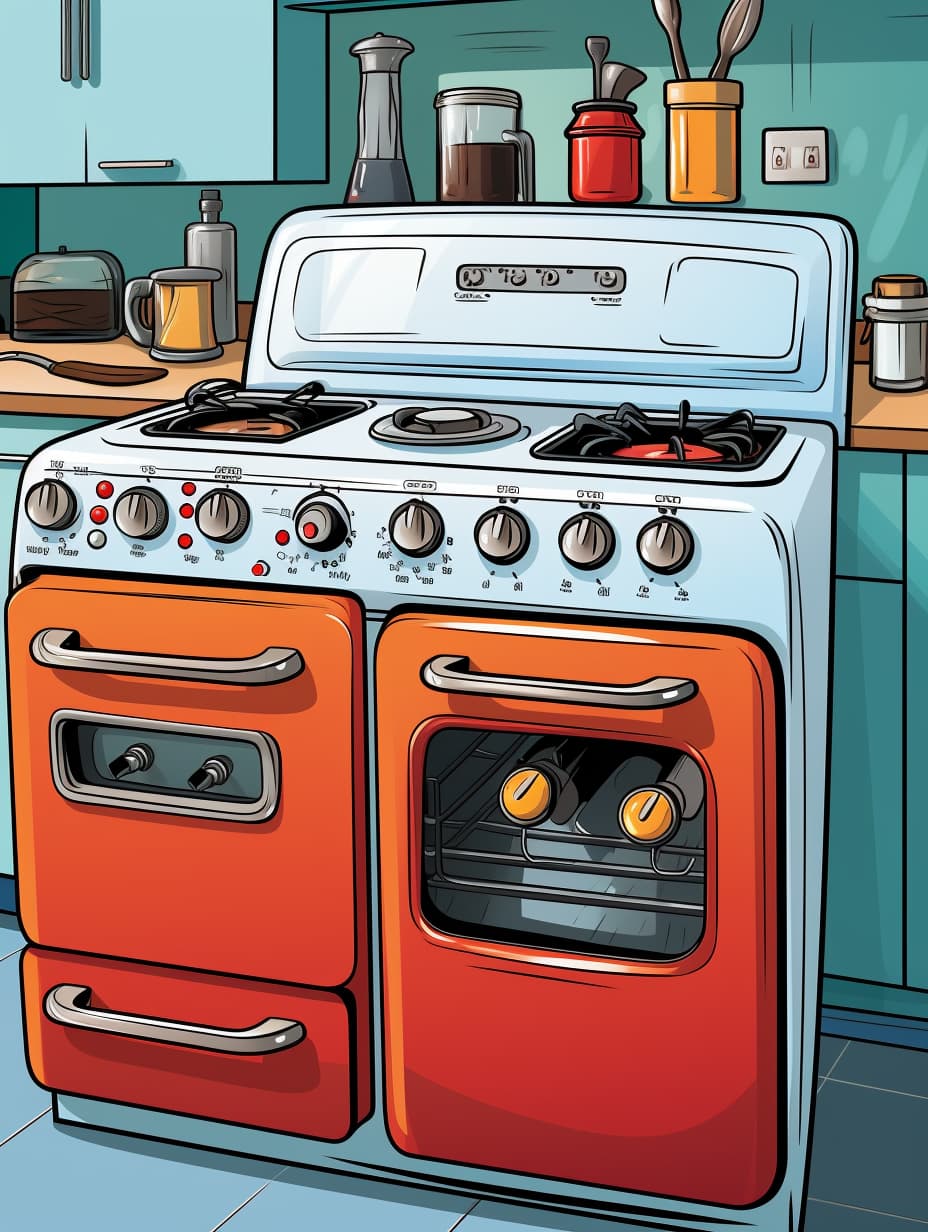
This one is cool, got some bonus side panels on the zoom out, it reminds me of those pc speakers and sub set you could get made of transparent plastic

1 Like

Very nice stuff. Fantastic look!