Another day, another crashing patch. This one doesn’t seem to even be able to open at all. When reading the log, only thing I noticed was that it always ends with trying to load some vector graphics. Also, I tried to open the patch with Notepad++ but got only random garble as output. What gives? Any pointers how to fix this one?
The log isn’t really telling us much. I’m guessing it may have successfully loaded the last one mentioned in the log (Hora-ModulationFree:TwinQuartet-LFO), but it died before logging an attempt on the last one: KRTPluginA:O.
The problem is most likely in one of these two modules.
As a wild guess, we know that some modules have trouble with paths containing Unicode (especially on Windows), and your patch has Unicode in its path:
C:\Users\asdas\AppData\Local\Rack2\patches\timmonkaa\pissapökäle\Piha Sato - KIKKELITAHNA.vcv
You might try moving the patch to a folder with plain ASCII name and see if that solves the problem. If it does, then that’s a bug on one of those two modules that should be fixed by the developer. If you determine that this works, then I have explained a workaround for this issue elsewhere on this forum (tldr: set your system codepage to utf-8).
What I don’t like about providing a workaround is that this is just hiding what is fundamentally a bug in the code — either the plugin or a library that they are using. So if the bug isn’t sent back to the dev it just enables them to continue writing or using broken code.
I think an “easier” way to find the module that is causing you problems is to move (temporary) the module folder from the plugins-win-x64 folder to another place (fi desktop) and start the patch.Try this until you find the right module(s), VCV will complain that it can’t find the module and offer you to help find it, don’t do that.
Editing the json, can cause more trouble than it’s worth.
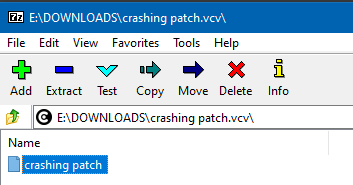
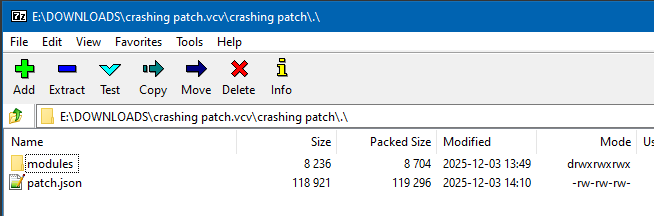

 )
)