Mac MiniPro M2 Sequoia 15.8.2
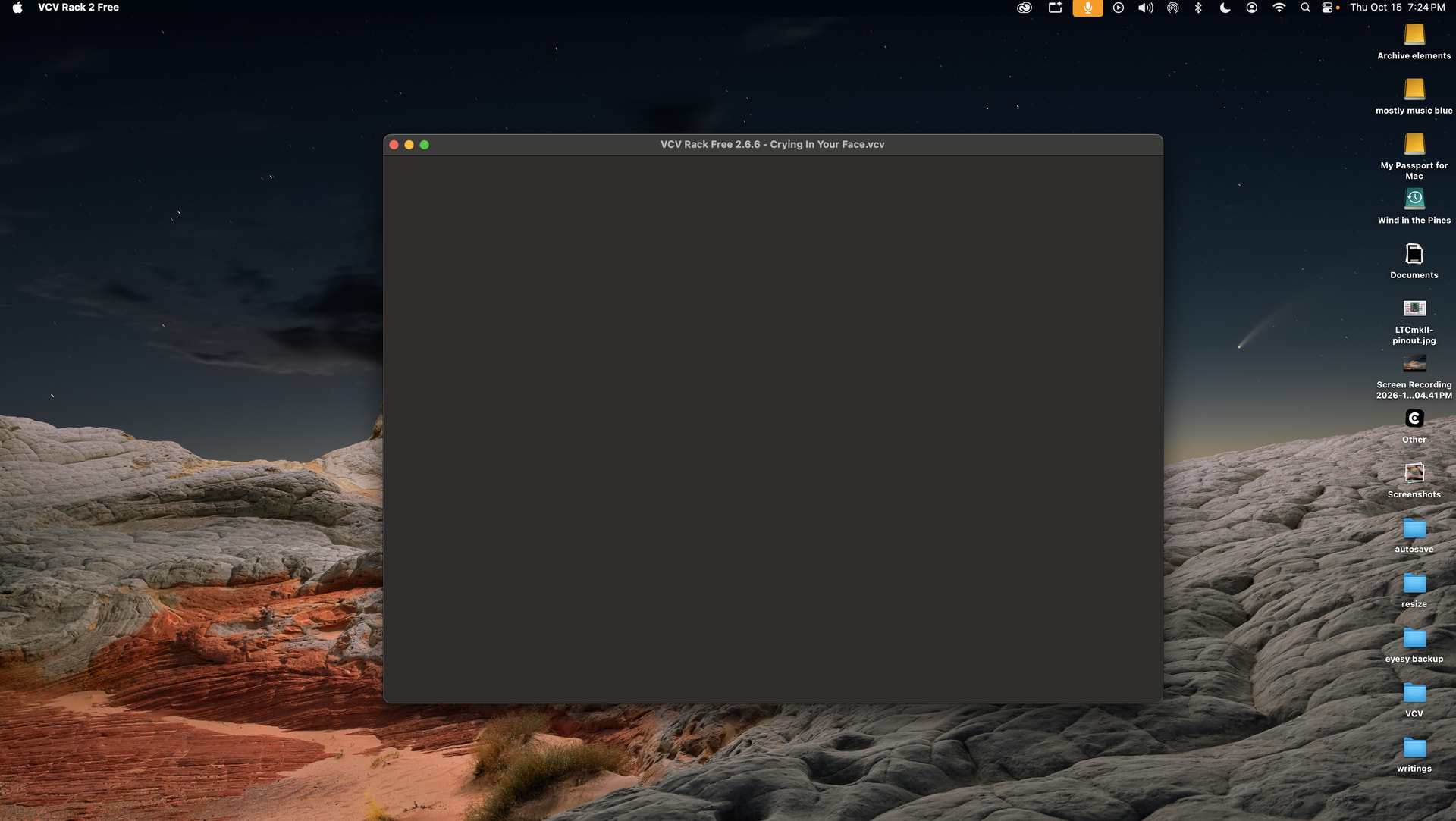
Rack was working just fine. Now it’s just a gray window. No menu, no library, nothing. I’ve tried several troubleshoots, still nothing.
I teach vcv and use it daily, so this is no good!
Please help!
Since Rack was working before and now only shows a gray window, the first thing worth saving is Rack’s own log. The VCV support page asks for exactly that with any bug report: the log.txt from your Rack user folder, before relaunching Rack. On macOS the user folder is ~/Library/Application Support/Rack2/ - this location is documented in the official VCV FAQ. If the menu bar still opens, Help > Open user folder takes you straight there.
The support page also lists what else to include with a report (Rack variant and version, macOS version, relevant hardware) and how to reach them (the contact form or the support mail address shown on the same page). A completely gray window with no menu at all is something they will want that log.txt for - so I would save the file first, before trying any reinstalls or deleting settings.
Hi Ryan,
did you contact support@vcvrack.com ?
imho you should do it.
Any luck with downgrading to an earlier version, perhaps?
Or running it on another computer in your vicinity?
Hope you can sort it out soon. 
Problem Solved!!
After 2 days of troubleshooting…VCV support was super attentive and helpful…but still we couldn’t figure it out. Even reinstalled the OS but It’s a Sequoia problem. Finally installed the new OS Golden Gate 27.0.1 and that did it. Supposedly there are issues with 27, but I haven’t found any yet. Anyway, cheers for the help. Glad to be back patching!