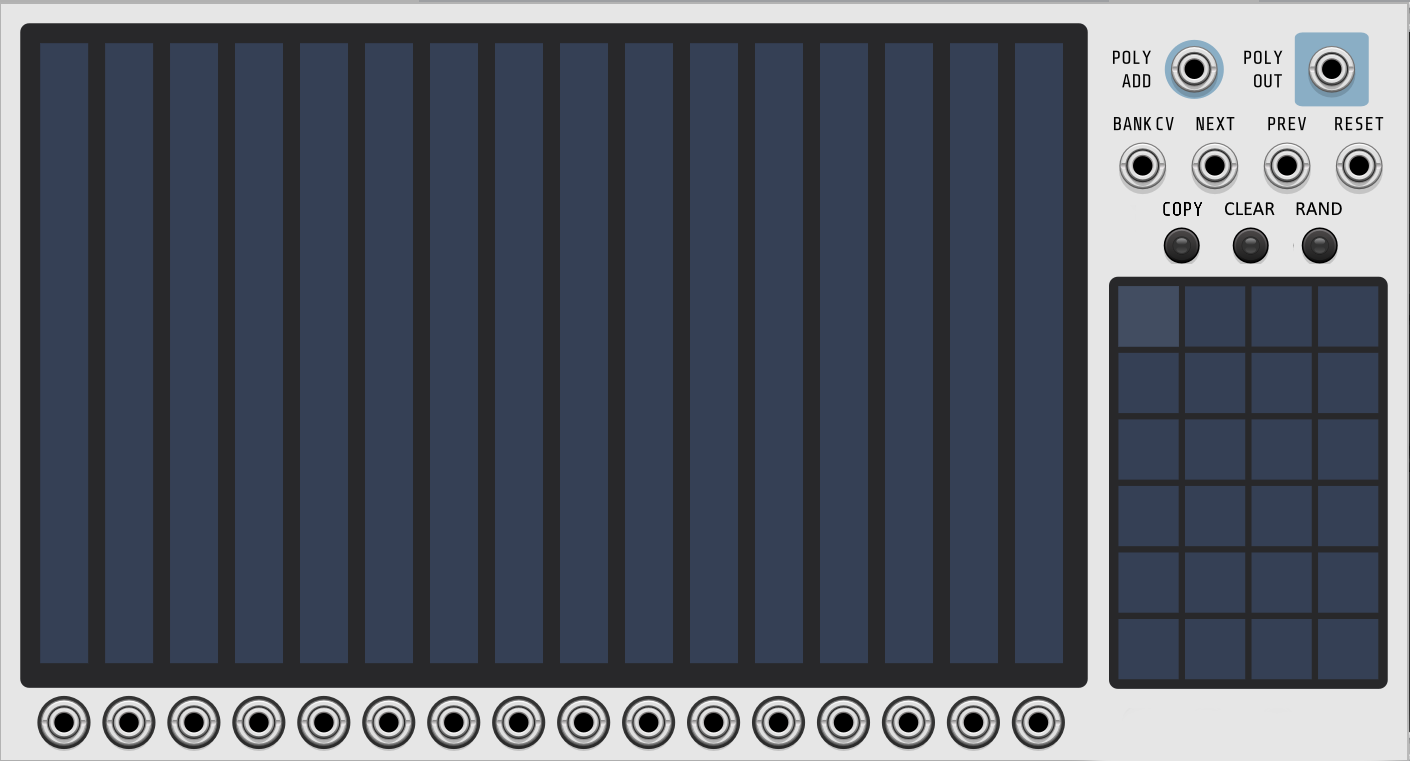
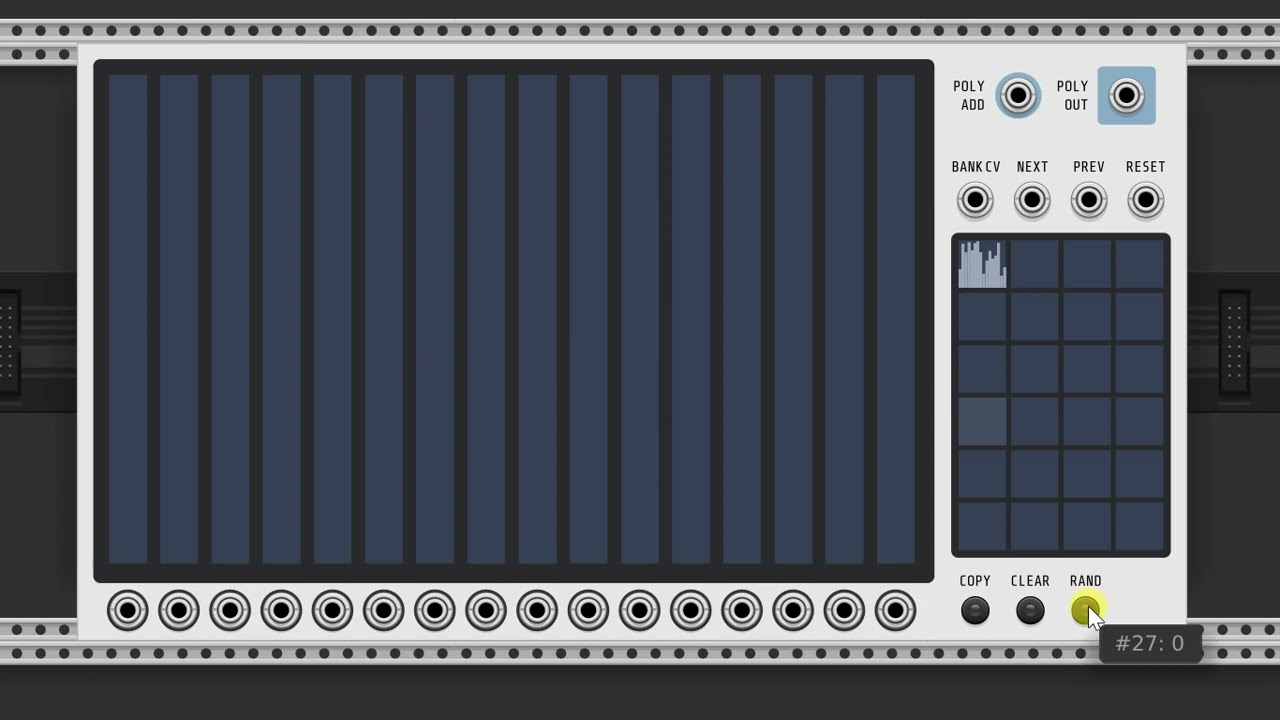
Hi everyone! Ok, the labels feature has been added and merged to the master branch. Would anyone who knows how to build modules like to kick the tires before I submit the next release to the library? It would be much appreciated!
Also, just a heads-up. I may ask a moderator to rename this thread to something like “Voxglitch Community” and start a brand new, read only thread for Voxglitch Announcements. I’ll wait until things slow down before I make that request.
I’ll surely take it for a spin later today, having a build environment for both Win and Linux up and running … Will be some hours until I get to that, though. Great job on the module!
Seems to be working beautifully ! A couple of things I thought of feature-wise:
The randomization feature is a cool way to get variations fast, I tried it for example with Spectra to dial in different random “colors” quickly. However, after accumulating material into different cells, it would be nice to be able to randomize just one particular cell, too (the currently selected one?) instead of just everything in one go.
Similarly, after you already have all cells full of stuff, a “clear current cell” or similar, to be able to empty/init a particular (currently selected?) cell quickly would be neat. I know one can keep an empty cell and then just copy that around, but after randomizing everything you still need to manually reset a cell for doing that, heh.
In my very amateur GUI opinion there’s room for dedicated “clear selected” and “randomize selected” buttons on the faceplate, but that’s just my preference, and I don’t know whether these are of such importance to enough users. (If these were dedicated buttons, the randomize function in the right click menu would continue being a “randomize all” like now).
The two display boxes would no longer be bottom-aligned.
The copy button label isn’t as informative. The user would need to figure out how it worked by reading the manual or by trial-and-error.
The positives are:
Really easy to clear one or more banks. Just click on the CLEAR button, then click on the banks that you want to clear. When you’re done, click the clear button again.
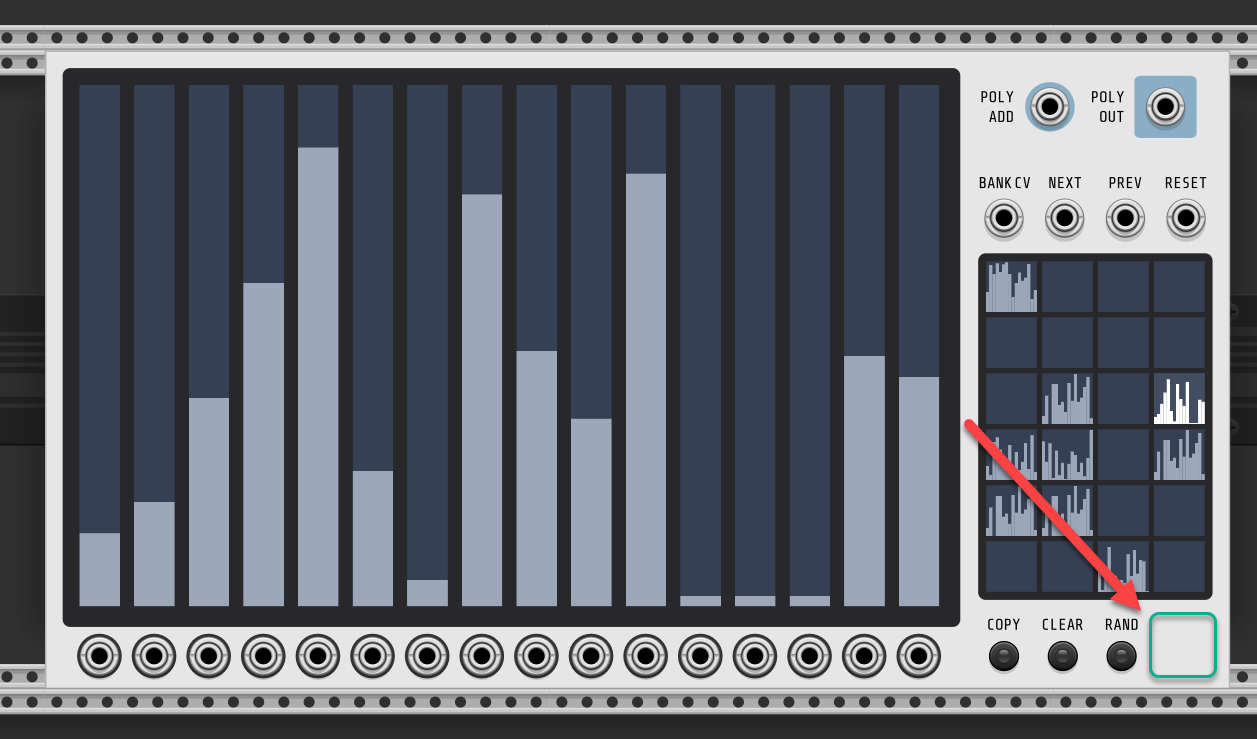
Functionally that sounds ace! Not sure about the positioning, but then again, I’m not that qualified to make a call on that … If the boxes are kept lined up, there’s some space on top of the scene selector in any case, though, like (manually aligned mockup incoming) :
Using that space for buttons, you still have the previous space underneath the scene selector available, too… But yeah, I really don’t know. Functionally a big thumbs up!
I like where your brain is at, but I think that positioning makes things look too “busy”. It got a little too jazzy up there. Ha ha ha. I’m at work at the moment, but I’ll swing by after to see what others think.
Yeah, I agree it makes that top section look somewhat cramped. Maybe some space could be made by scaling the button area a bit and playing with the labels, but it’s probably still a bit much.
Also, a random comment on this module: had tons of fun self-patching it here while testing - in other words, one randomly chosen slider right back into Bank CV, and then randomizing the whole lot. See it go crazy, adjust to find sweet spots, maybe add some offsets via the poly in and use the resulting stuff to control the banks or something else in turn… Then, using the output of some other sliders as the actual main result, into what ever you can think of, a pitch source through sample and hold, anything… This module is a surprisingly fun “chaotic” (but completely deterministic) source when making it go crazy like that, haha.
Ok, I’ll make this happen! Seems like everyone is pro-dedicated clear and random buttons. I’ll go ahead and get this done before submitting an update to the library. @Guenon , that’s hilarious about self-patching it! It’s always a bit crazy to see how people use my modules. I remember seeing someone with 6 or 7 Satanonauts in one patch. I thinking, “Oh my god, please don’t crash!!”
Hi everyone! pgatt has assisted me in extracting my announcement thread with my community feedback thread. This will help people browse my announcements without having to dig through all of the feedback. I’ve asked that the announcements thread be read-only for you guys, just to keep is tidy.
a. Morph could be fun.
b. In a more sequencer way of thinking, insert or delete? When deleting one, all the banks that follow after the deletion will move one down. So delete bank 2 and bank 3 will become 2 and 4 will be 3 and bank 1 is 1.
c. Make a Shift button, so the bars shift left or right. Not sure if that’s useful though.
Thanks for all the development effort, great seeing it take shape like this!
Hmm, an empty space like that might also be used for an extra trigger input jack, say, for randomizing everything. Based on the fun self-patching experiment I described above, this would make the Digital Programmer an “endless” source of randomness in a patch, and it would still stay periodic for a user definable time, but change itself when ever receiving a trigger from somewhere else in the patch.
That being said, a mode where the user is able to scale all values in the selected cell, in one go (for example: activate the button, then when moving a slider, all sliders move along with it) sounds like a very useful editing feature, too. Personally, if having to choose between these two, I’d probably take the latter. Very fond of randomizing too, though
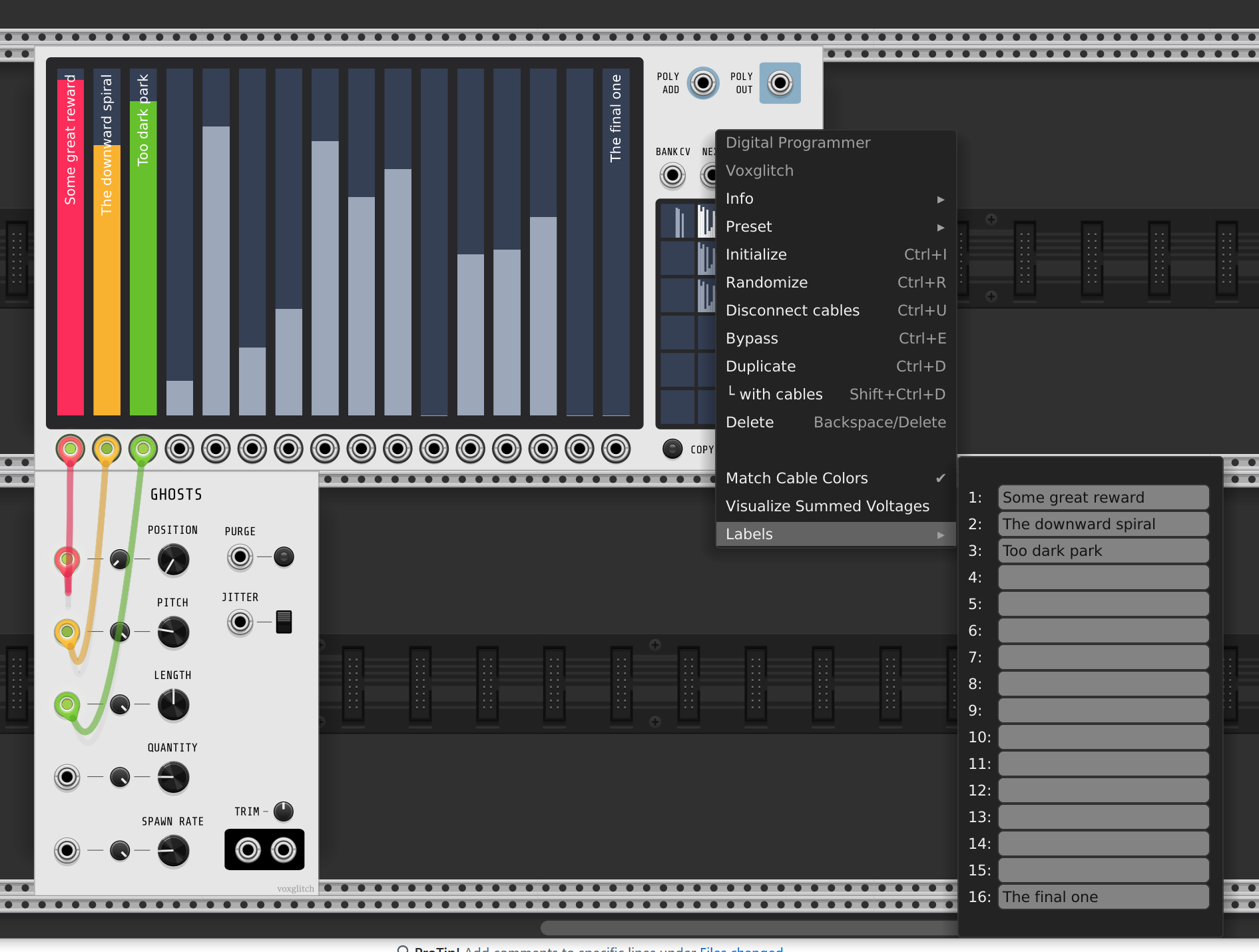
 … Will be some hours until I get to that, though. Great job on the module!
 ! A couple of things I thought of feature-wise:
 there’s room for dedicated “clear selected” and “randomize selected” buttons on the faceplate, but that’s just my preference, and I don’t know whether these are of such importance to enough users. (If these were dedicated buttons, the randomize function in the right click menu would continue being a “randomize all” like now).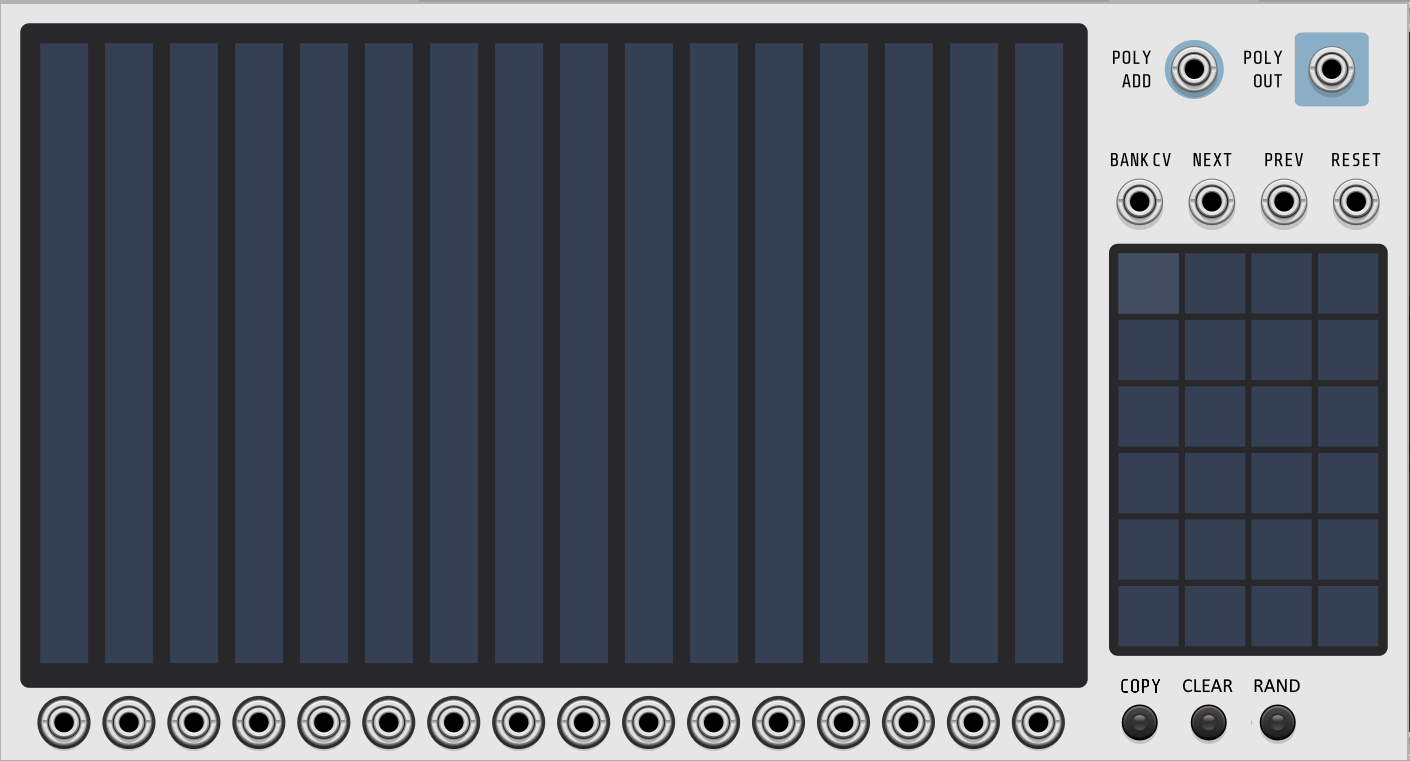
 … If the boxes are kept lined up, there’s some space on top of the scene selector in any case, though, like (manually aligned mockup incoming) :