How can you tell which you’ve got? It doesn’t say anything in the module’s “Info”. What about the Rack app itself?
Right upper corner

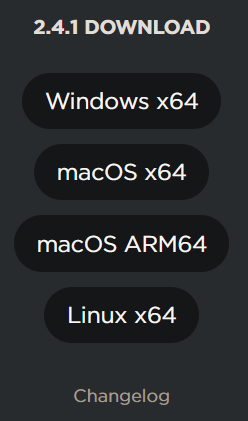
Huh. How about that. Originally it said “. . . macOS x64” I went to the VCV Rack download page, it made no distinction between the versions, but I downloaded it (“RackFree-2.6.6-mac-x64+arm64.pkg”) anyway. Installed that, and now it does say “. . . macOS ARM64” I would’ve expected it to include that in the in-app “update” menuitem.
At the very least, it could offer both options in the download links, just to let you know there’s a difference.
Correct! MacOS calls it ‘Universal App’, and depending on what chip you have it defaults to run the appropriate version unless one clicks ‘Run under Rosetta’ in the ‘Get Info’ dialog…
Can confirm. Works as expected. Maybe my patches aren’t huge, but I’m happy with the functionality.
It’s fine. No issues really, but I haven’t pushed a huge patch to see the boundaries. Works as expected.
So running host plugins on any Mac causes lag? Wondering if maybe that’s what drives cpu usage or if it’s just slow to navigate the plugin windows and audio performance is still ok
but I’ve found that it can be improved by minimizing the interface and bringing it back up. That eliminates the lag.
Does this work ? ( as a work around ?)
nope.