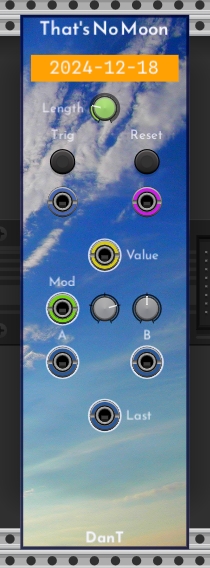
Thank you for the update, @dan.tilley! Having fun with the custom panels option  !
!
1 Like
By the way, not sure whether this is a bug: I seem to get strange displays of the date when first loading TNM from the library. But then, after unlocking, then re-locking the display looks as expected.
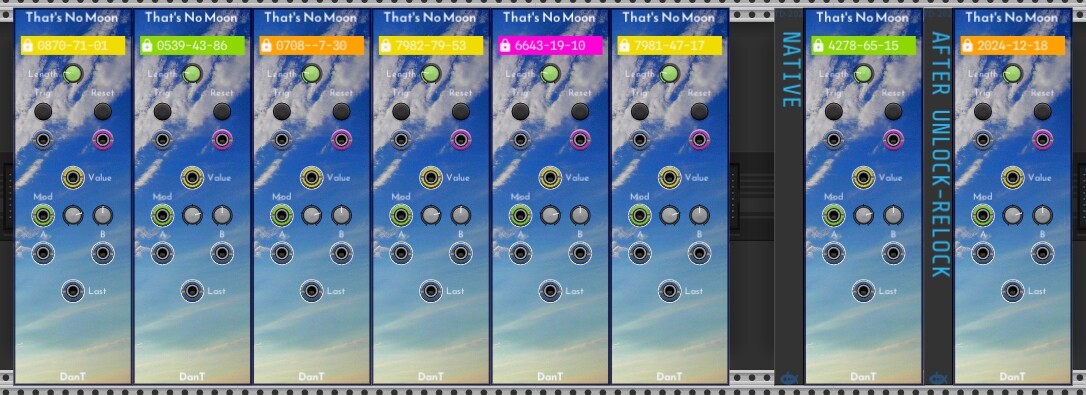
Hmmm, strange, yes I can reproduce this as well.
Not sure how I missed this in my testing.
Seems a minor bug, hopefully it will be OK until I can fix it in the next update.
Edit: Argh! So f-ing annoying
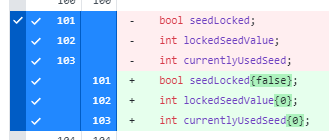
And the moral of this story is, always initialise your variables…
2 Likes
- Turn up the warning level.
- It’s a good habit to develop for C/C++.
1 Like
Yes. Always do that. Well, in case there are any sticklers out there, do that 99.99% of the time.
As I have just found out the hard way, .png images need to be RGB 8-bit
At least on Windows, other formats, such as RGB 16-bit, will crash Rack if you try to load them.
This is the export dialog for Affinity Photo 2 as an example:
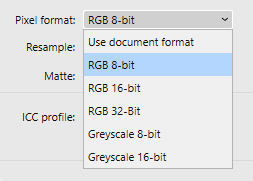
I may be able to add some code checks to prevent the crash, but in the mean time, if you get a crash when loading an image, check the image format.
1 Like
FWIW, the image I used was converted from .jpg to .png using IrfanView on WIN10, and it worked without a problem.
AFAIK, the standard bit depth of IrfanView is 24.
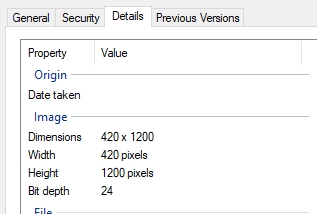
Yeah, could just be some quirk of the Affinity encoder, or something else entirely in my environment, but either way not being able to load an image should not crash, so hopefully I can fix that at least in the code.
1 Like
 The fix is simple, if you try to load an invalid image (for whatever reason) the returned
 shared_ptr will be null:
std::shared_ptr<rack::window::Image> myCustomImage = APP->window->loadImage(imagePath);

if (myCustomImage == nullptr)
{
    DEBUG("Invalid image");
    return;
}
Next release will include this bug fix.
DanTModules v2.4.46
Minor Bug Fix release
- Fixes crash if modules try to load an invalid image
- Fixes undefined behaviour for That’s No Moon initialisation
I am considering retiring my TMNT module, please shout at me if you use it and don’t want it to disappear
Any reason to retire it? I’ve used it occasionally, but with modules, I feel the more the merrier unless there is an issue or bug.
A few reasons:
maintenance; the code is complicated due to it being an early module, bug fixes or changes are non-trivial
updating; ideally I want to update all my old modules to the new format with programmatic panels, this would be a significant amount of work
implementation; the module suffers a lack of precision bug, so the X and Y steps desync over time
usefulness; the module is intended to produce triggers in a generative manner, but the design is kinda clumsy and limited, personally I now use other modules to achieve this and in future might create a new module with a better design to solve this use-case
5 Likes
DanTModules v2.4.47
- Chromakey
- Added option to copy plugin panel colour
- Added ability to display text on the panel
- Text can be input via context menu or loaded from a text file
- Added named colour presets for panel and text
- Default width is now
4hp, it can be smaller though - Fixed resizing behaviour
- Convert panel SVGs to algo-drawn panels
- BrightIdea
- Kanal
- Wavulike
4 Likes
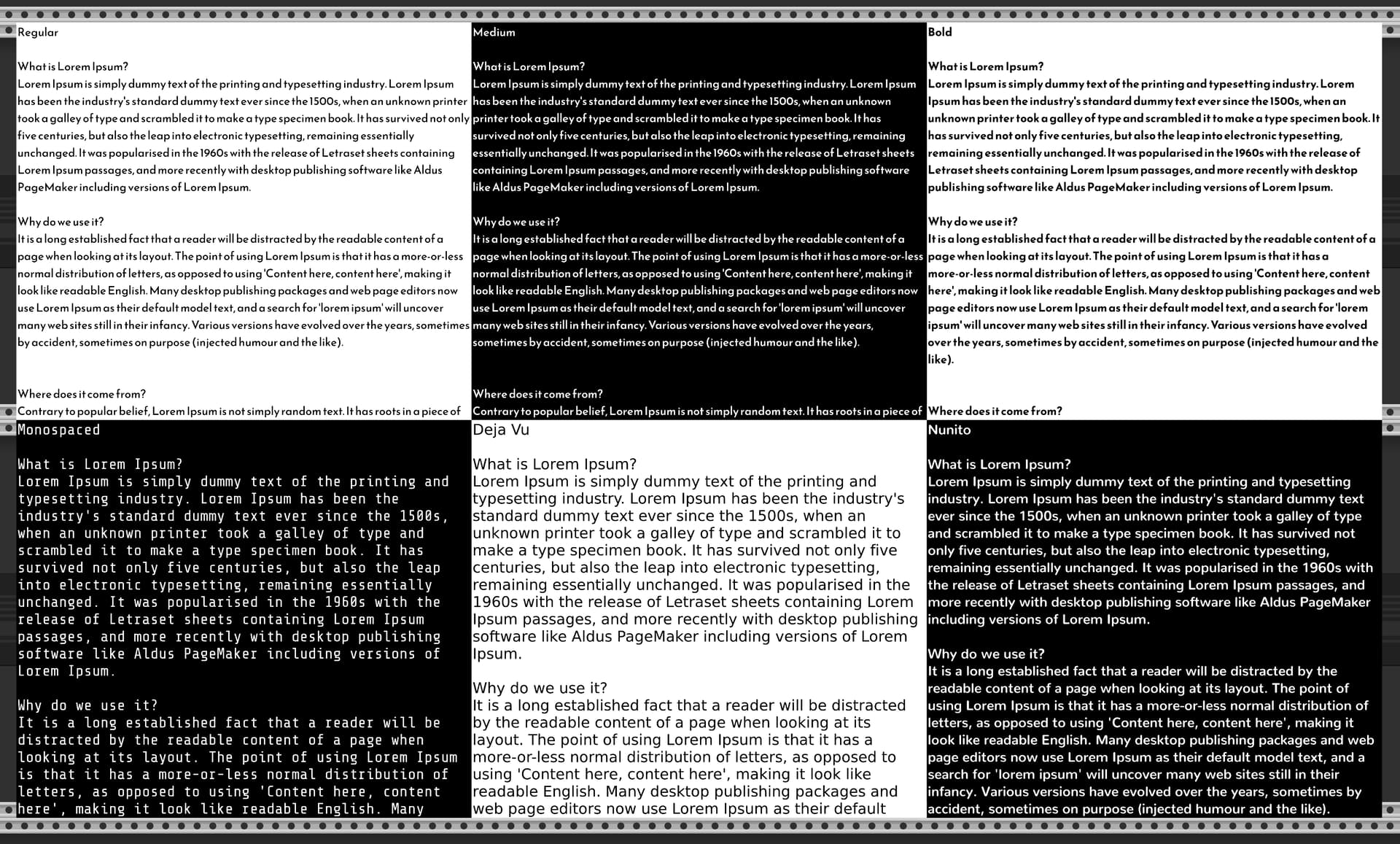
Little preview of support for different fonts  the top 3 are the font I chose for my plugin
 ReemKufi, the bottom 3 are provided by Rack
1 Like
DanTModules v2.5.1
- Chromakey
- Added font selector for text display (see previous post)
- Purfenator
- Added Gradient Type selector: Linear, Radial & Box types
- Added gradient controls, start & end, linear direction, radial position, box radius & range
- CV inputs for some of the gradient params added to SeizureTrigger expander
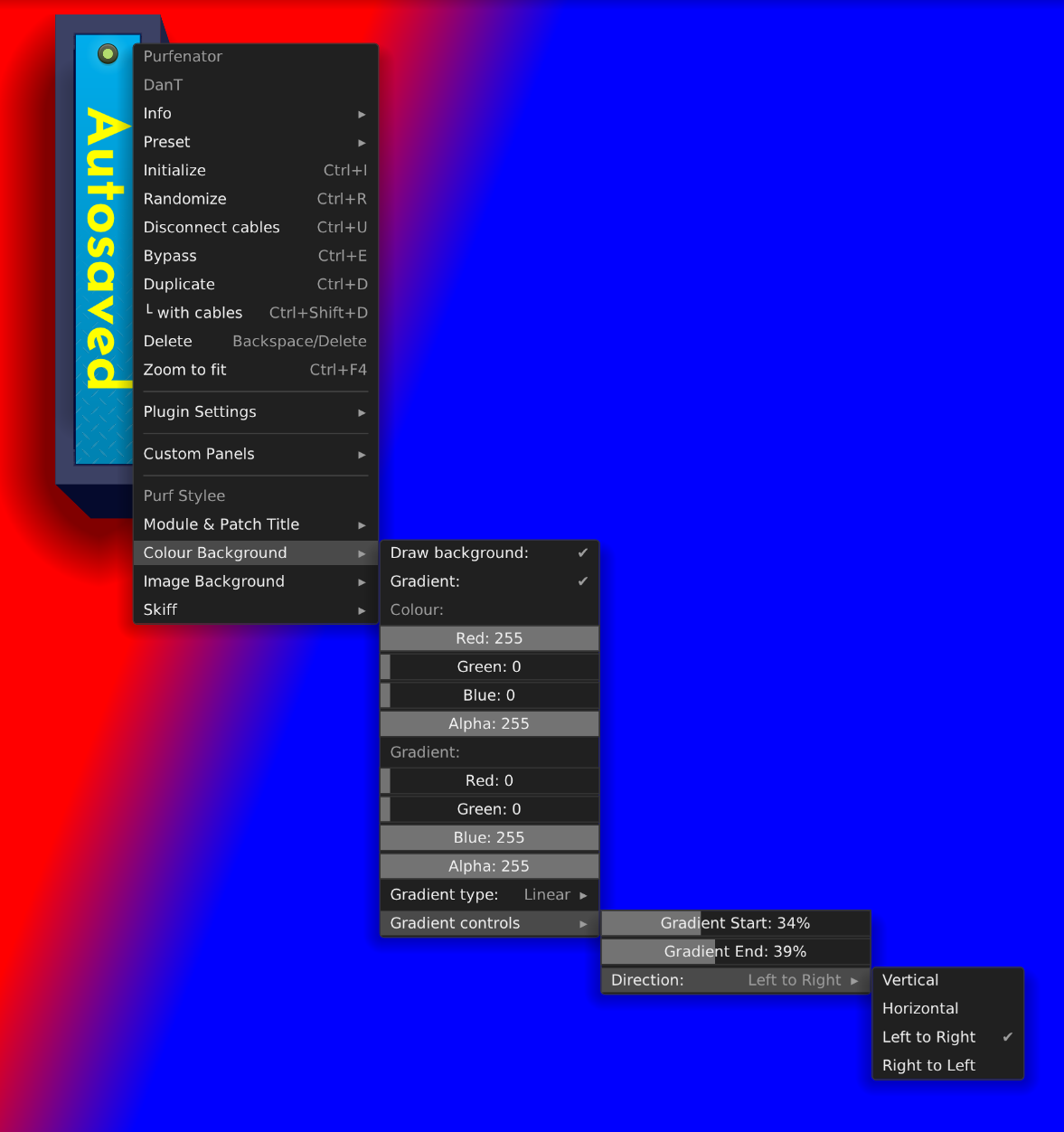
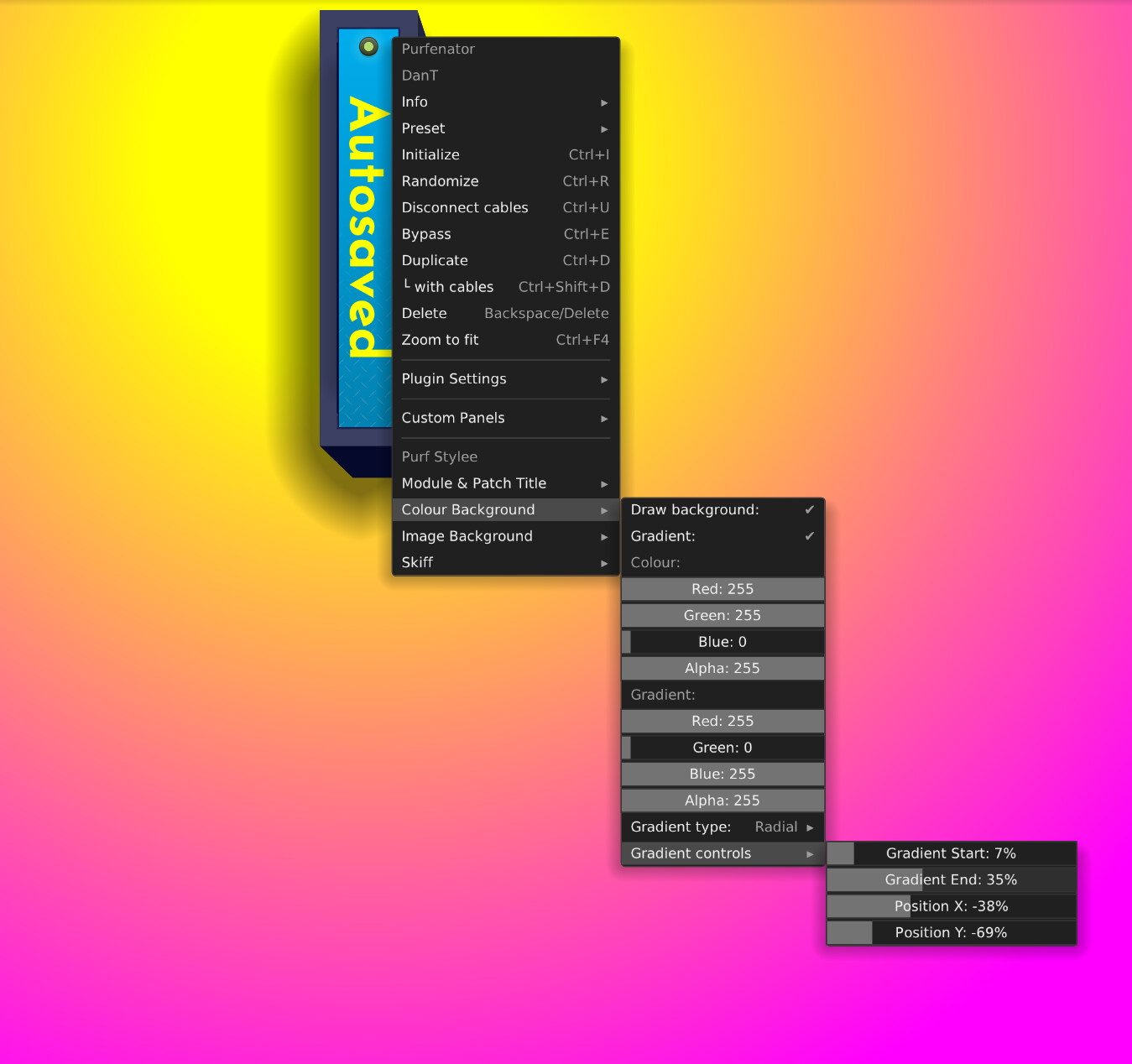
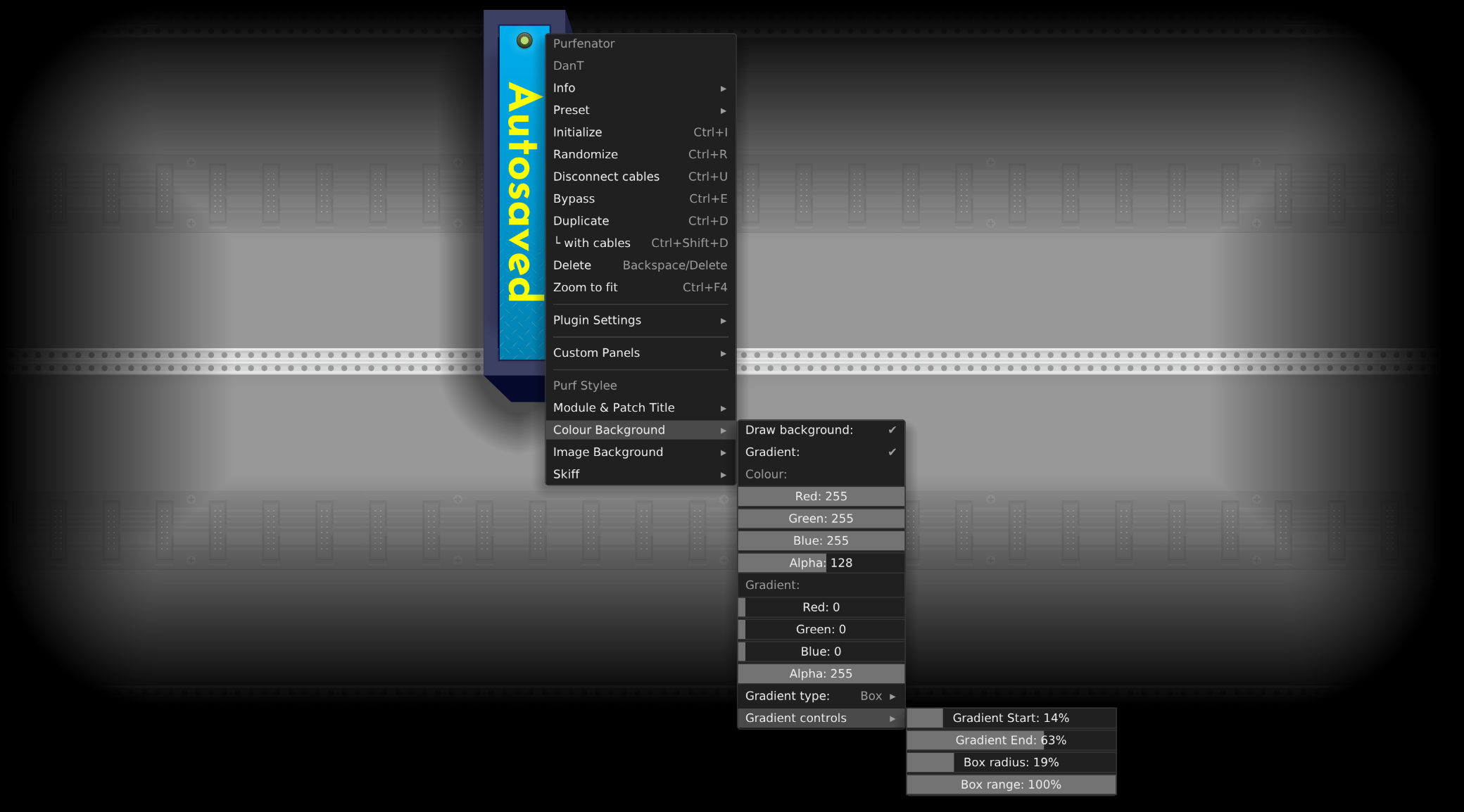
Wow IME menus 4 levels deep are almost impossible to use.
1 Like
Any suggestions for an alternative? Very long context menus are just are difficult for me, Purfenator has a lot of options 
1 Like
I’ve tried a number of approaches to dealing with config complexity in pachde CHEM (submitted, but not yet released).
In CHEM: Preset: I have these options selector dialogs:
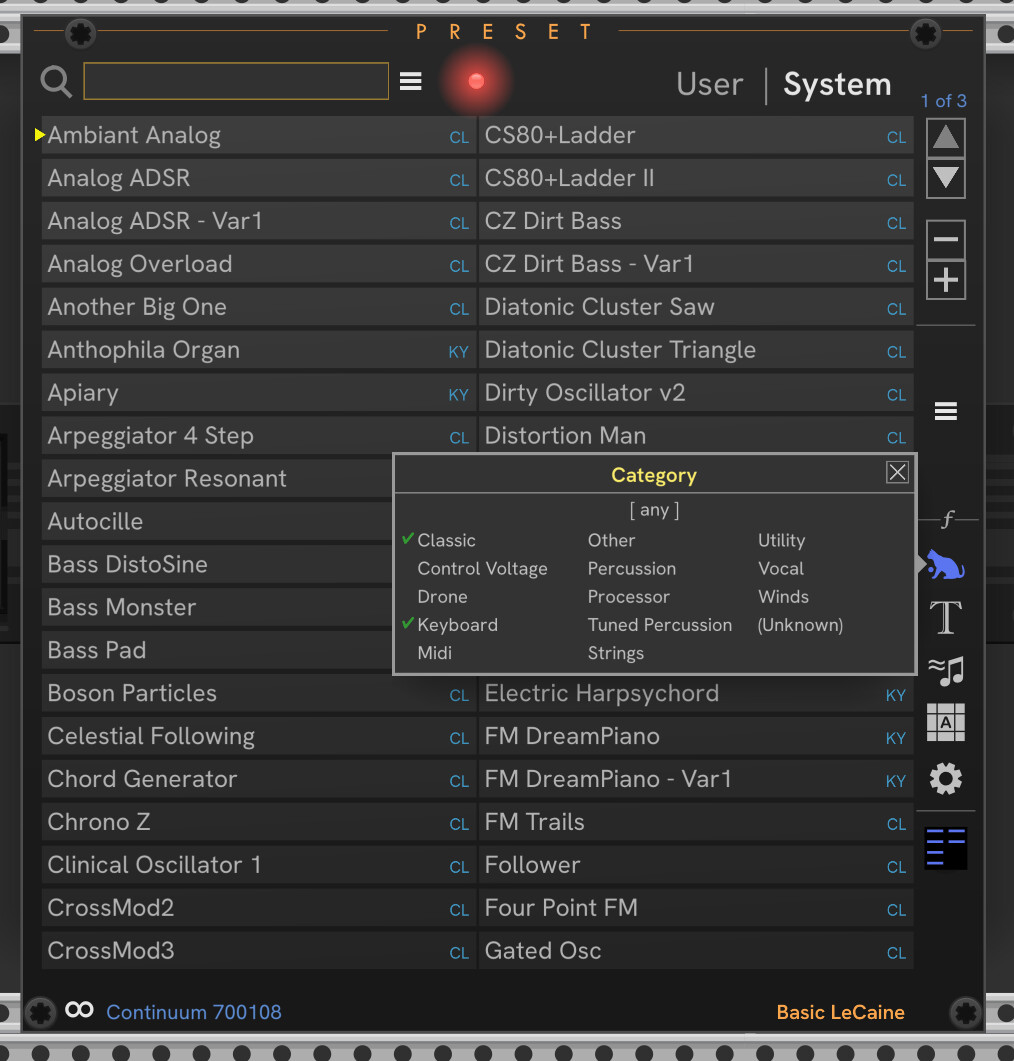
and Hamburger menus:
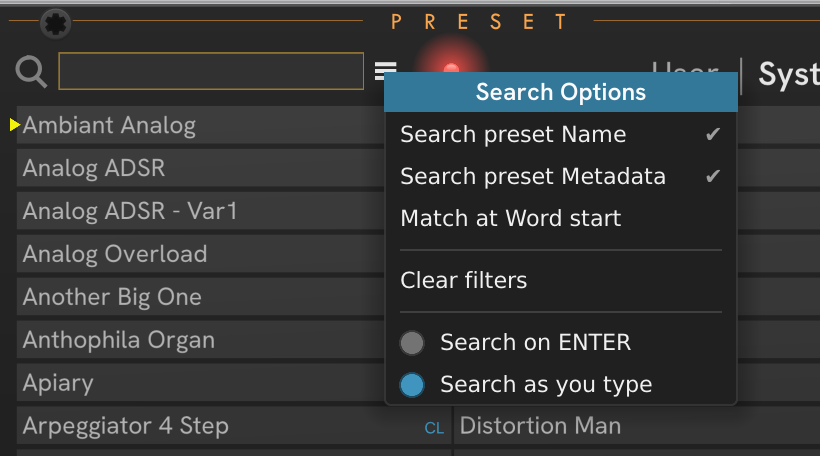
CHEM MidiPad, hit the e (edit button) and a flyout panel expands to the right:
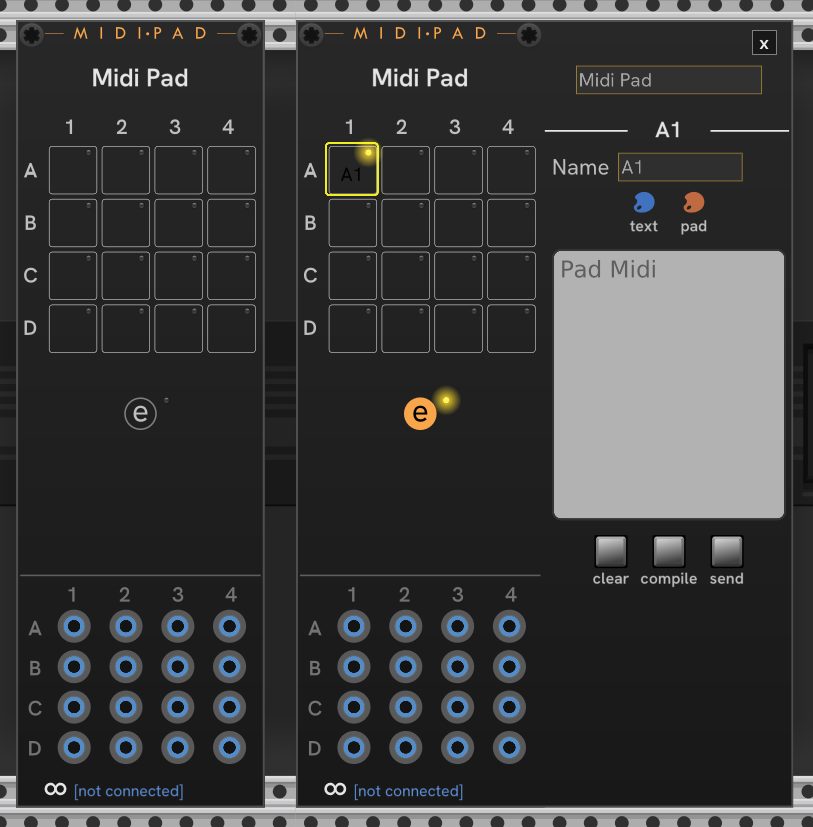
And finally, a specialized module can be made just for configuration:
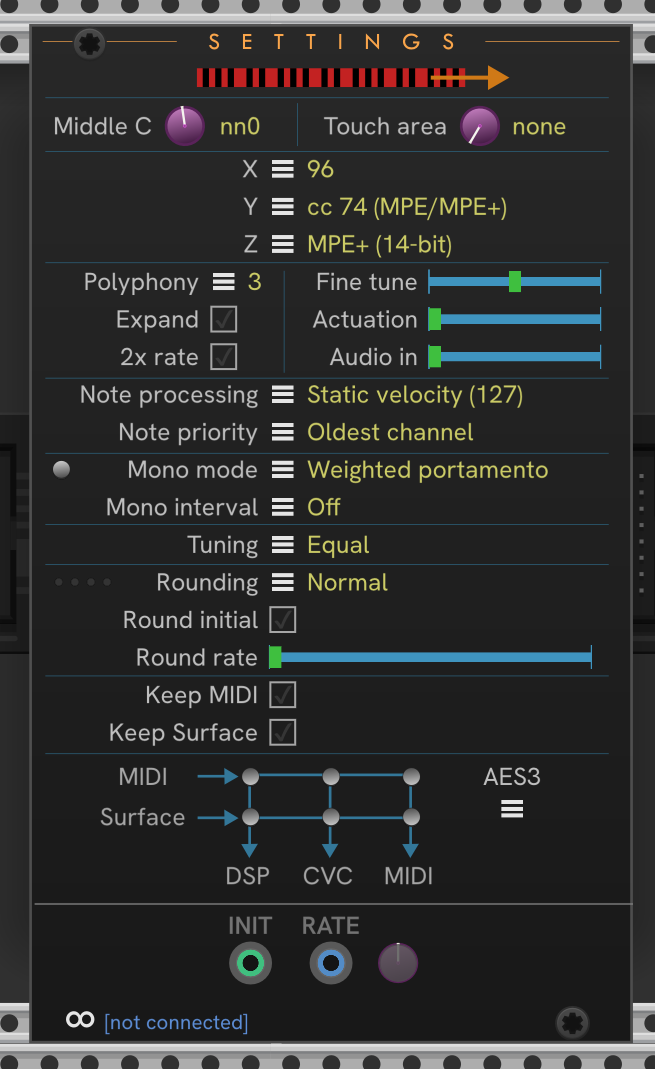
In CHEM, all the modules communicate through a core module, but for this application the extender model for connecting things works fine. You don’t have to use the message passing mechanism for config: just expose an interface for making the settings.
I’d offer to lend a hand, but your plugin is proprietary closed source.
I might write up how to do these in the pachde Dev Notes series. Currently writing up how to extract widget positioning info from your SVG at runtime, and will share the utility code for that, which includes the ability to hide/show elements on a panel.
2 Likes