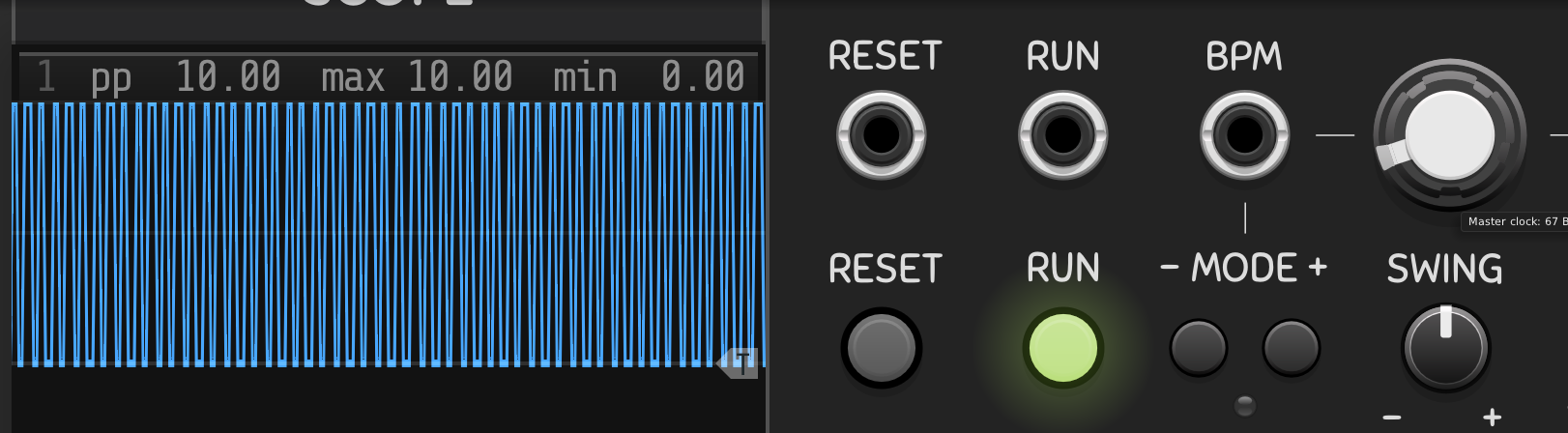
I am using Clockd as my clock and I notice that the pulses it puts out are not the same width. I think this is causing some issues with some of my externally synced devices where sometimes if it’s long enough the rising and falling edge are getting detected and i get skips/stutters.
Any ideas on how to tighten up the signal to get every tick the same? I tried the JW clock and it’s steady, but I like all the features on Clockd, I’d love to get it working for me.
Both the little and big brother Clocked are rock steady here.
I am on a Mac M4 Mini, Rack 2.6.6. You don’t say what OS you are using, so not sure what the issue may be there. Shut down anything unneeded on that machine. Does it still occur?
Aha, thank you for your response, it had a clue that pointed me in the right direction. I’m on MacOS 14.4.1, arm-based mac mini fyi.
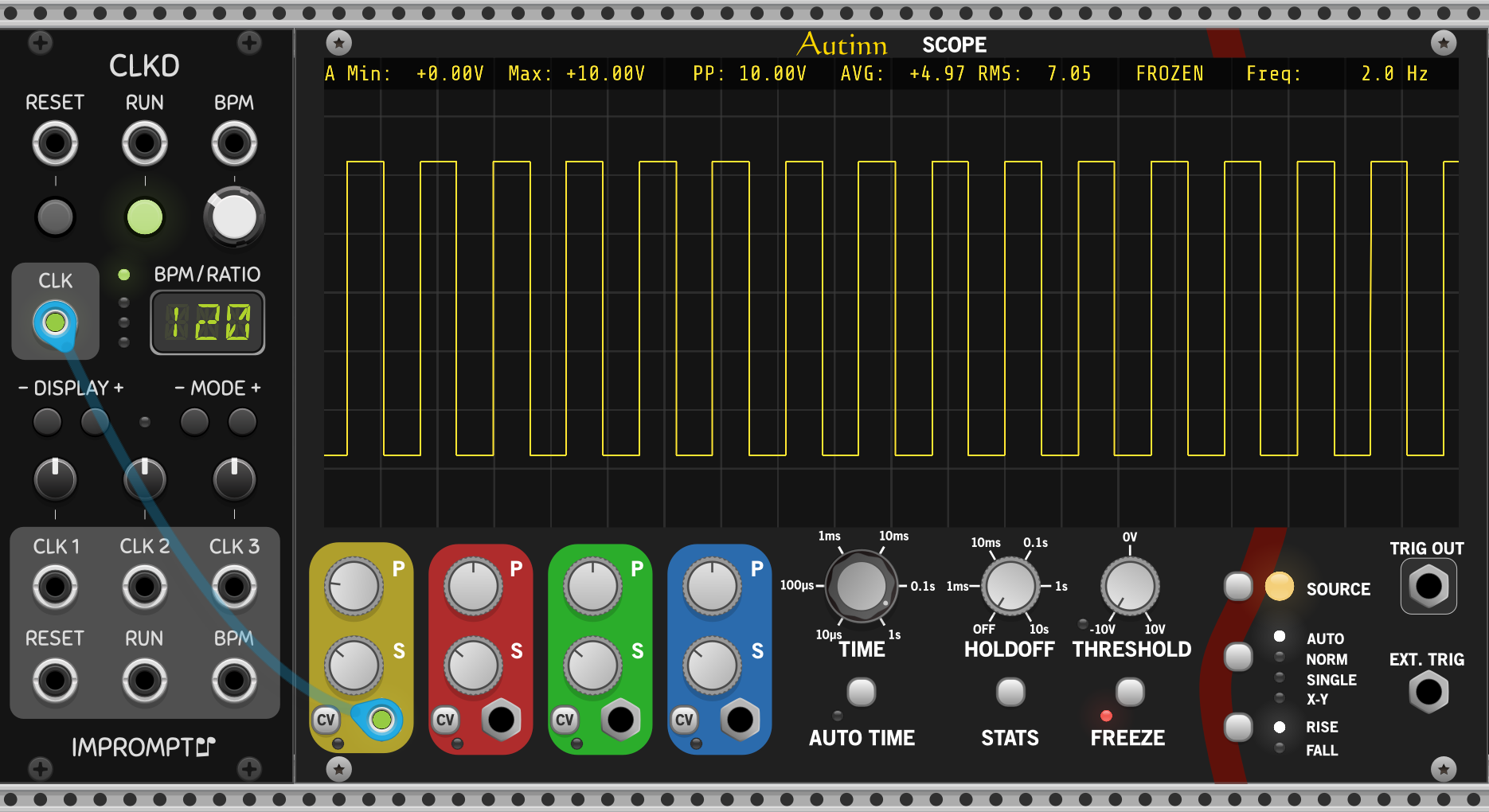
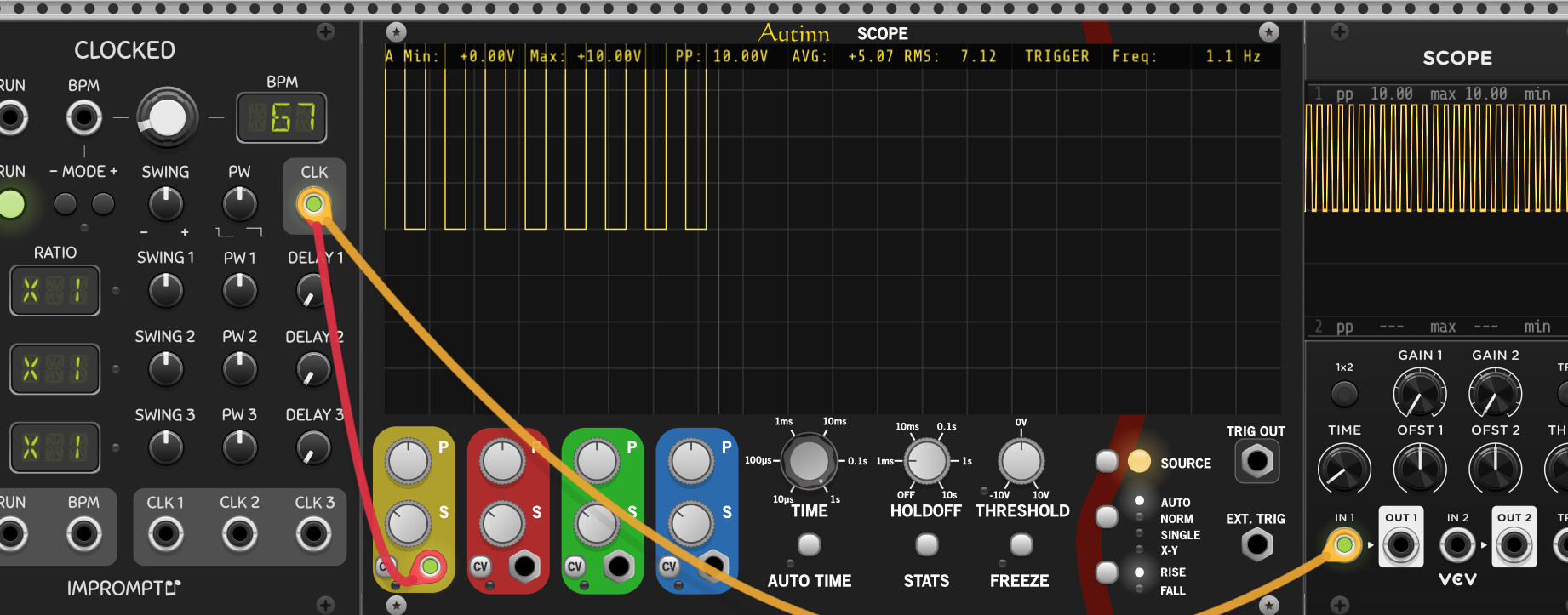
Maybe there is an issue with VCV’s scope. When I use it to look at Clockd’s signal, it looks like my screenshot where the odd one is slightly longer. When I use the scope you used it is 90 degree angles, absolutely bang on pulses. I will start using your scope, it seems more accurate.
This would mean no issue with clockd, so back to the drawing board to find the cause of my occasional double fires.
First you are running pretty much the very oldest version of MacOS that Rack supports, however many modules already require higher versions. So maybe, just maybe think about upgrading the OS on the M1 to something a bit more modern (17?). Occasional double hits seem like something else is interfering with audio (browsers are famous for that, always shut down browsers and other stuff using audio potentially to minimise any interference between them). The ONLY time I ever hear clicks out of the blue is when the browser refreshes a tab that potentially plays audio (youtube et al) in the background. Further sadly no ideas…