Further, clicking the system ‘X’ button crashes rack, clicking your ‘X’ doesn’t.
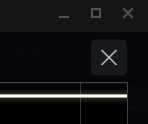
Is it really a crash, where on next run it says that previous instance has crashed?
Because if you click on rack’s X it will just close the app.
It’s not separate video window, it’s just full size overlay.
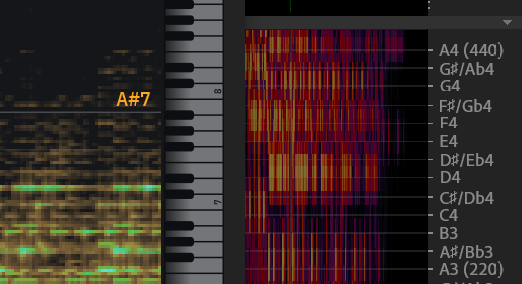
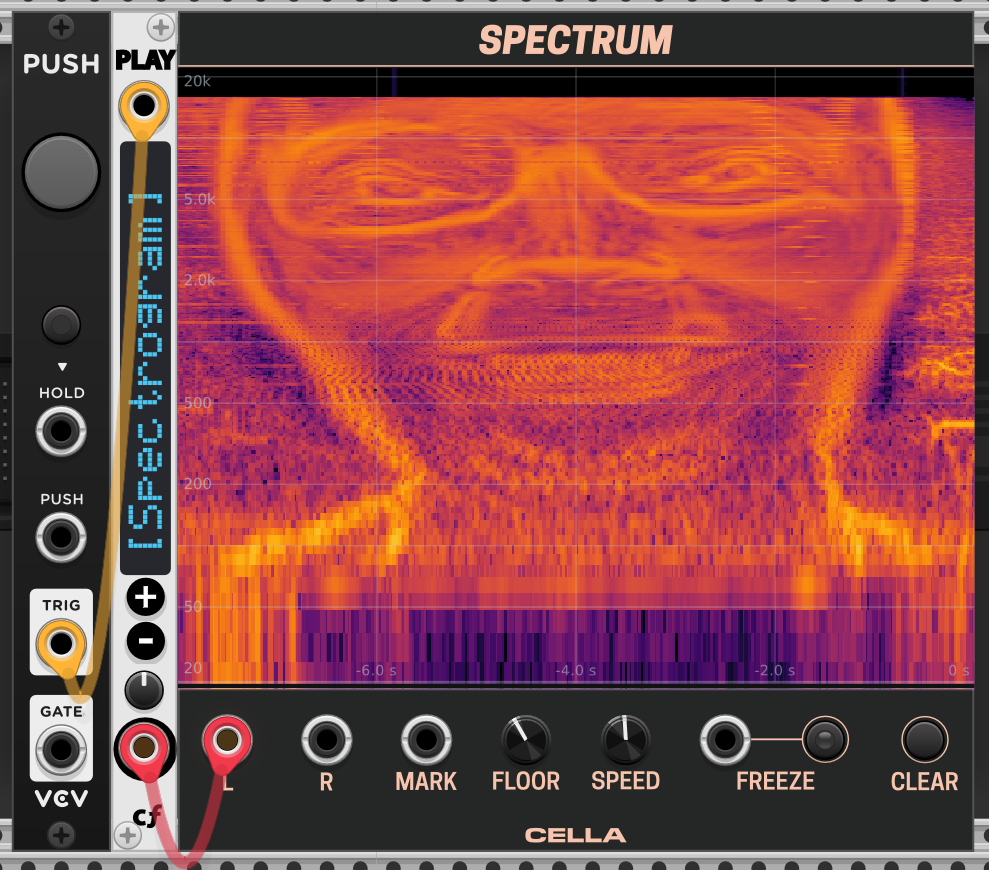
Was thinking about it. I have option to show note scale, but it’s only C1..C8. Will look into that
Can you make it as wide as the Analyzer?
Or even better, variable sized. See VCV Blank if unsure.
Yep, already almost working, but will go to the next release.
Open expanded view hides the rack window on linux.
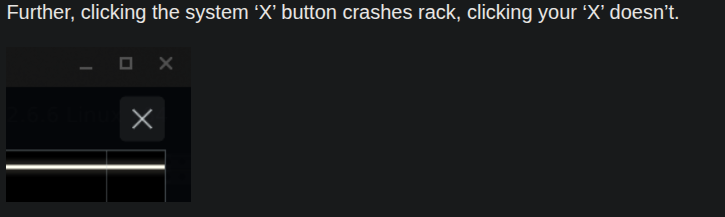
It’s not a separate window popup, it is overlay within the rack, so you have to press internal X to go back to rack. I’ll try to make it floating.
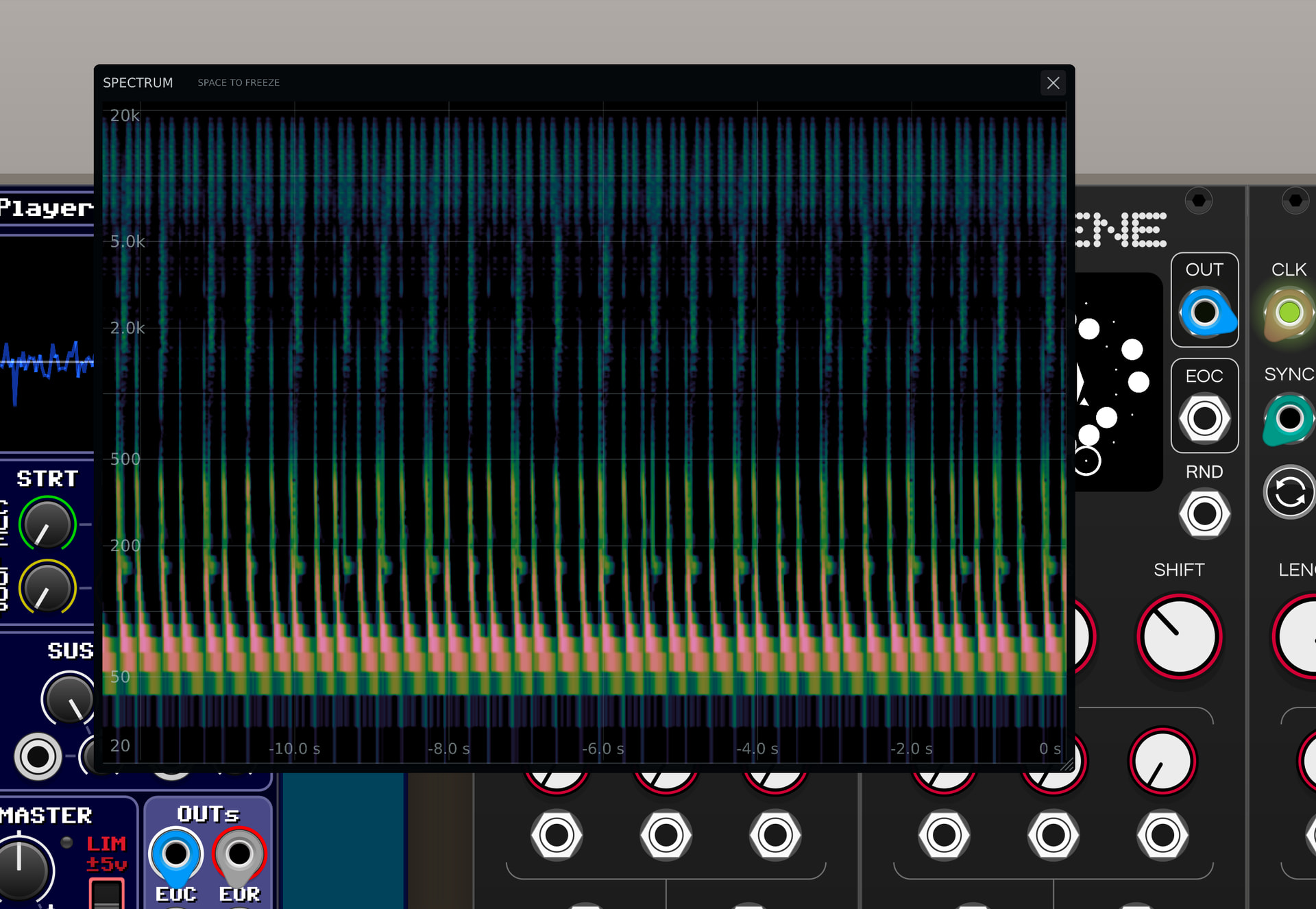
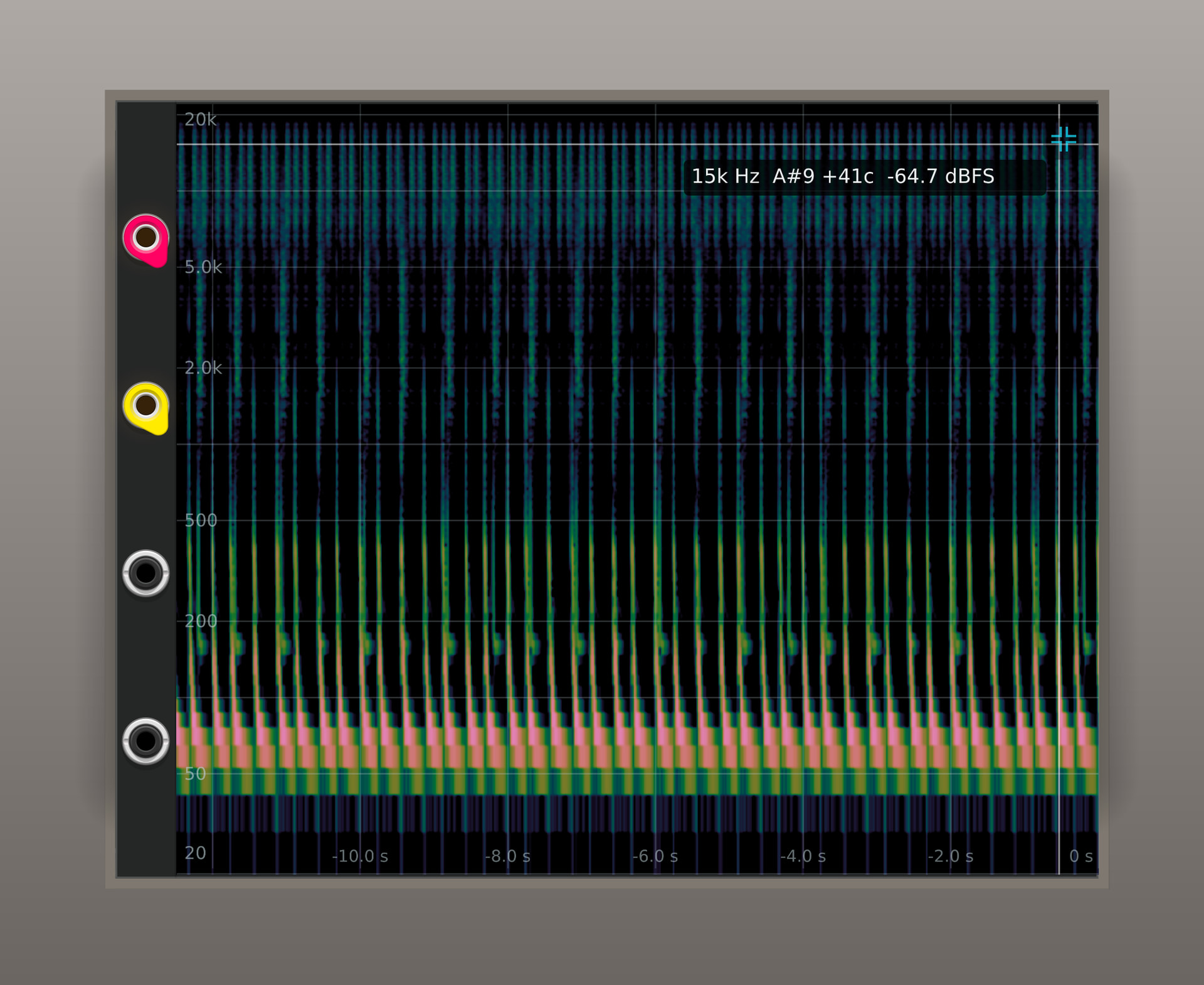
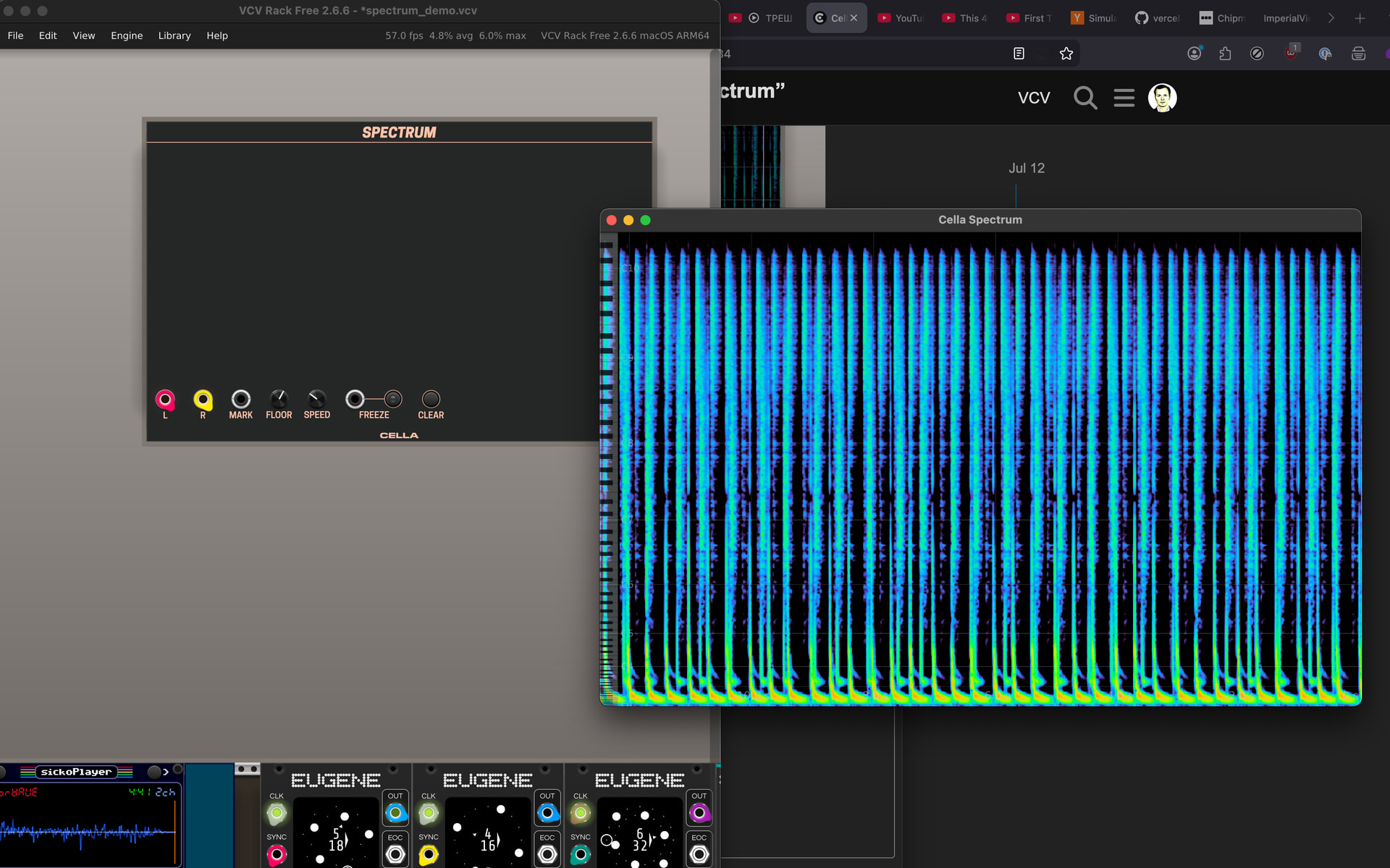
The reason for my request is to allow rack to exist full screen on one monitor and spectrum window to be draggable to another monitor so whichever allows that best.
Got it. I’ve made it fully separate. You can grab latest from here: Release Release v2.11.1 · victorkashirin/CellaVCV · GitHub
[0.082 info src/plugin.cpp:133 loadPlugin] Loading plugin from /home/ewen/.local/share/Rack2/plugins-lin-x64/Cella
[0.083 warn src/plugin.cpp:203 loadPlugin] Could not load plugin /home/ewen/.local/share/Rack2/plugins-lin-x64/Cella: Failed to load library /home/ewen/.local/share/Rack2/plugins-lin-x64/Cella/plugin.so: /home/ewen/.local/share/Rack2/plugins-lin-x64/Cella/plugin.so: undefined symbol: _ZN4rack6widget10EventState10handleTextENS_4math3VecEi
I applied fix, can you try again? Release Release v2.11.1 · victorkashirin/CellaVCV · GitHub
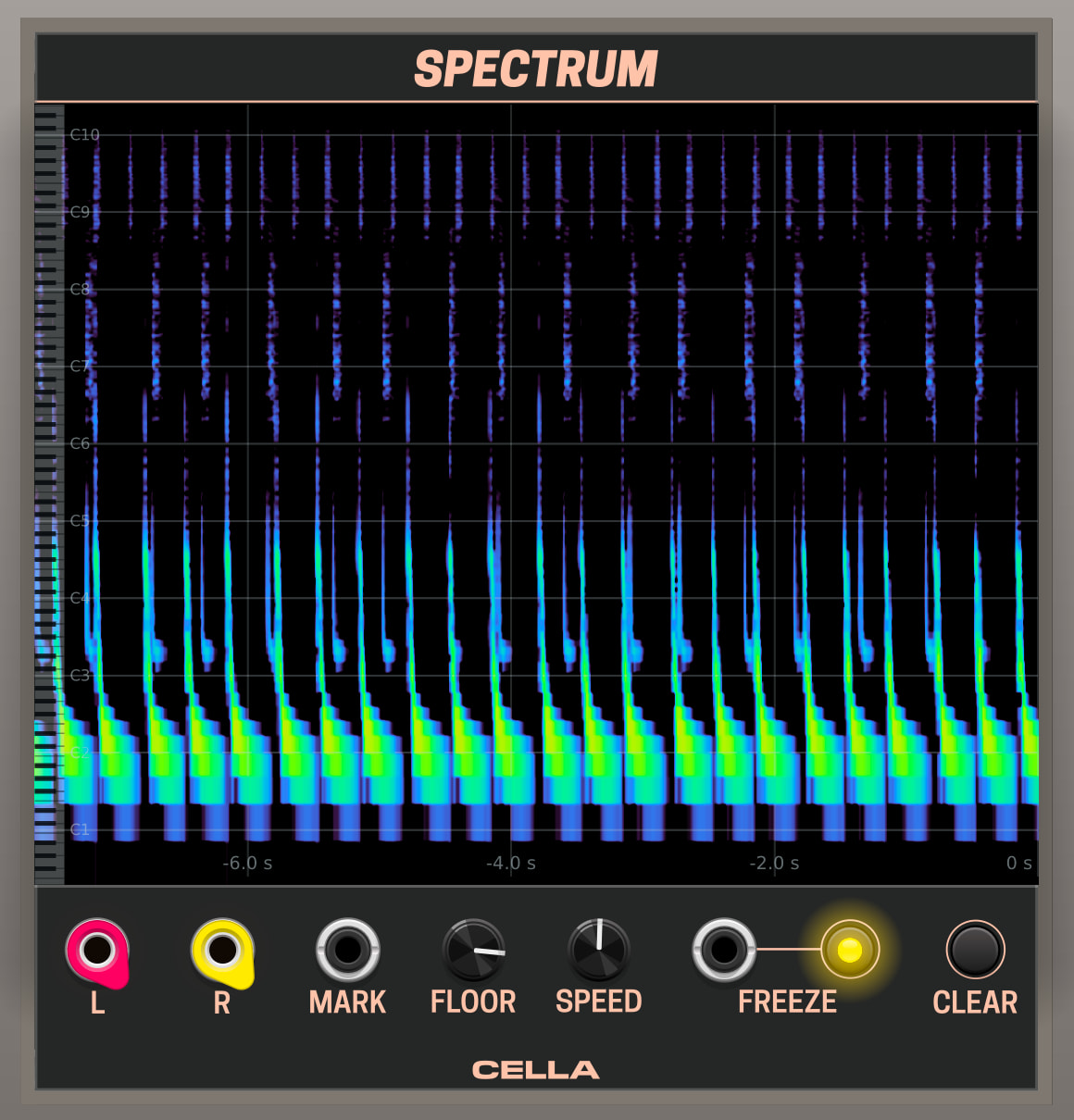
How do you toggle the piano keyboard?
A lower speed would be nice, enough to fit a minute or two’s worth of audio onto one screen?
v2.11.1 works OK on Win11.
Having a way to store the full geometry of the popout in the patch or as a global setting could save a fair amount of mouse wear; especially on multi-monitor rack installs.